
Power up your presentations
Effortlessly convert storyboards, subject matter expert decks, or classroom slides into interactive eLearning. Edit every element, add narration and quizzes to quickly create courses that engage your learners.



Effortlessly convert storyboards, subject matter expert decks, or classroom slides into interactive eLearning. Edit every element, add narration and quizzes to quickly create courses that engage your learners.
Onboard slides instantly
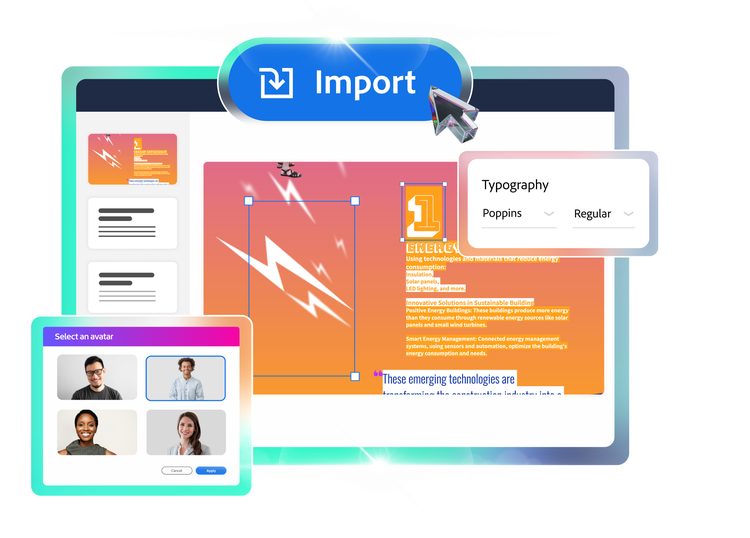
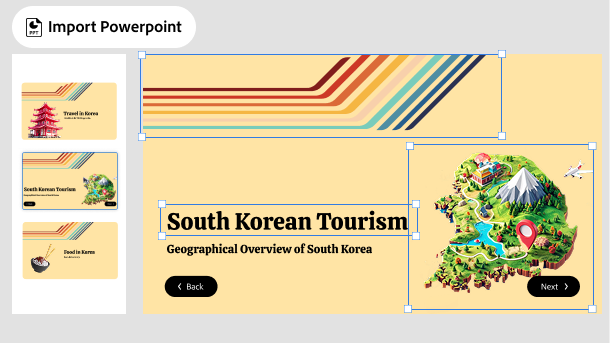
Bring in your Powerpoint decks with a single click. Smart import converts every slide element into a native object, ready for customization.
Work with words
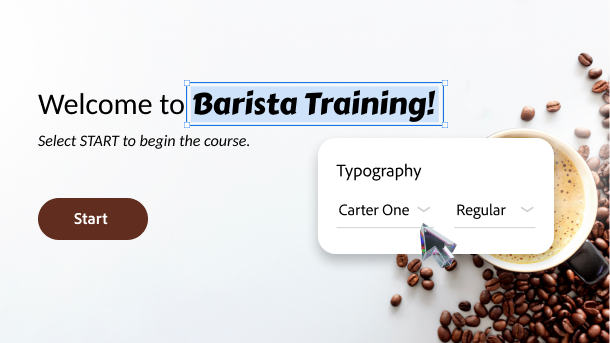
Easily add and edit text in imported slides. Update fonts, styles, and size. Every word is yours to shape and sharpen.
Recraft your images
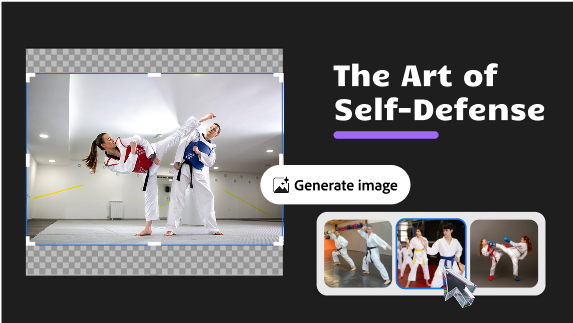
Import the slide images and use your complete creative control. Get the perfect visual as you effortlessly crop, resize, retouch and regenerate with generative AI.
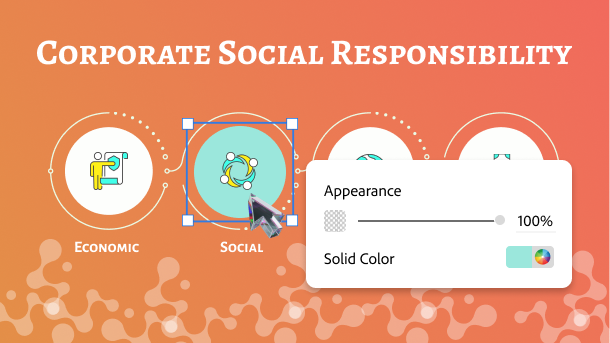
Seamless Shape Control
Work with shapes to craft the perfect visual representation of your concept or the preferred slide layout. Import, edit, resize and redesign in minutes.
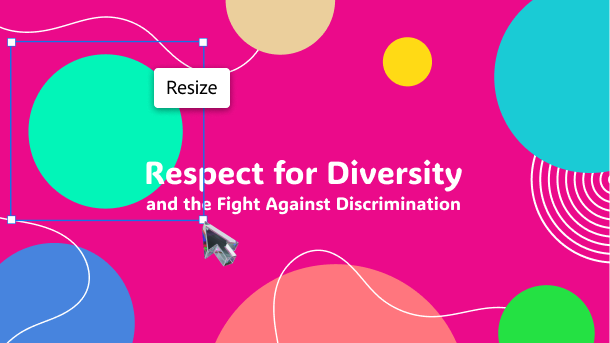
Rearrange slide objects
Adjust every object in an imported slide to suit your course needs. Easily resize and reposition shapes, images, text and SVGs with precise control.
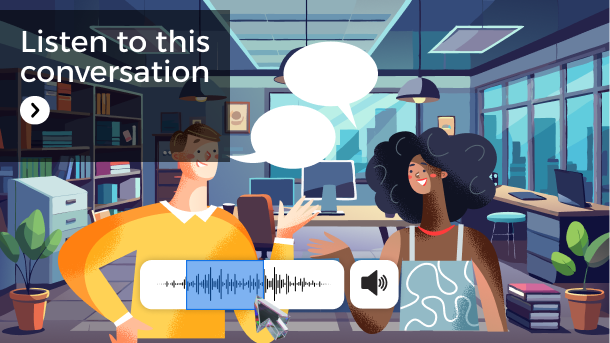
Finetune every sound
Import slide audio along with your Powerpoint deck. Easily trim, enhance or loop the audio clips for perfect sound.
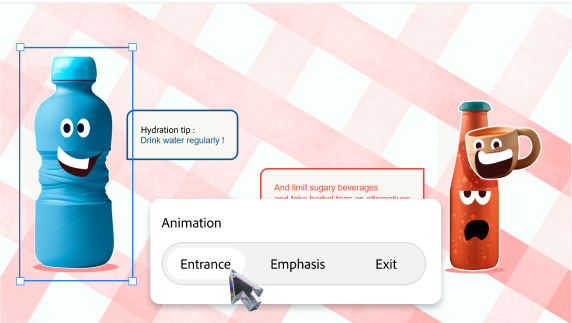
Perfect the transitions
Bring in the animations and transitions in your presentation and refine every move. Customize timing, effects and flow to tell your stories better.
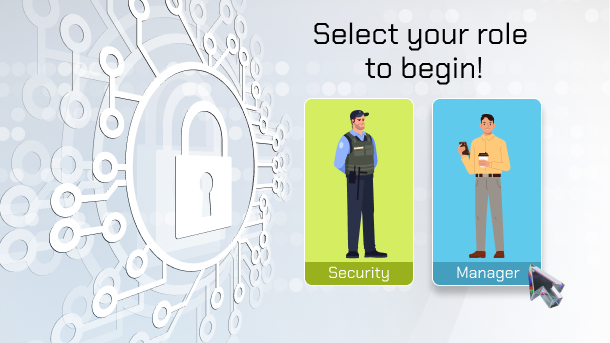
Create decision-driven paths
Let curiosity lead learners as they explore your course. Lay multiple paths in any scenario, offer choices, and craft a more personalized experience.
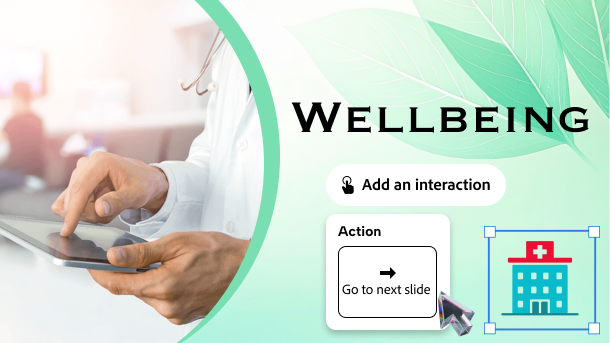
Make your content clickable
Add triggers, actions, tooltips to images, shapes, text and more. Easily turn static slides into dynamic learning experiences.
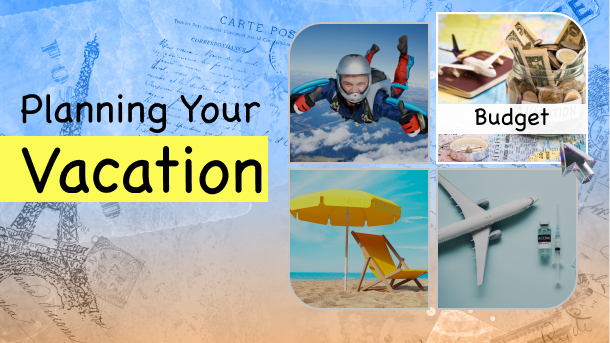
Set states to engage
Configure hover, visited, and other custom states for shapes, text, images and more. Create an experience that reacts to learner actions.
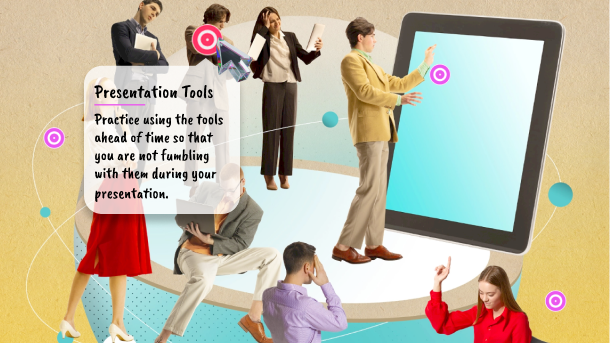
Enrich with widgets
Engage learners with ready-to-use widgets like cards, tabs, hotspots, timeline, drag and drop and more. Make your slides interactive without coding.
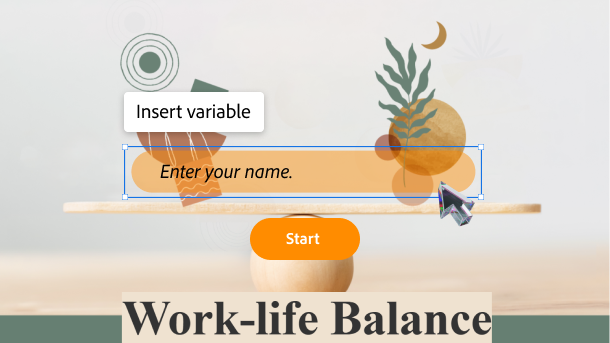
Tailor for every learner
Add variables to personalize the course content. Make every slide feel relevant, and every course feel unique to your learners.
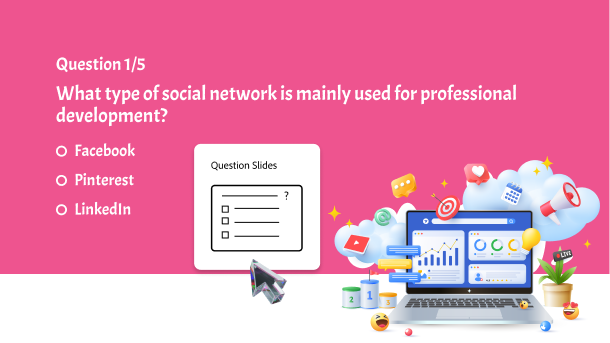
Test knowledge and track progress
Add questions to your slides to assess comprehension, improve retention, and track progress. Use knowledge checks and scored quizzes to meet learning objectives.
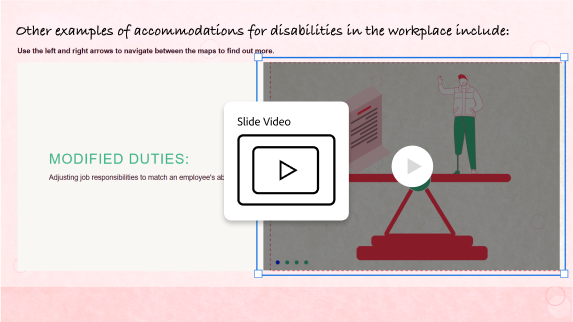
Tell your stories better with videos
Add videos to your slides to tell more impactful stories. Make your courses engaging by explaining scenarios through videos.
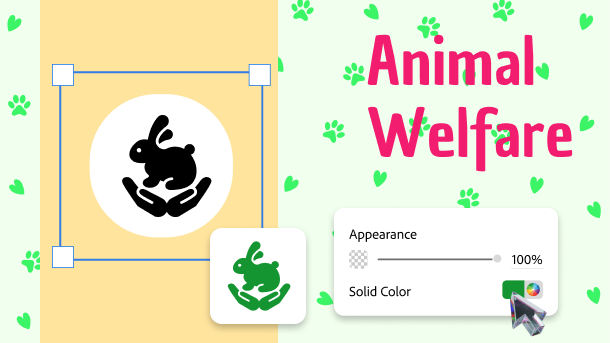
Spark action through SVGs
Add and edit SVGs to turn plain slides into interactive eLearning. Animate, trigger and transform visuals to grab learner attention.
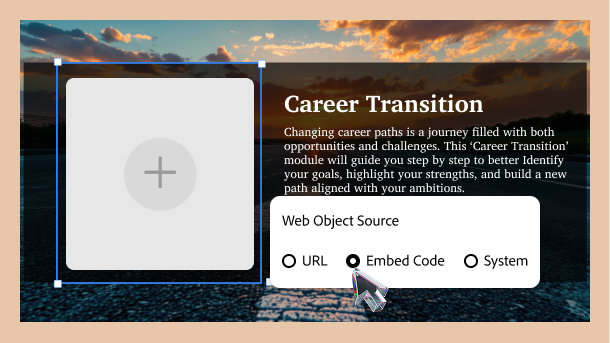
Bring web to your slides
Make any web resource appear on your slide in a few clicks. Use it to add documents, videos, presentations and external links.
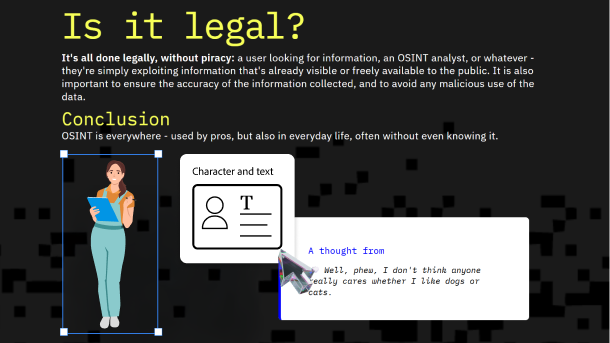
Add characters that connect
Introduce characters to your slides to build relatable scenarios. Use them to guide, react, narrate and more, to make content personal, engaging, and easy to remember.
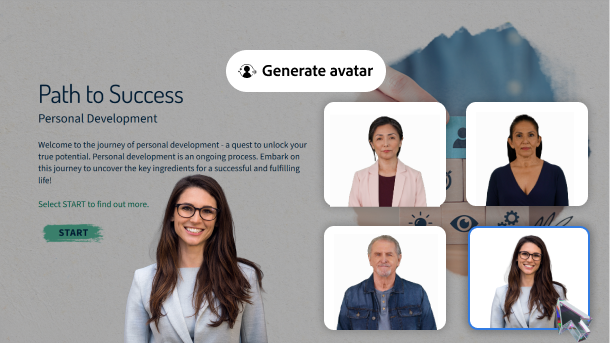
Add a face to your slides
Introduce a guide or narrator. Add a human avatar with perfect lip sync. Customize their size and position to catch learners' attention.
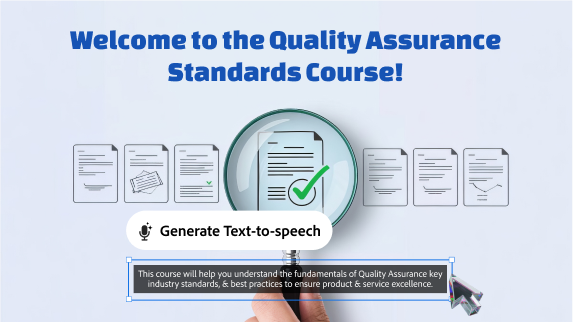
Add voice, skip the face
Add studio-quality narration to your courses. Use AI generated voices to get the perfect tone and expressions that appeal to your learners.
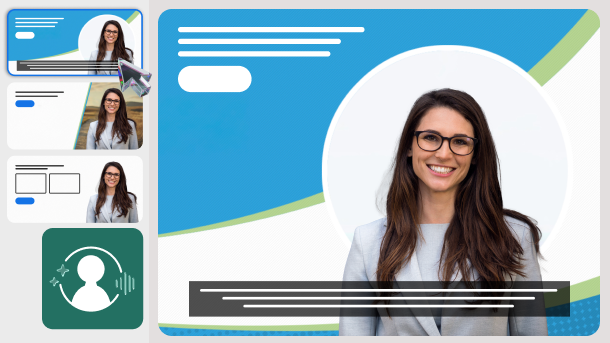
One change, every slide
Update avatar settings once and apply them automatically across your entire project, with the option to customize or restore individual slides.

