
#ffffff
Use Adobe Captivate for:
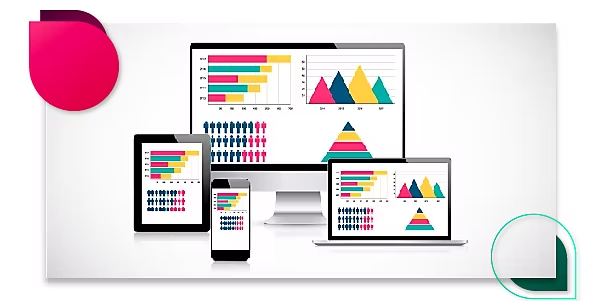
Responsive screen recording:
Create a single responsive screen recording project that plays seamlessly across devices. Adobe Captivate detects screen activity in the recording window and automatically pans to those areas to create screen recorder output for tablets and mobile views.
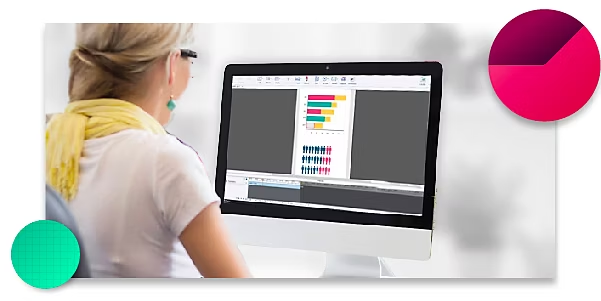
Smart full-motion screen recording:
Generate robust software simulations in a single recording session by capturing all on-screen actions, including mouse movements, system audio and keyboard activity.
Demo, Training, Assessment modules:
In a single recording session easily create Demo, Training and Assessment modules. Add overlays with more information or knowledge checks to easily create an interactive video course.
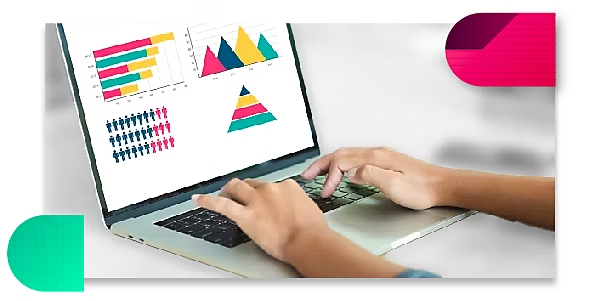
Publish to LMSs:
Get your training content out to your learners with ease. Publish your course as SCORM packages to deliver superior learning experiences through any leading LMS.