https://main--cc--adobecom.aem.page/cc-shared/fragments/merch/products/premiere/sticky-banner/desktop-why-pr

Why choose Adobe Premiere on desktop?
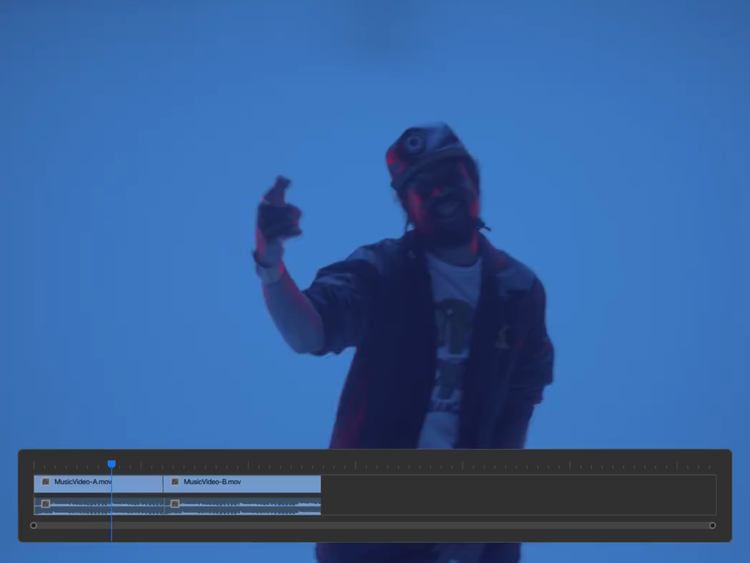
https://main--cc--adobecom.aem.page/cc-shared/assets/video/product/premiere/why-premiere/media_1560d1288a0b611f128ef0f5e73e7fc169fd42833.mp4#_autoplay | A music video coming together in Premiere with footage of a performer against a blue screen, a text effect from the Essential Graphics panel, and a dissolve effect.

Unlimited creative freedom.

Premiere gives you an open canvas to design what you want and makes it simple to save, remix, and reuse your work across projects. If a project calls for speed, you can work on web or mobile with Adobe Express or Premiere on iPhone.
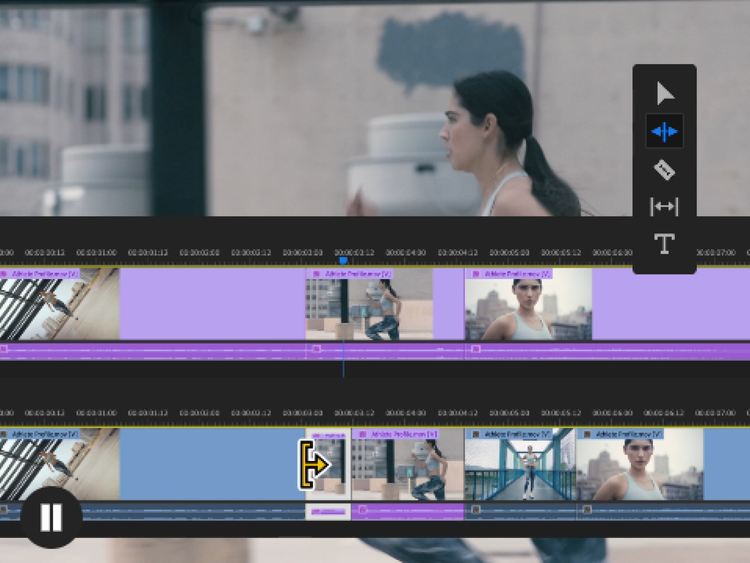
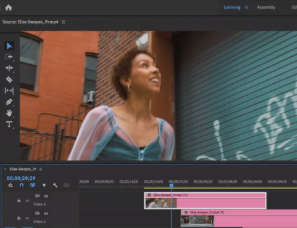
https://main--cc--adobecom.aem.page/cc-shared/assets/video/product/premiere/why-premiere/media_183f3ecd4471d75fe22ba263bc19aebf0a9d00c22.mp4#_autoplay | A video being edited in Premiere with footage of a woman running through an urban environment and an overlay of clips being cut together in the multi-track timeline.

Professional-grade control across editing, color, and audio.

From precise masking to real color grading and pro audio tools, Premiere gives you depth to control the details instead of accepting defaults. Assistive AI tools help speed up your work without taking away your creativity.
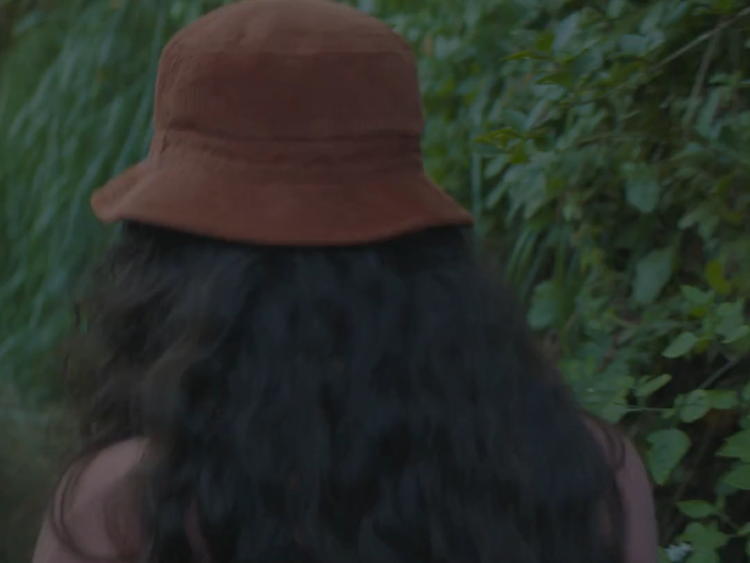
https://main--cc--adobecom.aem.page/cc-shared/assets/video/product/premiere/why-premiere/media_19031a0af45e84aeaf575b82fac61f9e3b7baabd3.mp4#_autoplay | Video footage of a woman walking through a green landscape with overlays showing color adjustments being made with tools like Color Wheels, Curves, and Lumetri Scopes.

A trusted tool that grows with you.

Premiere is built for creators who want to keep pushing. It supports everything from simple social edits to complex, multi-layered projects. Adobe does not claim any ownership of user content, and we do not train our Adobe Firefly AI models on user content.

#000

Compare Premiere on desktop to CapCut Pro.

Check out this Premiere vs. CapCut Pro comparison to find the best desktop video editor for your content.

https://main--cc--adobecom.aem.page/cc-shared/fragments/products/premiere/why-premiere-compare-chart-desktop

Frequently asked questions

Do I need to learn everything to start editing?

No. Most new editors only need to understand how to navigate the timeline, Source/Program monitor, and basic cut tools. Premiere scales with you without requiring mastery on day one. You can use the in-app tutorials to get started quickly or visit www.adobevideotraining.com for more free training from top editors.

Is Premiere “too much” if I just make social content?

Nope! Many creators start in Premiere because they want to grow, get consistency, and maintain control. Templates are a great starting point, but if you have a specific vision, they may not give you the creative control you need. Premiere offers flexibility that allows you to make your own creative brand and voice.

What other tools are available to help me manage my social content?

Adobe Express Premium is included with the Premiere plan — it’s available on web and mobile. You can also access Premiere on iPhone to create and manage social content.

Adobe Express lets you publish and promote your podcasts, interviews, and other videos across multiple social networks. Add text, stickers, photos, and design assets to turn video clips into social-ready Shorts, Stories, and Reels, while format-aware Safe Zones help you keep important text, visuals, and logos visible. Use the built-in Content Scheduler to plan, preview, and publish to multiple social channels at once, including TikTok, Instagram Stories, and Reels.

Premiere on iPhone lets you quickly turn any idea into attention-grabbing content. It offers speedy editing speed on a precise, multi-track timeline as well as hundreds of thousands of images, videos, stickers, fonts, and more to make your videos pop. Plus, get studio-quality audio with powerful AI tools for crystal-clear voiceovers, and use your own voice to create perfectly time sound effects.

Can I still edit vertical and square videos?

Yes. Premiere supports vertical sequences and many different video sizes. With Auto Reframe, you can start with one video size and automatically convert to others. If you’re editing vertical video, try switching your Workspace to Vertical, too.

Is there a library of music or sounds?

Yes, there are thousands of free sound effects and music files inside Premiere. In the Essential Sound panel, you can click Browse and select Free to view free music and sound effects. In the Adobe Stock panel, you’ll find images, video clips, and motion graphics. Additionally, you can license premium clips without leaving Premiere.

In Adobe Express, included alongside Premiere, you can also access TikTok’s Commercial Music Library with the TikTok Symphony Assistant add-on. With more than a million top and trending songs pre-cleared by TikTok for commercial use, the library is available to help you confidently create, score, and publish high-impact TikTok content to grow your brand.

How do I add cool effects and transitions?

In the Effects panel, you’ll find hundreds of effects, transitions, and animations you can drag and drop onto your sequence. For a more visual display of these effects, go to Window > Extensions > Film Impact Dashboard. These effects also have a Surprise Me button so you can randomize them over and over.

Do you have any tools to make thumbnails for my videos?

You can use Adobe Express Premium, included alongside Premiere, to quickly and easily make on-brand YouTube thumbnails, social posts, pitch decks, and prints that are instantly recognizable. Set up and apply brand kits in one click for a consistent style across your channels. Save your designs as reusable templates to give every piece your signature look.

What if I don't make social content? Do you have any tools to help me cut down my longform videos?

Adobe Express Clip Maker is a free tool that turns video podcasts, interviews, and demos into social clips, fast. Upload videos and let Adobe Express find the highlights, add captions automatically, reframe for social channels, and remove distracting background noise to generate social-ready clips. Highlights are chosen based on video transcript, ensuring that clips aren't cut off mid-sentence. Clip Maker is available on desktop web and supports English only at this time.

https://main--cc--adobecom.aem.page/cc-shared/fragments/products/premiere/app/premiere-devices-floating

#1E1E1E

https://main--cc--adobecom.aem.page/cc-shared/assets/img/product-icons/svg/premiere-pro.svg

Discover your best work yet.

Create videos that are always a cut above, from anywhere. Experience the power of Premiere on desktop and iPhone plus Adobe Express Premium in a single subscription.

{{Buy-now}} | Buy Adobe Premiere {{free-trial}} | Get a free trial of Adobe Premiere