
Design dynamic titles and text.
Create animated titles, lower thirds or any other kind of text from scratch or start with a customisable preset.
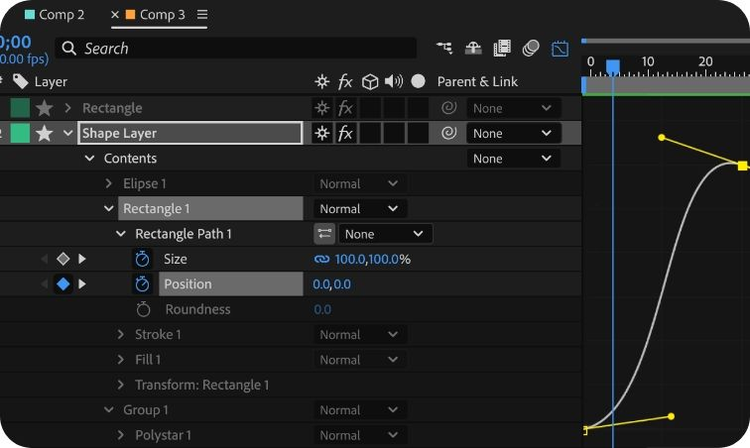
Animate with precision.
Get precise control over your animations with powerful keyframe tools. Change an object’s position, scale, opacity and more over time.

Make your logo move.
Add motion and transitions to icons, graphics and logos or composite and animate new shapes. Choose from hundreds of presets and filters to get just the right look.
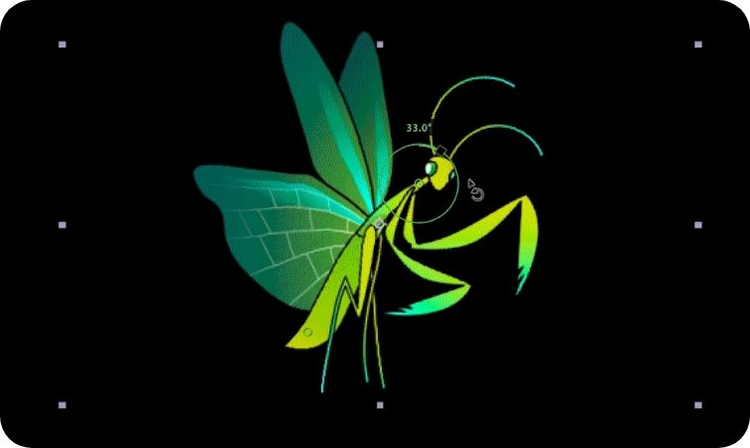
Achieve natural-looking motion.
Bring characters or shapes to life and simulate realistic movement with the Puppet tool, Graph Editor, Wiggle Expression and Motion Blur.
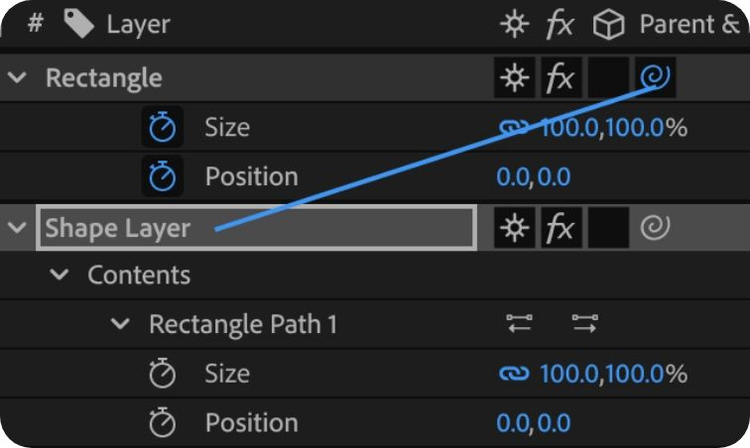
Apply animations to new layers.
Avoid repeat work with parent layers, which apply their animation properties to any linked layers.
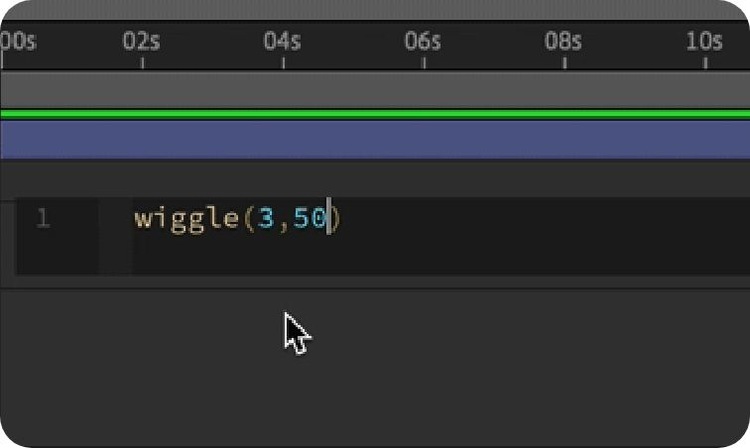
Automate different actions.
Use expressions to streamline repetitive tasks, enable animations to respond to specific variables or connect animations to external data sources for data-driven visualisations.