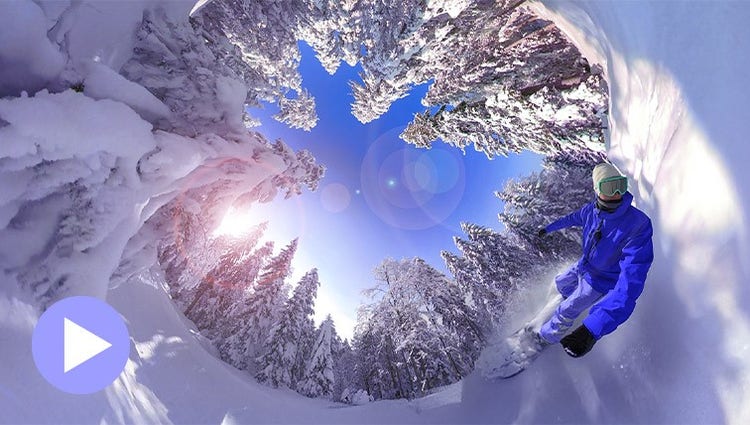
NEW: Edit and enhance 360° and VR videos.
Position your footage and add effects, transitions, text and graphics. Export in VR or standard formats for easy social sharing.
Position your footage and add effects, transitions, text and graphics. Export in VR or standard formats for easy social sharing.
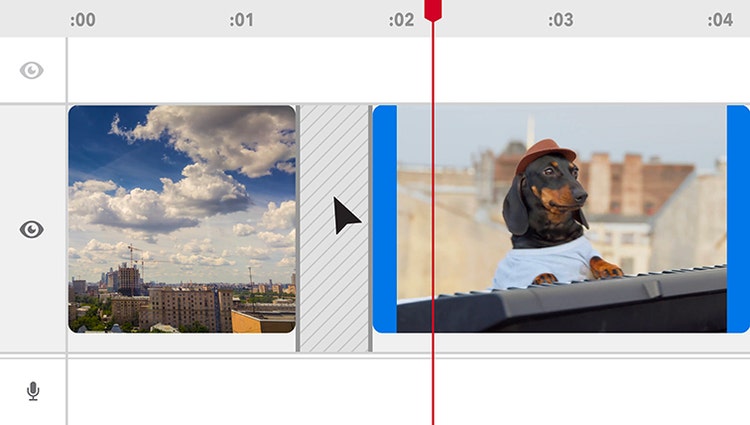
Delete Timeline gaps all at once and experience faster shake stabilisation.
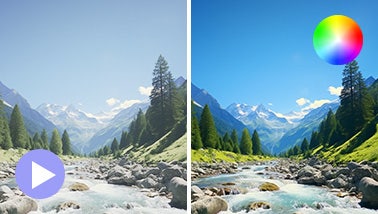
Ensure that clouds and snow look truly white with the White Balance tool and make precise colour and brightness adjustments using colour correction Curves.
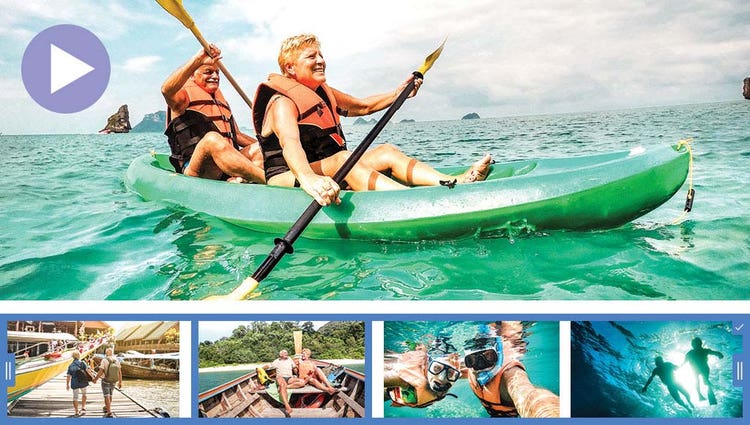
AI and automation quickly turn your clips into videos that draw people in by focusing on motion, close-ups and your highest-quality footage.
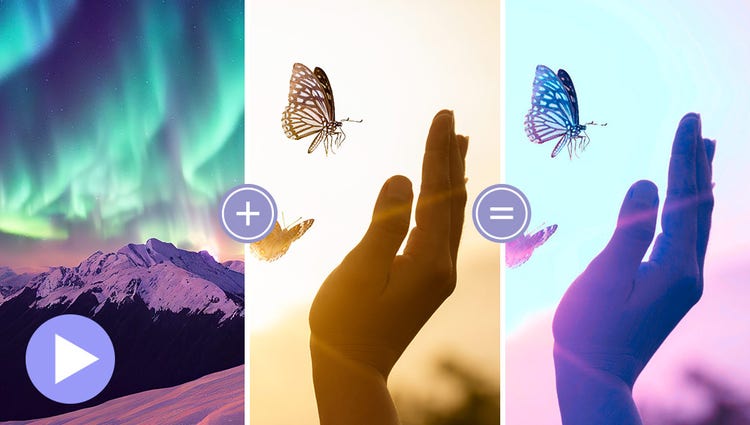
Choose a video or photo with colours you love, click once and then fine-tune hue, saturation and brightness with sliders.
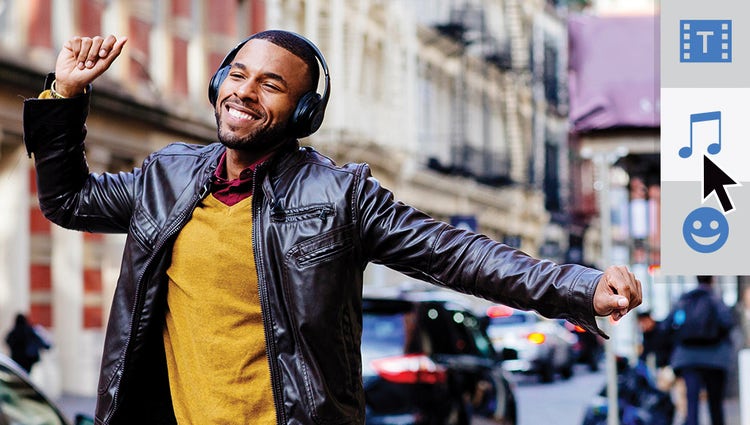
Try effects like Reverb, Vocal Enhancer and DeHummer to improve your listening experience.
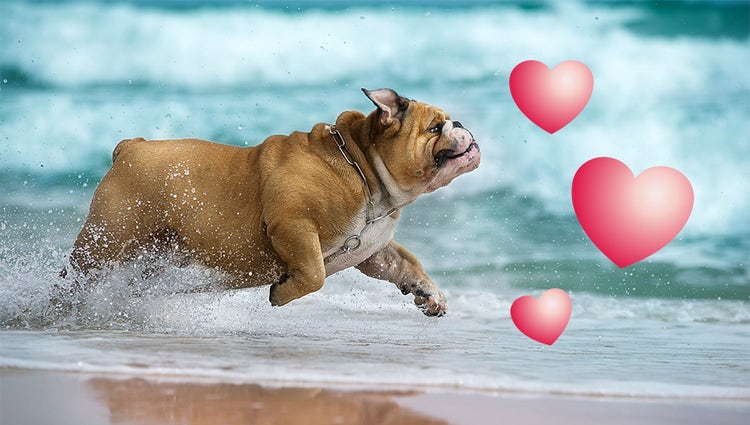
Emphasise key moments or just add some eye-candy with modern graphics.
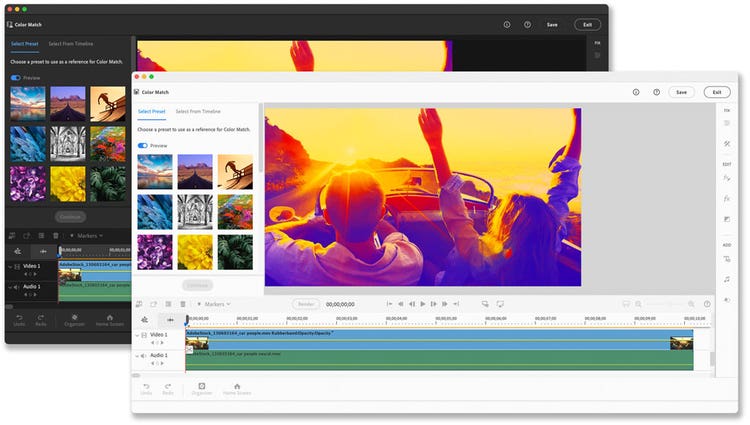
Discover modern fonts, icons, buttons and colours that are easy on the eye. Plus, choose from light and dark mode options.
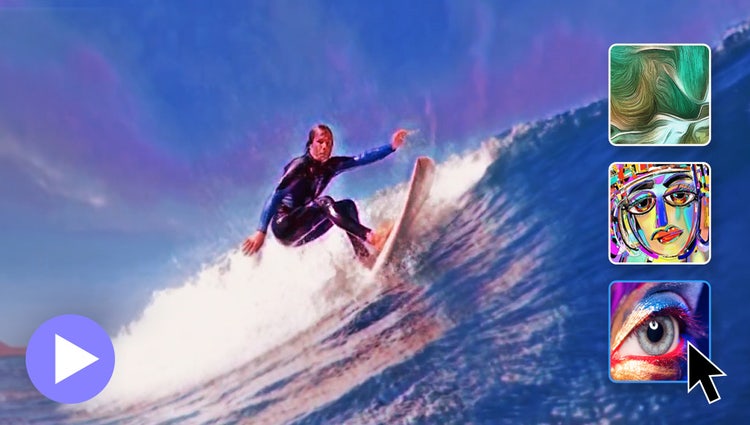
In one click, transform your clips with effects inspired by famous works or art or popular art styles.
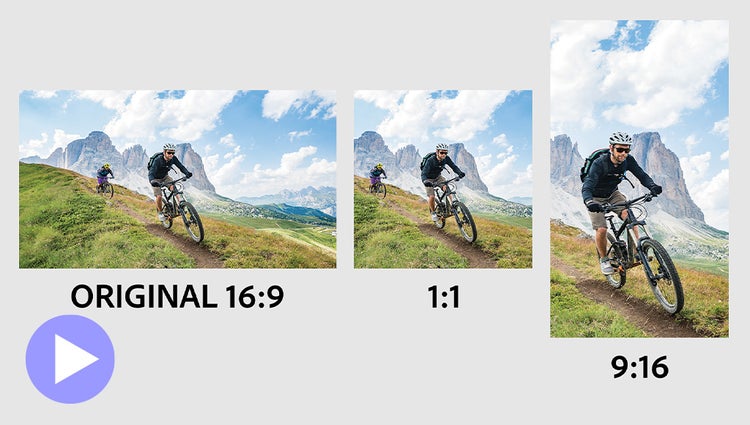
Easily resize your videos for social media and more while keeping the most important part of the action in the frame.
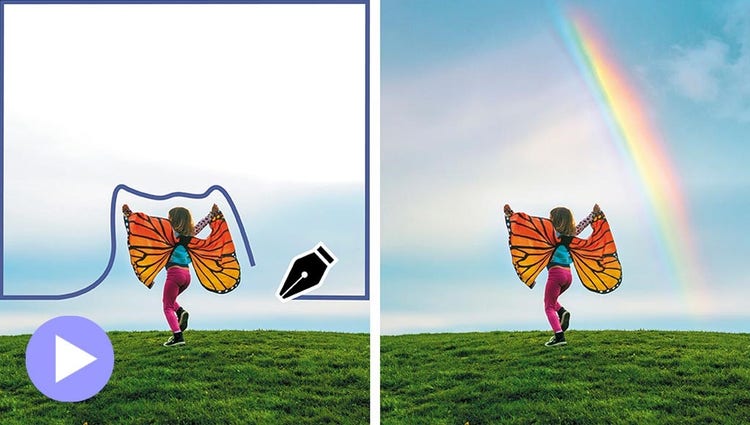
Select a specific object — or area — of your video and easily apply an effect that tracks throughout the video.
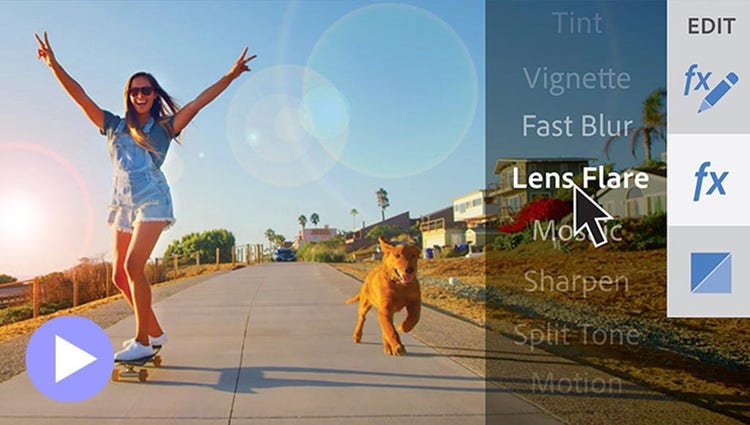
See high-quality playback of many effects without rendering first — and crop videos faster — with GPU-accelerated performance boosts in both the standard and trial version. Learn more | Learn more about recommended GPU cards
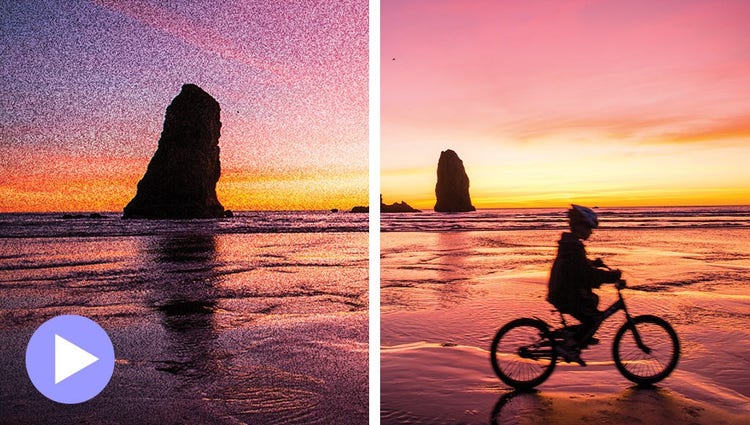
Shot your video in low light? Make it look crisper with a simple drag and drop of the Reduce Noise effect.
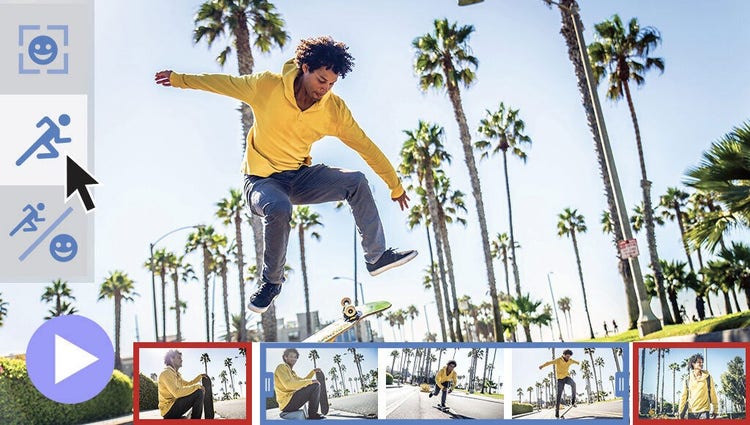
Smart Trim finds and brings together the best scenes based on the style of your video.

Wish you’d been able to capture the moment with photos? Automatically extract great photos from your raw video footage.