Remove objects from a photo background.
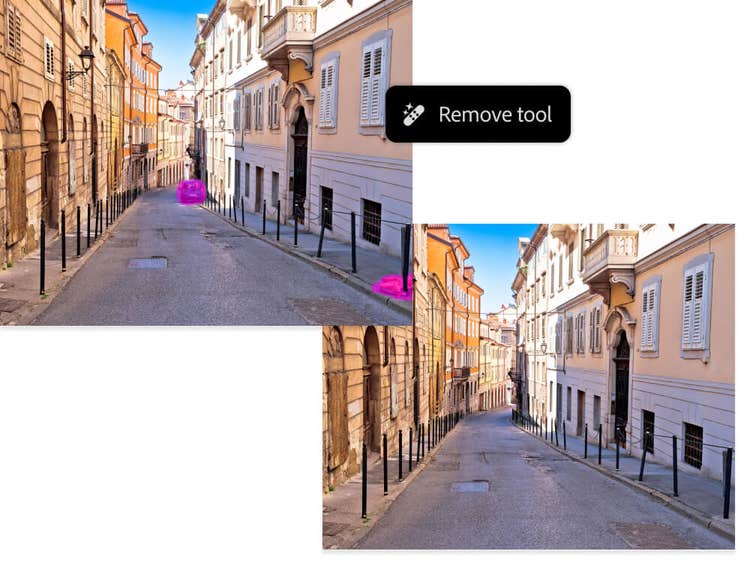
Erasing objects from the foreground and background can instantly improve a photo’s composition, making it cleaner and more visually appealing. Removing distractions like a dustbin in front of a scenic panorama or a beach towel disrupting the perfect shoreline will help to create the perfect image.
Foreground distractions, like objects near the camera, often require extra attention to lighting and shadows to ensure a natural result. Background clutter, like distant signs, poles or litter, can be easier to remove, especially if they blend into the surroundings.
Paying close attention to textures and patterns will help to maintain a seamless look so the final edit feels like the object was never there.
Erase something from the sky.
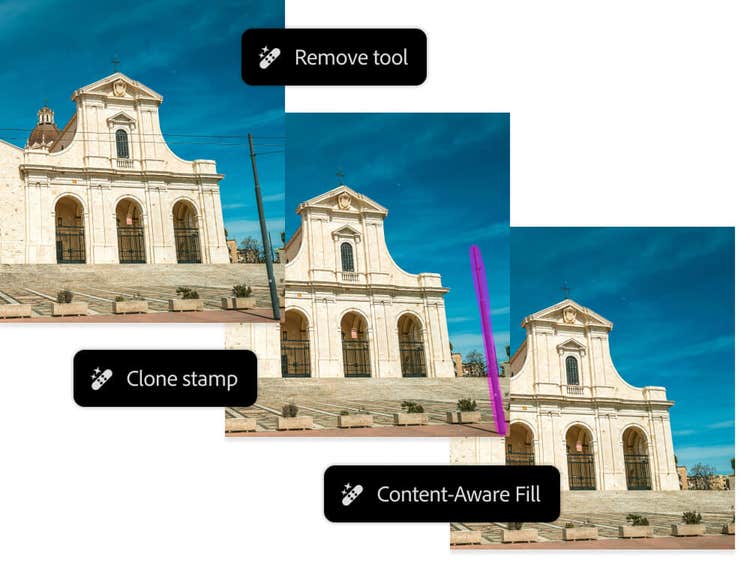
Removing elements from the sky, such as power lines, birds, planes or even unwanted clouds, can help to create a cleaner, more striking image. Since the sky often has smooth gradients and subtle colour variations, it’s important to maintain a natural blend when editing.
Large or complex objects, like power lines, may require multiple edits using a combination of the Removal Tool, Clone Stamp or Content-Aware Fill to ensure even blending.
For best results, zoom in to check for any unnatural smudging or colour shifts and if needed, use a soft brush to refine edges. A clean, open sky can make a big difference in your photo’s overall balance and impact