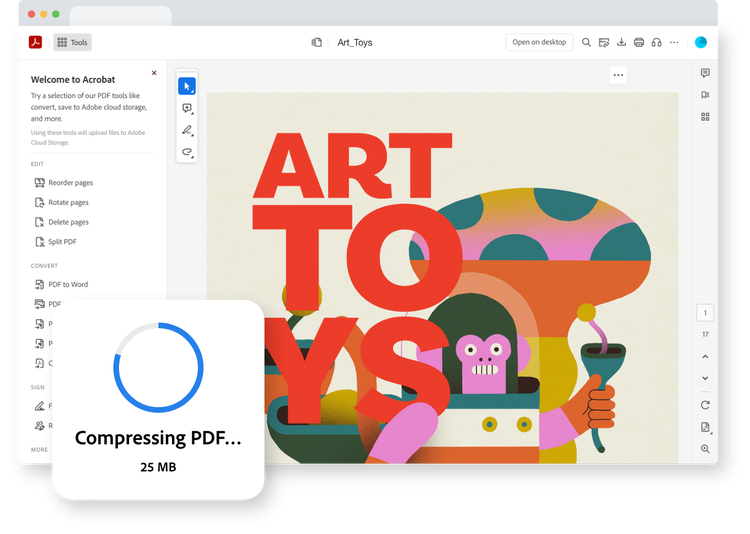
With the click of a button, install the Acrobat extension in your Chrome browser.
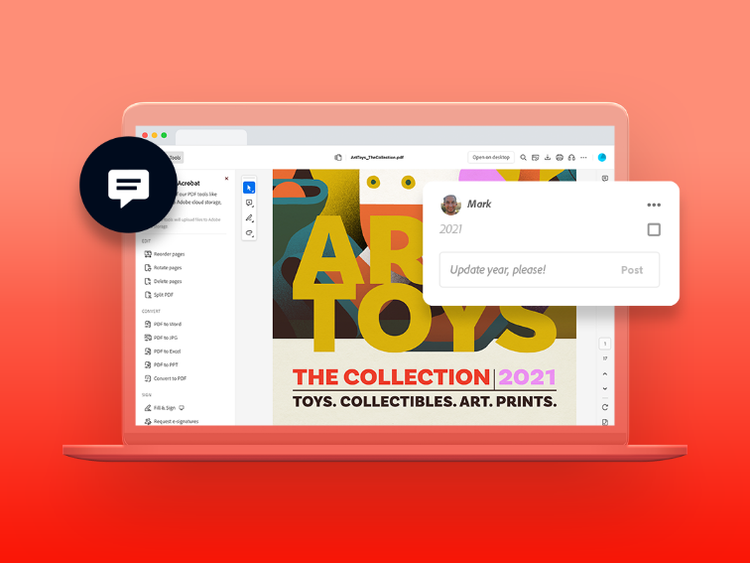
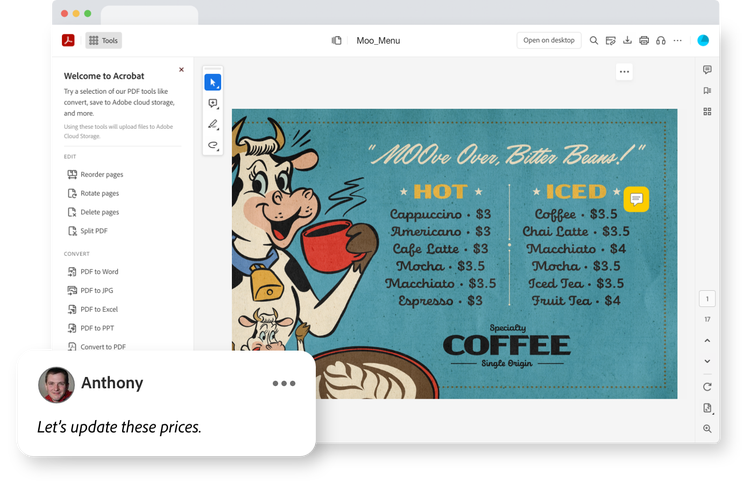
Make comments, edit PDFs, fill in and sign forms and even share documents for review.
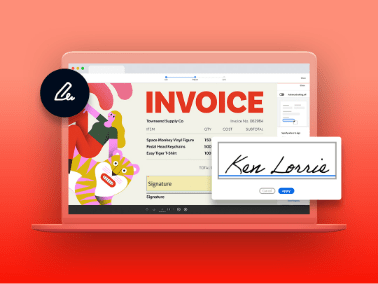
View PDFs or send them off for a signature without downloading a thing.
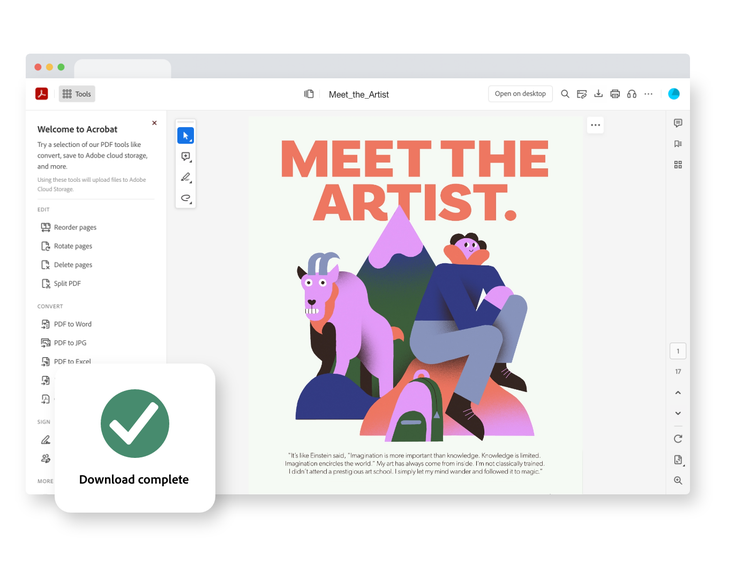
Store documents in the cloud so you can work from anywhere. Then view, download or print in a dash.
Mark up PDFs with comments and freestyle drawings right from your browser window. Even fill in forms and sign them without a drop of ink.
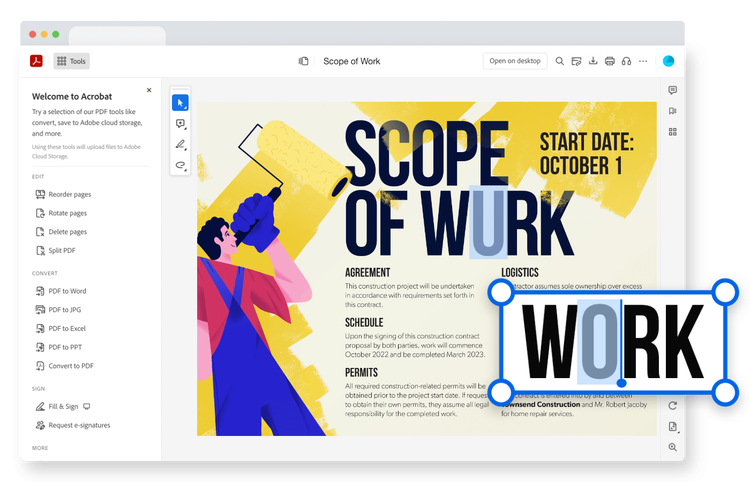
See a typo? Need to update an image? Edit your PDF in just a few clicks from your browser.
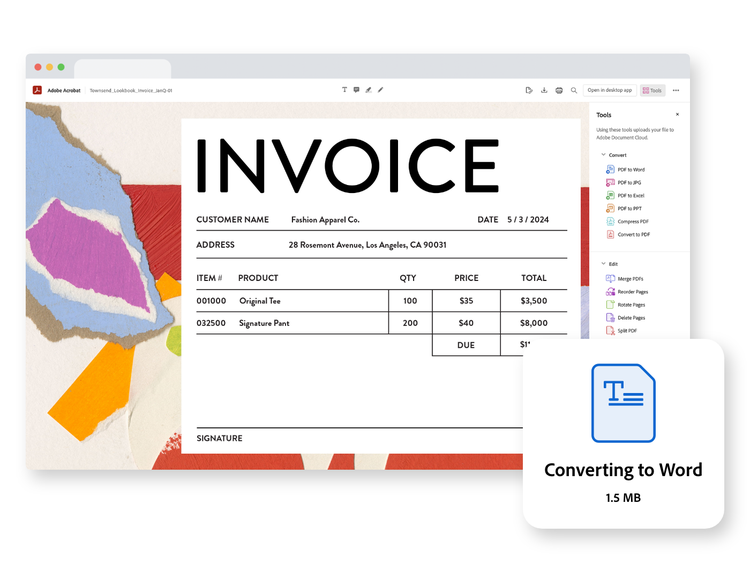
Convert PDFs to Microsoft Word, Excel or even JPEG files. Or turn any of those files into PDFs — all in a couple of clicks.
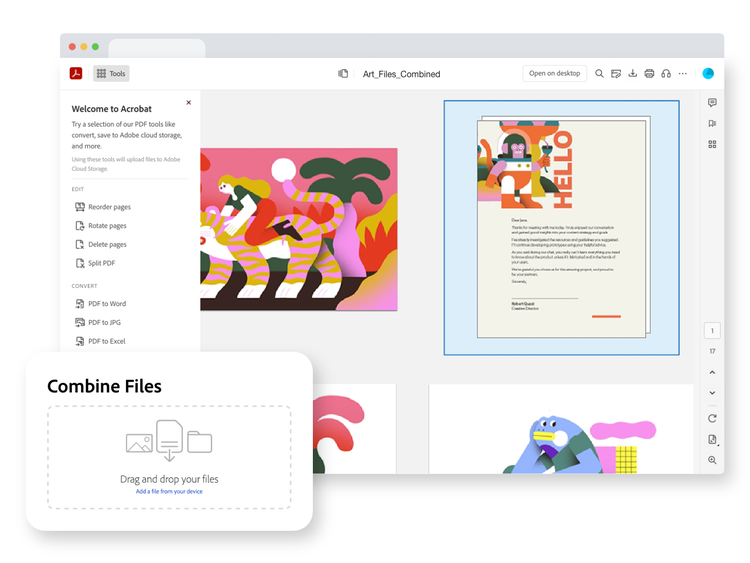
Combine files into a single PDF. Then reorder, rotate and organise the pages to make a document that flows.
Is your document too big to share? Reduce the size of any PDF by compressing it so that you can send it off to be filled in, signed or reviewed.
Upgrade to Acrobat Pro and get unlimited access to the functionalities you need to keep projects moving from the web.
Create, share, sign and track PDFs without leaving your favourite Microsoft 365 apps. Acrobat integrations make it easier to get work done.
https://main--dc--adobecom.hlx.live/dc-shared/assets/images/resources/make.svg
Convert all your favourite file formats into PDFs that can be easily viewed on any device.
https://main--dc--adobecom.hlx.live/dc-shared/assets/images/resources/password-protect-pdf-m.svg
Add a password and secure your documents with a few quick clicks. It’s that easy to keep your info safe when sharing it with others.
https://main--dc--adobecom.hlx.live/dc-shared/assets/images/resources/sign-pdf-m.svg
Send off forms from your desktop and get them signed in no time and without a drop of ink.