https://main--da-dc--adobecom.aem.page/dc-shared/assets/images/shared-images/adobe-logos/acrobat-studio-logo.svg

Streamline every stage of the employee lifecycle.

Adobe Acrobat Studio helps HR teams keep pace with growing onboarding and training demands by reducing time spent updating, distributing and tracking critical documents. Ensure employees and managers receive clear, consistent information while maintaining compliance and full audit readiness.
Start free trial | Try Acrobat Sign free Compare plans

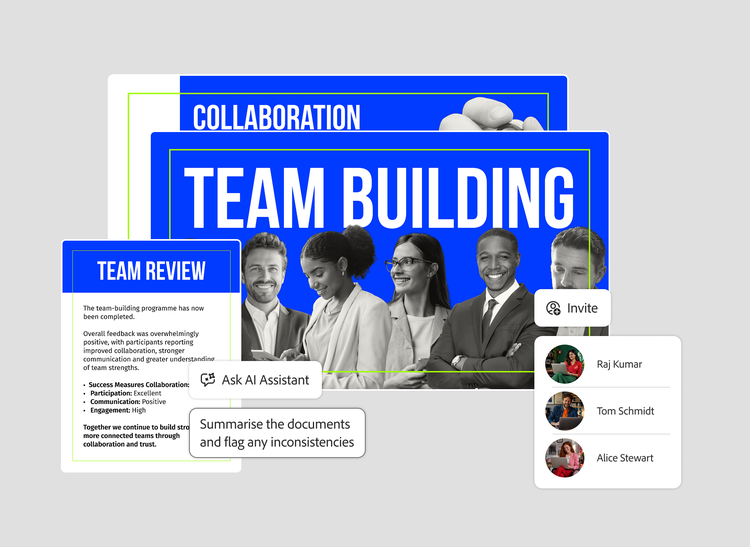
AI Assistant prompt to summarise documents and flag inconsistencies, over team-building slides and an Invite colleagues panel
#fff

From scattered documents to on-brand communication.

One workspace to onboard new hires, communicate with employees, interpret policy and run talent reviews, streamlining every stage of the employee lifecycle,  so your best work reaches your people faster, without the manual overhead.

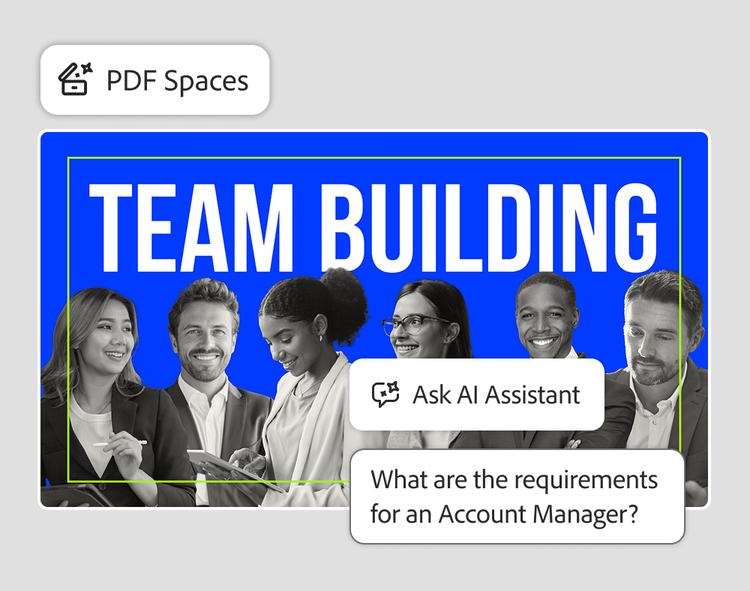
PDF Spaces with an Ask AI Assistant question about requirements for an Account Manager, over a Team Building slide

TALENT ONBOARDING & TRAINING

1. Bring materials together

Centralise handbooks, policies and training documents in 
one PDF Space.

2. Get role-specific answers

Ask AI Assistant to surface requirements and deadlines relevant 
to each new hire.

3. Create the pack

Turn source documents into polished, role-ready onboarding 
and training content in Adobe Express.

EMPLOYEE COMMS & ENGAGEMENT

1. Bring stakeholders together

Bring HR, Legal and Communications into one shared workspace.

2. Get the message right

Ask AI Assistant to extract key messages, deadlines and actions 
from policies and announcements.

3. Publish on-brand

Create announcements, guides and newsletters using Adobe Express templates and brand kits.

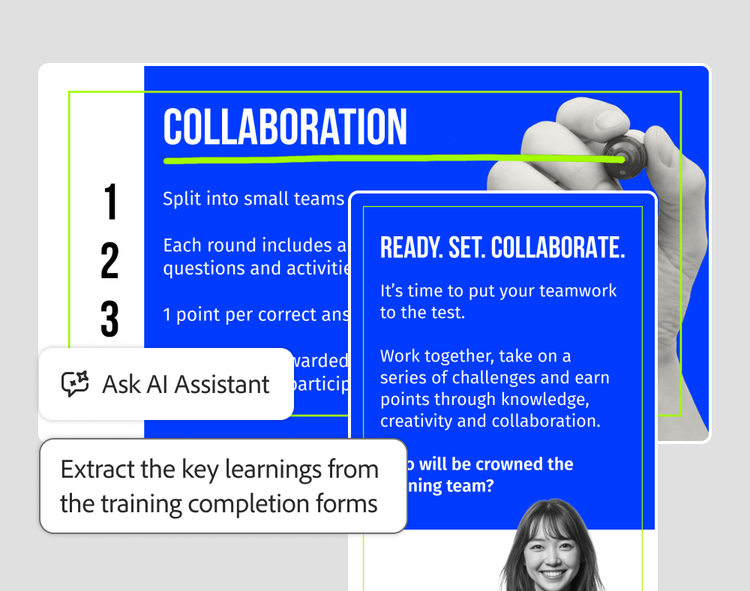
Ask AI Assistant prompt to extract key learnings from training completion forms, over a team collaboration activity slide
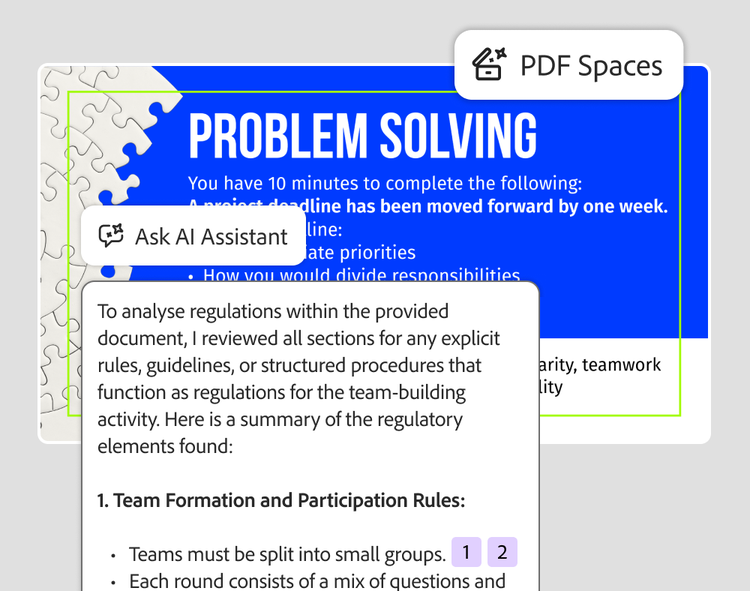
AI Assistant summary of the rules in a Problem Solving slide, with numbered source citations, in PDF Spaces

POLICY INTERPRETATION & GUIDANCE

1. Bring policies together

Centralise policies and regulatory documents in one PDF Space, to ensure audit readiness and compliance.

2. Get cited answers

Ask AI Assistant to analyse regulations, with traceable insight and answers linked back to source.

3. Turn it into guidance

Create a clear, designed guidance deck using Acrobat Pro 
and Adobe Express.

TALENT REVIEW & REWARDS

1. Bring reviews together

Centralise performance reviews, compensation guidelines 
and calibration notes.

2. Surface the inconsistencies

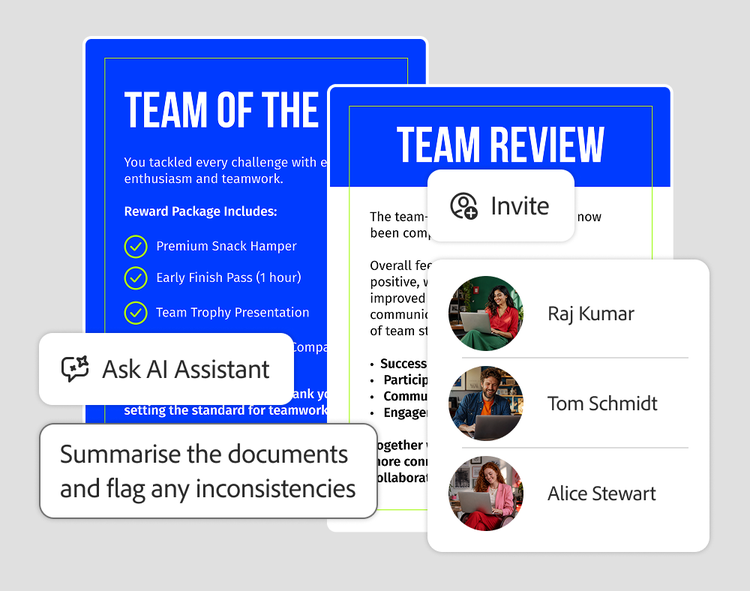
Ask AI Assistant to summarise reviews and flag risks or inconsistencies, with traceable references.

3. Finalise with confidence

Create consistent, audit-ready talent review summaries 
and rewards packets.

Invite panel listing colleagues beside team reward and review documents, with an AI Assistant prompt to flag inconsistencies

Everything your best work needs, in one workspace.

Organise your content, understand it faster, and create and collaborate with Adobe Acrobat Studio

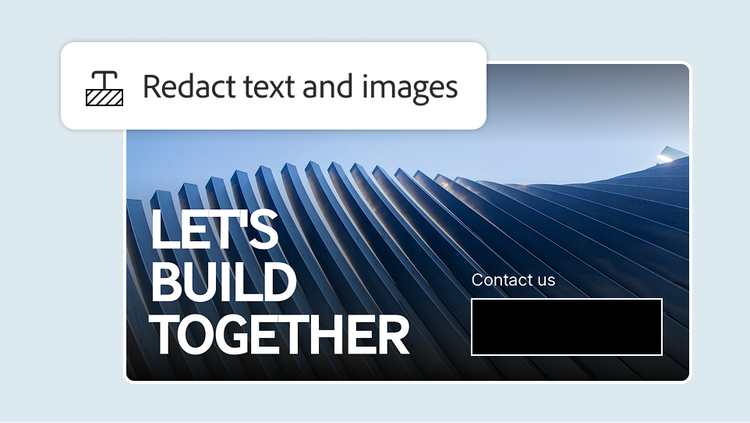
Redact text and images tool over a "Let's build together" contact slide with the contact details blacked out

CONTROL

Acrobat Pro

Use trusted PDF tools including edit, convert, combine, redact and protect PDFs, and move in and out of Word, PowerPoint and Excel.

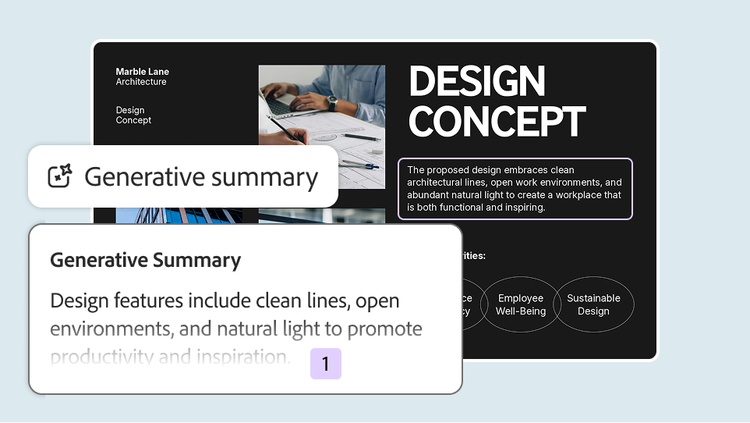
Generative summary condensing an architecture "Design Concept" slide into a single sentence

COMPREHEND

Acrobat AI Assistant

Ask questions, summarise and extract key points, with answers cited back to the source.

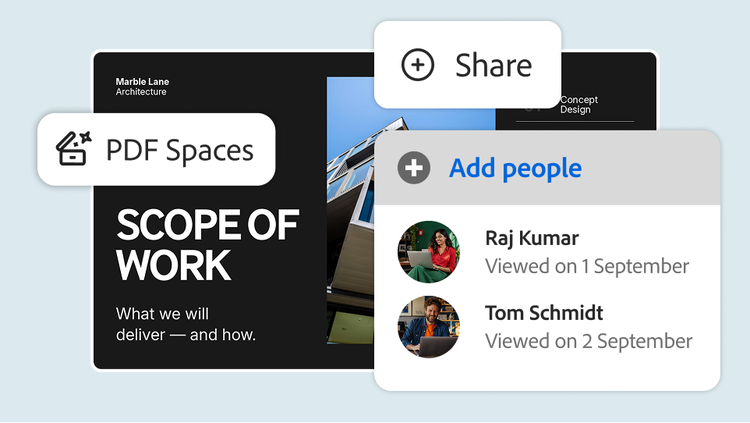
PDF Spaces sharing panel showing two colleagues who have viewed a "Scope of Work" presentation

COLLABORATE

PDF Spaces

Bring up to 100 files into one AI-powered workspace and share them with everyone’s comments, questions and AI answers intact.

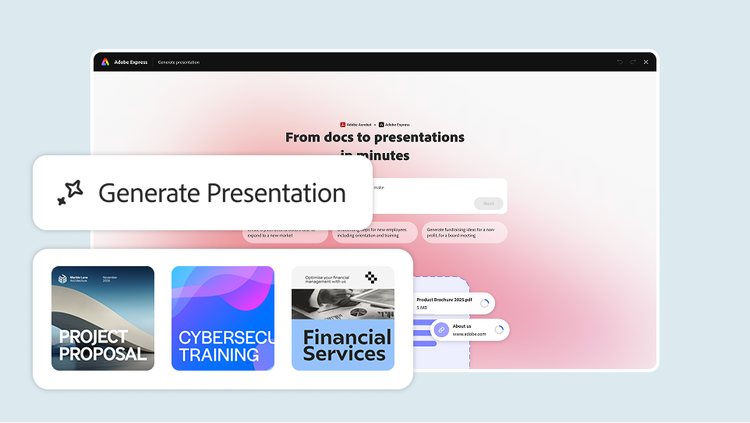
Generate Presentation prompt turning documents into slides, with Financial Services and other template thumbnails

CREATE

Generate Presentation

Create on-brand content and turn documents into polished decks, with brand kits,  approved templates and commercially safe AI generated imagery.

Frequently asked questions.

How does Acrobat Studio simplify HR document creation?
Branded templates, stock assets and AI-powered creation tools help HR teams in two ways: generating content across the employee lifecycle, from onboarding packets to performance and compensation letters to driving compliant communications about policy updates and required employee trainings.
What are common HR use cases for Acrobat Studio?
Offer letters and employment contracts, policy documents for code of conduct or hybrid work, onboarding packs and new-hire forms, performance and compensation letters, and training materials.
Can Acrobat Studio help with policy updates and compliance communication?
Yes. AI Assistant delivers document-grounded, traceable insights, so HR can confidently summarise policy changes and distribute updates quickly with version control.
Does Acrobat Studio support secure handling of confidential employee data?
Yes. Encryption, role-based permissions and redaction tools keep sensitive information protected throughout HR workflows.

Give your best work a head start with Adobe Acrobat Studio.

Adapt campaigns, build presentations, localise content and create event content, all in one workspace. Get started today.

Start free trial | Try Acrobat Sign free Compare plans

https://main--da-dc--adobecom.aem.page/uk/dc-shared/fragments/merch/acrobat/business/acrobat-studio-teams/merch-card-blade