Dense docs? Make them a presentation.
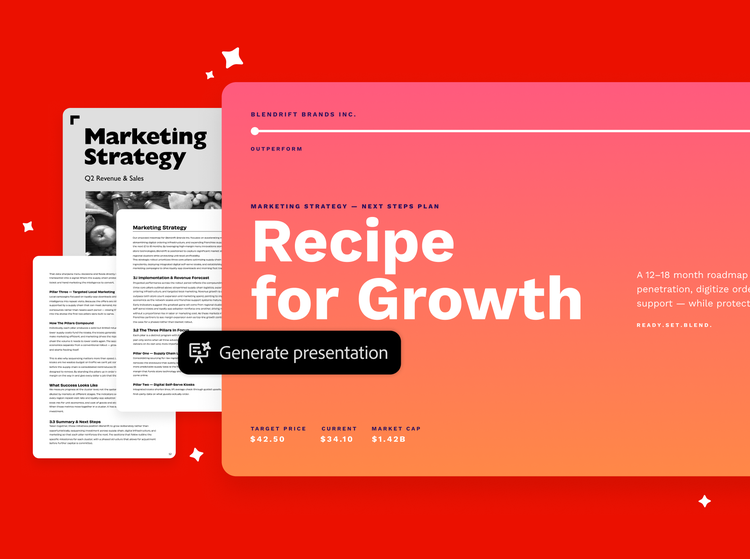
Build all kinds of presentations from your docs.
Business reviews. Launch readouts. Transform them all into a presentation that helps you to get down to business.
Business Reviews
Surface key insights, trends and actions by turning reports and data into clear presentations.
Project Updates
Make it easy to understand project progress, risks, milestones and next steps through a concise visual story.
Launch Readouts
Quickly make sense of results, insights and next steps from launch plans, readouts and retrospectives.
Decision Briefs
Compare options, weigh tradeoffs and choose the best path forward from business cases and proposals.
Transform files into an insightful presentation.
Upload or open your files — then let AI Assistant suggest a visual style tailored to your content.
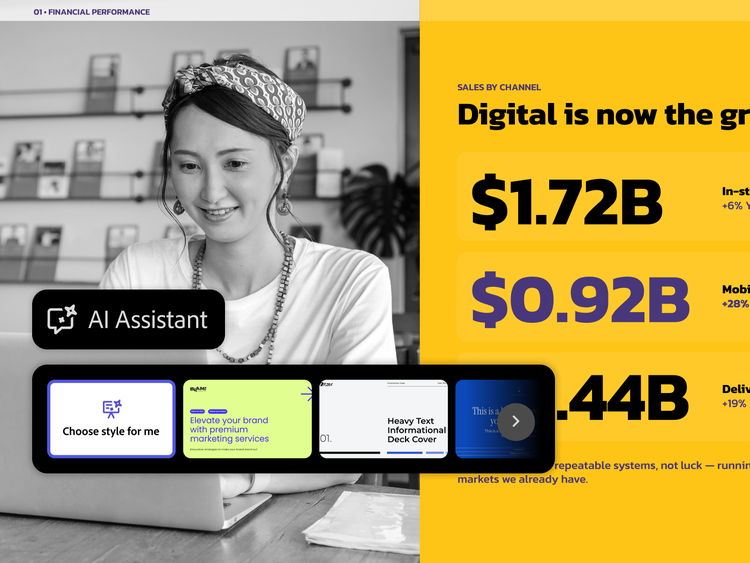
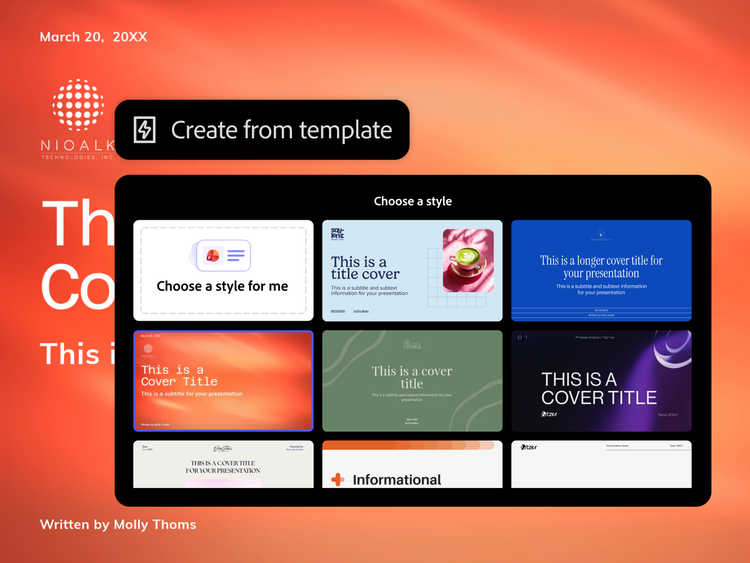
Choose the look and feel.
Browse a variety of designs and choose one that matches your style.
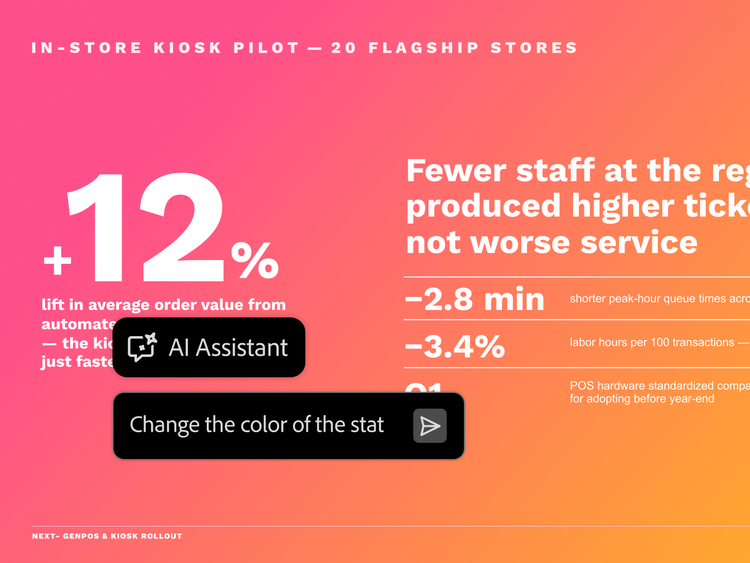
Edit the way you want.
Ask AI Assistant to refine every detail of your presentation or edit the text, layout and structure of your slides directly.

Share your work with confidence.
Download your presentation as a PDF or PowerPoint — or share it with others as a PDF Space to see how they engage with your content.
Create insightful presentations from your docs with Acrobat.
mas-field: ACOM-DC/Headless/Individual/com/Acrobat Studio → ctas[1]