
Try Acrobat Pro and AI Assistant Plus
7-day free trial, then mas-field: ACOM-DC / Headless / Individual / com / Acrobat Express → prices for the annual, billed monthly plan. Monthly plans also available. Fee applies if you cancel 14 days after your free trial ends. | top | If you cancel after 14 days after your trial ends, your service will continue until the end of that month’s billing period and you will be charged an early termination fee.
- Full access to advanced PDF tools on any device
- Includes 70+ features to edit, e-sign, generate summaries & more
- You won’t be charged until your free trial ends.
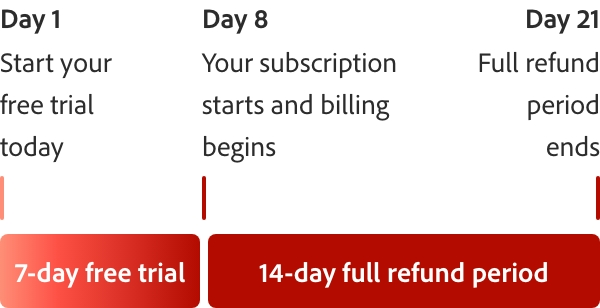
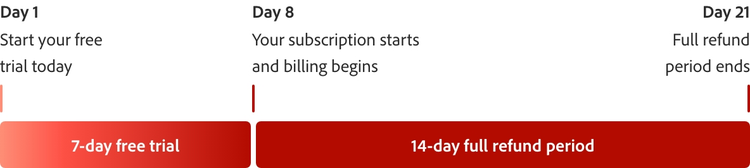
How the 7-day free trial works.
Try Acrobat with a 7-day free trial. If you need more time to try all the features, you’ll still have an extra 14 days to cancel and receive a full refund.

What can you do during the free trial?
Stay productive with integrated tools that make it easy to level up your PDFs.
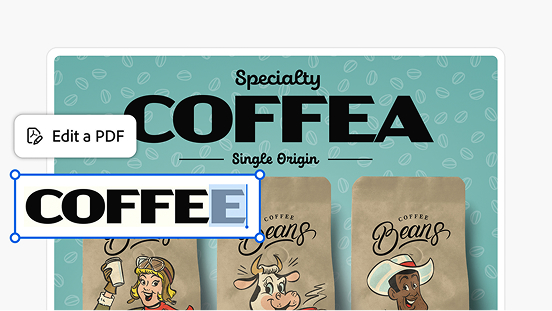
Edit text and images.
Add text, fix typos, drop in new pages, edit images and more. You can do it in a couple clicks directly in your PDF.
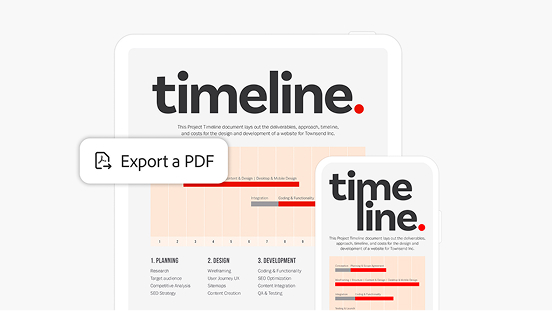
Convert file types.
Convert your PDF into a different file type, including Microsoft Word, Excel, PowerPoint and image formats like .jpeg and .png.
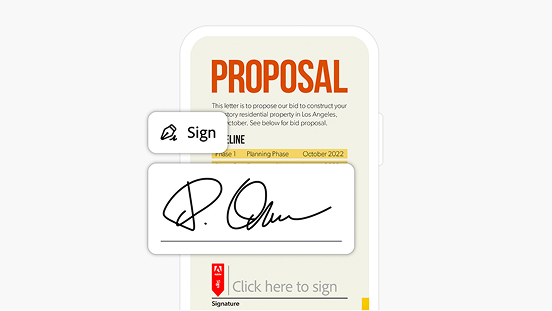
E-sign and request signatures.
Fill and sign PDFs wherever you are. Send files out for signature — no log in needed for recipients.
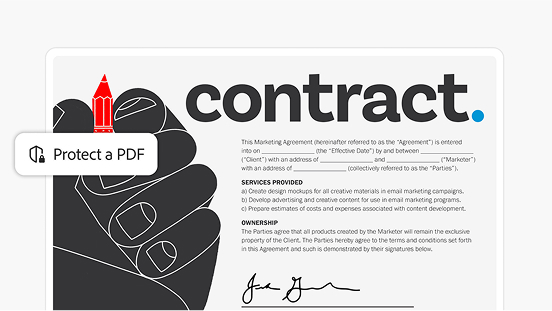
Keep documents safe.
Protect sensitive documents with a password. Use other security features to restrict editing, printing, copying and more.
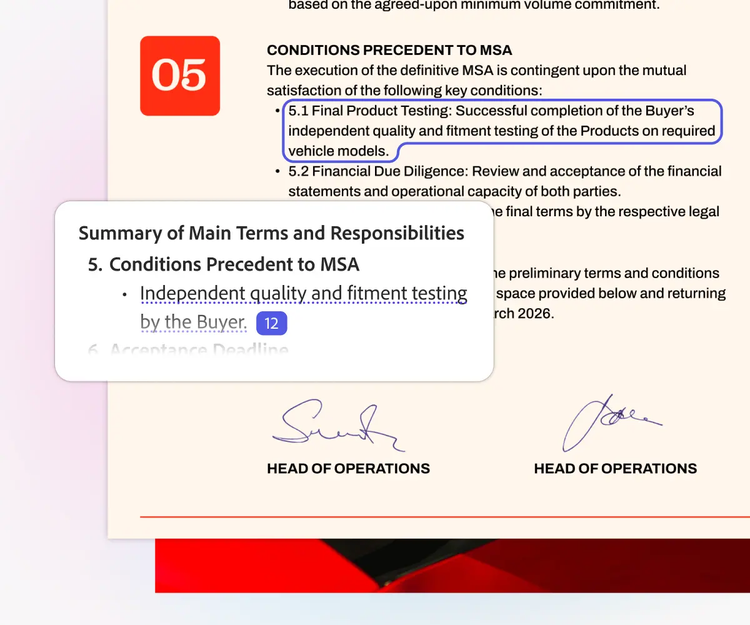
One-click summaries.
Generate clear, quick overviews of your files with precise citations that link directly to the source in your docs.
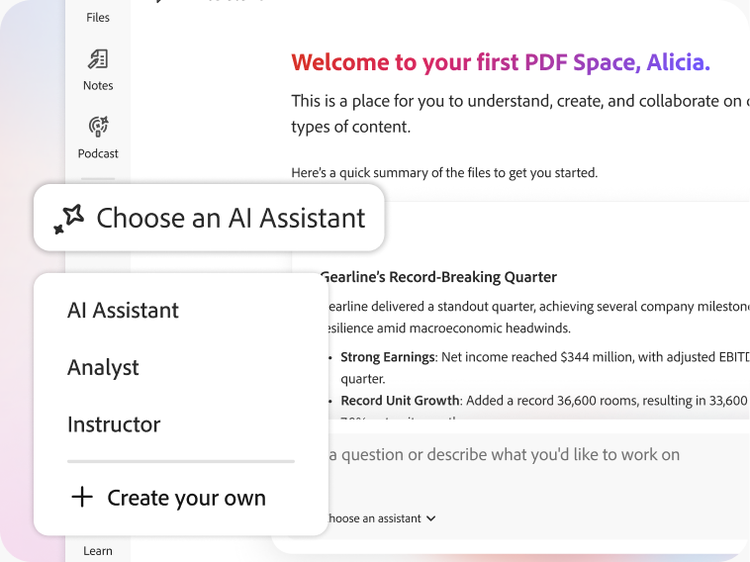
Choose your AI Assistant.
Pick a prebuilt assistant or create your own and guide its responses to suit your goals.
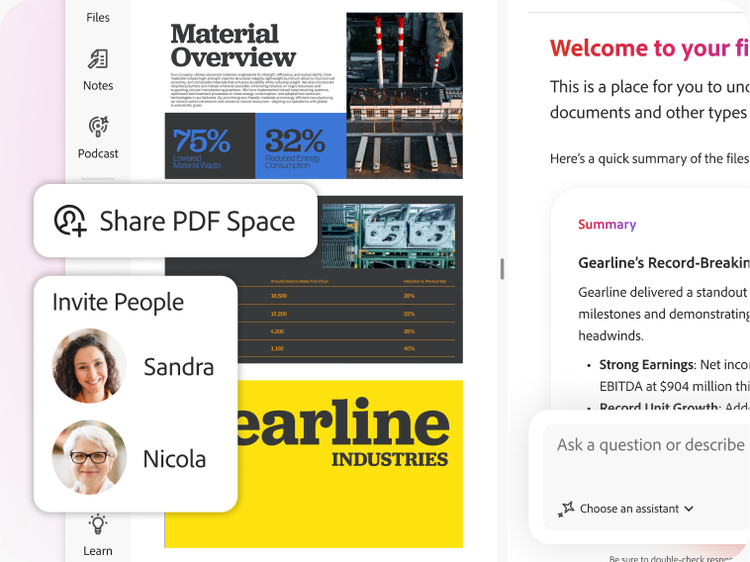
Work together, smarter.
Invite others to add files, comments and notes to one shared workspace.
Your Acrobat Pro free trial comes with more than great tools.


Frequently asked questions
Yes, this free trial is available for both Windows and Mac OS.
Windows
- 1.5 GHz or faster processor
- Microsoft Windows Server 2016 (64 bit), 2008 R2 (64 bit), 2012 (64 bit) or 2012 R2 (64 bit); Windows 7 (32 bit and 64 bit), Windows 8 (32 bit and 64 bit) or Windows 10
- 1.5 GB of RAM
- 2.5 GB of available hard-disc space
- 1024 x 768 screen resolution
- Internet Explorer 11; Firefox Extended Support Release (ESR); or Chrome
- Video hardware acceleration (optional)
Mac
- Intel® processor
- Mac OS X v10.11, 10.12 or 10.13
- 1.0 GB of RAM
- 2.75 GB of available hard-disc space
- 1024 x 768 screen resolution
- Safari 9.0 for OS X 10.11, Safari 10.0 for OS X 10.12, Safari 11.0 for OS X 10.13 (browser plug-in for Safari is supported on 64-bit Intel processor only)
Browser
- These requirements apply to the Acrobat Pro subscription plan and are in addition to the desktop requirements listed above
- Microsoft Windows 10 using Microsoft Edge, Internet Explorer 11, Firefox or Chrome
- Microsoft Windows 7 using Internet Explorer 11 or later, Firefox or Chrome
- Mac OS X v10.12 (Sierra) or later using Safari 11 or later, Firefox or Chrome
- iOS: Native browser based on the iOS release and Chrome
- Android: Native browser that ships with the OS and Chrome
Windows: To uninstall your free trial version on a Windows device, close any open Adobe software on your computer, open the Windows Control Panel and double-click Programmes and Features. Click Acrobat Pro and select “Uninstall” from the menu.
Mac OS: To remove the trial on a Mac, use the Acrobat Uninstaller in the /Applications/Adobe Acrobat Pro folder.