

Desktop apps for Mac and Windows





Try Acrobat Studio with a free 7-day trial. If you need more time to try all the features, you’ll still have an extra 14 days to cancel and receive a full refund.
Start your free trial today
Your trial has ended and billing begins.
7-day free trial
Your trial has ended and billing begins.
14-day money back guarantee
Cancel within 14 days to get a full refund.
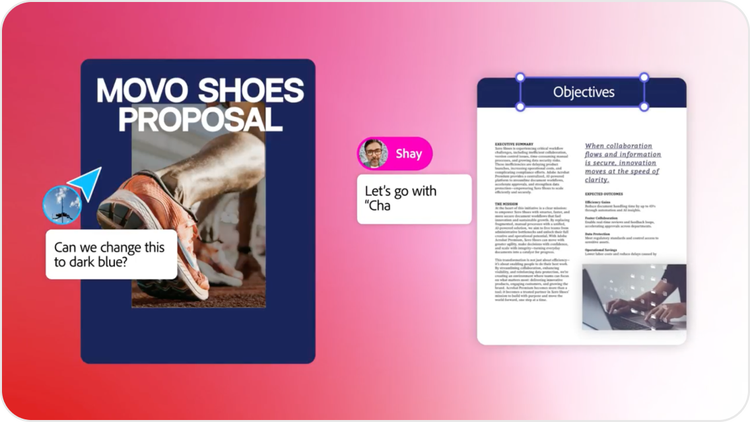
Work smarter with Acrobat Studio - trusted PDF tools plus AI‑powered workspaces that deliver faster insights and standout content creation. Use PDF Spaces and a personalised AI Assistant to turn static files into a conversational knowledge hub and instantly create on‑brand flyers, posters, and social posts using Adobe Express Premium.
Sales
Upload and analyse files, leverage prebuilt or custom AI assistants for insights and recommendations, and turn ideas into polished, professional proposals.
Marketing
Extract key insights from your documents, remix ideas with professional templates, and add custom images to create stunning social posts - ready to share instantly across your channels.

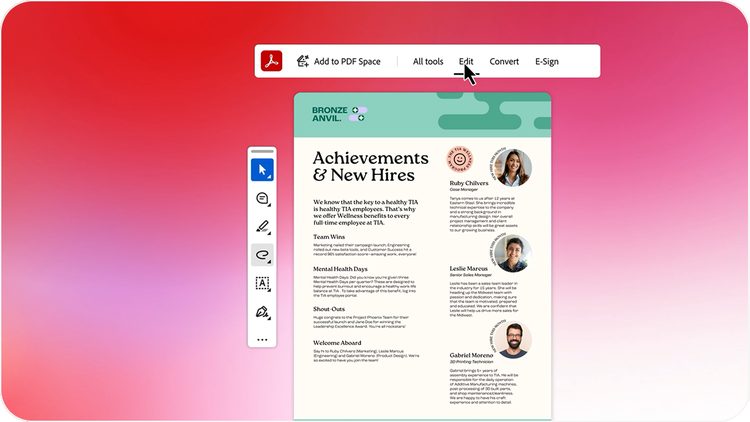
Convert files to PDF, organize pages, edit, and sign your documents with an essential set of PDF tools, now with AI summaries and insights — even for scans and contracts.

Collect files and links to create a conversational knowledge hub

Turn insights into actionable next steps using a prebuilt AI Assistant like an analyst or instructor.

Invite your teams or just about anyone into your PDF Space with a personalized AI Assistant.

Jump-start flyers, infographics, or social posts with templates and easy-to-use design tools in Adobe Express.

Transform your files into presentations with AI. Then refine your slides with easy-to-use editing tools and custom AI images.
Desktop apps for Mac and Windows

Available on web and mobile, plus browser extensions

Adobe Scan and Acrobat Reader mobile apps

Works with the apps you already use, like Microsoft 365 and Dropbox

Integrates seamlessly with Adobe Creative Cloud and Adobe Express

SSL security so you can work and share with confidence

Binding, compliant and secure e-signatures
Yes, this free trial is available for both Windows and Mac OS.
Windows: To uninstall your free trial version on a Windows device, close any open Adobe software on your computer, open the Windows Control Panel and double-click Programmes and Features. Click Acrobat Pro and select “Uninstall” from the menu.
Mac OS: To remove the trial on a Mac, use the Acrobat Uninstaller in the /Applications/Adobe Acrobat Pro folder.