


We have special offers and discounted plans available.

See offers

We have special offers and discounted plans available.

See offers

We have special offers and discounted plans available.

See offers

.

Premiere FEATURES

Advanced video editing, effects & more.

  • CheckmarkTrim, colour grade, add effects, mix audio and animate
  • CheckmarkEdit faster with AI-powered features
  • CheckmarkCreate complex masks with Object Mask

Learn more

Students save extra 20% off Creative Cloud Pro.

The new school year is here. Get Premiere and 20+ more apps and save extra 20% off for the first 12 months. Hurry ends 16/9. New subscribers only. Annual plan, paid monthly. See terms

Free trial Save now

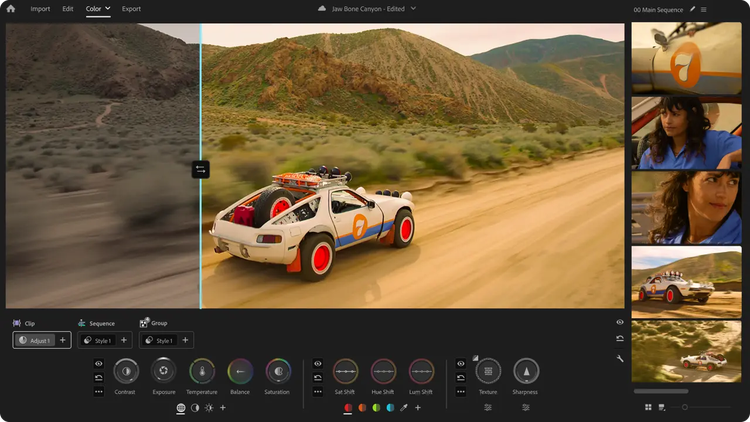
Introducing Colour Mode. A new era starts now.

Experience a first-of-its-kind colour grading system — purpose-built for editors — in Premiere (beta). Shape precisely, explore confidently and push your look without ever leaving your edit.

Editing

Craft the perfect story.

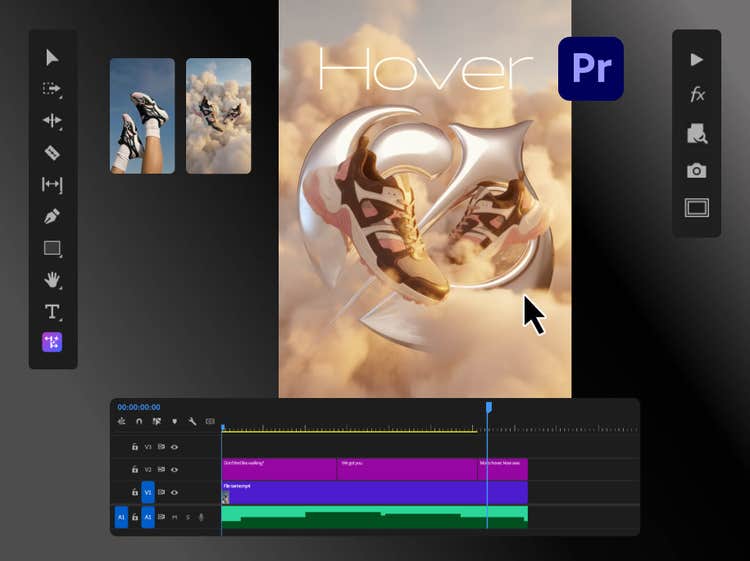
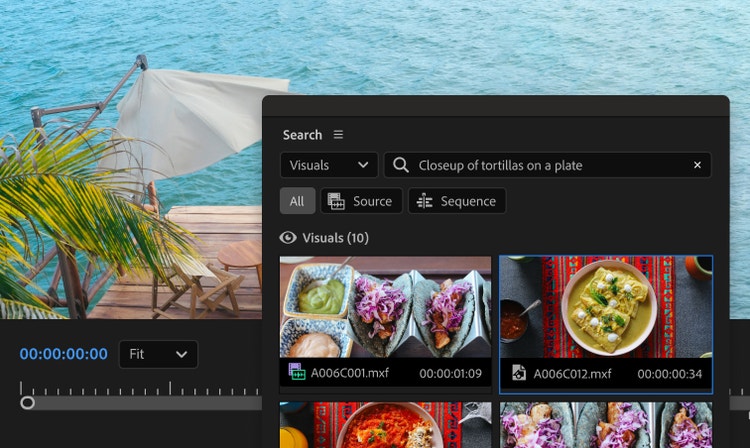
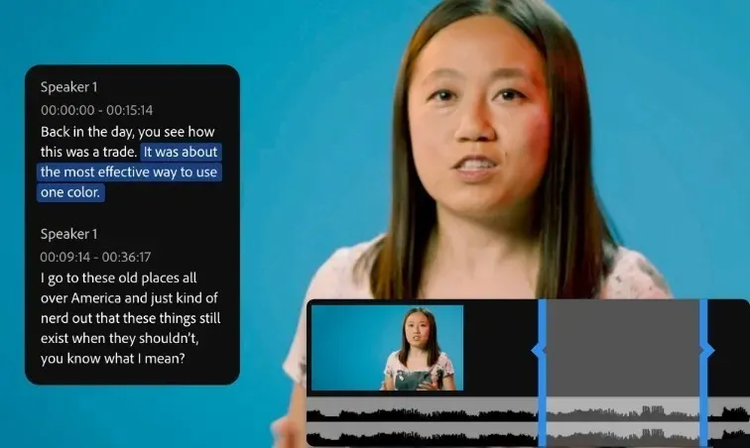
Use industry-standard video editing tools and timesaving AI features to get to the right cut fast. Hone your narrative with three-point editing. Try Text-Based Editing to refine, reorder and trim clips just like you’d edit a text doc. And quickly search your footage with AI-powered Media Intelligence to identify objects, locations, framing and other details.

Colour

Balance colour and set the tone.

Get the right look for your video with powerful colour correction and grading tools. Drop footage from nearly any camera into your timeline instantly and transform your raw and log footage on import without LUTs. Balance colour fast with AI, use professional colour wheels and curve controls and check your results with built-in video scopes.

Audio

Mix audio for a memorable soundtrack.

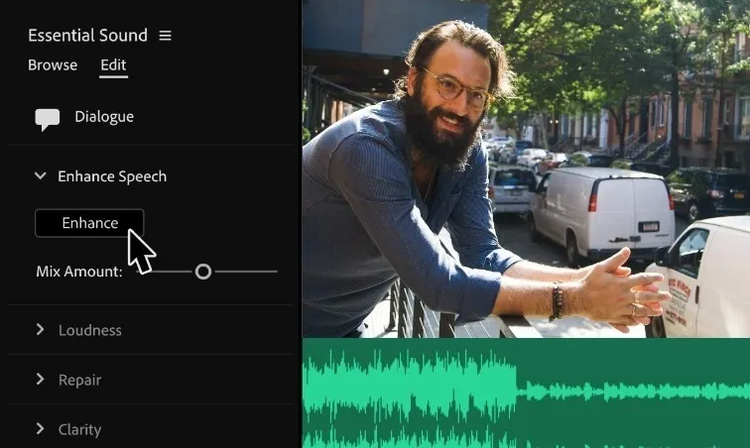
Reduce noise and enhance dialogue with pro audio tools and add advanced effects as you master sound design. Browse music tracks, use AI to auto-fit them to your clips and license them — all within Premiere.

Effects

Add eye-catching effects.

Choose from hundreds of cinematic effects and transitions — or get started with professionally designed templates, then adjust them to create looks that are all your own. And with redesigned shape masks in Premiere (beta), you can easily tackle precise effects with absolute control.

Titles

Create animated titles.

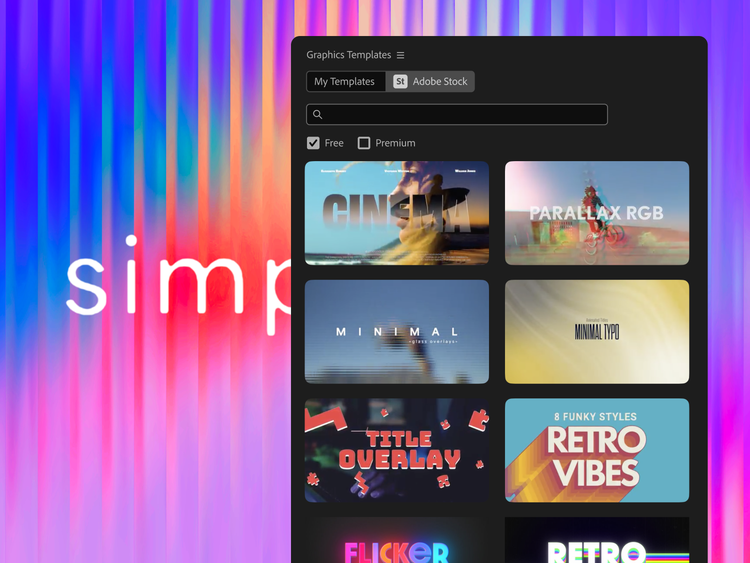
Design polished, professional-quality titles, captions and graphics fast with templates. Customise them to fit the feel of your video directly inside Premiere. And quickly translate captions in 18 languages.

Explore Adobe Premiere features.

Bring your vision to life with AI and best-in-class video editing features.

Membership plans

Get Adobe Premiere.

Start with just Premiere or get Premiere and 20+ other apps with the Creative Cloud Pro plan. Start with confidence — you can cancel within 14 days for a full refund.

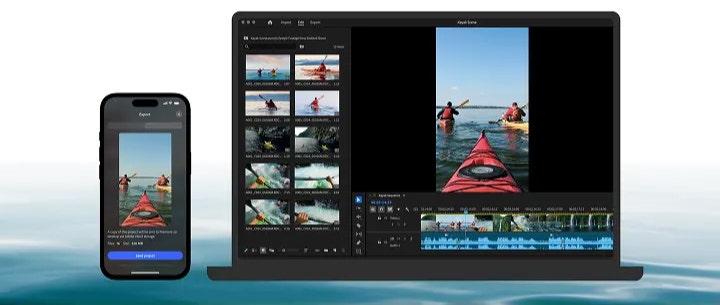
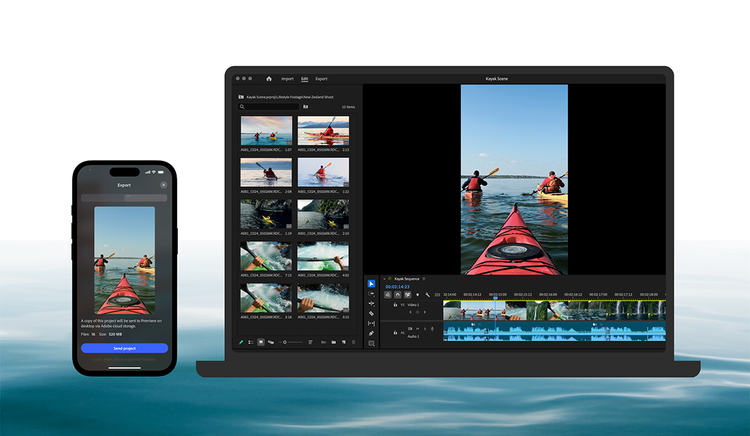
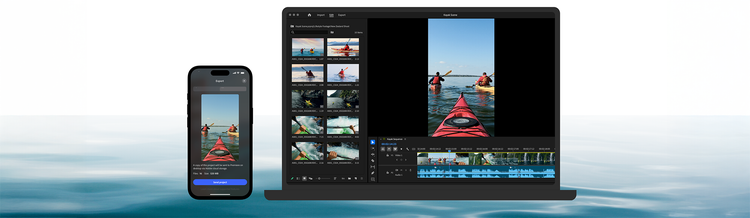
Move seamlessly across the family of Premiere apps.

If you have a paid membership to Premiere on desktop, you can kick off a project on mobile and then pick where you left off in the desktop app to polish things up with advanced tools and creative control.

centre
centre

Adobe Firefly


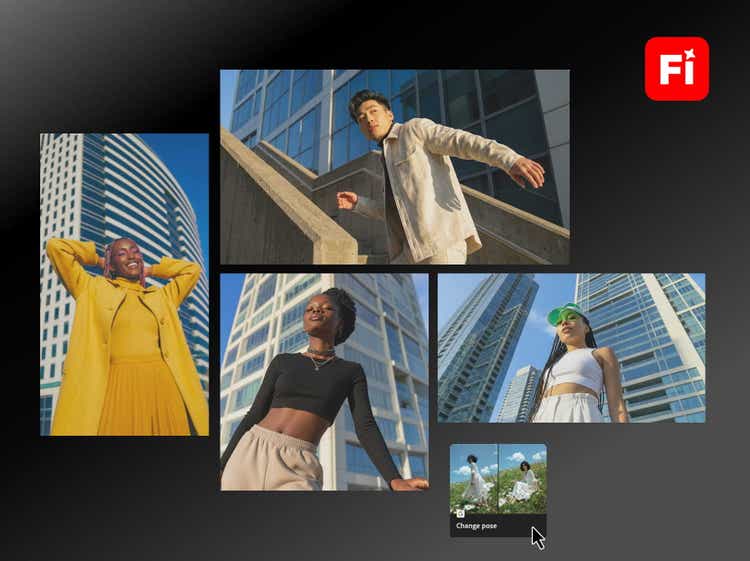
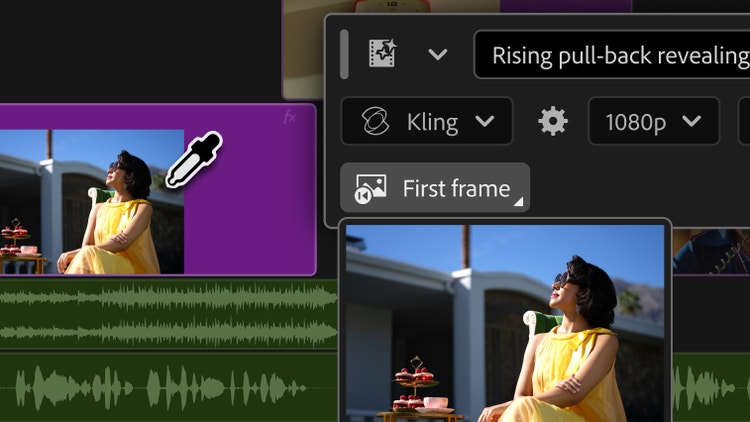
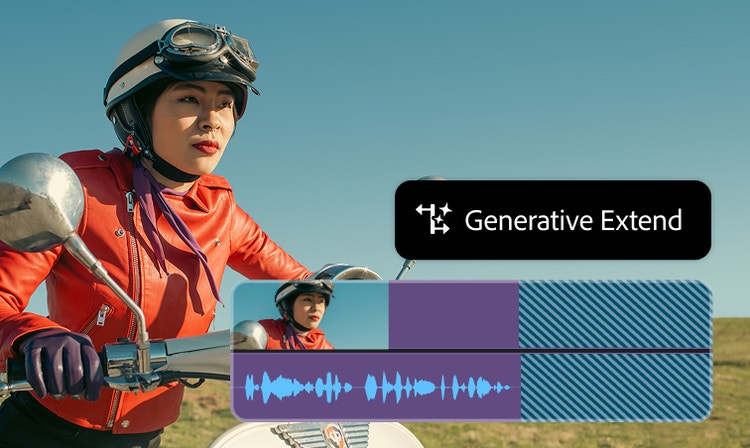
Speed up your video workflows with Adobe Firefly generative AI.

Visualise shots and effects ahead of the shoot, generate assets missed in production to complement your edit and eliminate tedious tasks to stay focused on your creative ideas.