
Quick Login URL
If Adobe Express is assigned and federated ID setup is complete, use this login URL: http://express.adobe.com/a/yourdomain.com. Replace ‘yourdomain.com’ with your claimed domain.



Bringing creativity to classrooms everywhere. Adobe Express is free for your school or trust.

Gain access for your school or trust.
Check if your school or trust already has an Adobe Admin Console. If not, use the Primary and Secondary self-service wizard to enable free access.
Follow our step-by-step instructions to set up Adobe Express for your school or trust.
Log in to your Adobe Admin Console or setup the Primary and Secondary self-service wizard to grant access to all users.
Once accounts are deployed, use this guide to help teachers and students start using Adobe Express.
Integrate Adobe Express within the tools most familiar to your users to make login, turn-in, and grading a breeze.
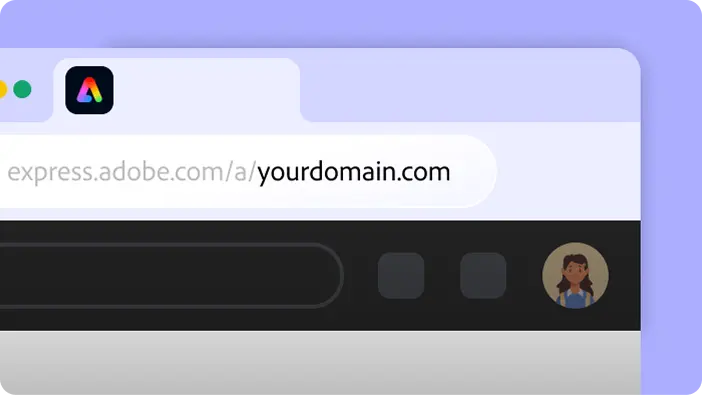
If Adobe Express is assigned and federated ID setup is complete, use this login URL: http://express.adobe.com/a/yourdomain.com. Replace ‘yourdomain.com’ with your claimed domain.
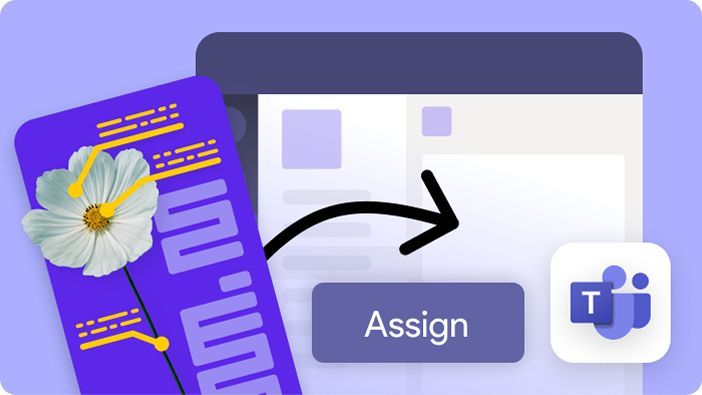
SCIM sync updates the Adobe Admin Console automatically after any user or group change—no manual syncing needed. Assign Adobe Express and Creative Cloud to Azure groups, including Security, Dynamic, or synced on-prem groups. Share projects easily in OneNote and Teams with a direct link.
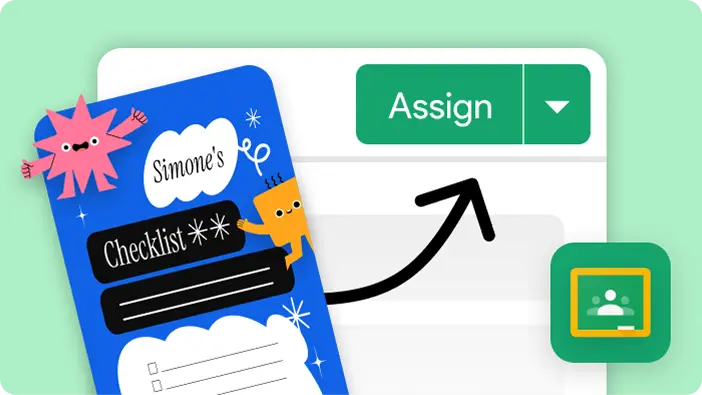
Teachers can assign Adobe Express projects right from Google Classroom—no need to switch platforms. License Adobe Express through your Google Admin Console and sync your OU structure for automatic access and assignment.

Image Generator embed powers your favorite EdTech platforms.
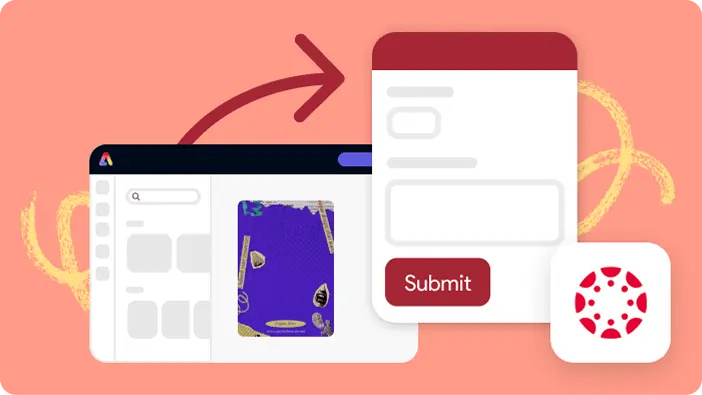
With LTI 1.3, users can access Adobe Express directly through Canvas. Teachers can assign projects as templates within the Canvas workflow, then grade and give feedback using SpeedGrader—all in one place.
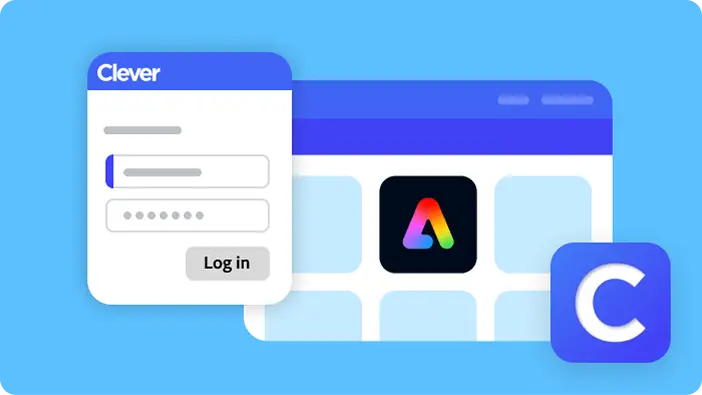
Enable Single Sign-On (SSO) through your district’s Clever dashboard for one-click access to Adobe Express—no passwords needed. Use roster data to sync users and assign licenses for Adobe Express and Creative Cloud.
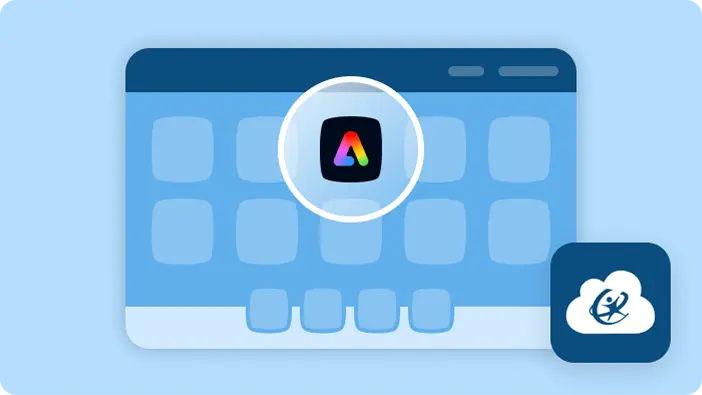
Enable SSO through your district’s ClassLink LaunchPad for easy access to Adobe Express, no need for users to remember login and password. Sync users for Adobe Express using your roster data in Classlink.


