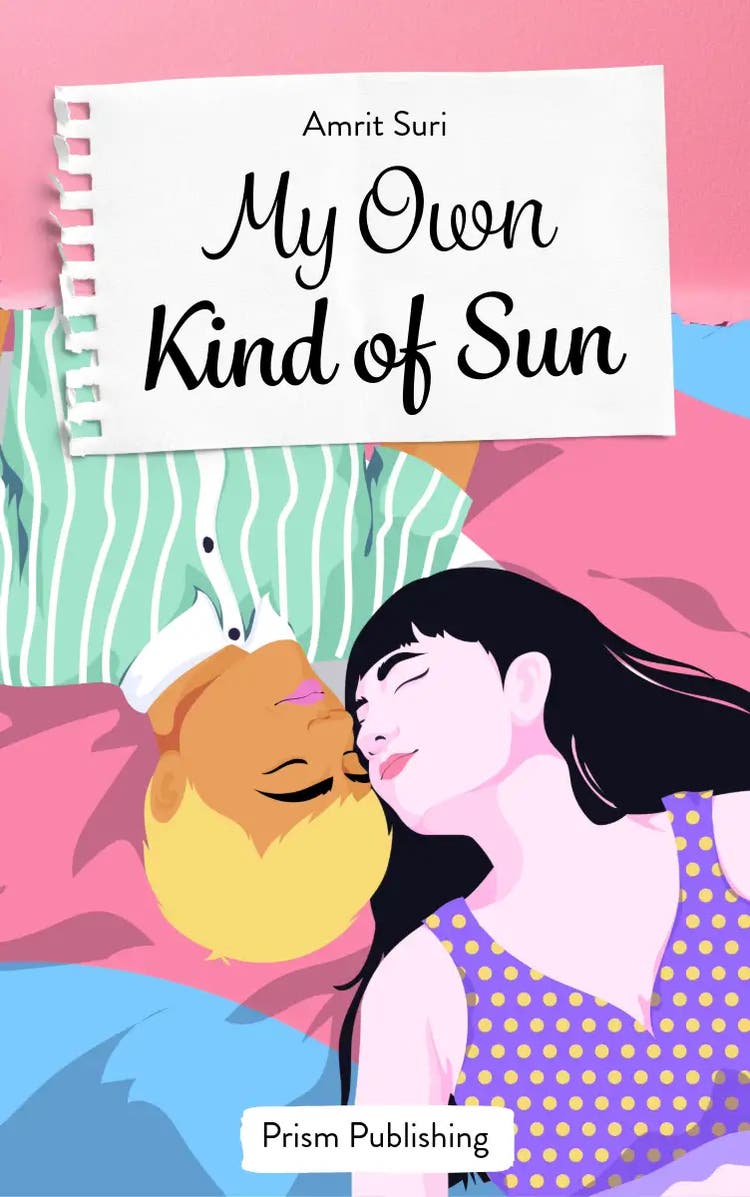
12 brilliant book cover ideas for design inspiration.
Ignite your imagination with some of our favorite book covers that feature artistry, style, and eye-catching designs.





A compelling book cover is often the first thing that captures a reader's attention. Through colour, typography, imagery, and composition, great cover design can hint at the story within while creating a strong visual identity. Explore creative book cover ideas with Adobe Express and bring your next publishing project to life with professional design tools and templates.
1. Use colors as accents.
Accent colors create focal points in compositions and also highlight certain elements of your choosing. In the black and white photo seen in this example, using red as an accent color draws our attention to the color flare.
Red is a powerful color, and in this particular Adobe Express template, we feel the passion of this bright color soaring across the page. Think about the meanings that different colors carry and how featuring one accent in your design can support your story.
recipe
2. Grab your reader’s attention with contrast.
Contrast pins two contrasting colors against each other to make a statement. Black versus white, light versus dark, etc. By doing so, contrasting designs emphasize the light, which naturally draws our eye to whatever it is. Here, we see contrast at play where the white area grabs our attention in the middle of a black page, indicating it’s the cover’s focal point.
recipe
3. Make bold choices with typography.
Typography is an eye-catching design tool and can be as artistic and impactful as strong imagery. You can play with the curves and shapes of letters to make interesting negative space or communicate emotions through a specific typeface. We like how this cover embodies the essence of typography by filling the cover with text. You can use a font to emphasize a point by changing the type, color, shape, size, or placement.
recipe
4. Showcase handwritten type.
Sometimes books are written from the first-person perspective, such as a diary. Provide a preview of this intimate relationship with the narrator by using handwriting on the cover. For example, you could feature nice, flowy calligraphy if your book is a period piece or slightly manic scribbles if your story is more of a thriller.
recipe
5. Get creative with composition.
Allow yourself the opportunity to experiment with composition design meaning, getting creative with where you place things on the page. There is no standard way to design your book cover, so experiment with ways to make your design as unique as the content inside.
recipe
6. Convey the mood of the book through the cover.
A book cover is one way of drawing a reader into your story. Like peeping through a keyhole, a reader can see a small clue to the bigger overall picture of the story inside. Here, the design is communicating a very specific theme to the book inside.
recipe
7. Feature compelling imagery.
Photography is an excellent tool for creating a cover that will catch a reader’s attention, pique their curiosity, and inspire them to open up the book and dive in. When it comes to imagery, use the full cover to showcase stunning photography, illustrations, or even Photoshopped compositions to create a fantastic cover.
recipe
8. Use imagery as an accent.
You can go for a simpler approach while still using imagery. An image doesn’t need to take up the whole cover. It can serve quite well as a complement to the overall design. Explore ways you can intertwine text and imagery together.
recipe
9. Choose imagery that makes an impact on your audience.
As the old saying goes, a photo is worth 1,000 words. Images can communicate emotions or sentiments much more than words can, so explore the type of imagery that can speak up for you on your book cover.
recipe
10. Showcase icons and graphics as imagery.
There are many forms of imagery. Photographs are one, as well as illustrations, paintings, graphics, and even icons. Each medium has its own strengths in communicating certain messages, but let’s talk about icons and graphics.
These digital imagery options work well for creating modern, minimal designs, and their size and color can be easily adjusted for consistency.
recipe
11. Use graphics to allude to imagery.
recipe
12. Keep it simple and straightforward.
You don’t need to overwhelm your readers with a loud, jam-packed design. Putting everything that’s inside the book on the cover defeats the purpose. Just give your readers what they need to know on the cover that will intrigue them enough to open up and learn more.
recipe
How to make a book cover with Adobe Express.