See your art from every angle, instantly.
Bring new perspectives to your work with Turntable in Illustrator. Skip hours of redraws, refine designs and add motion for presentations or social.

Learn all about the tools and techniques you can use to create crisp, scalable graphics in Illustrator.

Bring new perspectives to your work with Turntable in Illustrator. Skip hours of redraws, refine designs and add motion for presentations or social.

Explore different design possibilities with powerful AI models like GPT‑4o, Gemini 2.5 and more — now in Generative Shape Fill.
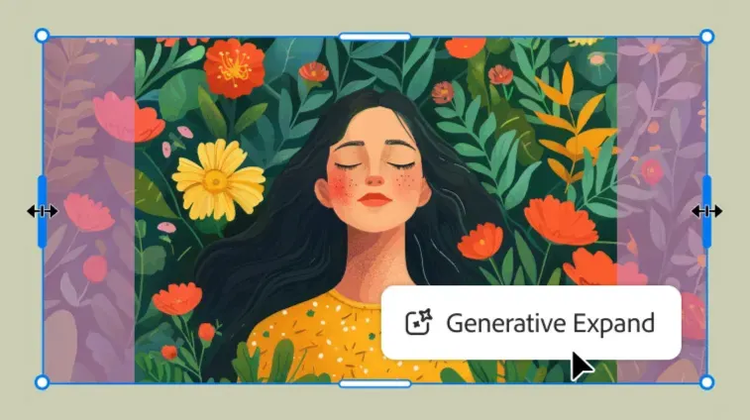
Maximise your productivity with new Generative Expand. Resize graphics, add bleeds and explore concepts for professional designs.
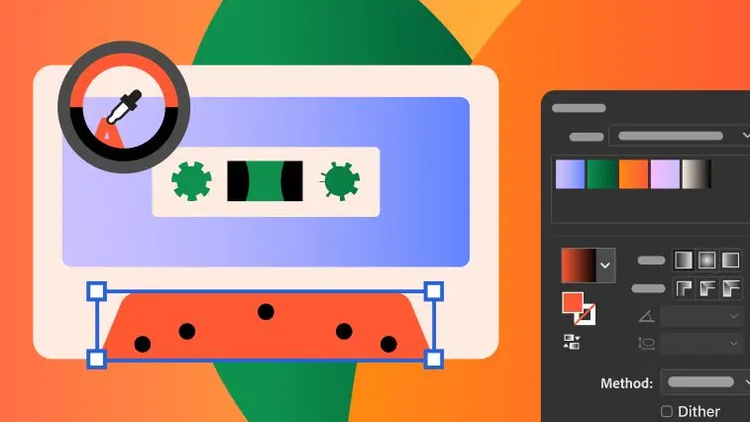
Supercharge your workflow with a smoother Gradient tool and presets for more precise colour transitions. A new Colour Picker icon makes finding the perfect colour easier than ever.
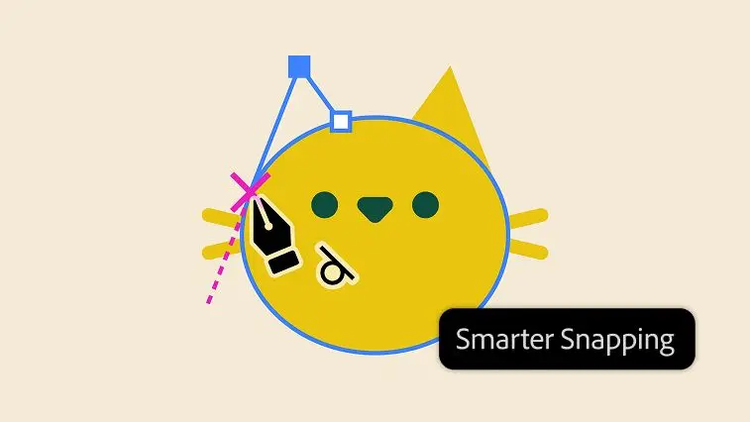
Snap to a straight or curved shape with smarter snapping tools. Limit snapping to your active artboard for more control, without the distractions.
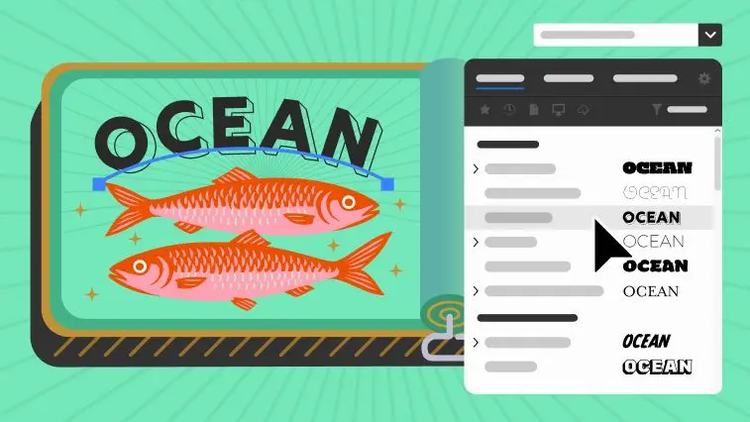
Find the fonts you need faster with an enhanced Font Browser. Apply specific filters, organise into libraries that sync across your Adobe apps and browse all your fonts in one place.
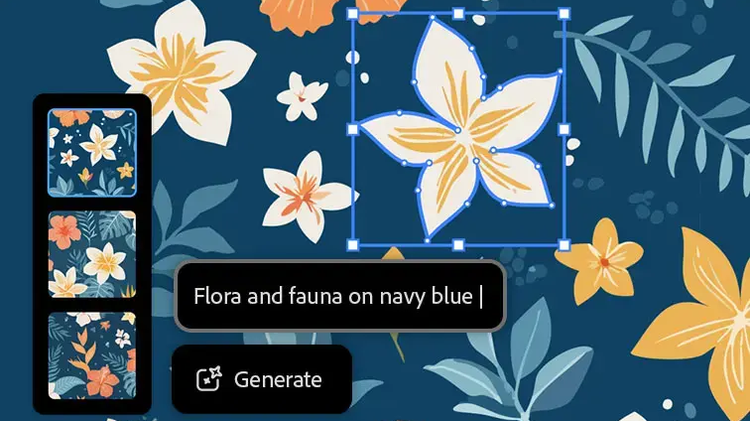
Create customised, seamless patterns with Text to Pattern. Edit, scale and save them to your swatch library so you can apply them anywhere in a few clicks.

Explore endless colour combinations. Use Generative Recolor to turn words and concepts into colour palettes and apply them to your designs.
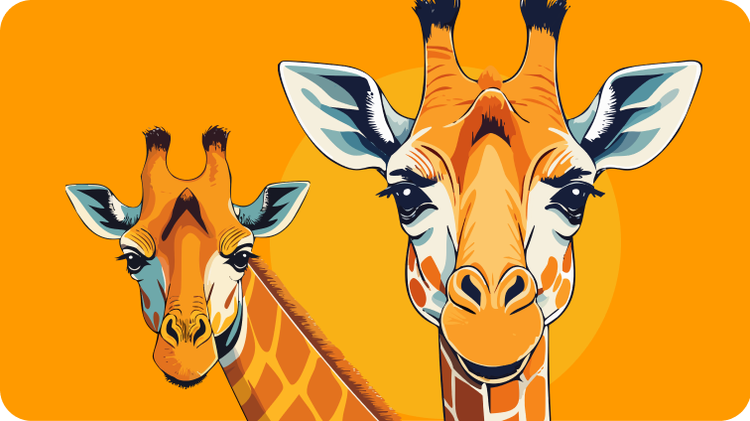
Create, edit and scale vector graphics that match your style. Quickly go from text prompt to scene, subject or icon with the smartest Text to Vector Graphic yet.

Use the Pen tool to make straight and curved lines you can edit with anchor points. Combine it with the Curvature and Pencil tool to draw anything you can imagine.
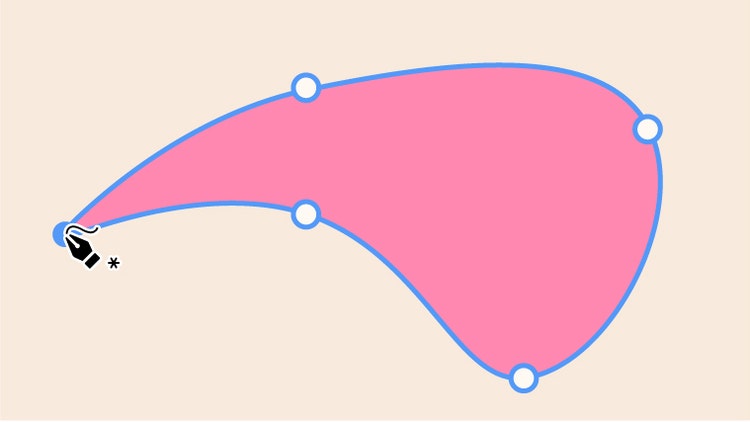
Draw intuitive curved lines and shapes using the Curvature tool. Make C-shaped and S-shaped curves and even draw straight lines to make a complete shape.

Combine common shapes to make complex ones with the Shape Builder tool. Make bold, geometric designs for icons and more.
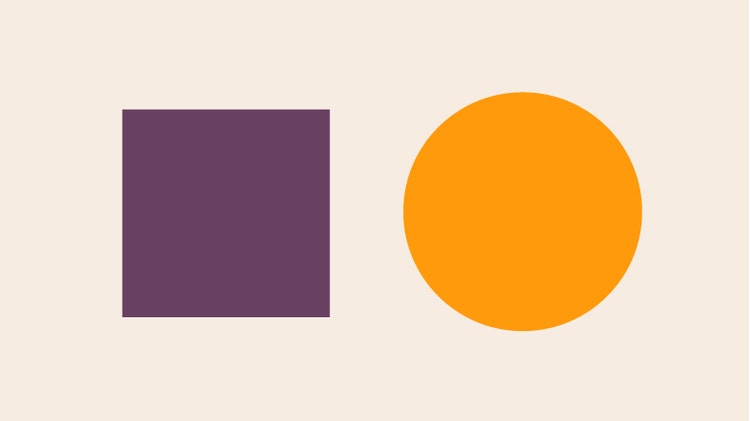
Click an object with the Selection tool to drag it to a new position or resize it.

Use the Direct Selection tool to choose a single point or path segment and then move or adjust it.
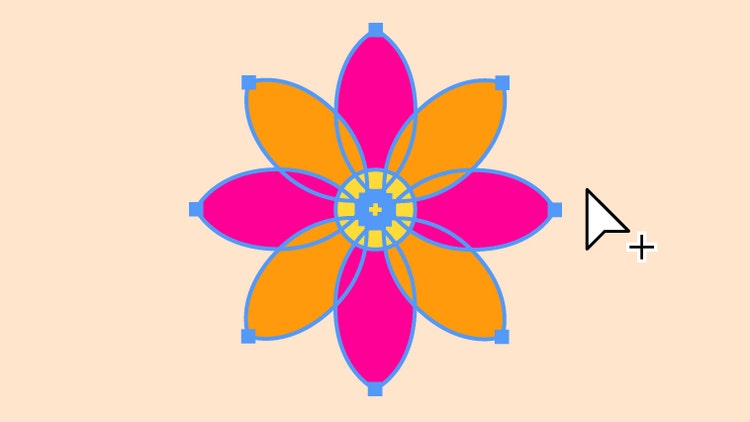
Use the Group Selection tool to isolate one object in a unified design and edit it without affecting the others.
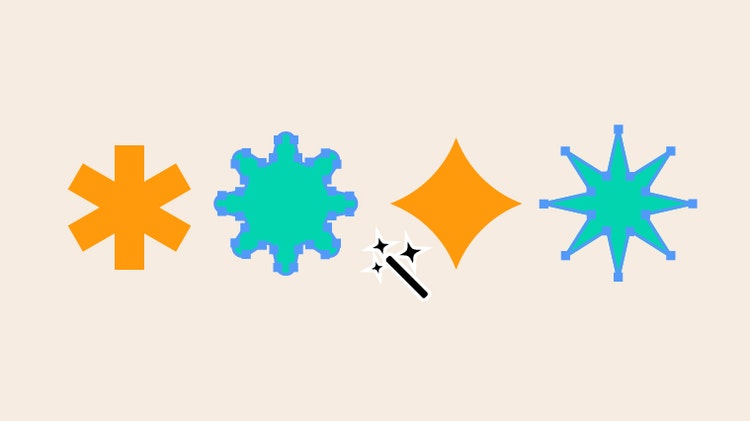
Use the Magic Wand tool to select objects with similar features in one click and then adjust their colour and more at the same time.
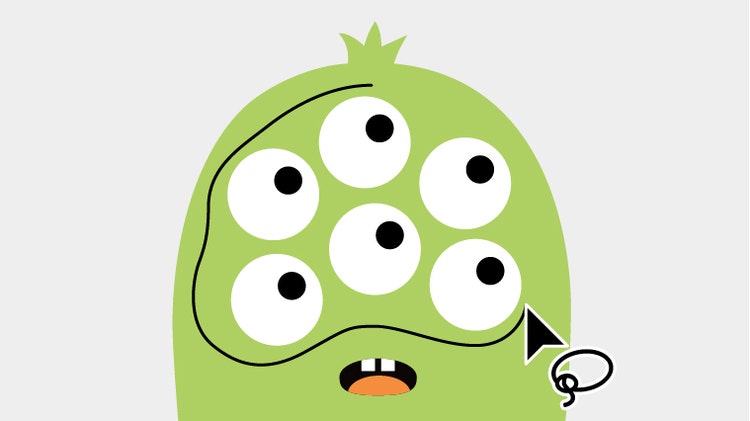
Quickly select several objects at once by drawing around them with the Lasso tool, then move and edit them as a group.

Make multiple artboards of any size for all your design elements with the Artboard tool.

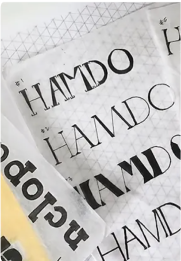
Use the Type tool to add letters, words or even paragraphs to your designs. Create posters, logos and more with fonts that fit your style.

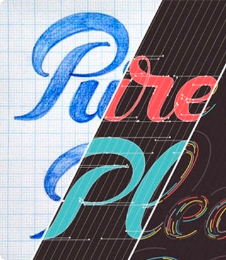
Seamlessly blend words and illustrations with the Type on a Path tool. Use it to curve your text around any shape or line.
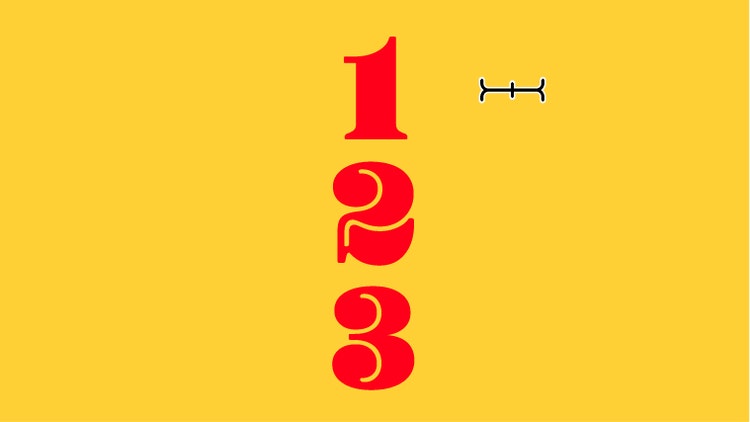
Add text in a streamlined column to your designs with the Vertical Type tool.
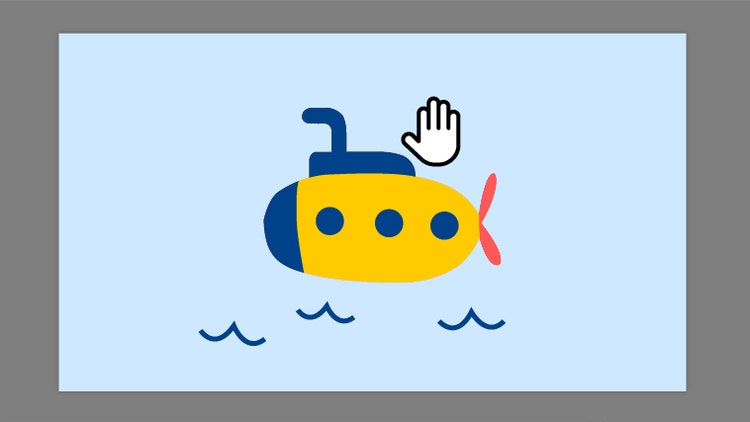
Move your canvas and artboards in any direction with the Hand tool to quickly access any part of your project.

Change the orientation of your canvas with the Rotate Tool so you can easily view and edit parts of a design at the most convenient angle.

Quickly magnify and reduce the view of your work with the Zoom tool to see the full picture or examine a small detail.
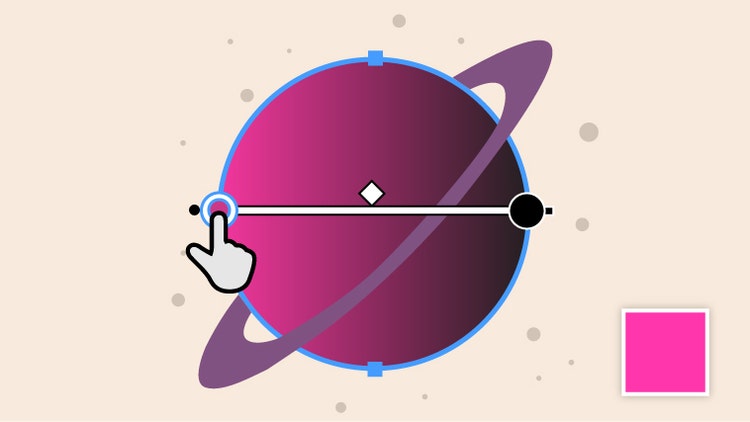
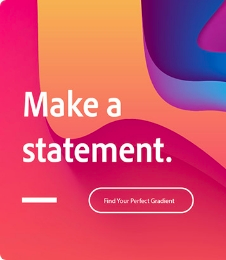
Use the Gradient tool to fill objects with subtle transitions between colours. Make linear, radial and flowy freeform gradients.
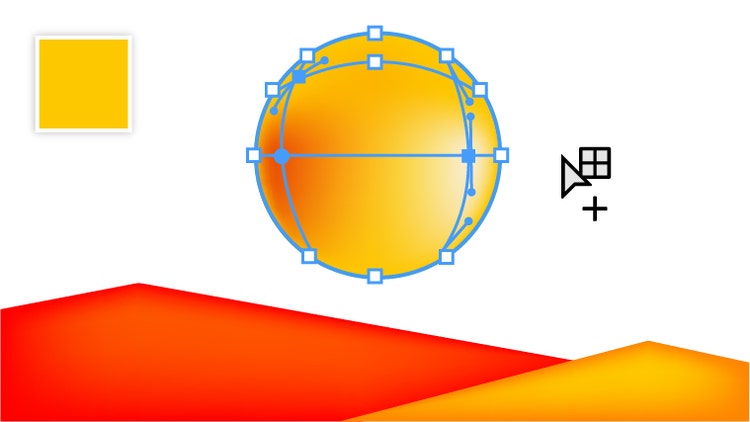
Mimic the reflection of light on objects with the Mesh tool to create designs with life-like qualities.

Add realistic effects, lighting and textures that turn 2D art into 3D designs using the options and presets in the 3D and Materials panel.

Morph the shapes and colours of two or more objects with the Blend tool to make dimensional creations with graduated hues.
Use the Gradient tool to fill objects with subtle transitions between colours. Make linear, radial and flowy freeform gradients.
Mimic the reflection of light on objects with the Mesh tool to create designs with life-like qualities.
Add realistic effects, lighting and textures that turn 2D art into 3D designs using the options and presets in the 3D and Materials panel.
Morph the shapes and colours of two or more objects with the Blend tool to make dimensional creations with graduated hues.
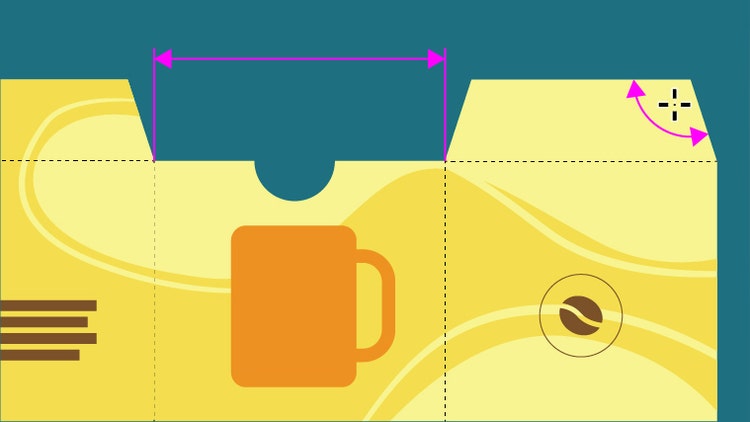
Just click and drag to create guides that display the linear, angular and radial measurements of your artwork with the Dimension tool. Plus, customise guide units, colour and font.
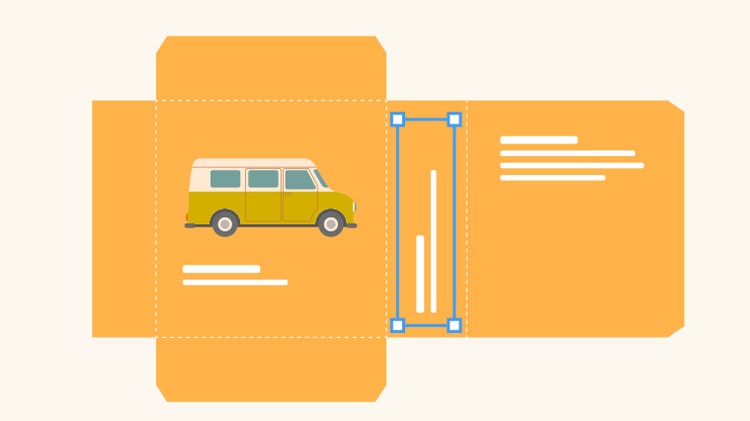
Turn an object around a fixed point with the Rotate tool to get the perfect placement.
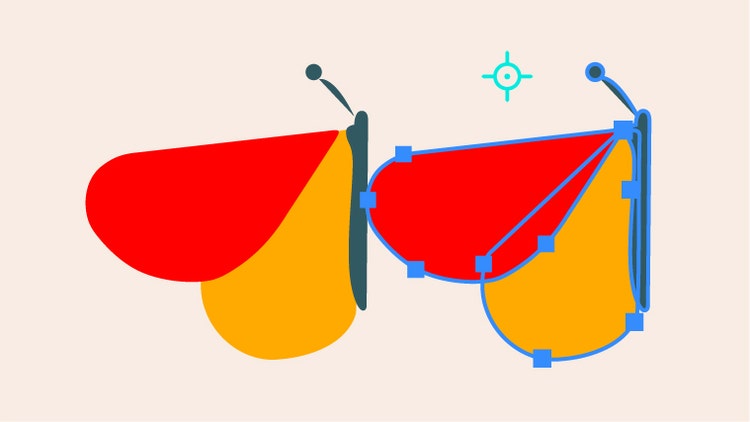
Flip a design element over an axis with the Reflect tool and use it to create symmetrical designs.

From small-scale stickers to giant billboards, resize your designs as big or small as you want with the Scale tool— no quality lost.

Split a line or shape at an anchor point with the Scissors tool to create multiple objects or to trim away parts you don’t want.
Find out how to use the tools and features in real-world design projects like logos, banners, icons and more — then try them for yourself.

Illustrator features

Illustrator features

Illustrator features

Illustrator features

Illustrator features
Illustrator features

Illustrator features
Illustrator features

Illustrator features

Illustrator features
Illustrator features
Illustrator features
Illustrator features
Illustrator features
The full version of Illustrator plus the Adobe Express Premium plan.
Annual, billed monthly

Save 50% for the first 3 months on the full version of Illustrator, plus Adobe Firefly creative AI. Pay A$56.73/moincl. GST for the first 3 months and A$113.49/moincl. GST after that (A$1,191.60/yrincl. GST). New subscribers only.
Annual, billed monthly
Save 75% on 20+ apps, including Illustrator, plus Firefly creative AI for images, video and audio. Pay
Annual, billed monthly
The full version of Illustrator and the Adobe Express Premium plan, plus exclusive business features.
Annual, billed monthly
20+ apps, including Illustrator and Firefly creative AI for images, video and audio, plus exclusive business features.
Annual, billed monthly
Based on your location, we think you may prefer the United States website, where you'll get regional content, offerings, and pricing.