
We’re a trusted global brand.
As a leader in digital experiences trusted by Fortune 500 companies and small businesses around the world, Adobe has invented globally renowned solutions from Acrobat to Creative Cloud that transform businesses.

Streamline the way you work, communicate, and transact business. Plus, get AI-powered assistance, APIs and integrations, and built-in security tools.
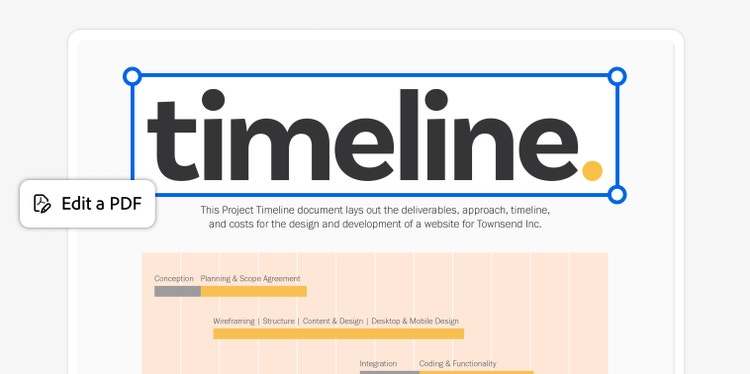
Acrobat gives you everything you need to create, edit, sign, share, and manage PDFs, including AI-powered PDF Actions that help you complete top tasks in no time. Streamline workflows by integrating Acrobat with business apps like Microsoft 365. And easily manage licenses and billing from a single admin console.
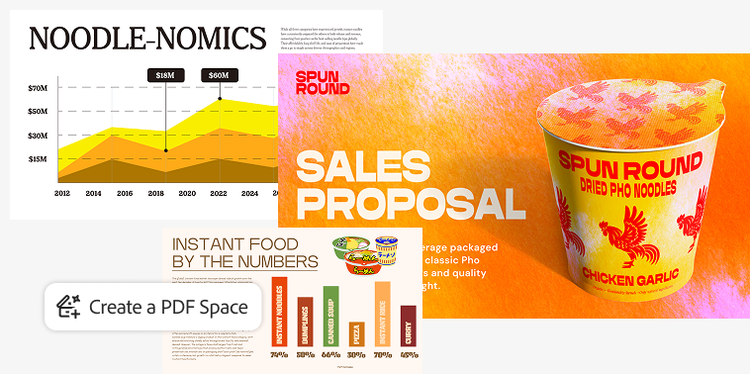
Transform static documents into PDF Spaces that bring together files, context, audio summaries, and a custom AI Assistant to unlock insights and highlight what matters. Easily create standout reports, infographics, and other content with Adobe Express, and generate presentations with AI.
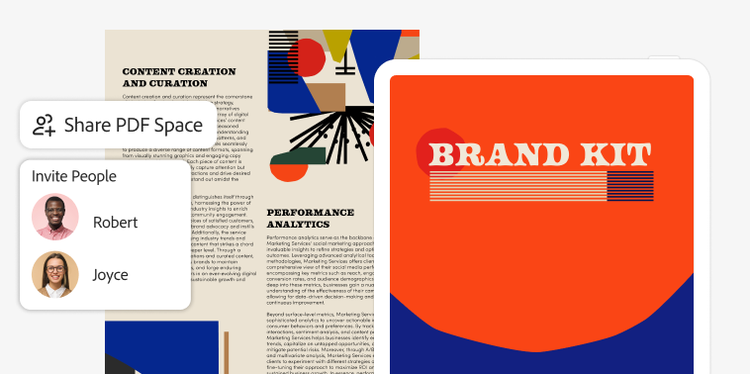
Share documents and conversations in secure, interactive PDF Spaces that reflect your brand. Use AI assistants, executive summaries, and tailored insights to boost engagement, guide internal and external stakeholders, and drive effective decision-making. And see how stakeholders interact with your shared documents so you can optimize delivery, follow-through, and impact.
Move business forward with the trusted solution for creating, editing, signing, and sharing PDFs and contracts. Count on automation to streamline workflows and accelerate approvals, and collaborate in powerful AI workspaces.

Summarize, analyze, and extract key insights from complex documents, and get verifiable citations for audit trails. Share documents as branded, AI-powered PDF Spaces with AI assistants, executive summaries, and tailored insights that guide internal and external stakeholders to what matters. And empower everyone to create on-brand content at scale with Adobe Express.
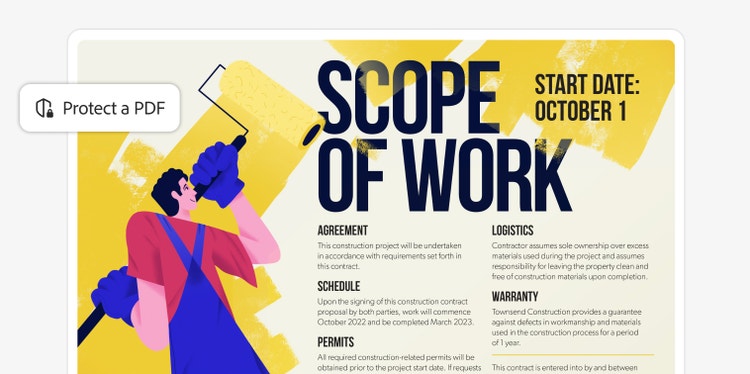
Integrate Acrobat with no downtime or costly re-training. Easily assign and reassign licenses based on individual roles to prevent unauthorized data access. Protect your data with strong security controls, secure cloud collaboration, and secure document storage — your content will never be used to train Adobe’s AI models.
Small businesses
Acrobat Pro for teams
The highly secure PDF and e-signature solution with advanced tools, plus admin features.
Small businesses
Acrobat Studio for teams
Everything in Acrobat Pro plus PDF Spaces, Acrobat AI Assistant, Adobe Express Premium, and admin features.
Medium & large businesses
Acrobat Studio for enterprise
Everything in Acrobat Pro plus PDF Spaces, Acrobat AI Assistant, Adobe Express Premium, and enterprise-level control.
Shared user admin functionality
E-sign tools
PDF productivity tools
Integrations
Acrobat AI Assistant
PDF Spaces
Adobe Express Premium
Generate Presentation
APIs
Single Sign-On (SSO)

Add text, fix typos, drop in new pages, edit images, and more without switching apps.

Get a head start by choosing from dozens of PDF templates. Or create your own reusable templates.

Chat with customizable AI Assistants for deep insights about your files.

Combine two or more PDFs into a single file, or turn an existing PDF into as many separate files as you want.
As a leader in digital experiences trusted by Fortune 500 companies and small businesses around the world, Adobe has invented globally renowned solutions from Acrobat to Creative Cloud that transform businesses.

From small businesses to the world’s largest enterprises, our customers use our integrated Adobe Creative Cloud, Document Cloud, and Experience Cloud solutions to unleash their creativity, accelerate document productivity, and power their digital businesses.

We provide our business customers with 24x7x365 support for all their licensing and troubleshooting needs. Learn more
Acrobat for teams plans are designed for small and midsize teams that need full-feature PDF and e-signature solutions.
Acrobat for enterprise plans are designed for large organizations with complex needs. They’re best for customers that need full-feature PDF solutions with enterprise-level control and management — with or without embedded e-signature capabilities.
Acrobat business plans include the Acrobat for teams and Acrobat for enterprise plans. By choosing one of our business plans, you’ll be able to seamlessly add users as your organization grows. With an individual plan, you’ll only have access to a single license for one user.
With our business plans, you’ll also get organization-level benefits. These include an Admin Console for simplified license management, 24x7 tech support, and company ownership and access to your critical documents.


