
Give feedback with comments.
Add sticky notes, suggest edits by replacing or adding text, and tag teammates to keep feedback clear and collaborative.
Try our free PDF editor and speed up your document workflows.
Add sticky notes, suggest edits by replacing or adding text, and tag teammates to keep feedback clear and collaborative.

Add text boxes anywhere in your PDF with customizable fonts and formatting options.

Add freehand drawings, lines, or shapes in different colors and styles.

Make text stand out by highlighting it in multiple colors. Even attach a note to add context.

It’s easy to fill and sign docs digitally. Just fill out the form fields, check the boxes, and add a signature.

Share a link to your PDF so anyone can easily view and collaborate on your document.
Edit your PDF with Adobe Acrobat, the company that invented the PDF. Just upload your PDF, sign in with your free Adobe account, and start editing in seconds. Annotate, highlight, fill out forms, and sign documents directly in your browser — no installation required. Easily add comments or markups to a PDF online by following these steps.
Do more with your PDFs online with trusted tools from Acrobat.

Our free online PDF editor lets you easily add comments, add sticky notes, highlight, draw, and more. Just upload a file and sign in to make annotations, then download or share it.

PDFs created in Acrobat have built-in security measures, so you can have confidence your docs are protected. To ensure your privacy, only files saved to your account are stored on Adobe servers.

As the inventor of the PDF format, Adobe offers the highest quality online tools designed to maintain the overall integrity of your files.
Try our online tools to convert, compress, and merge PDF files - Acrobat can do it all.

“If you're running a small business and constantly updating documents, like campaign materials, pitch decks, contracts, or invoices, Acrobat makes editing easy and efficient.”
-Madison R.
Flirty Pineapple
Adobe Acrobat’s online PDF editor works with standard .pdf files. If you need to edit a Word document, PowerPoint, Excel file, or image as a PDF, you can convert it with Adobe Acrobat’s free conversion tools:
Our free PDF editor tools let you add text, annotations, and drawings to documents when you sign in:
If you need more advanced PDF editing tools, you can start an Adobe Acrobat Pro 7-day free trial on your desktop, mobile device, or online. With Acrobat Pro for Mac or Windows, you can:
Your Acrobat Pro free trial also lets you edit text in scans using optical character recognition (OCR) functionality, create PDFs from almost any file format, create PDF forms, sign PDFs with e-signatures, organize PDF pages, reduce file sizes, secure PDFs with passwords, redact PDF content, and convert PDFs to Microsoft Excel, PowerPoint, and Word documents using Acrobat PDF converter tools. With AI Assistant, you can also ask your PDF questions and generate a summary to help extract quick insights.

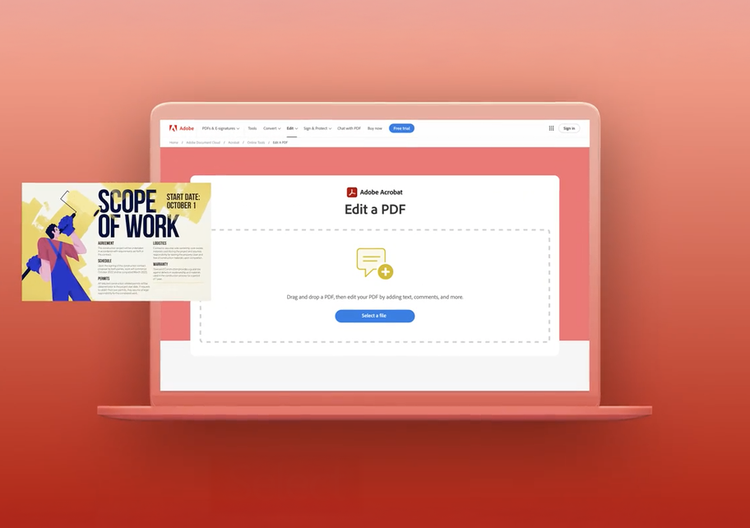


Free PDF editor
Make changes fast with Acrobat's free online PDF editor. Add text, comments, and fill & sign. Easy to use and secure.
Your file will be securely handled by Adobe servers and deleted unless you sign in to save it.
By using this service, you agree to the Adobe Terms of Use and acknowledge the Privacy Policy.