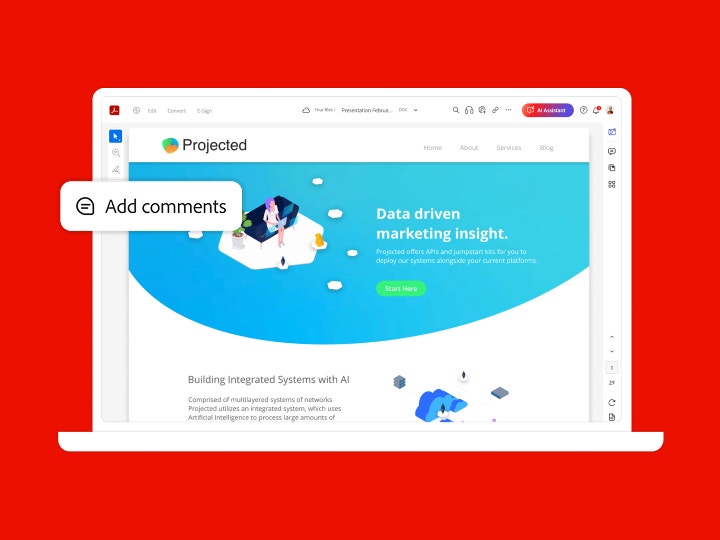
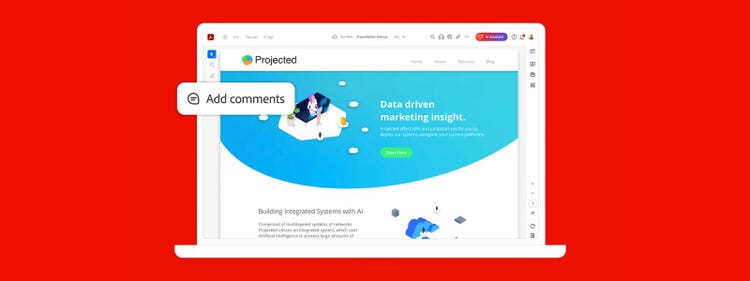


Add your comments.
Annotate your file using Acrobat PDF tools. Add text boxes, format text, and insert sticky notes, shapes, or freehand drawings with the pencil tool. You can also use highlighters, underlines, strikethroughs, and more.



Nobody likes collecting and consolidating feedback. That’s why Adobe Acrobat streamlines the entire process with easy-to-use commenting and markup tools and one place to manage it all — without multiple email attachments or file versions.
Nobody likes collecting and consolidating feedback. That’s why Adobe Acrobat streamlines the entire process with easy-to-use commenting and markup tools and one place to manage it all — without multiple email attachments or file versions.
Nobody likes collecting and consolidating feedback. That’s why Adobe Acrobat streamlines the entire process with easy-to-use commenting and markup tools and one place to manage it all — without multiple email attachments or file versions.
Annotate your file using Acrobat PDF tools. Add text boxes, format text, and insert sticky notes, shapes, or freehand drawings with the pencil tool. You can also use highlighters, underlines, strikethroughs, and more.

Use the Share With Others icon on desktop, online, or mobile to collect and consolidate comments from multiple reviewers in a single shared online PDF or hosted on Microsoft SharePoint.

Reviewers can easily comment from any device using the Acrobat Reader mobile app or from any browser like Google Chrome — without having to sign in or install software.

Simplify the review process by collecting and managing all your feedback in one place. Multiple reviewers can resolve comments with @mentions, and you don’t have to worry about multiple email attachments.

Get real-time notifications when reviewers open files or add comments. You can also manage your project with the ability to send reminders, answer questions, update deadlines, or close workflows — all from your Home view.
US$14.99/mo
Fee applies up to half your remaining annual commitment if you cancel after 14 days.The simple PDF tool for editing and converting documents.
Fee applies up to half your remaining annual commitment if you cancel after 14 days.
US$19.99/mo
Our most comprehensive PDF solution with full convert and edit capabilities, advanced protection, and powerful e-signature features.
Search
Filters
Sort
Popularity
Alphabetically
coll-no-results-text
Categories
REFINE YOUR RESULTS
Close
Special Offers - opens in a new window
filter by category
RESOURCES
1 result in
results in
coll-result-mobile-text
results in
1 result in
results for
1 result in
results in
Your search for did not yield any results
Your search for did not yield any results
Show more
coll-all-filters-text
coll-filters-category-text
coll-filters-applied-text
coll-filters-results-text
coll-filters-reset-text
countdown-timer-text
License|Licenses

At Adobe, we’re serious about protecting your personal information. To ensure your account details are safe, we use Secure Sockets Layer (SSL), an industry standard for encrypting private data over the internet.


