ACROBAT | 10-MINUTE READ
Note taking templates: The best ways to take notes (with examples, methods, and downloadable formats)
Learn how to keep your thoughts organized with these five note-taking styles.

Why use a note-taking template?
A good template helps you:
- Capture information quickly and clearly.
- Stay organized during fast-paced lectures or meetings.
- Review and study more efficiently.
- Identify key ideas, relationships, and supporting details.
- Avoid losing important information.
The Outline Method note taking template.
The Outline Method organizes information from general to specific using indentation. The most general information is on the left and more specific information is indented underneath.
Best for:
- Lectures that follow a clear structure
- Textbook chapters
- Research and writing
- Project planning
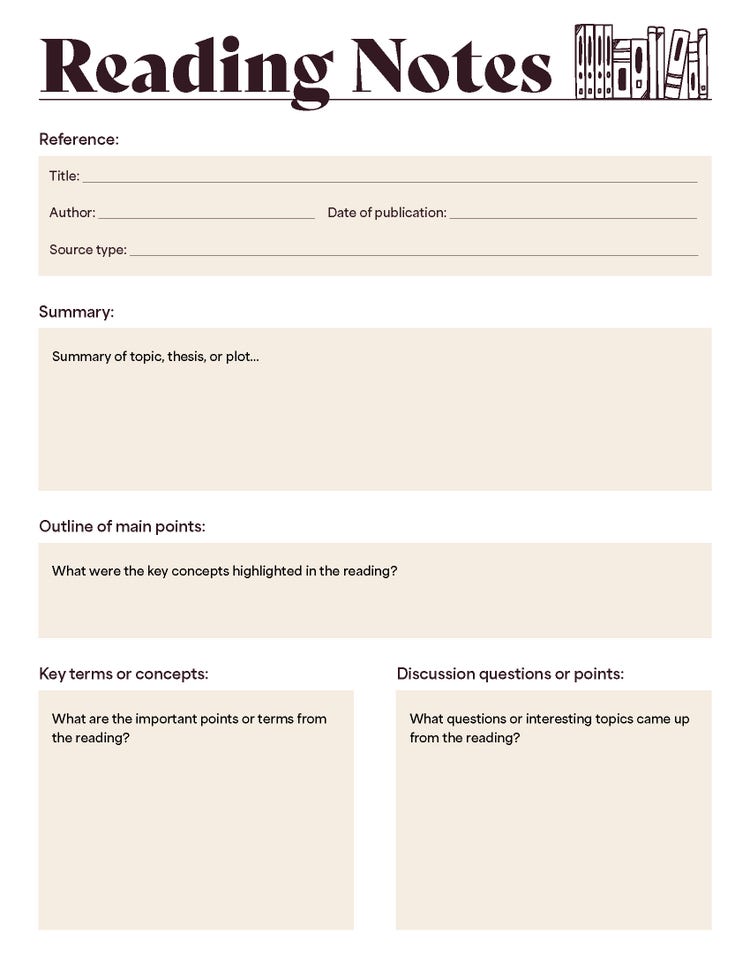
This method is particularly useful for topics that follow a logical sequence or have multiple levels of details. It helps students, professionals, and researchers break down complex subjects into main points, subpoints, and supporting details, making note-taking more efficient and organized.
By using the outline method, individuals can retain information more effectively, improve comprehension, and quickly reference key details when needed.
The Cornell Method note taking template.
Developed by students at Cornell, the Cornell Method is a way to take notes that leaves space for additional comments. This will create three sections on your Cornell note-taking template.
First, divide your page into sections:
- Draw a horizontal line two inches from the bottom of the page
- Draw a vertical line two and a half inches from the left edge of the page, stopping at the horizontal line
This will create three sections on your note-taking template.
Use the largest section on the right for taking notes and the smaller section on the left for adding keywords (called "cues") to label each thought in the notes section. Use the bottom section to summarize the page of notes.
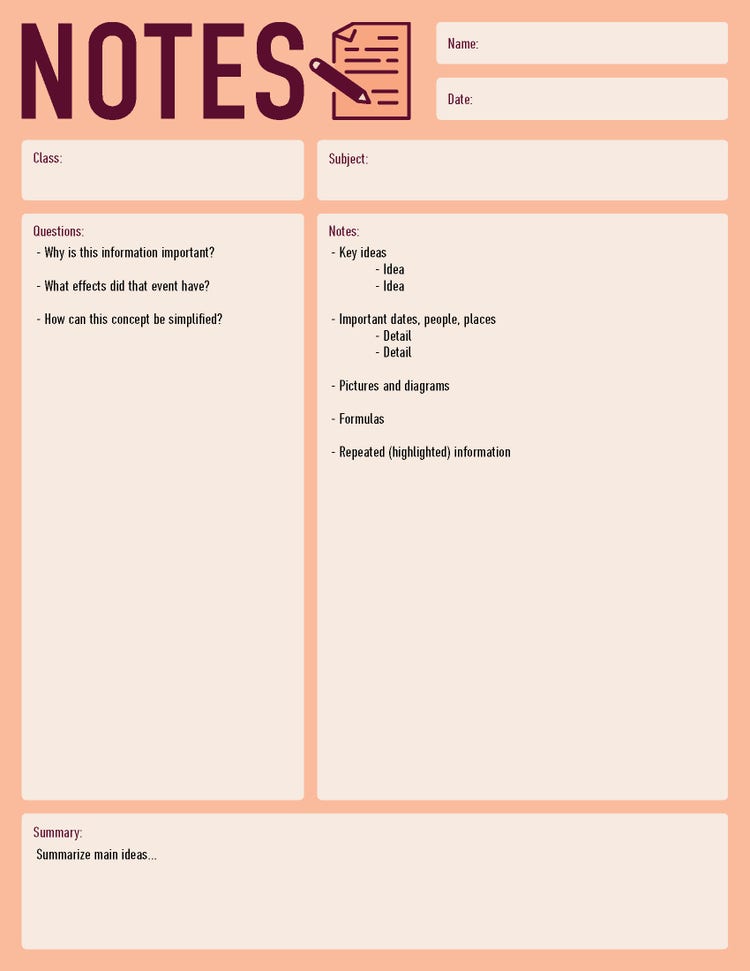
The Cornell method is a powerful note-taking system that is particularly valuable when you want to maintain a single organized space for both taking notes during lectures and actively engaging with the material afterward. It's ideal for use cases such as:
- Integrated learning environment. Keep class notes and study notes together in one structured page for easier review.
- Enhanced classroom engagement. Participate actively in discussions without being solely focused on transcription, allowing space for your thoughts and questions.
- Effective exam preparation. Practice summarizing key concepts, which is particularly useful for courses that require short-answer responses or essay writing.
- Self-testing and reflection. Use the cue column to formulate questions, facilitating self-quizzing and reinforcing learning after class.
- Efficient review sessions. The dedicated summary section helps consolidate what you've learned, making later revision more efficient.
By adopting the Cornell method, you create a versatile note-taking framework that not only captures the moment but also enhances long-term understanding and retention.
Mapping note taking template.
The Mapping Method of note taking links related ideas. It’s like a bubble map for your notes.
As you take your notes, draw lines between related content. The main idea of the information would go in the middle of the map, and all the related content would be in bubbles around it linked with lines. Continue creating lines and bubbles as needed to keep your information organized.
The Mapping Method is great for showing the relationships between information, but it can take up a lot of space on your page.
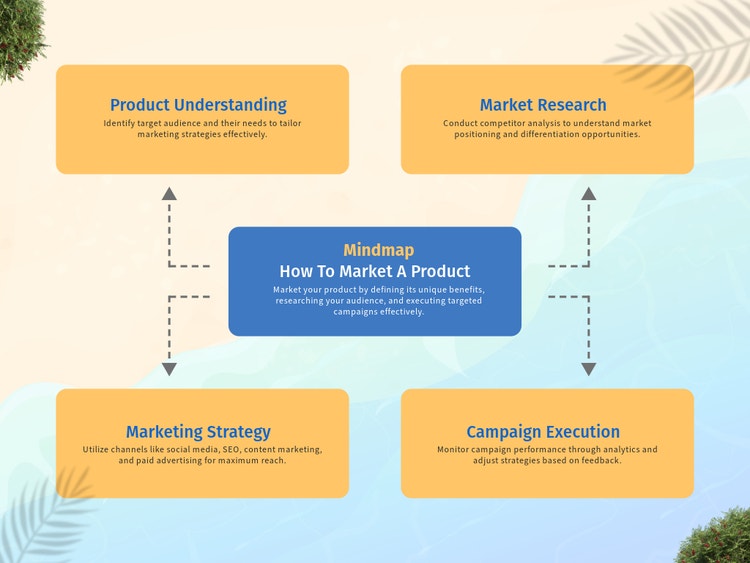
This approach is particularly useful when the lecture content is structured around a central theme with multiple interconnected categories and subcategories. A few use cases for the Mapping Method are:
- Focused lectures — ideal for classes where the lecture is detailed, well-organized, and revolves around a single main concept
- Complex concept breakdown — perfect when studying topics that branch out into several categories and subcategories, helping you visualize how everything connects
- Visual learning — suited for visual learners who benefit from diagrams and mind maps that illustrate relationships between ideas
- Brainstorming sessions — useful during group discussions or brainstorming activities where you need to capture and connect multiple ideas quickly
- Strategic planning — effective for planning projects or organizing thoughts in a structured, non-linear format, ensuring all aspects of a topic are covered
By employing the mapping method, you create a clear visual representation of the subject matter, which enhances comprehension and makes reviewing the material more intuitive.
The Chart Method notes.
The Charting Method is a structured note-taking technique that relies on tables to systematically arrange and summarize information.
This approach involves dividing a page into multiple columns and rows, with each column dedicated to a specific category and each row covering a particular topic. Think of it as creating a table similar to an Excel or Google Sheets document, where data is neatly organized, making it easier to compare, contrast, and review key points efficiently.
For example, if you’re learning about the history of music, you could label your headings:
- Date
- Genre
- Artists
- Impact
Then simply fill out the rows with the appropriate information. You can create new rows for different times periods, genres, or however you prefer to organize the information.
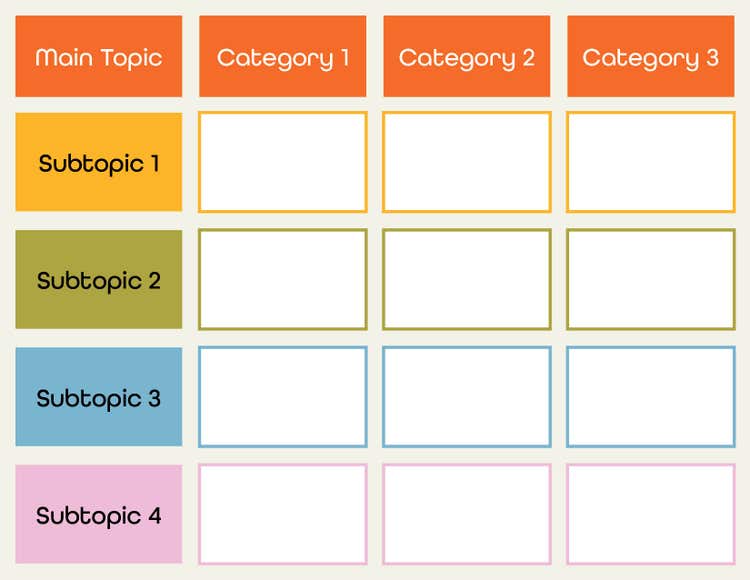
The Charting Method is a highly effective note-taking technique when you need to organize large amounts of information quickly and clearly. By structuring notes into a table format, this method is particularly useful for subjects that require memorization of facts, relationships, or categories, such as:
- Fact-based exams — ideal for tests that require memorization of key facts, comparisons, and relationships
- Fast-paced lectures — useful for courses where information is presented quickly, allowing you to efficiently categorize details as you take notes
- Minimal review time — helps reduce the need for heavy editing or reorganization, making study sessions more efficient
- Comprehensive course overview — provides a structured way to see an entire course’s key concepts in one place for quick revision
By utilizing the Charting Method, you create a clear, easy-to-scan resource that simplifies studying and enhances retention of essential information.
The Sentence Method notes.
With the Sentence Method of note taking, you simply write every new thought, fact, or topic in a complete sentence on a different line. Number your sentences as you go. This method is easy to use without a specific template in your processor of choice, like Microsoft Word or Google Docs. However, be sure to utilize a free meeting notes template as a starting point and to stay consistent.
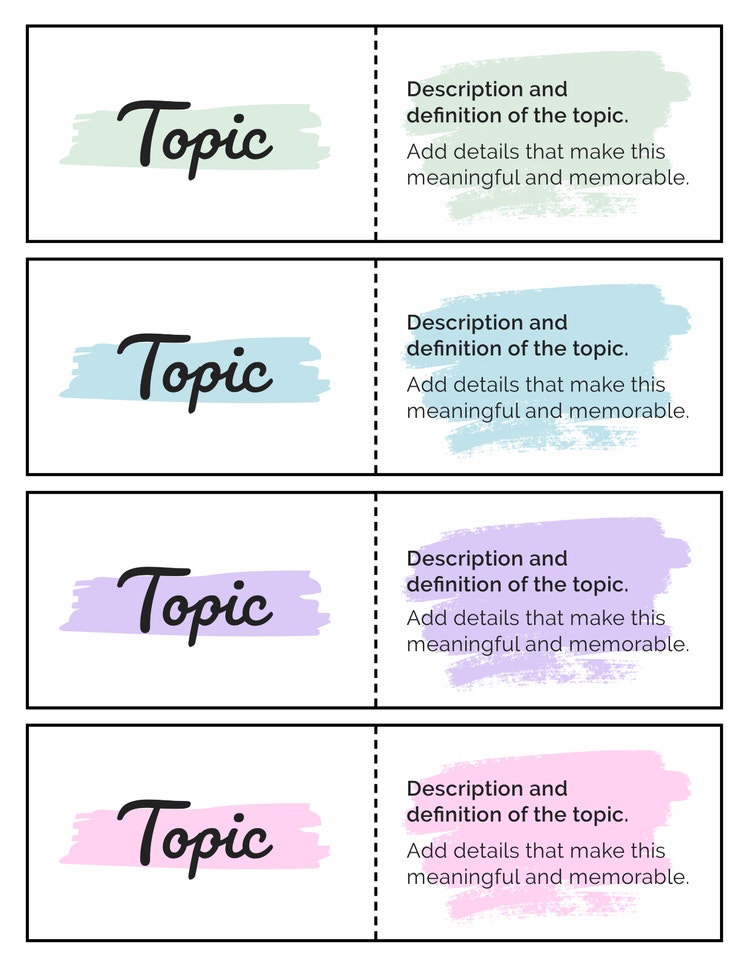
The Sentence Method is a note-taking approach that captures information in a straightforward, linear format. This method is ideal for situations where content is delivered quickly or does not follow a strict structure. Most commonly, the Sentence Method note taking template is used for:
- Rapid lectures — perfect for classes where information is delivered rapidly, allowing you to quickly jot down key points without worrying about structure
- Unstructured or free-flowing content — useful for courses or meetings that do not follow a clear outline, ensuring you capture all important details
- Detailed note-taking — ideal for subjects that require a lot of explanation, as it allows you to record complete thoughts and concepts
- Later summarization — provides a solid foundation for rewriting or condensing notes into a more organized format later
Templates for common situations
To help you apply note-taking methods effectively, here are tailored templates designed for common scenarios like lectures, meetings, and reading assignments. These templates streamline your note-taking process, ensuring you capture essential information quickly and stay organized regardless of the context. Using the right template for each situation boosts your productivity and retention, making your notes more actionable and easier to review.
Lecture Notes Template
- Topic
- Key ideas
- Examples
- Diagrams
- Summary
Meeting Notes Template
- Attendees
- Agenda
- Key decisions
- Action items
- Follow-up tasks
Reading Notes Template
- Title
- Author
- Summary
- Key concepts
- Quotes
- Questions
Save your note-taking template as a PDF.
No matter which of the note-taking templates you decide to use, it’s always a good idea to save your final notes as a PDF. PDF documents maintain your formatting no matter which device you use to open it. That means if you need to share your notes with coworkers, classmates, or anyone else, they’ll see your template exactly as you intended. Saving your notes as a PDF also allows you to quickly find information in your notes or summarize certain sections using Acrobat AI with AI prompts.
You can easily save your template document as a PDF or convert your template from Word to PDF online using a tool like Adobe Acrobat online services.
And if you need to add to your notes, you can quickly convert a PDF back to Word using nothing but your web browser.
Frequently asked questions.
Keep exploring