Introduction
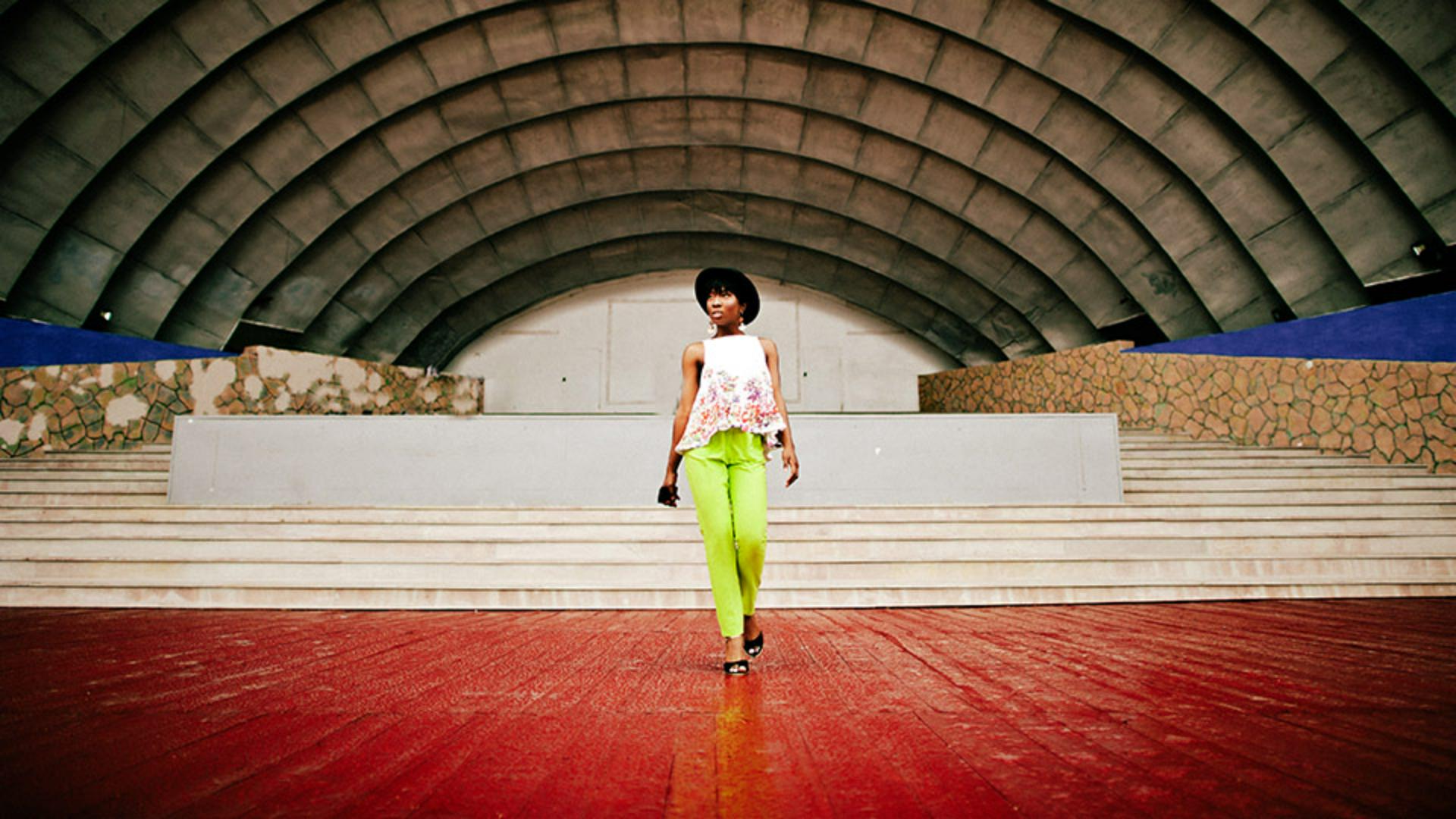
[Arabella Espinosa]: With Lightroom's new Film-Inspired presets, you can recreate a classic film look for your images in just a few taps.
Hi, I'm Arabella Espinosa, a creative photographer and Adobe Live regular working across portrait, street, and commercial photography.
In this quick tutorial, I'll show you where to find these presets in the Lightroom mobile app and how you can use them as a starting point to shape your own style.
Apply a Film-Inspired Preset
I'll be showing you the Film-Inspired presets in the Lightroom on mobile app, but they're also available in Lightroom on desktop, Lightroom on the web, and Lightroom classic.
First, open an image in Lightroom on mobile, then tap the icon of the two overlapping circles at the bottom of the screen to open the Presets panel.
From here, tap Premium and scroll through the preset groups until you find Style: Film-Inspired.
Tap into the group to preview the different looks.
Each one is designed to mimic classic film tones and textures.
Once you find the one you like, tap to apply it.
Adjust the strength of the preset
If the effect feels too strong or too subtle, you can easily adjust it.
Just tap the preset thumbnail again and use the Amount slider to control the intensity of the preset.
This lets you fine-tune the look so it complements your image instead of overpowering it.
Once you're happy with your adjustment, tap the Check icon on the bottom right.
Customize the result with your own adjustments
If you're curious about what changes were made, look for the small white dot under the Edit panels.
This indicates which settings have been adjusted by the preset.
You can tap into those panels to explore and tweak things like Light, Color, or Grain.
And remember, you don't have to stick with the preset as is; think of it as a starting point.
From here, you can continue editing to match your personal style or the mood you're going for.
For example, I'm going to adjust the Highlights and Shadows sliders to increase the overall contrast and add dramatic depth.
Save your own custom preset
If you modify the look of the image after you've applied a Film-Inspired preset and you like how that looks, you can save that look as a new preset.
To do that, tap the Presets icon again, then tap the three dots on the top right and choose Create preset.
On the next screen, you can choose which settings to save with the preset.
I'll leave these as is.
Give the preset a name and tap the Checkmark to create it.
You can find your new preset in the Yours section under User Presets.
And that's it!
An easy way to bring a classic film look into your photos, as well as modify that look and save your own preset.