Learn how to create a movie title sequence by manipulating assets from Adobe Illustrator using Cinema 4D Lite in Adobe After Effects.

Nik Hill of Territory Studio uses Adobe Creative Cloud tools to create UI screen graphics and titles for popular films such as Avengers: Age of Ultron (see how , 4 min) — and you can too. Nik walks you through the steps to remix your own Hollywood-style movie title using afictional title sequence made by Territory for the OFFF Cincinnati design conference. Make it your own using the features and services in Creative Cloud.
In this tutorial, you will learn how:
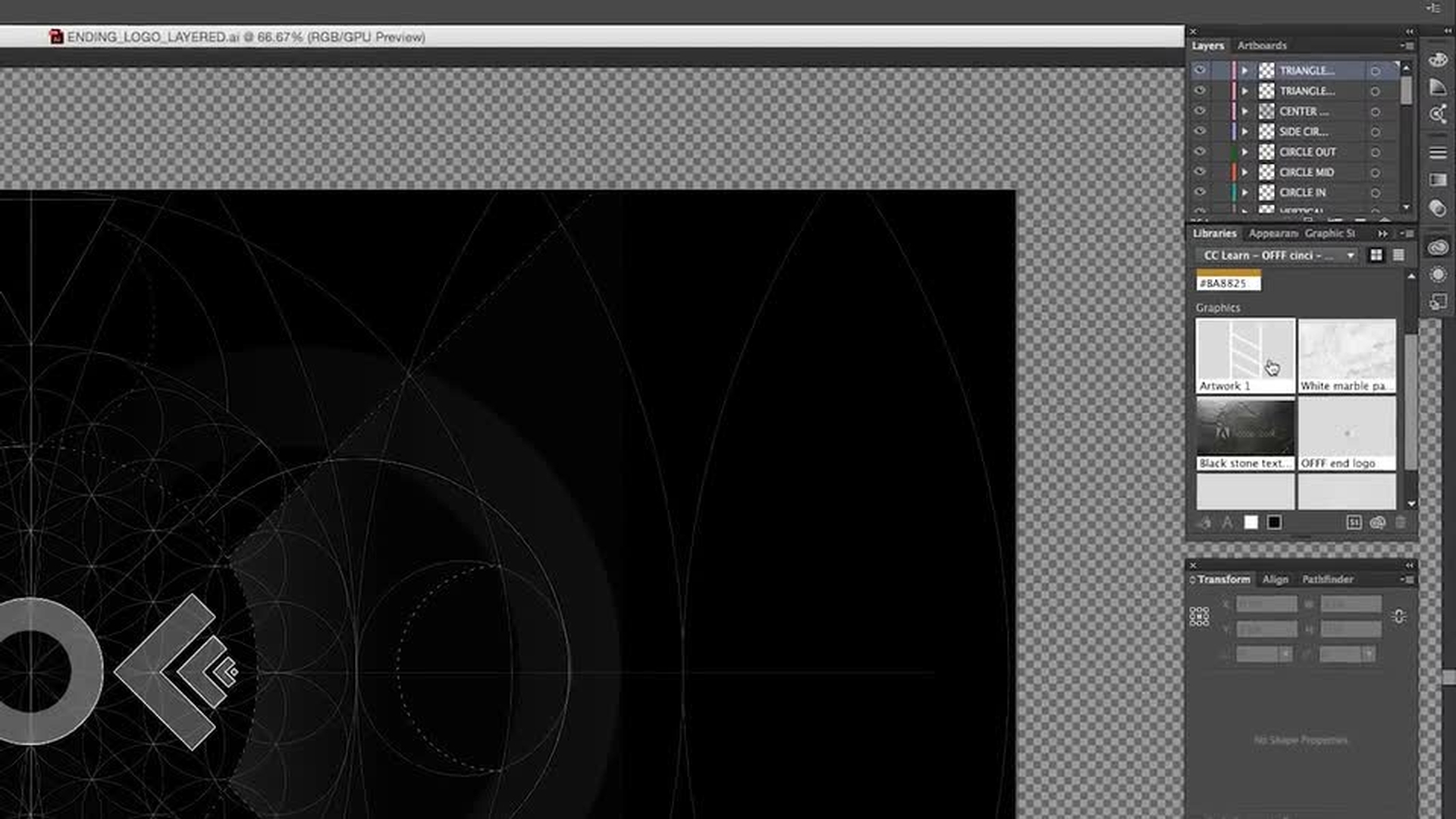
Creative Cloud Libraries help you share graphical elements between Adobe applications such as Illustrator and After Effects.
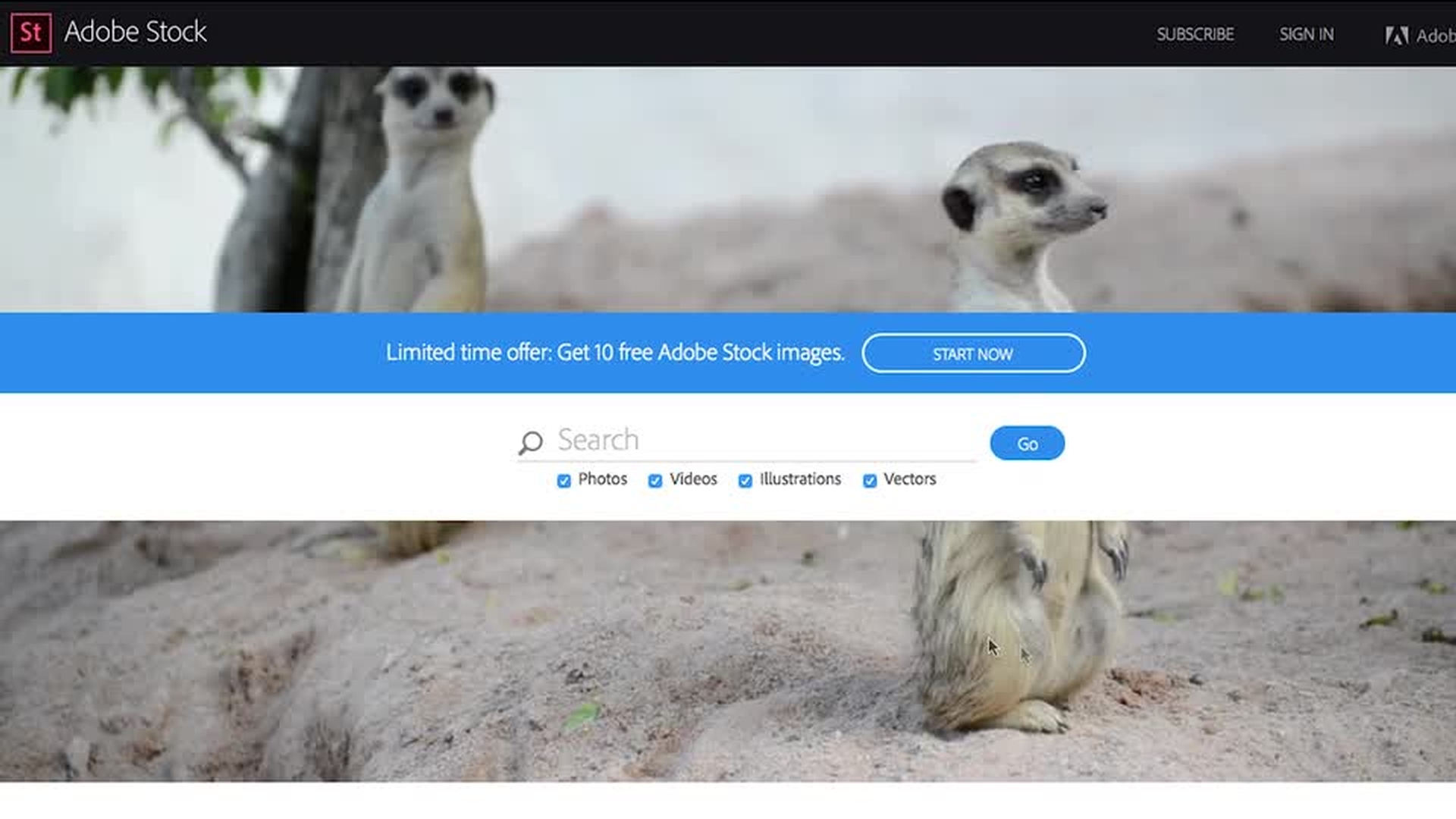
Adobe Stock integration with After Effects gives you a wealth of options to create your own look with over 50 million curated images and videos.
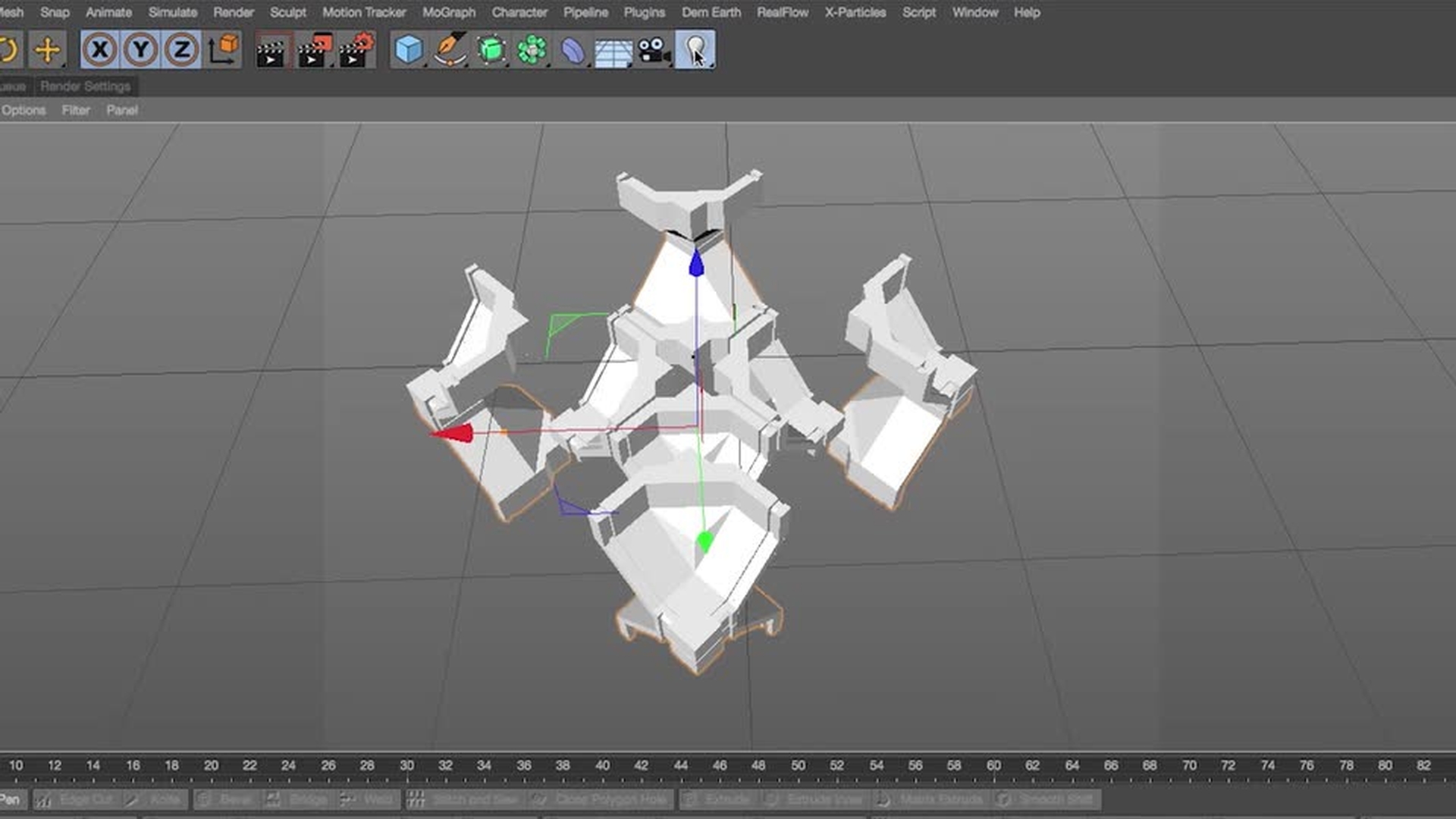
Creating and manipulating an object in 3D isn’t as hard as you think when using After Effects and Maxon Cinema 4D. (Cinema 4D Lite is included with After Effects.)
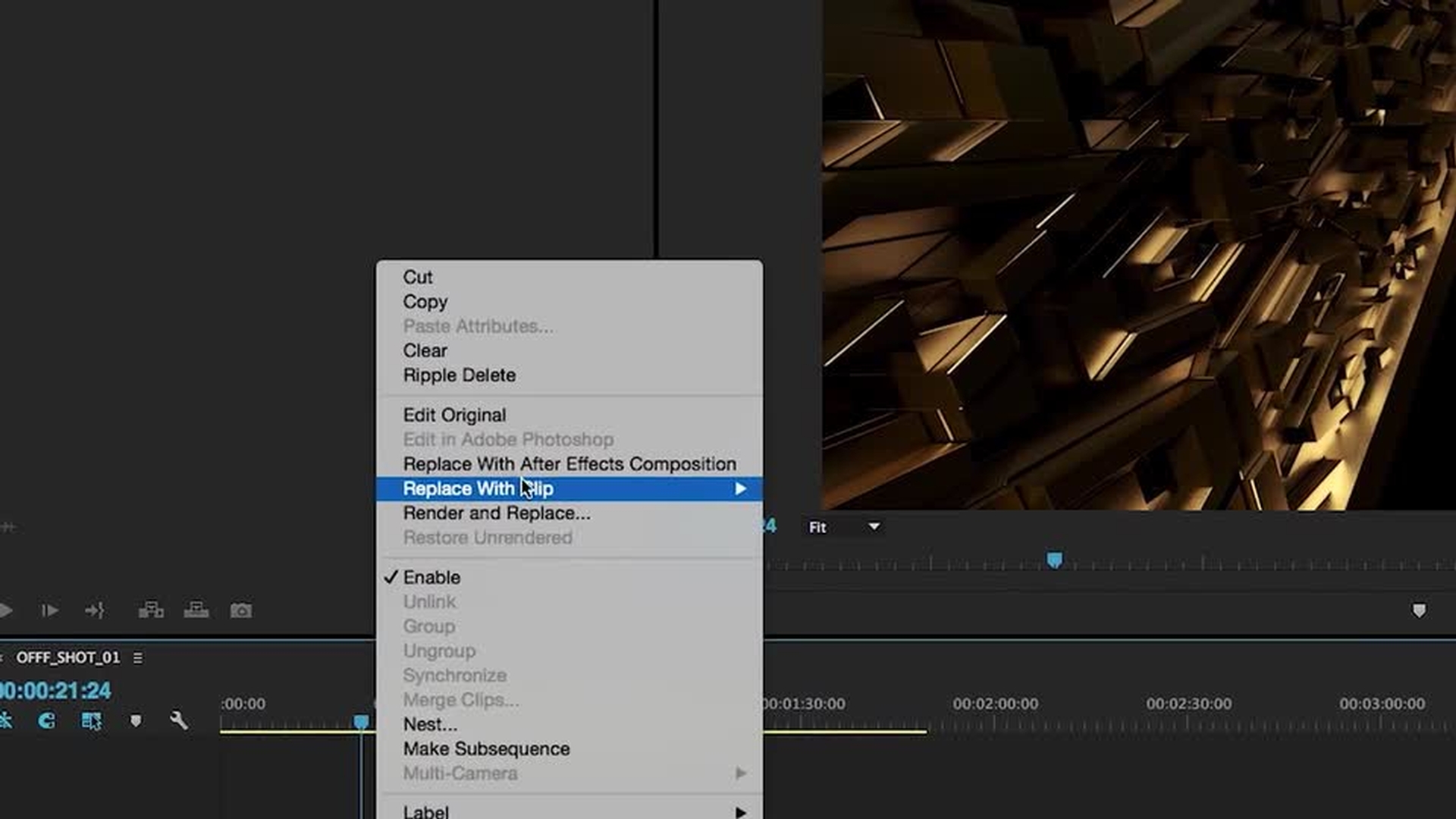
Working between Premiere Pro and After Effects is seamless when using Dynamic Link.
Behance can share your creativity with other like-minded Creative Cloud users and potential employers.
Share Illustrator assets with After Effects using CC Libraries
In this video, you’ll get an overview of the sample assets available with this tutorial. As an example of sharing the assets, you can customize the font in Illustrator, add the vector graphic to your CC Libraries panel, see it appear in After Effects, and then import it into your project.
2
Customize the background with Adobe Stock
Once you’ve downloaded the assets provided with this tutorial, you can either begin to populate your own After Effects project or pick one of the shots to use as a base and start remixing.
In this video, you’ll see how easy it is to download an image from Adobe Stock to use as a background for your scene. When you find an image you like, click the cloud icon to save it to your preferred library. To import it into your project, right-click the thumbnail in the Libraries panel and chose Import. Images and footage are watermarked prior to purchase.
3
Manipulate a Cinema 4D file in Cinema 4D Lite
Inside the folder supplied with this tutorial you will find a subfolder titled 3D PROJECTS. The OFFF SEGMENTS LOWPOLY file contains the geometric OFFF logo that we used to create the movie title.
In this video, you’ll see one way to approach your remix. Take a segment of this geometry and manipulate it using the MoGraph module in Cinema 4D Lite, included with After Effects. Add a light source to the scene and then add some materials to your model. After rendering it, pull your newly generated asset into After Effects and composite it over your stock image.
4
Work between After Effects and Premiere Pro with Dynamic Link
In this video, you’ll see how easily you can link your Premiere Pro clips and After Effects compositions using Dynamic Link — making use of the editing capabilities of Premiere Pro while developing your motion graphics sequence and making use of the effects and presets in After Effects.
For example, you can add animated typography over the top of your footage, while still leaving flexibility to move the element around in the timeline.
5
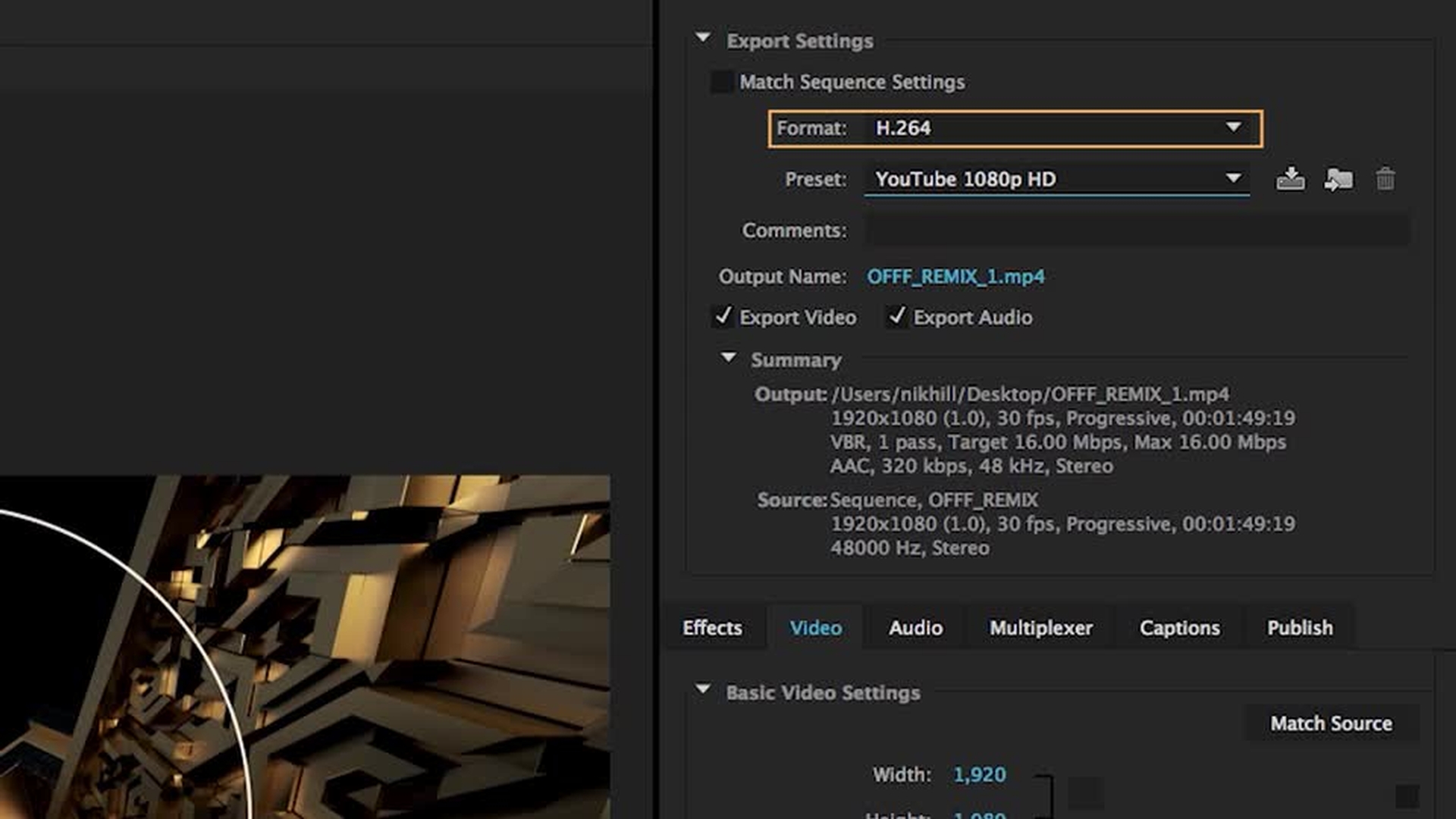
Export the video with Media Encoder and show it on Behance
In this video, you’ll learn how to use Media Encoder to export your After Effects and Premiere Pro projects.
Set up a portfolio on Behance to showcase your work. Upload your remix to Vimeo or YouTube and then use the generated embed code in your Behance portfolio.

You can control how Adobe websites use cookies and similar technologies by making choices below. But note that if you disable cookies and similar technologies entirely, Adobe websites may not function properly.
Cookies are small text files stored by your web browser when you use websites. There are also other technologies that can be used for similar purposes like HTML5 Local Storage and local shared objects, web beacons, and embedded scripts. These technologies help us do things like remembering you and your preferences when you return to our sites, measure how you use the website, conduct market research, and gather information about the ads you see and interact with.
You can make choices in the menu below about what cookies and other technologies you want us to use on Adobe sites when you visit them from this browser. You can always change those choices later by clicking on the Cookie Preferences link at the bottom of the page.
If enabled:
We can improve your experience by tailoring the site and the content to things we think might be of interest
We can better keep track of your preferences — like what language you prefer to use
We will better understand your likely interests so we can provide you more relevant Adobe ads and content on non-Adobe websites and in non-Adobe apps
It will help us improve the performance of our website and those of our partners who use the Adobe Experience Cloud
If disabled:
We won’t be able to remember you from session to session so the experience may not be tailored to your interests
You’ll still have access to the content of the site but certain features that depend on cookies may not function
You’ll still see ads, they just may not be as relevant to you
General information
You can control how Adobe websites use cookies and similar technologies by making choices below. But note that if you disable cookies and similar technologies entirely, Adobe websites may not function properly.
Cookies are small text files stored by your web browser when you use websites. There are also other technologies that can be used for similar purposes like HTML5 Local Storage, web beacons, and embedded scripts. These technologies help us do things like remembering you and your preferences when you return to our sites, measure how you use the website, conduct market research, and gather information about the ads you see and interact with.
You can make choices in the menu below about what cookies and other technologies you want us to use on Adobe sites when you visit them from this browser. You can always change those choices later by clicking on the Cookie Preferences link at the bottom of the page.
If enabled:
We can improve your experience by tailoring the site and the content to things we think might be of interest
We can better keep track of your preferences — like what language you prefer to use
We will better understand your likely interests so we can provide you more relevant Adobe ads and content on non-Adobe websites and in non-Adobe apps
It will help us improve the performance of our website and those of our partners who use the Adobe Experience Cloud
If disabled:
We won’t be able to remember you from session to session so the experience may not be tailored to your interests
We’ll still count your use of our site and services
You’ll still have access to the content of the site but certain features that depend on cookies may not function
You’ll still see ads, they just may not be as relevant to you
Operate the site and core servicesOperate site and measure engagement
Always active
These cookies are required, and they are used to enable the site and related services core functionality. Without them the site could not operate, so they cannot be disabled.
These cookies enable the site and related services’ core functionality and collect statistics about user engagement, such as counting active use to help us understand trends. These cookies cannot be disabled.
Measure performance
These cookies are used to analyze site usage to measure and improve performance. Without them Adobe cannot know what content is most valued and how often unique visitors return to the site, making it hard to improve information we offer to you.
These cookies are used to analyze site usage to measure and improve performance. Without them Adobe cannot know what content is most valued, making it hard to improve information we offer to you.
Extend functionality
These cookies are used to enhance the functionality of Adobe sites such as remembering your settings and preferences to deliver a personalized experience; for example, your username, your repeated visits, preferred language, your country, or any other saved preference.
Personalize advertising
These cookies are used to enable Adobe and our partners to serve ads more relevant to your interests. Without them you will still see ads, but they might not be as relevant to you.