https://main--federal--adobecom.aem.page/federal/assets/svgs/photoshop.svg {{adobe-photoshop}}

There’s only one Photoshop.
Astonishingly powerful and precise, Photoshop is the industry choice for image transformations, graphic design, and visual art.
mas-field: ACOM-CC / Headless / Individual / com / Photoshop → Short Description
mas-field: ACOM-CC / Headless / Individual / com / Photoshop → prices
{{annual-paid-monthly-geo-ip}}
mas-field: ACOM-CC / Headless / Individual / com / Photoshop → description
mas-field: ACOM-CC / Headless / Individual / com / Photoshop → ctas[Free trial - segmentation - modal] mas-field: ACOM-CC / Headless / Individual / com / Photoshop → ctas[See Plans]
mas-field: ACOM-CC / Headless / Individual / com / Photoshop → Callout text
mas-field: ACOM-CC / Headless / Individual / com / Photoshop → Short Description
mas-field: ACOM-CC / Headless / Individual / com / Photoshop → prices
{{annual-paid-monthly-geo-ip}}
mas-field: ACOM-CC / Headless / Individual / com / Photoshop → description
mas-field: ACOM-CC / Headless / Individual / com / Photoshop → ctas[Free trial - segmentation - modal] mas-field: ACOM-CC / Headless / Individual / com / Photoshop → ctas[See Plans]
mas-field: ACOM-CC / Headless / Individual / com / Photoshop → Callout text
Core capabilities
Transform images with the app that sets the standard.
From advanced editing features to cutting-edge creative AI, discover why Photoshop is trusted by pros worldwide.
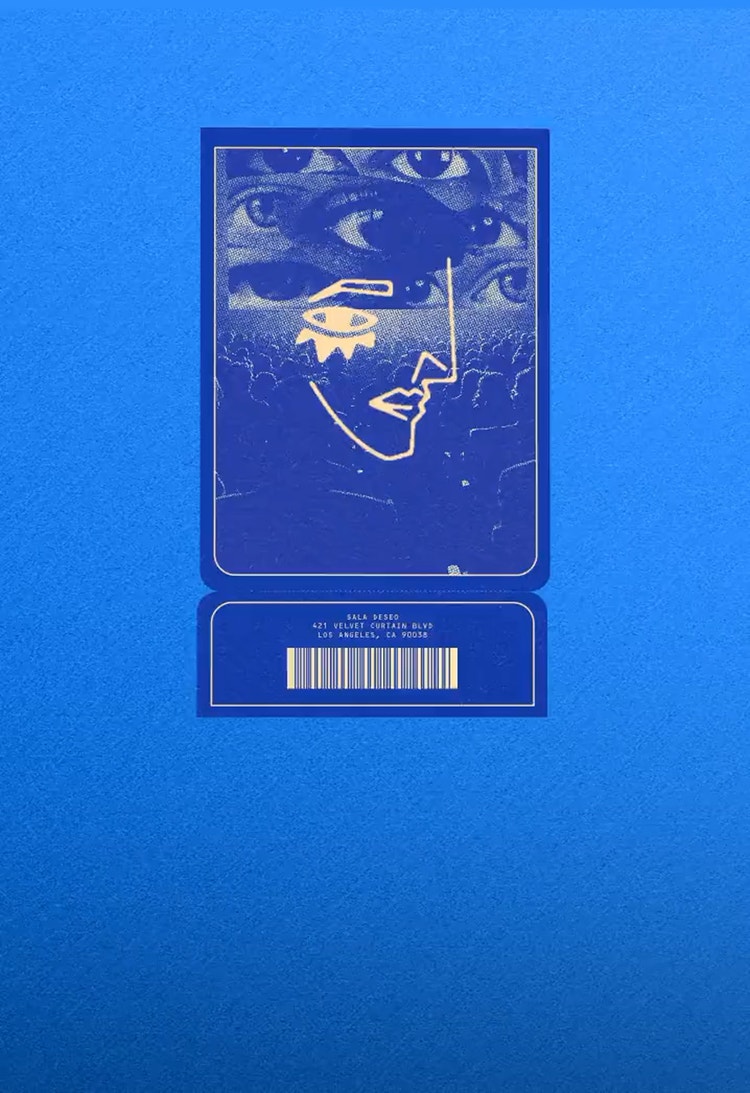

Create complex composites.
Combine images with unlimited layers, blend modes and AI features to merge elements that match lighting, shadows and perspective.
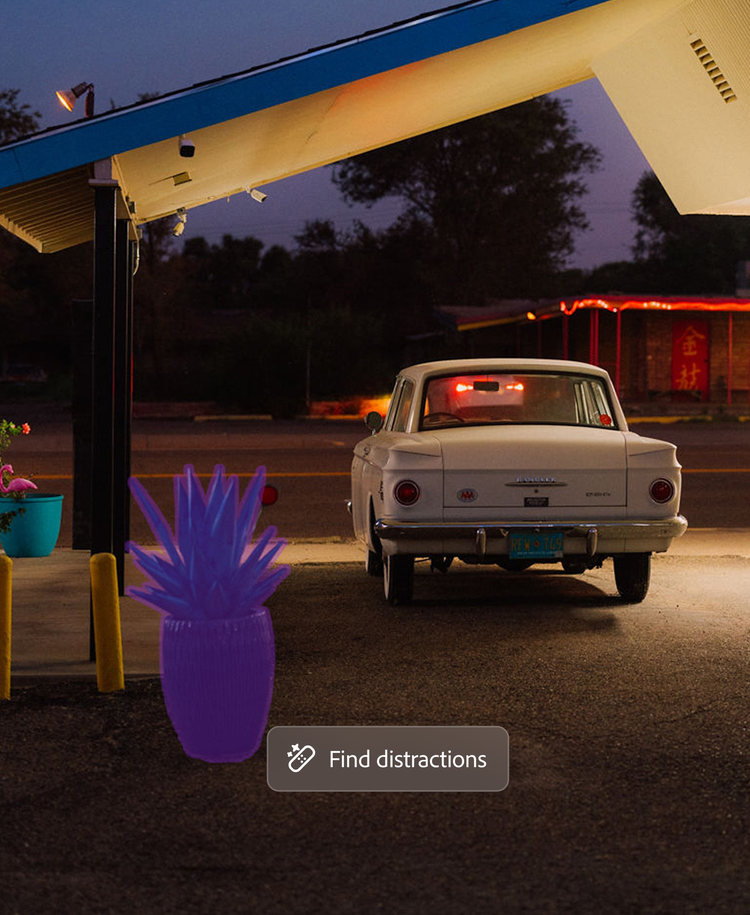
Edit with a powerful set of tools.
Refine images with AI-powered removal tools, advanced colour grading, tone and exposure control, non-destructive adjustment layers and Camera RAW.
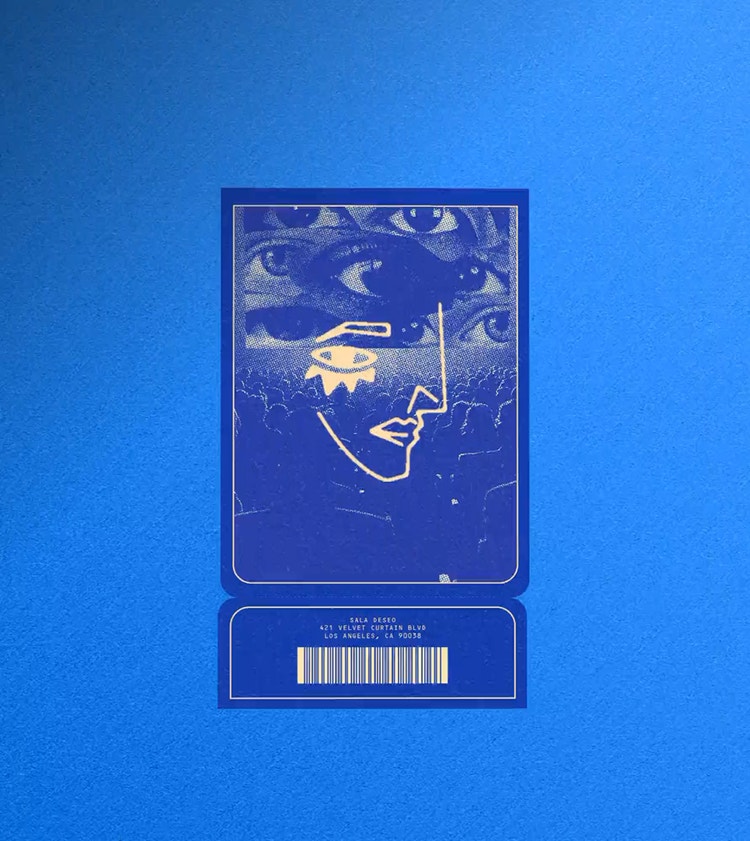

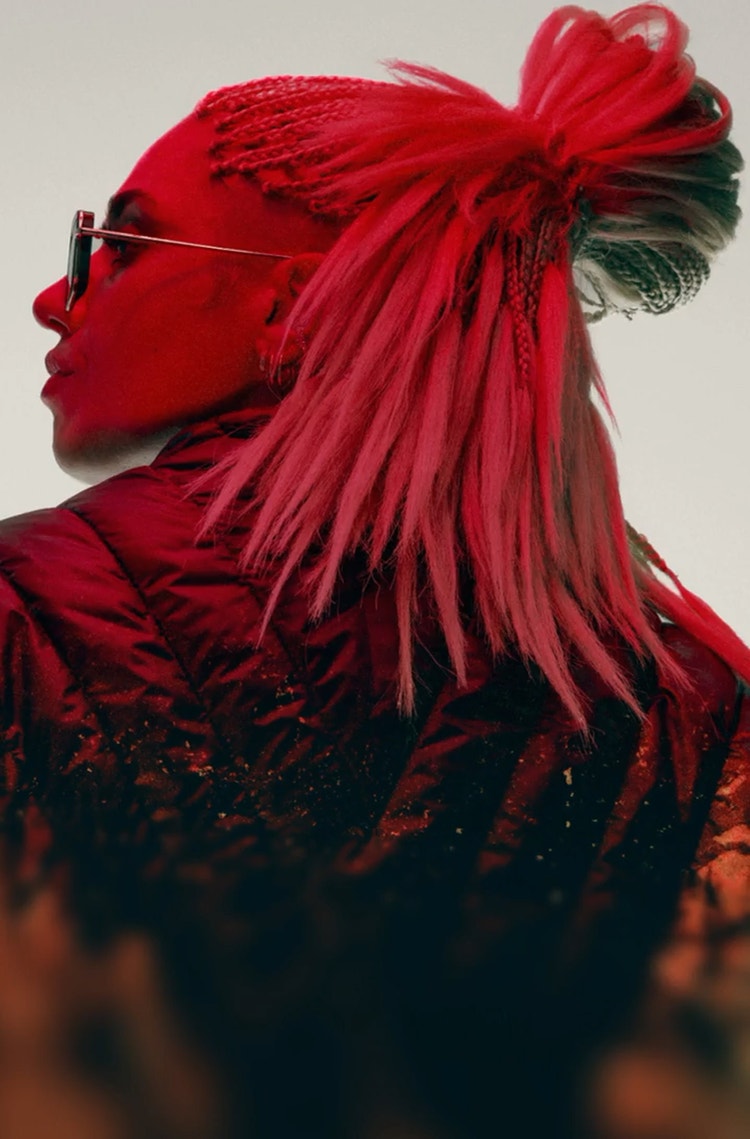
Perfect every pixel.
Retouch any image with industry-leading capabilities to heal, clone, remove and refine details while preserving natural texture.
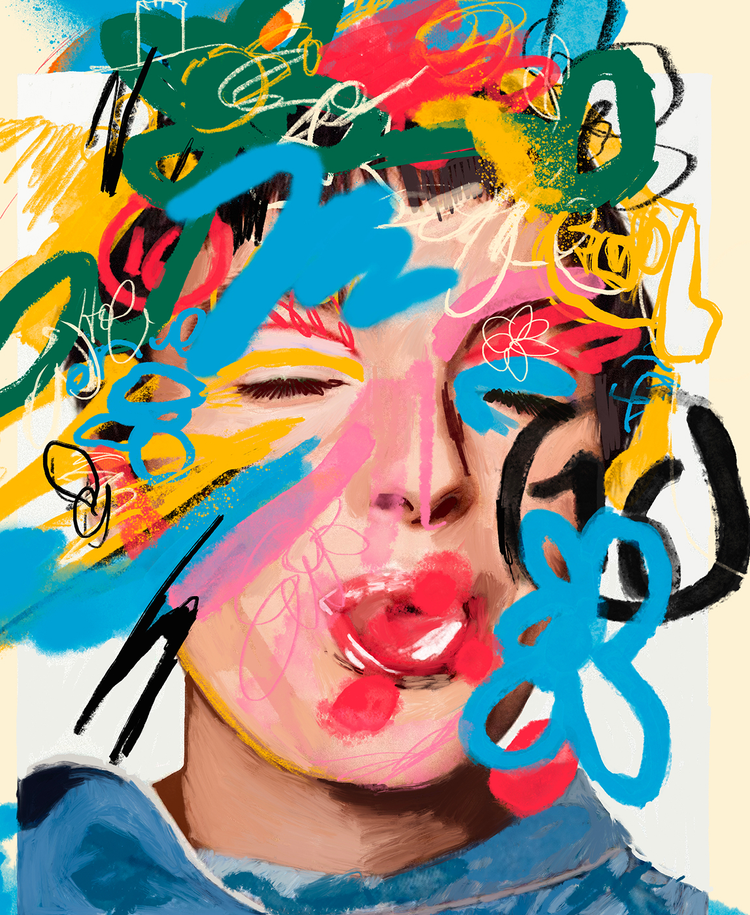
Create stunning artwork.
Tap into a robust library of customisable brushes, pattern and gradient tools and pixel-level control for illustration, concept art and lettering.
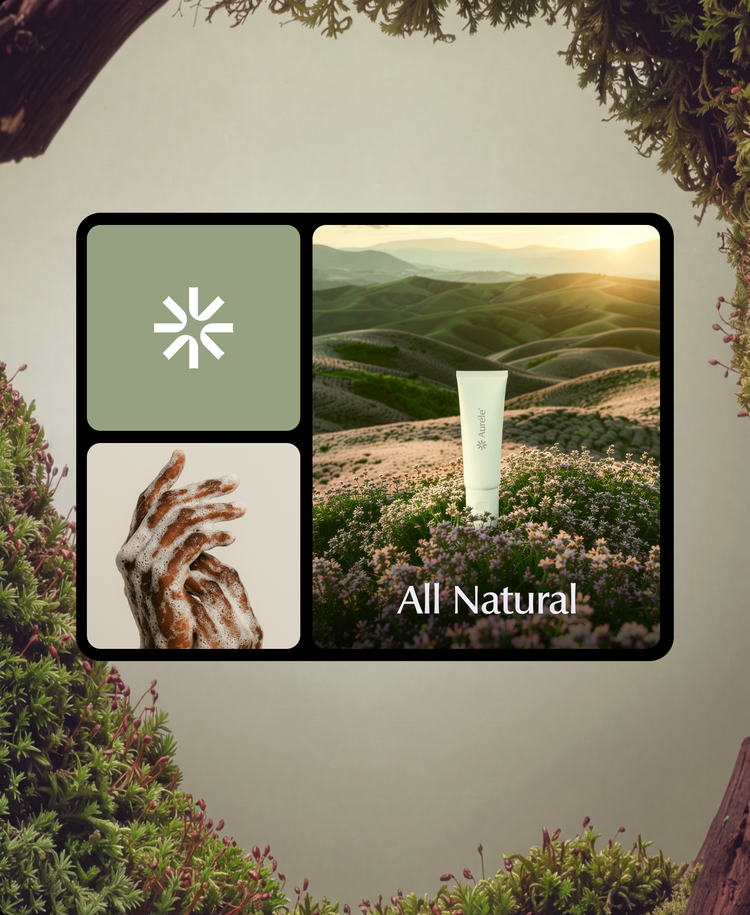
Design elevated graphics and layouts.
Create visual assets, mockups and graphics with pro fonts, vector shapes, artboards, Smart Objects and libraries to store your assets.
Make pinpoint selections.
Use smart selection and masking tools to isolate any subject, background, hair or complex edge with maximum control for clean results.
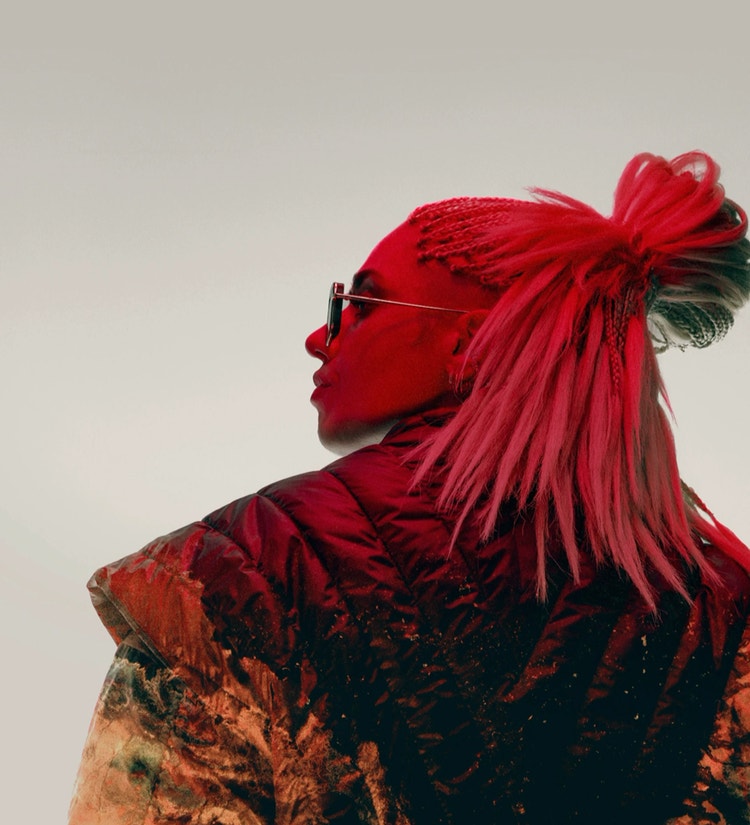
Firefly creative AI
The smartest {{photoshop}} ever.
Speed through routine edits and transform and refine images with Firefly creative AI, built right into Photoshop. Designed by creatives for creative work.
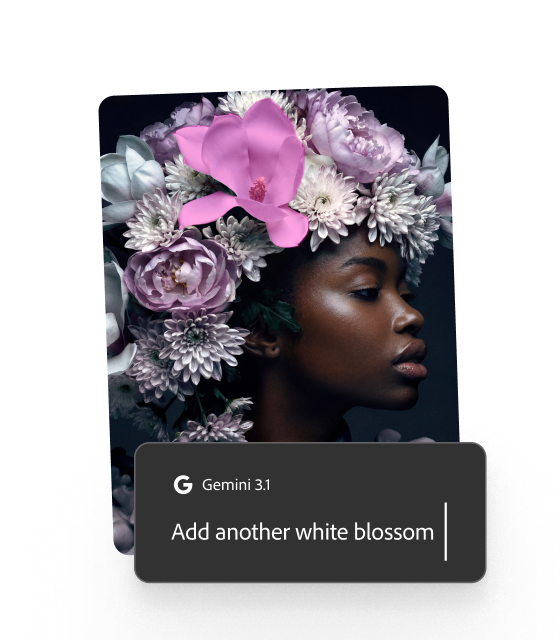
Edit images with prompts.
Describe your edits to easily add, remove and adjust content with Generative Fill and realistically extend images in any direction with Generative Expand.
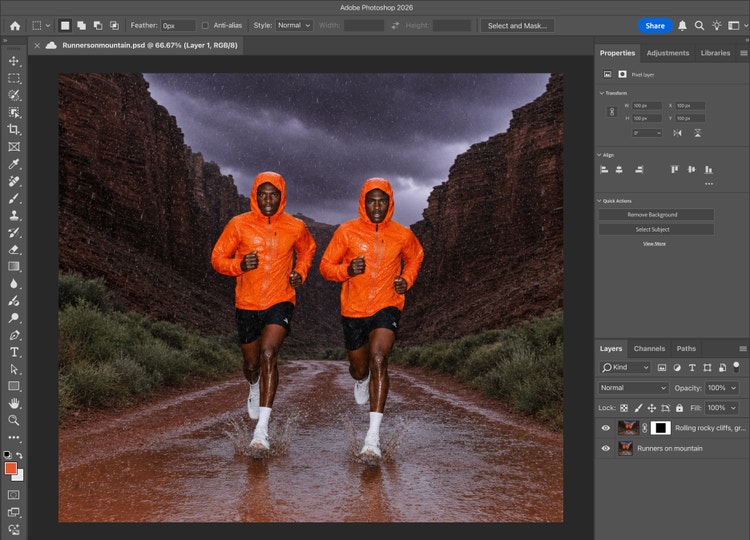
Create with top AI models.
Take ideas further, faster with leading AI models including Nano Banana Pro, FLUX models and Firefly Image 5 — all integrated within Photoshop.
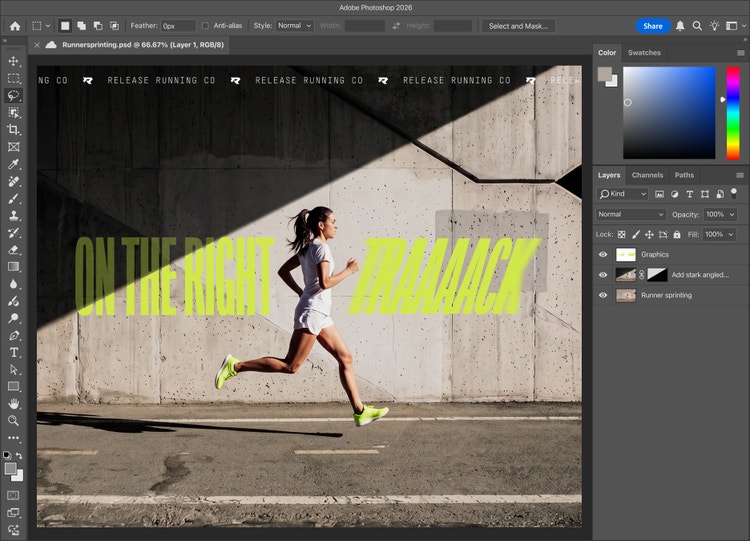
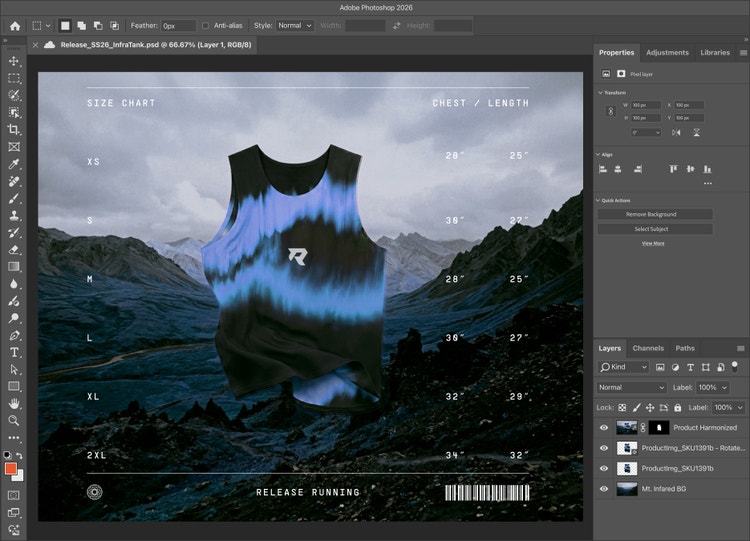
Build scenes quickly.
Tilt, rotate and scale objects in real time without rebuilding all the details with Rotate Object, then use Harmonise to easily blend new elements into any scene.
Upscale images.
Improve resolution, image quality and detail sharpness with Generative Upscale using AI models from Firefly and Topaz Labs.
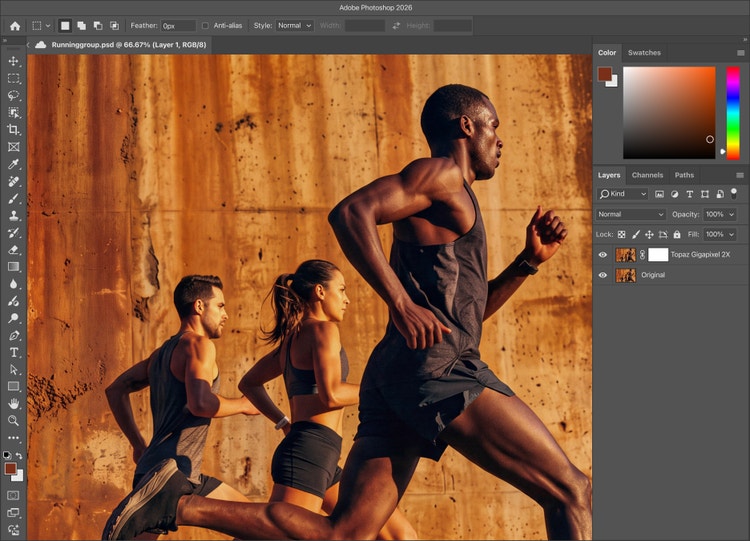
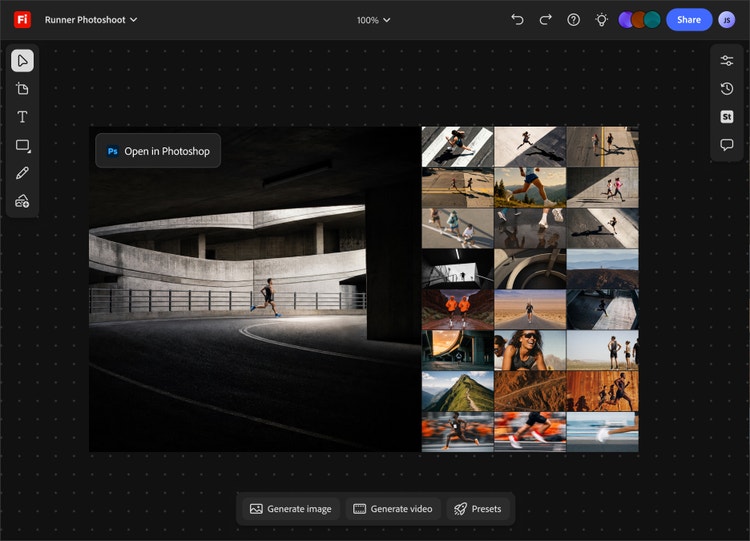
Move seamlessly from concept to client-ready.
Explore ideas, generate variations and align creative directions with FIrefly Boards, then refine hero images with advanced tools in Photoshop.
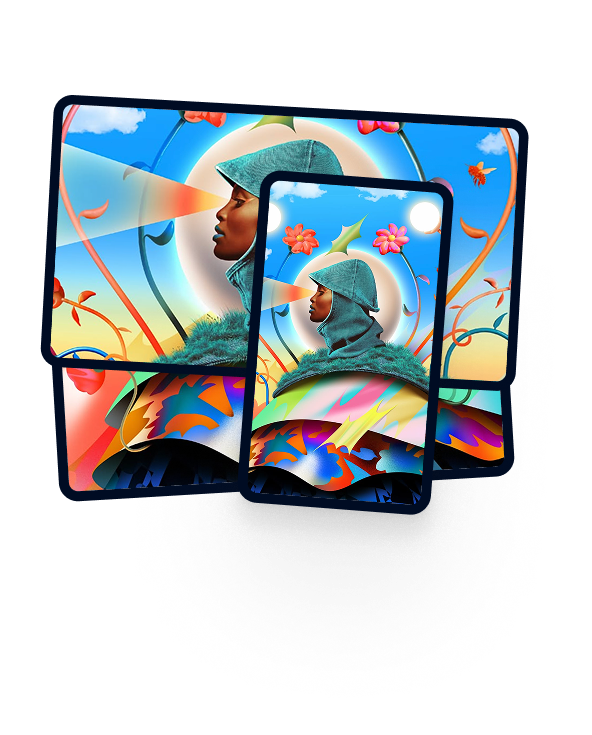
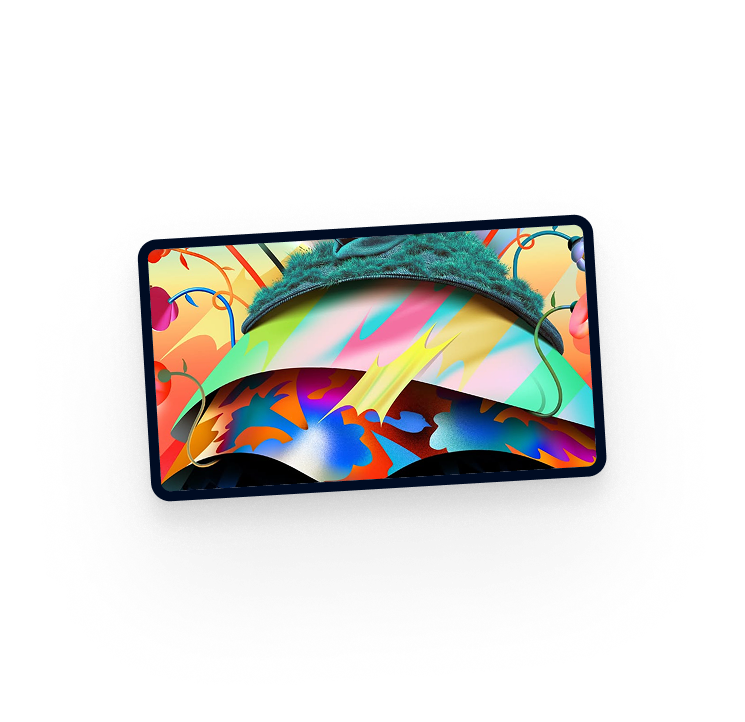
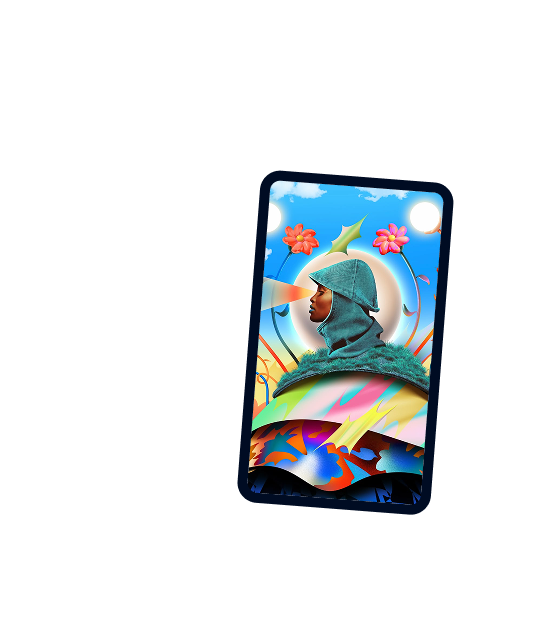
{{photoshop}} is more than just an app.
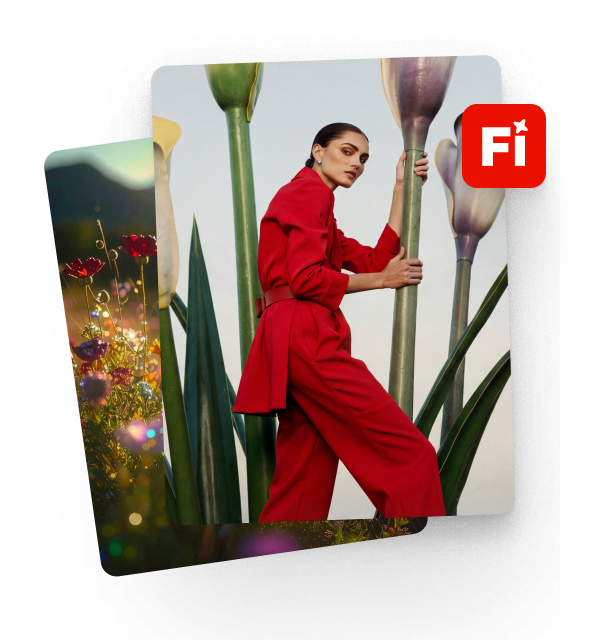


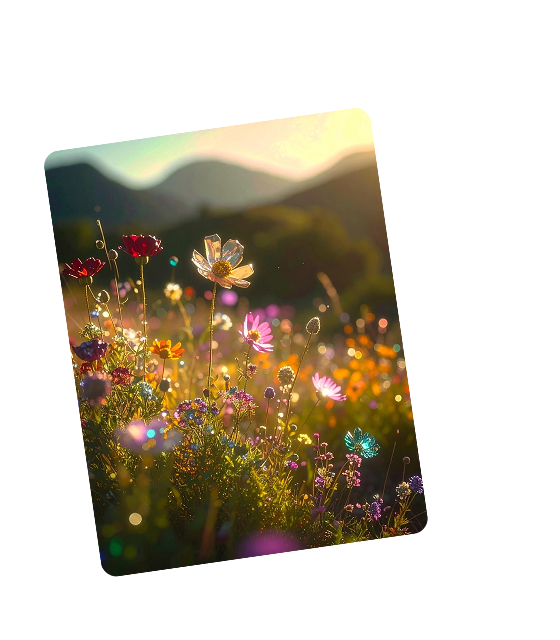
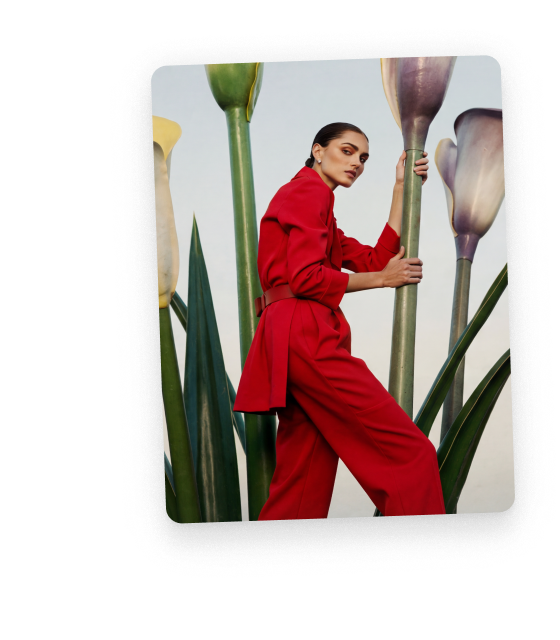
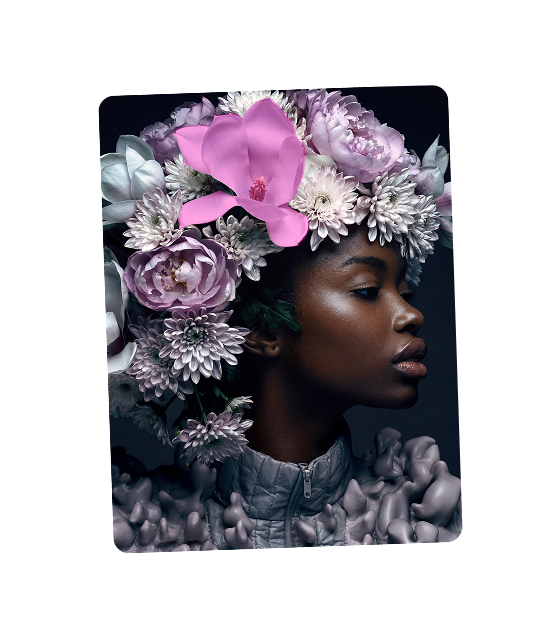




Features and releases
Explore what’s new in Photoshop.
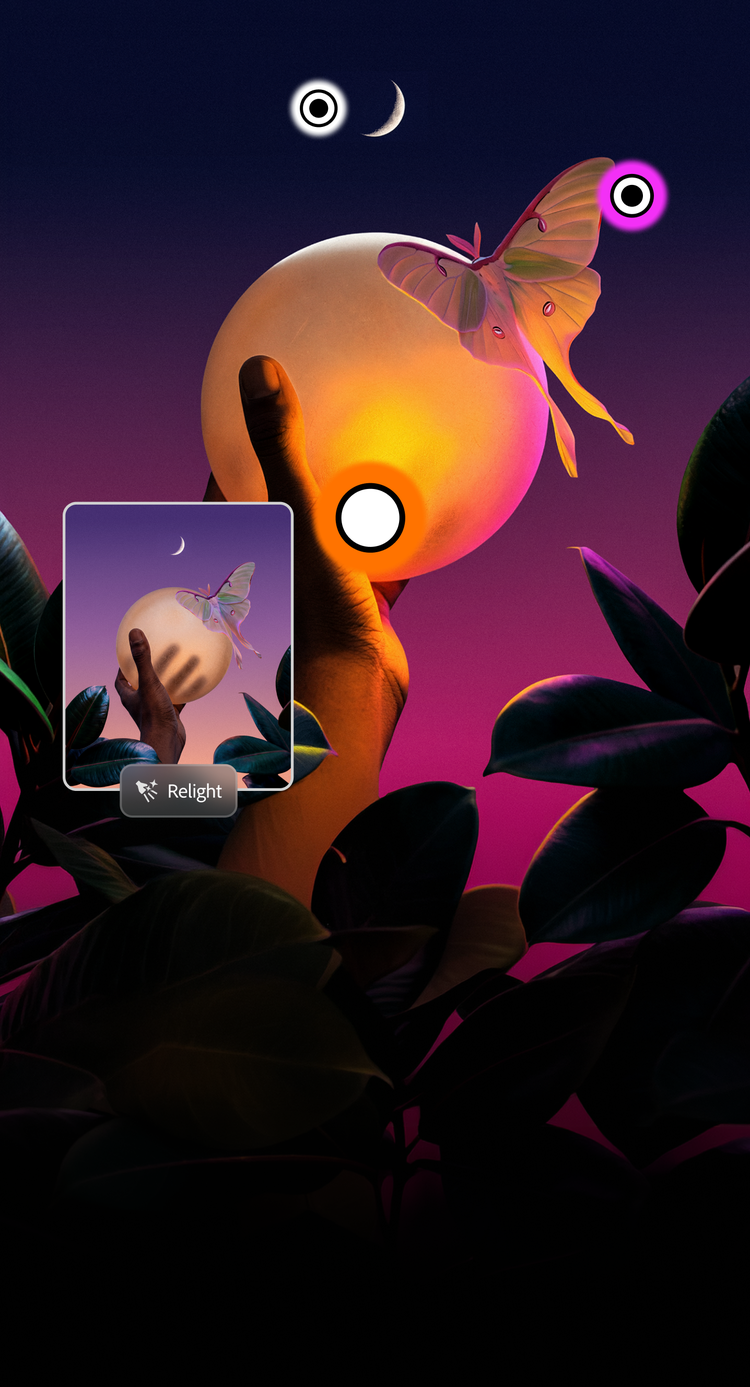
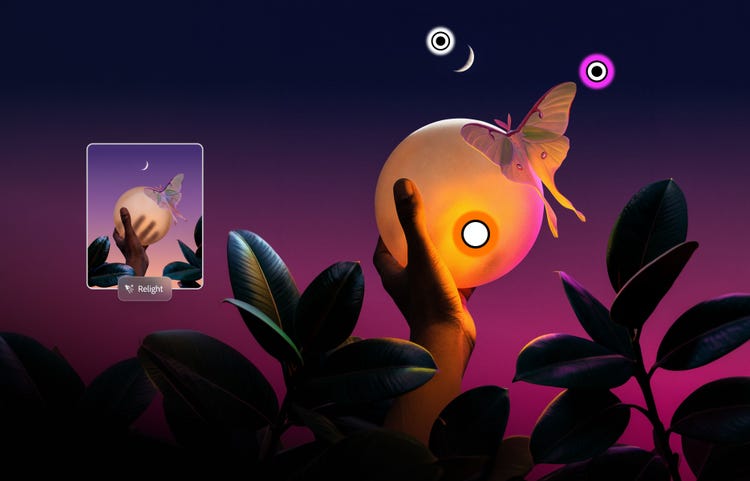
Put your image in a whole new light.
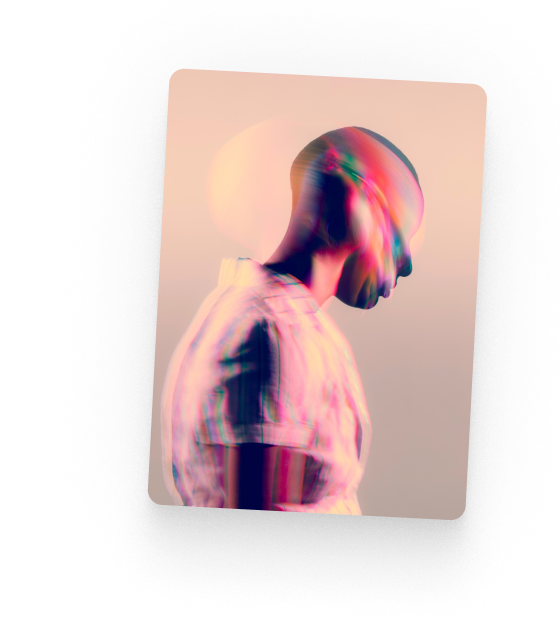
Add lighting with Relight for full control over the position, colour, intensity and more — all with non-destructive edits.
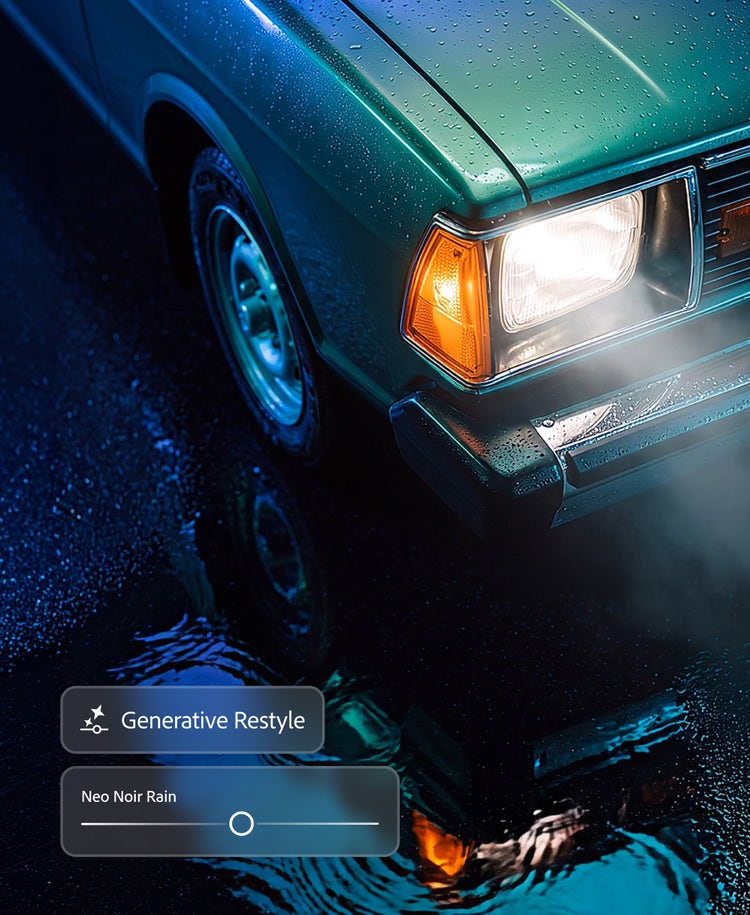
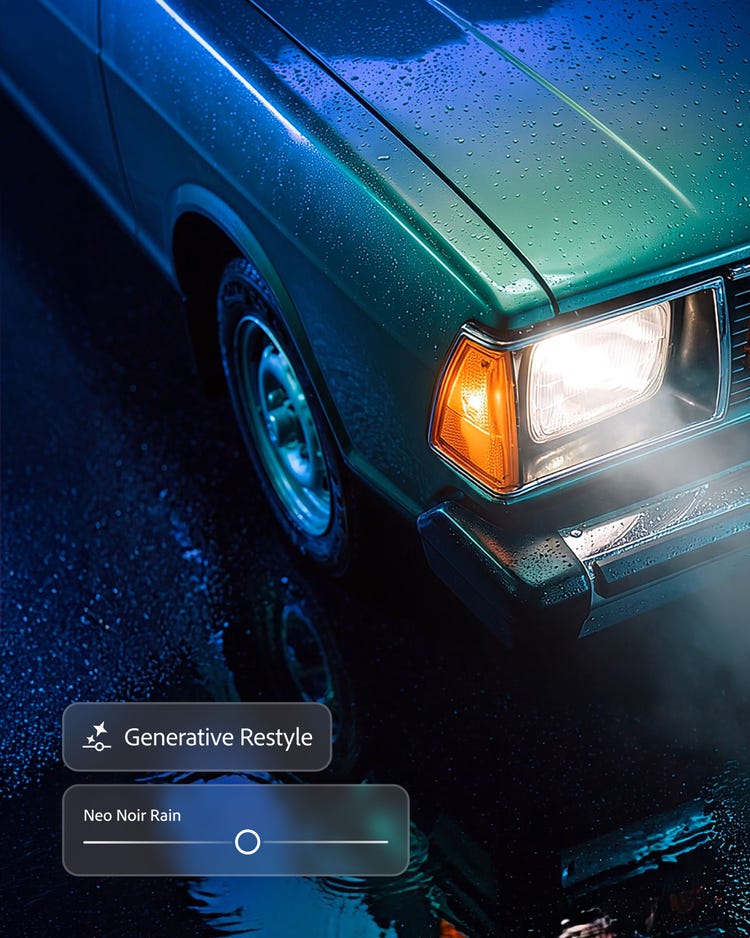
Explore new directions with precise control.
Transform images in your edit with Generative Restyle. Create customised sliders to direct lighting, colour and more.
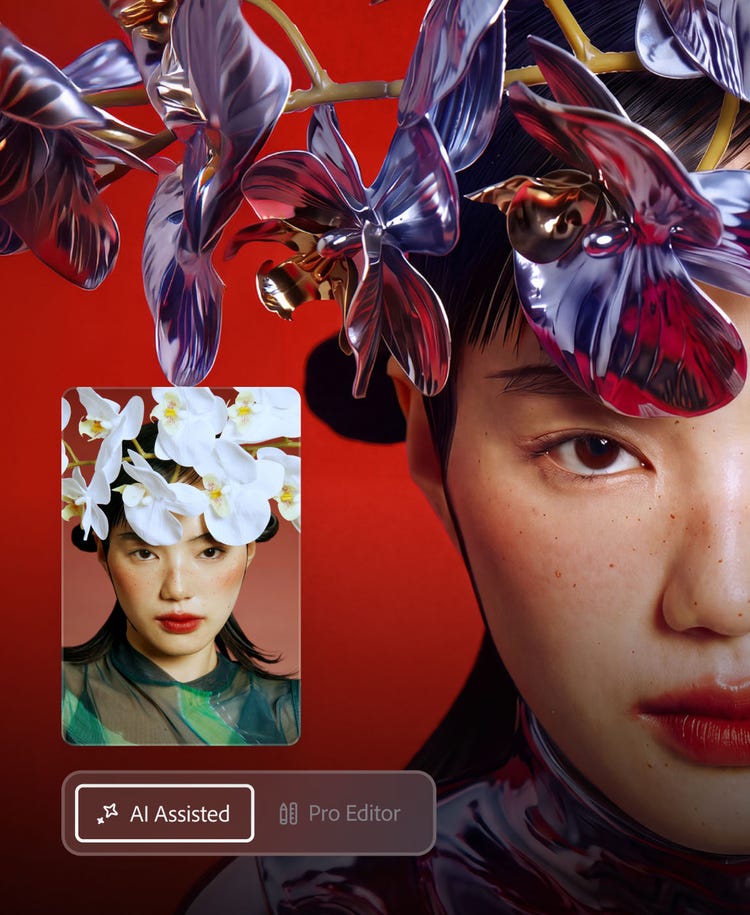
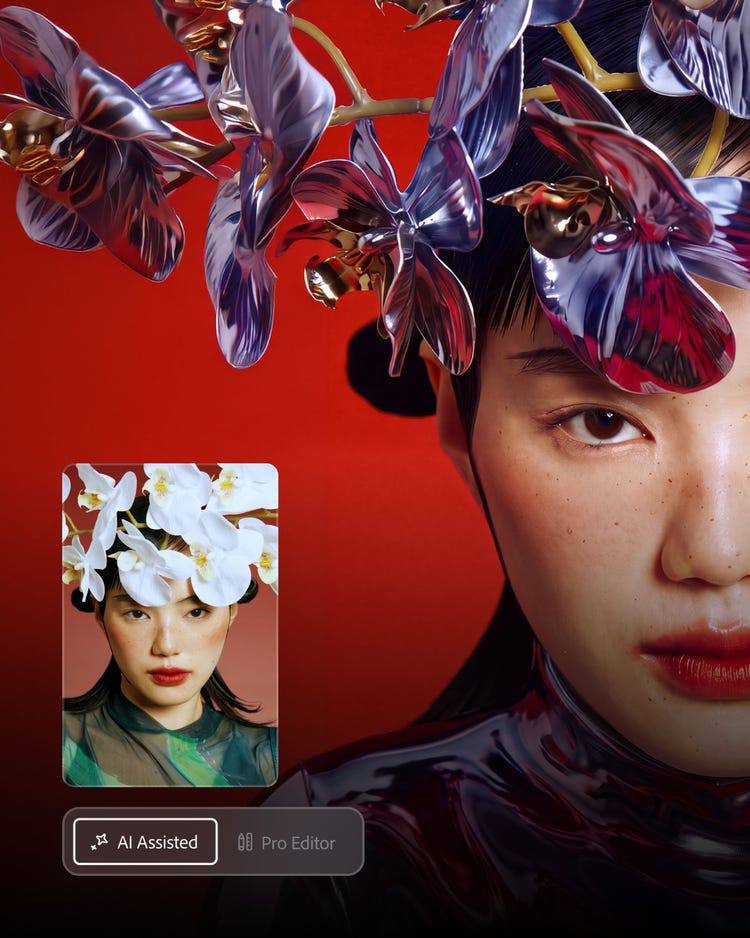
Two ways to edit. One Photoshop.
Drop a prompt into AI Assisted Editor for a fast start. Move to Pro Editor at any time to fine-tune with more precision control.
Choose a plan.
- Individuals
- Students & Teachers
- Business
Frequently asked questions
How much does Photoshop cost?
mas-field: ACOM-CC/Headless/Individual/com/Photoshop → prices for the annual billed monthly plan. Learn more about purchasing options on the Creative Cloud plans page.
Is there a free version of Photoshop?
Yes, Adobe Photoshop on mobile is a free mobile version of Adobe Photoshop with premium features that are available when you purchase a subscription. Add and remove objects, make targeted adjustments, collage and blend images and more — all on your phone. To download the app, visit the app store on your device. You can start a free trial of Adobe Photoshop to try the full desktop app.
Is there a free online version of Photoshop?
There isn’t a free version of Adobe Photoshop on the web, however you can try out some of the most popular tools in Adobe Photoshop with the help of guided tutorials without creating an Adobe account. To upload and edit your own photos, you’ll have to sign up for a Adobe Photoshop plan or start a free trial.
Is there student pricing for Photoshop?
Yes, students and teachers save over mas-field: ACOM-CC/Headless/Individual/EDU/Creative Cloud Individual → callout on the Creative Cloud Pro plan. Find out more here.
Are there generative AI features for Photoshop?
Generative AI features like Generative Fill and Generative Expand are natively integrated into Adobe Photoshop, combining the power of AI with the precision of Adobe Photoshop, so you can create more with complete control. Add, expand and remove content in images using features powered by Adobe Firefly and then adjust them using the AI photo editing tools in Adobe Photoshop.
How do I install Photoshop (beta) with the new generative AI features?
Get detailed installation instructions here.