{{premiere}} FEATURES
Create the perfect soundtrack.
Clean up dialogue in a click. Add music. Generate background audio and sound effects. Fine-tune your mix. Do it all with an all-in-one audio toolkit — built right into {{adobe-premiere}}.
Free trial|Free trial {{premiere}} Buy now|Buy now {{premiere}}
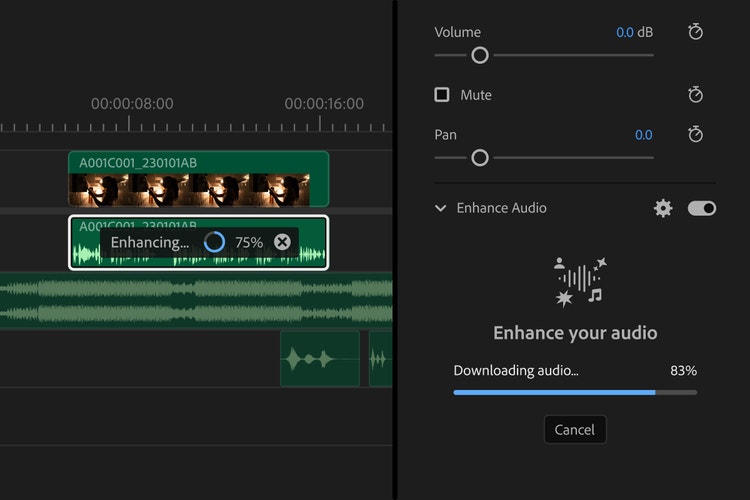
Audio post-production for video editors.
Combine speech, music and sound effects to create a compelling soundtrack with AI-driven audio editing in {{premiere}}.
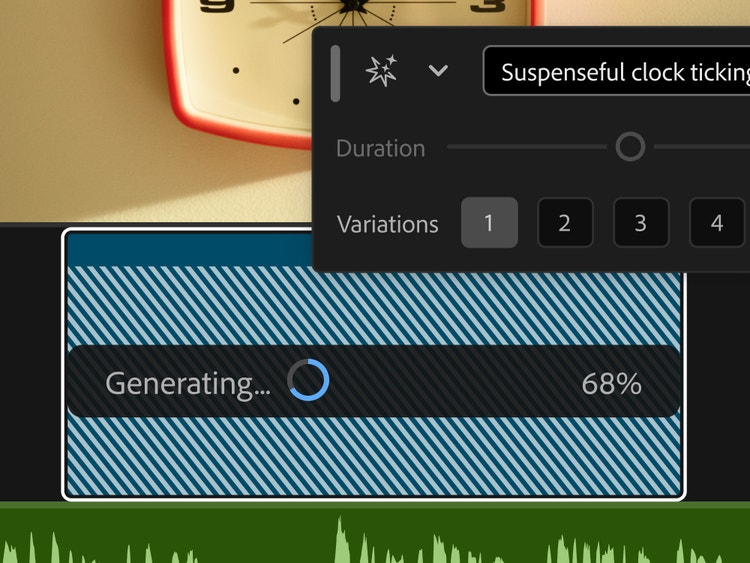
Generative sound has entered the mix.
Create the sound your story needs. Describe the background audio or sound effect you have in mind. Shape the timing and intensity using your voice. Generate it. Then audition the takes.
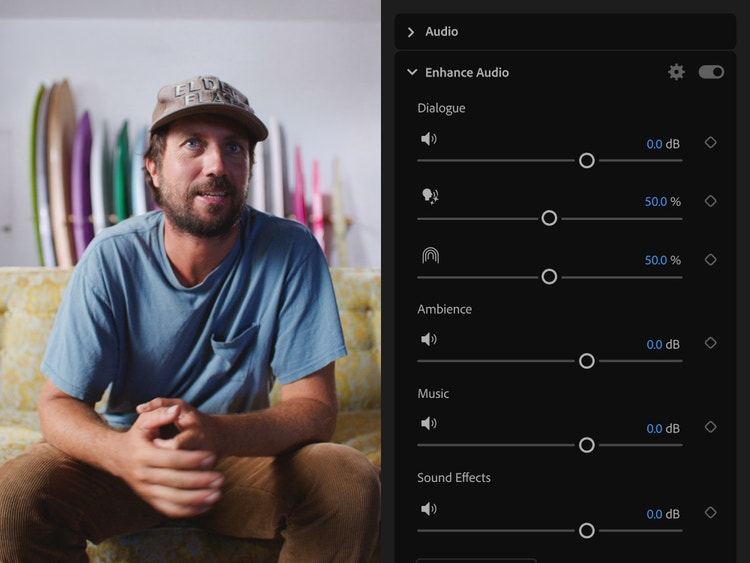
Dialled-in audio. Just like that.
Enhance your whole mix in a click with AI, then quickly fine-tune dialogue, sound effects, music, ambience, even reverb. Get the audio you want.
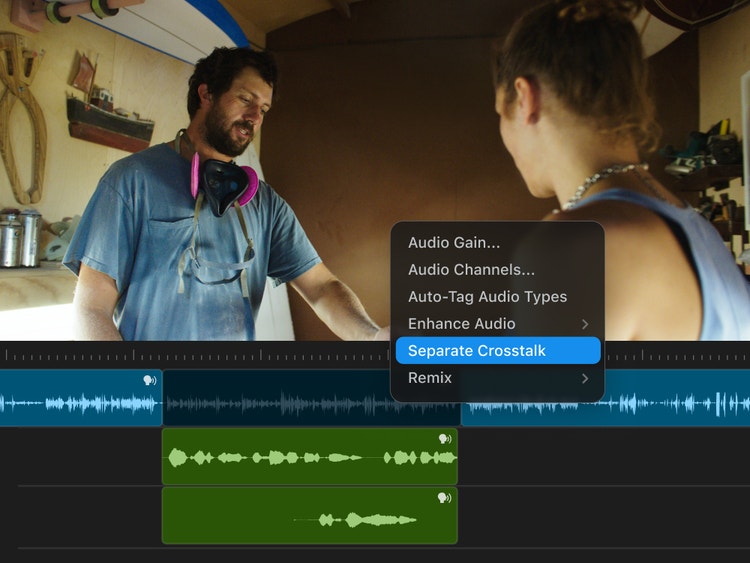
Untangle the talk.
Separate overlapping voices with AI, put each voice on its own track and mix them independently. Have more say in how your audio comes together.
Make every sound editable.
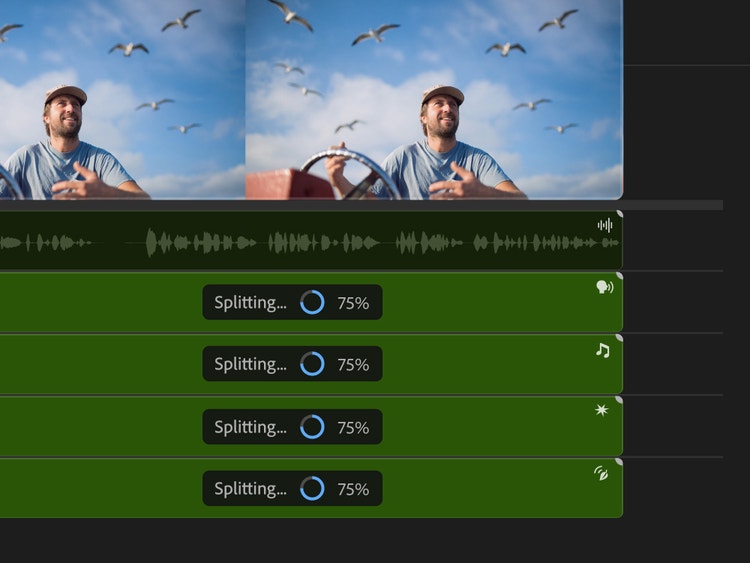
Pull apart an audio track with AI. Separate speech, music, ambience and effects, then see what you can do when every sound is yours to edit.
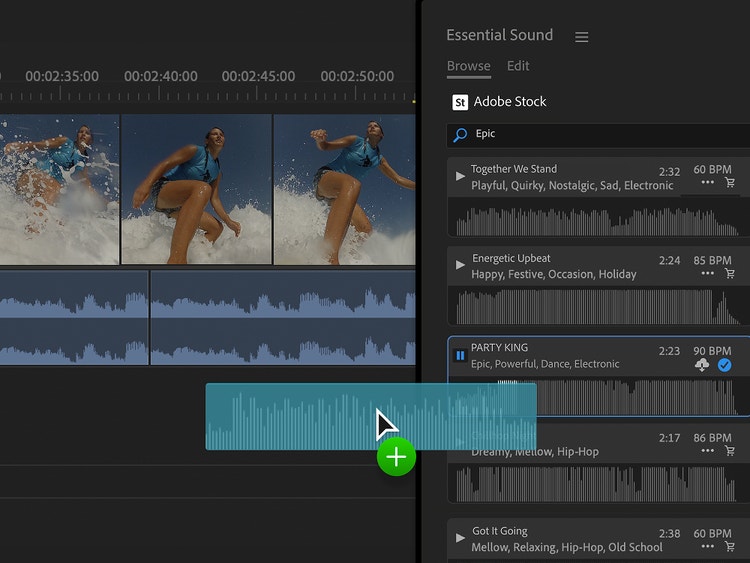
Find the perfect music track.
Get instant access to music from Adobe Stock libraries right inside {{premiere}}. Explore over 75,000 high-quality tracks in your sequence before licensing.

Take audio even further with Adobe Audition.
Easily work on your project in Adobe Audition for even more advanced tools. Perform precision edits, restore damaged audio and make your tracks ring out clearly with one of the industry’s best audio editing tools.
Questions? We have answers.
Does Adobe offer stock sound effects?
Adobe offers a free sound effects library that anyone can download and use.
How do I clean up bad audio in {{premiere}}?
What is Auto Ducking and how can it improve my videos?
Auto Ducking uses AI to automatically drop the level of the music track whenever voices are detected to ensure the dialogue is heard.
Can {{premiere}} remove background noise in my videos?
Yes, use our new AI-powered Enhance Speech tool to help remove background noise in dialogue or try our many included effects designed to help fix audio (such as Reduce Rumble, DeHum and Reduce Noise).