
Help your team succeed from home with Adobe’s cloud hosting and cross-app integration.
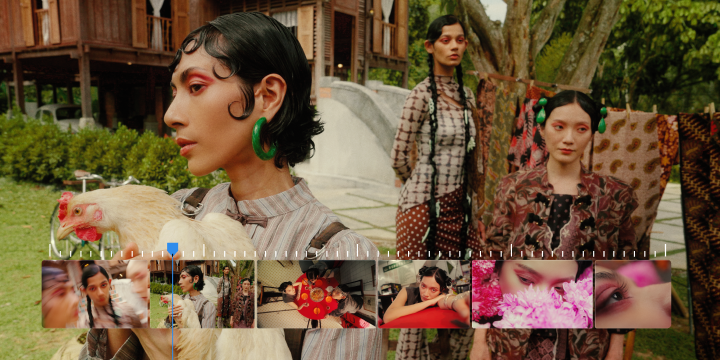
Premiere Pro is the industry-leading video editing software for film, TV, and the web. Creative tools, integration with other apps and services, and the power of Adobe Sensei help you craft footage into polished films and videos. With Premiere Rush you can create and edit new projects from any device.
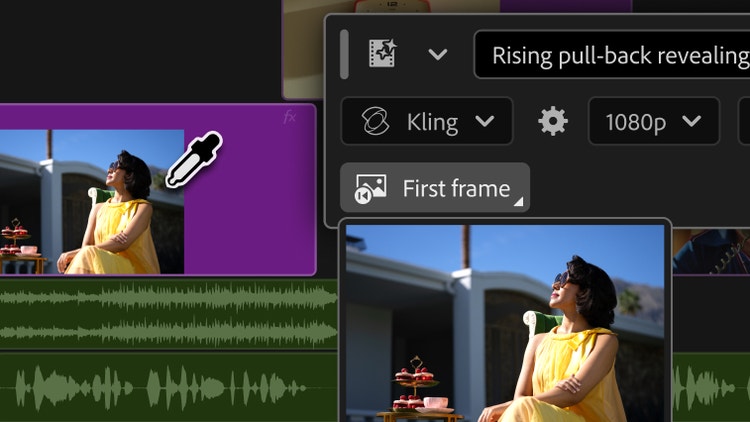
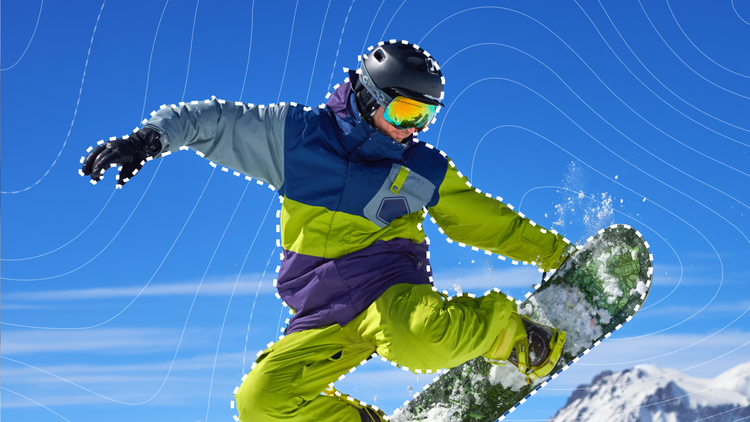
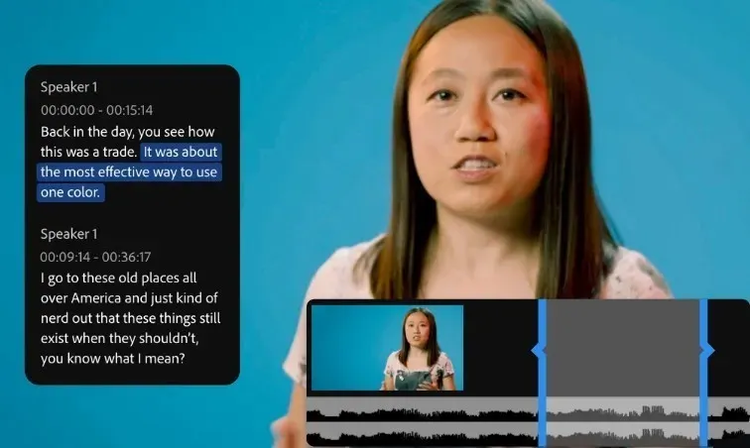
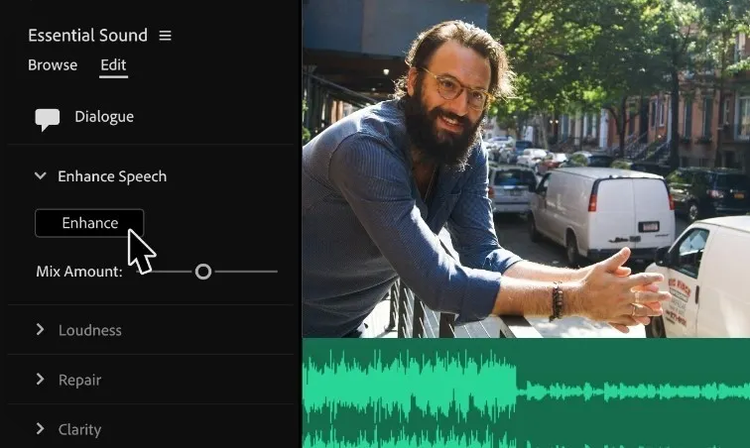
Automated tools powered by Adobe Sensei save time so you can focus on your story, and integrated workflows let you polish your work without leaving your timeline.
Edit footage in any format, from 8K to virtual reality. Native file support, lightweight proxy workflows, and faster ProRes HDR let you work the way you want with your media, even on mobile workstations.
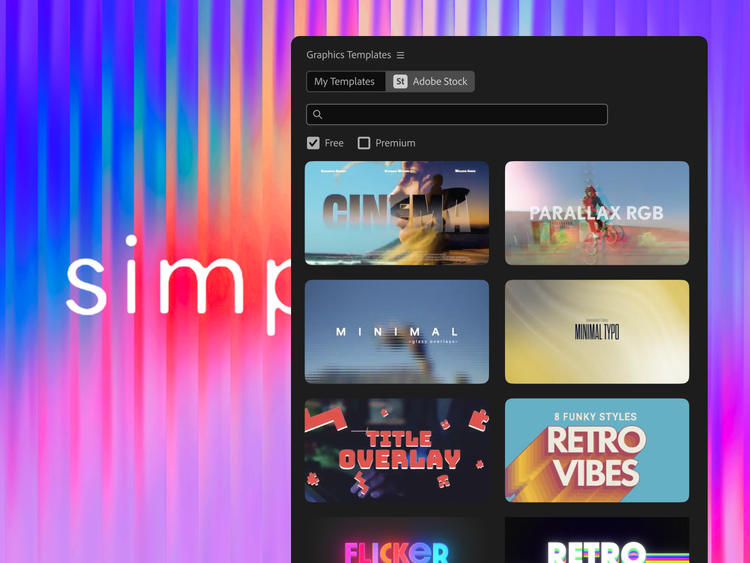
Premiere Pro works seamlessly with other apps and services, including Photoshop, After Effects, Adobe Audition, and Adobe Stock. Open a Motion Graphics template from After Effects, customize one from Adobe Stock, or integrate with hundreds of third-party extensions.
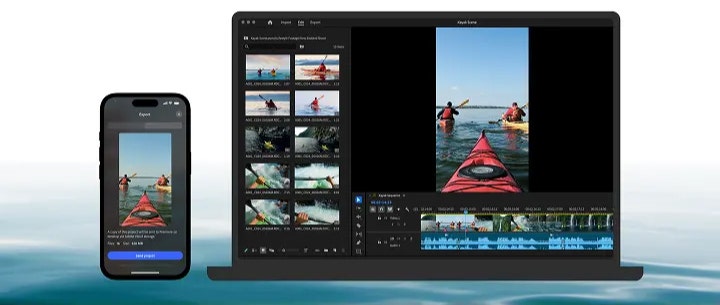
Premiere Pro comes with Premiere Rush, a new all-in-one app that works across all devices. Film and edit on your phone, then share to social from your device or desktop. Or open Rush files in Premiere Pro to take them even further.
Uncover helpful introductory insights on filming and audio recording, and learn more about advanced editing techniques.
Learn about the dynamic range of your camera and how to manipulate it to create the images you want.
Establishing shots are crucial because they tell us where, and often when, the action is happening.
Learn how to select the right mixing platform for your music production or podcast.
Photography. Video. Design. UX. 3D and AR. Creative Cloud has everything you need, wherever your imagination takes you.
Features
Explore
Guide to principal photography
Convert video clips into animated GIFs
Find the right aspect ratio for your video
Unlocking the secrets to high-key and low-key lighting
Use film camera effects to add move magic to your videos
Speak softly and carry a big YouTube following: A guide to ASMR video
Easily extract audio from your videos
Stabilize shaky videos in minutes
Add crosscutting to your video editing toolkit
Get the footage without the rolling shutter effect