https://main--cc--adobecom.aem.live/cc-shared/assets/img/firefly.svg Adobe Firefly

Free AI photo editor: Edit photos and images with AI.
Transform your photos with AI-powered editing tools and simple text prompts in Firefly.


Or tap here
File must be JPEG(JPG), PNG, or WEBP and up to 100MB.
By uploading your image or video, you agree to the Adobe Terms of Use and Privacy Policy and confirm you are 18 years of age or older.
https://main--cc--adobecom.aem.live/cc-shared/assets/svg/s2-icon-upload-20-n.svg Upload your image
Or tap here
File must be JPEG(JPG), PNG, or WEBP and up to 100MB.
By uploading your image or video, you agree to the Adobe Terms of Use and Privacy Policy and confirm you are 18 years of age or older.
https://main--cc--adobecom.aem.live/cc-shared/assets/svg/s2-icon-upload-20-n.svg Upload your image
Or drag and drop here
File must be JPEG(JPG), PNG, or WEBP and up to 100MB.
By uploading your image or video, you agree to the Adobe Terms of Use and Privacy Policy and confirm you are 18 years of age or older.
- File size larger than 100MB
- Unable to process the request
- We are unable to process this file type. Please try again.
- Only one file can be uploaded at a time.
- Image is smaller than the minimum dimensions (512 x 512 pixels). Please resize and try again.

https://main--cc--adobecom.aem.live/cc-shared/assets/img/product-icons/svg/firefly-80.svg
Adobe Firefly
Use everyday language to create extraordinary results with generative AI.
https://main--cc--adobecom.aem.live/cc-shared/assets/img/product-icons/svg/firefly-80.svg
Adobe Firefly
Use everyday language to create extraordinary results with generative AI.
Smart photo editing tools powered by AI.
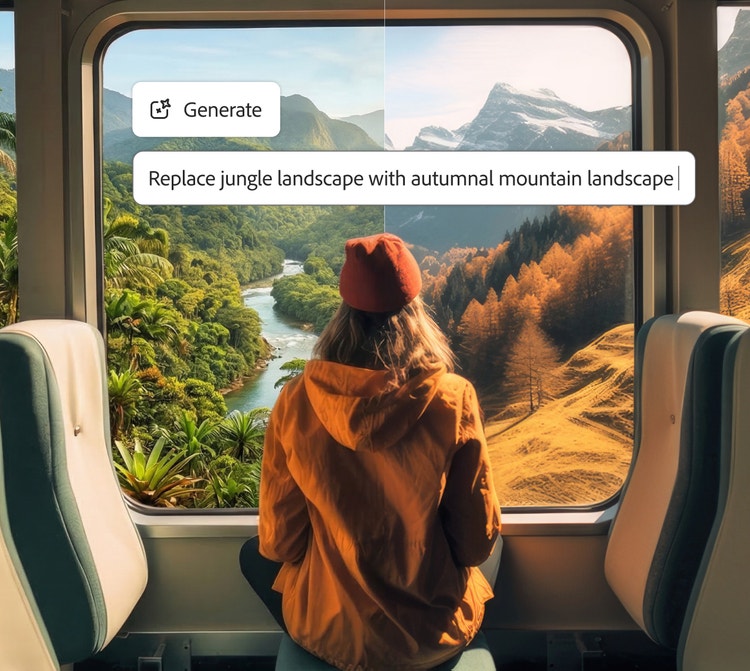
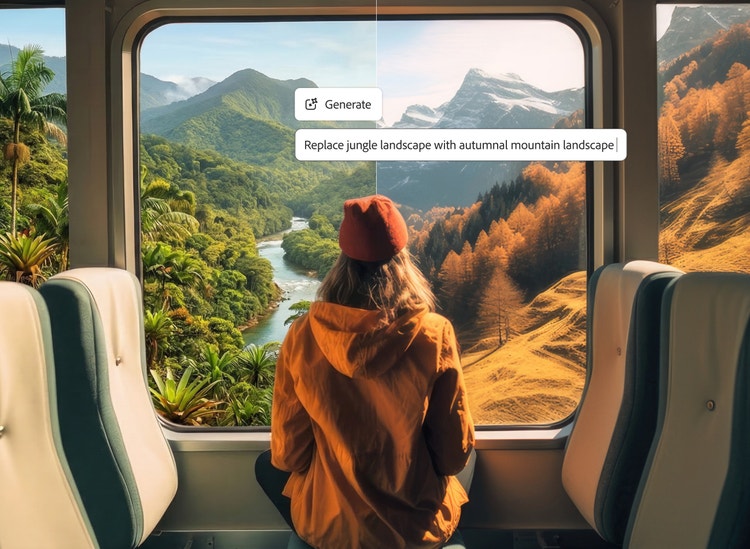
Experience faster, more intelligent editing with the Prompt to Edit AI photo editor. Powered by generative AI, Firefly simplifies image enhancement — from auto-retouching and color correction to object removal and replacement.
Faster edits start with free AI photo editing features in Firefly.
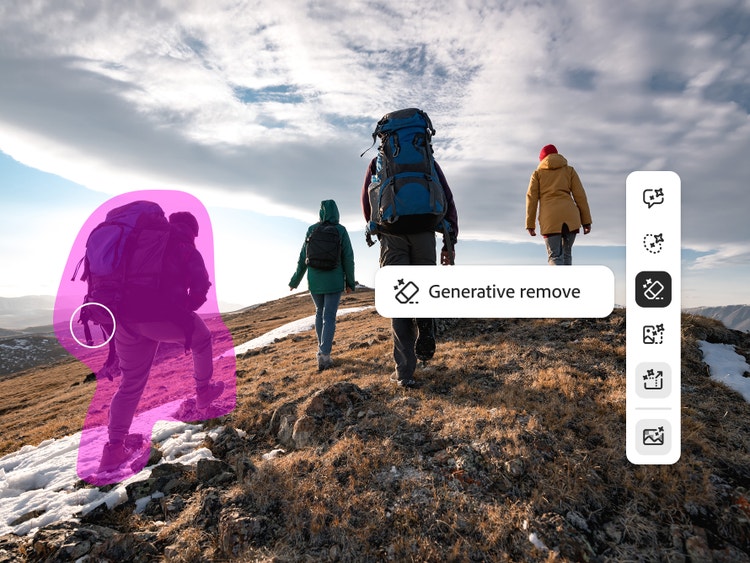
You can use built in tools to remove objects, upscale low resolution photos, expand images, and remove backgrounds. Then fine-tune your results with Generative Fill and Generative Recolor. With AI image editor online capabilities, you can edit photos from anywhere.
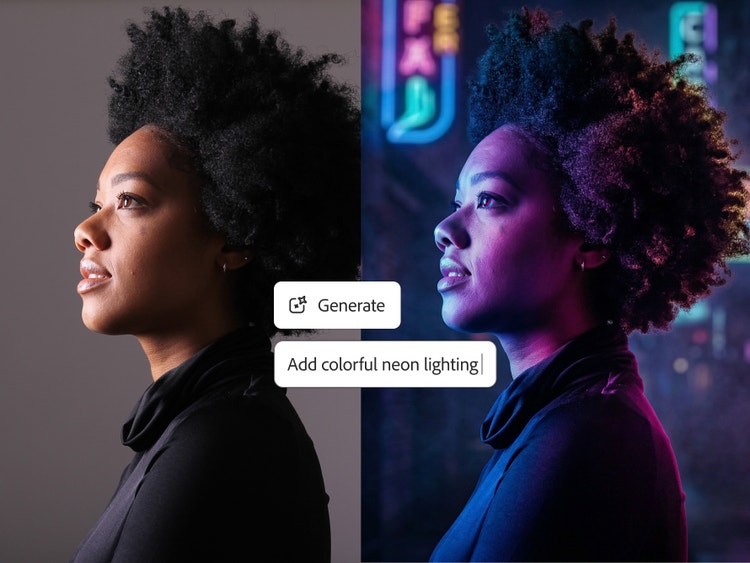
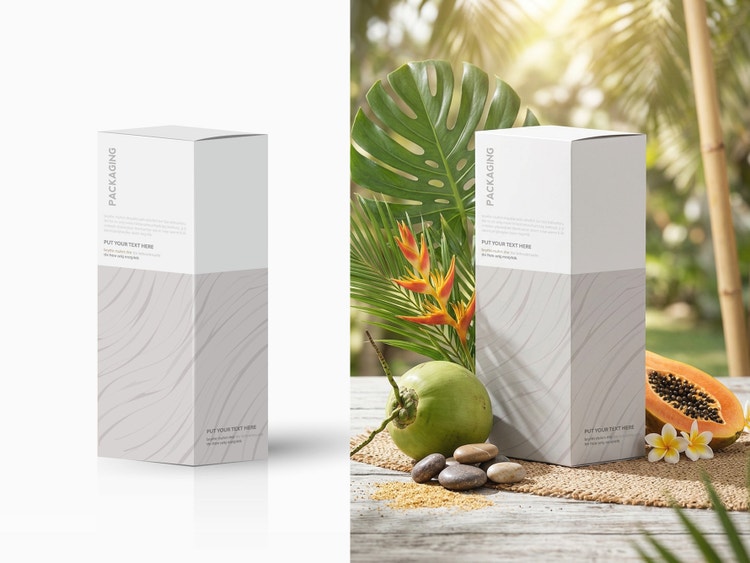
Effortless AI photo edits in minutes.
Get polished results in moments with the AI photo editor in Adobe Firefly, then take your photos even further with Firefly AI image editor capabilities. Tools like Image-to-Image and Scene-to-Image help you reimagine composition, lighting, and mood — perfect for exploring creative directions or refining a final look. Use Generative Match to align colors and tones with reference images, ensuring photo consistency across a series or campaign. Firefly AI makes professional-quality image enhancement fast and intuitive.
AI photo editing tools for creators, marketers, and everyday users.
Whether you're making social posts or product shots, Firefly AI image editor adapts to your needs. Use the slider tool Precision Flow to explore a range of variations and fine-tune your results — the slider shows the full gradient from low to high, letting you choose any point in between. Whether you're creating branded content or saving travel memories, Firefly brings precision and simplicity together in one powerful AI image editor.
How to edit photos using the Adobe Firefly AI photo editor.
Step 1
Open Adobe Firefly to access Quick Actions and edit photos with AI.
Step 2
Upload a photo.
Step 3
Choose an AI model.
Step 4
Write a text prompt.
Step 5
Review edited results.
Step 6
Refine, edit, regenerate.
Step 7
Download and share.
- How to edit photos using the Firefly AI photo editor.
- Steps on how to edit photos using the Firefly AI photo editor
- PT5M
- firefly

Professional-grade results
Firefly combines creative expertise with advanced generative AI to deliver stunning, high-quality images you can trust for personal and commercial projects.
Smarter creative workflow
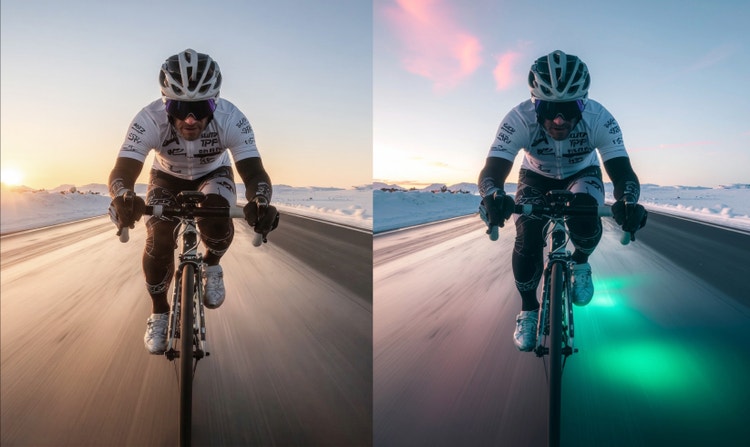
Use natural-language prompts to enhance photos, remove distractions, or generate entirely new visuals in just a few clicks.

Flexible AI models
Choose between Firefly models for commercially safe, brand-ready results trained on licensed Adobe and public domain content, or explore partner models from Google, OpenAI, Runway, and more for faster style experimentation.

Creative control made simple
Fine-tune your image from lighting and composition to tone and texture with Prompt to Edit, Generative Fill, Generative Recolor, Replace Background, and one-click Quick Actions like crop or resize for instant polish.
Questions? We have answers.
What is an AI photo editor?
What is the best AI photo editor?
Do I need design skills to use an AI photo editor?
Can I use Adobe Firefly AI photo editor capabilities on mobile devices?
Adobe Firefly works seamlessly across devices, so you can create and edit on desktop, mobile, or tablet, whether you’re using Mac, Windows, iOS, or Android. Start refining images on your laptop, then switch to your phone or tablet to keep editing on the go.
Projects sync automatically through Adobe Creative Cloud, making it easy to collaborate with teammates or clients and maintain a consistent workflow across platforms. Adobe Firefly also supports style transfers and other creative effects, so you can match looks or themes between devices without losing quality or context.
What types of photo edits can I make with AI?
With Adobe Firefly, you can:
- Use Prompt to Edit to add, remove, or replace objects and backgrounds by typing a text prompt of what you want to change.
- Clean up images with Generative Remove to remove unwanted elements.
- Extend backgrounds to multiple aspect ratios and sizes by using Generative Expand.
- Increase resolution and image clarity using Generative Upscale.
- Select and indicate specific parts of an image you want to change with the Markup tool.
- Transform photos into new styles or moods using image-to-image editing.
The AI photo editor gives you flexible tools to enhance, reimagine, and perfect any image.