https://main--cc--adobecom.aem.live/cc-shared/assets/img/firefly.svg Adobe Firefly
AI comic generator: Create stories panel by panel.
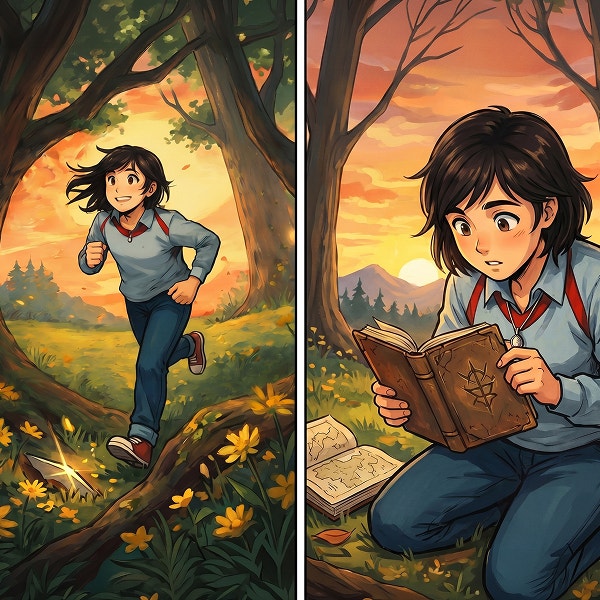
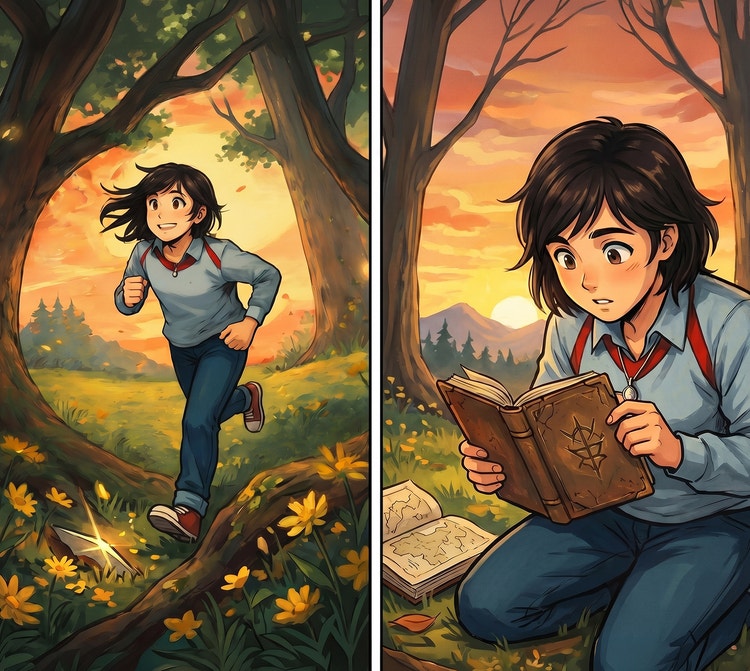
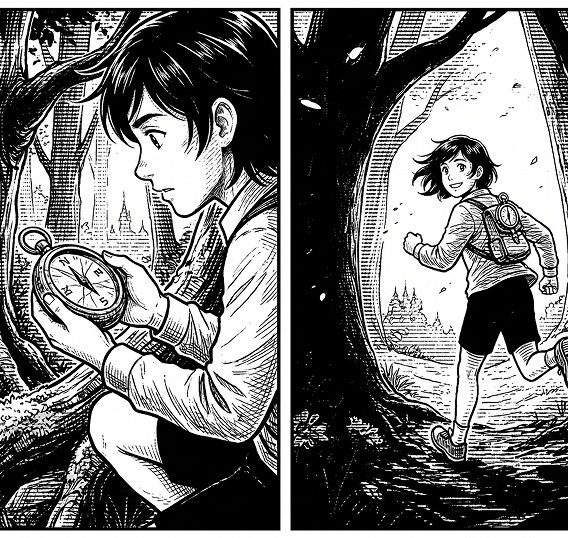
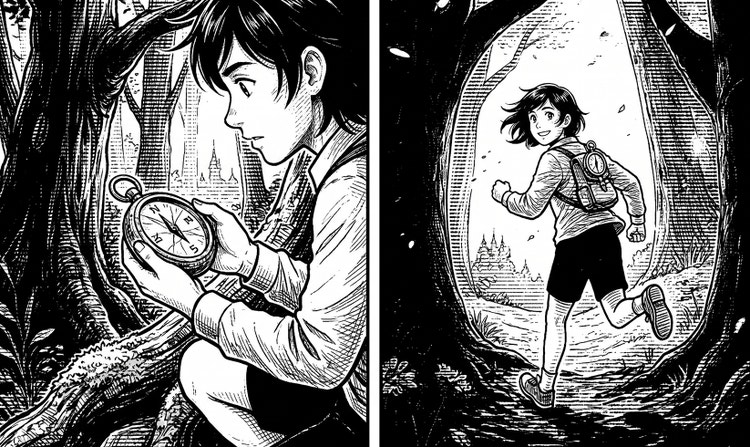
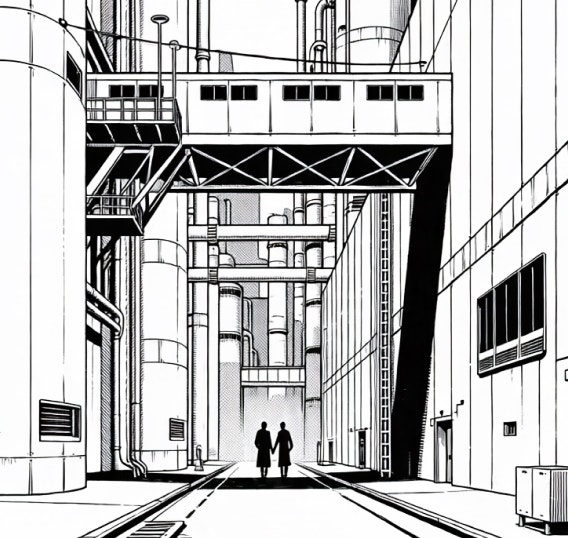
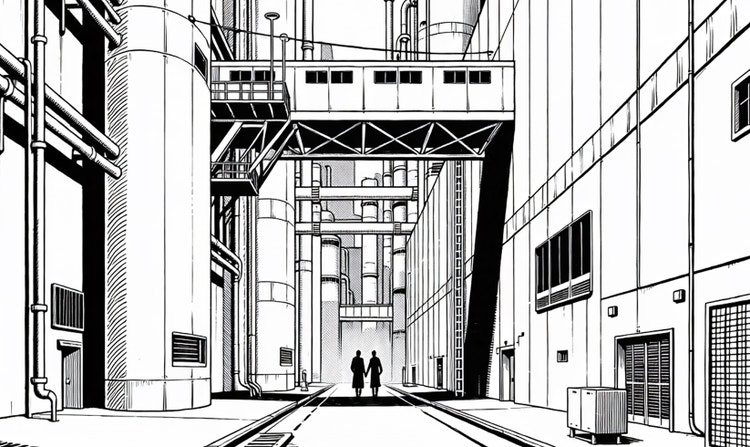
Create AI-generated comics and comic book art from prompts and reference images. Explore superhero adventures, newspaper-style strips, manga, and more while keeping line art, proportions, and visual styles consistent across panels.
- image
- video
- Describe a subject, an action, a place, a mood, or a style.
- Adobe Generative AI Terms
- https://main--cc--adobecom.aem.live/creativecloud/animation/testdoc/unity/generate.svg Generate
- Describe the comic you want to generate.
- Prompt
- Suggestions
- Tip
- ff_source=adobe-com&ff_campaign=ai-character-generator
- Unable to process the request
- Please describe what you want to generate.
- Prompt exceeds the max length of 750 characters
- Prompt
https://main--cc--adobecom.aem.live/cc-shared/assets/img/product-icons/svg/firefly-80.svg
Adobe Firefly
https://main--cc--adobecom.aem.live/cc-shared/assets/img/product-icons/svg/firefly-80.svg
Adobe Firefly
Use everyday language to create extraordinary results with generative AI.
Create original AI-generated comics.
Bring your comic ideas and stories to life with generative AI — no drawing skills required. Whether you’re crafting a short comic strip, planning a graphic novel, or creating educational content, AI comic tools in Firefly make it fast and easy to turn your ideas into images. Just describe your scene, add dialogue, and in minutes, you can generate professional-looking panels, characters, and layouts that are perfect for digital comics, classroom projects, or personal storytelling.
Generate images for your comic art.
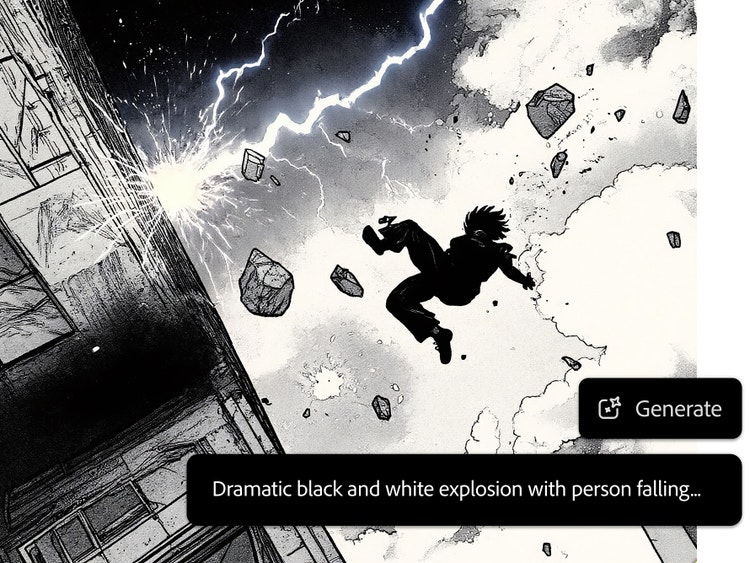
Powered by generative AI, you can create comic panels with Firefly in just a few words. Use short descriptions or detailed, multi-line prompts that include character actions, dialogue, or scene transitions to instantly generate comic visuals. Using an AI image generator is a fast way to explore ideas or draft whole comic strips. Try using AI art prompts to guide your creative direction and build consistent, visual storytelling from start to finish.
Keep your look and feel consistent with an AI comic generator.
Firefly makes it easy to stay consistent and keep characters “on-model” in your digital comics, whether it’s across multiple panels or an entire graphic novel. Using the AI character generator and tools like image-to-image, you can upload a reference image, sketch, or earlier panel to guide style, pose, and mood. It’s a simple way to ensure your AI art stays cohesive from scene to scene, helping you maintain a polished, professional look from start to finish.
Try endless comic styles & effects.
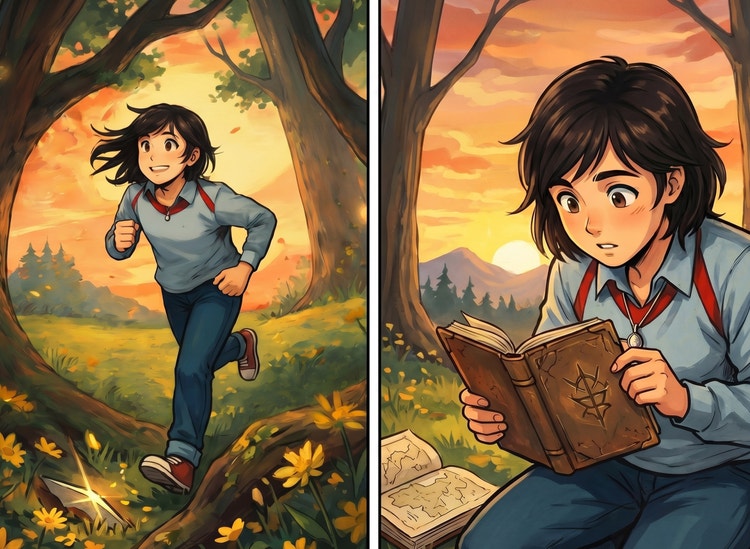
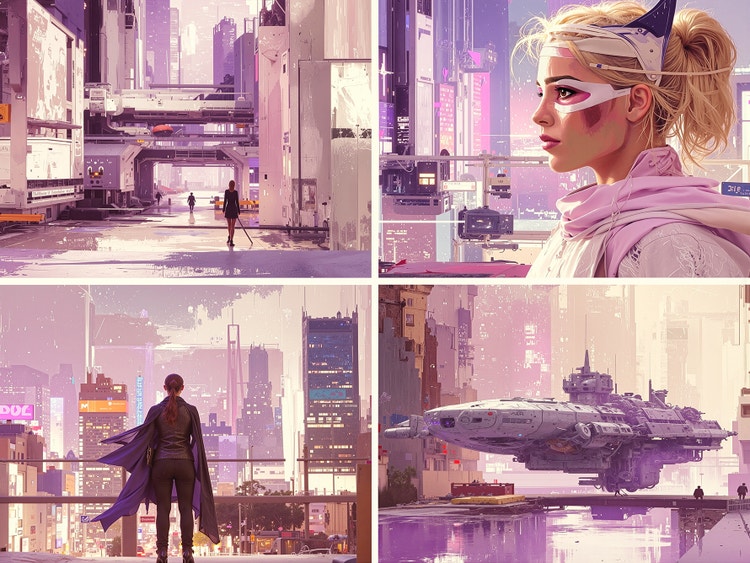
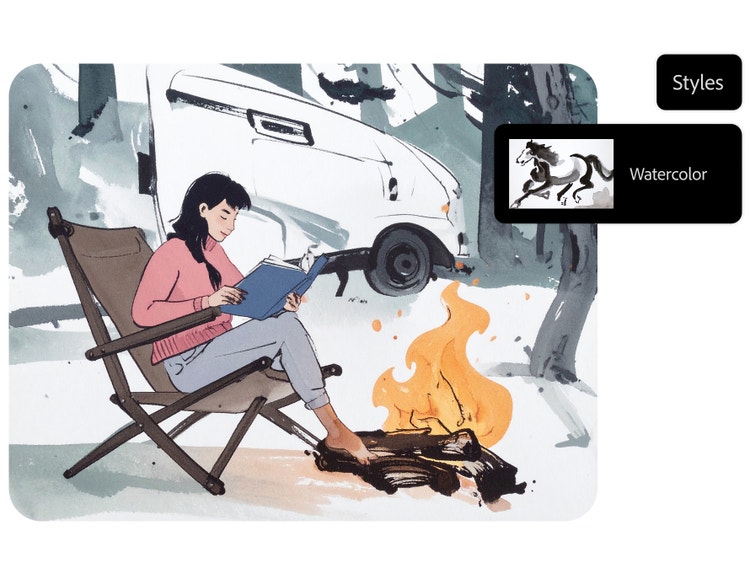
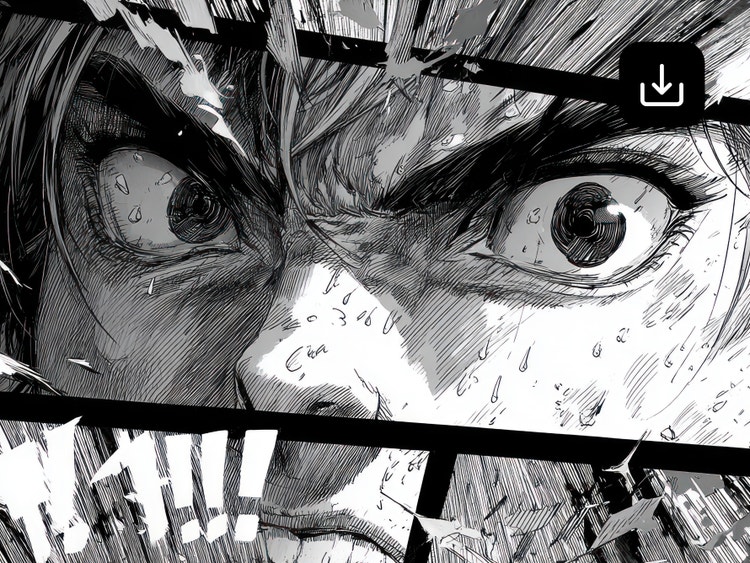
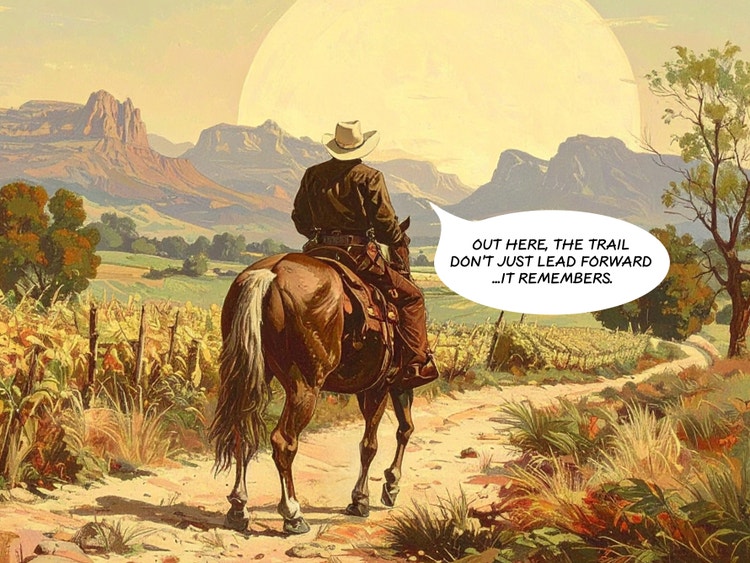
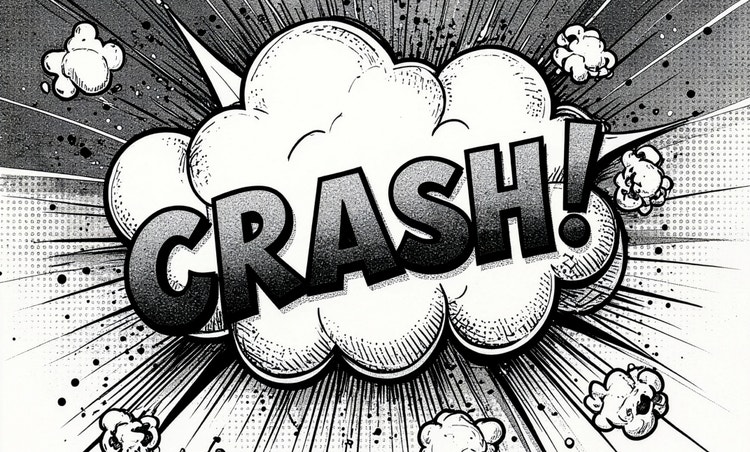
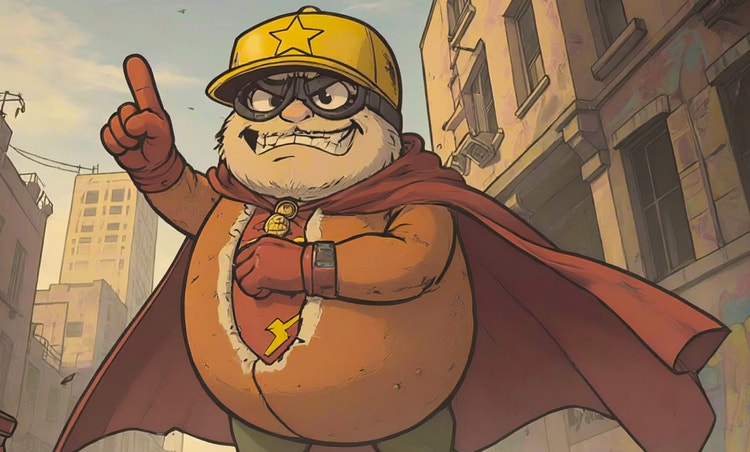
With Firefly AI comic creation tools, you can explore a wide range of styles to match your story’s tone or audience. Switch between bold superhero visuals, detailed AI anime, classic comic, retro pixel art, and more — all with just a text prompt. Whether you’re experimenting with formats or building a consistent visual identity, these tools make it easy to try new looks and bring variety to your comic projects.
Turn panels into full comic strips.
With comic generator AI tools and Firefly Boards, you can go beyond single images to build full comic strips and visual sequences. Arrange your panel layout, add dialogue or captions, and map out the story frame by frame. Whether you’re planning a short gag strip or a serialized graphic novel, Firefly AI makes it easy to organize your generated panels into a clean, readable flow.
Export AI-generated comics in one click.
Once your comic strip or panels are ready, you can export them with a single click. Download high-quality JPEG or PNG files (up to 2000 × 2000 pixels) for sharing, printing, or creating your own comic book. To make a video teaser or animated preview, export as a 1080p MP4 video. You can also use your favorite Adobe apps like Photoshop or Adobe Express to refine layers, add effects, or prep for print.
Generate commercially safe art with the Al comic generator.
Firefly image models are trained on licensed and public domain content, and designed to be safe for commercial use. Whether you're using the comic book generator to create a full comic book, educational materials with a comic-style twist, or branded content, you can publish with confidence. Be sure to review usage rights for Al art and any assets brought in from outside models or sources not created within Firefly.
How to create comics with the Adobe Firefly AI comic generator.
Step 1
Access the AI image generator.
Step 2
Enter a detailed prompt for your comic.
Step 3
Select a visual style for your AI comic.
Step 4
Review and refine.
Step 5
Save and share.
- How to create an AI generated comic.
- Steps on How to create an AI generated comic
- PT5M
- firefly
Consistency across panels
Firefly lets you create expressive characters and AI art with consistent proportions, looks, and visual personality.
Workflow integration
Open your AI-generated comics directly in Photoshop on the web or Adobe Express for further editing, or download a high-resolution image to open and edit in any Adobe app.
Print-ready art
Create AI comic book art in a variety of styles, from manga to newspaper comic strips.
Commercially safe
Firefly models are trained on licensed content and public-domain data, so you can confidently use your AI-generated comics in commercial projects.