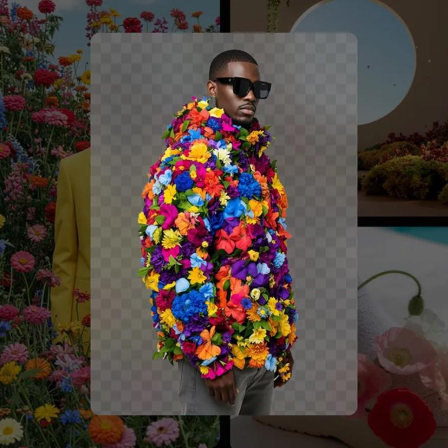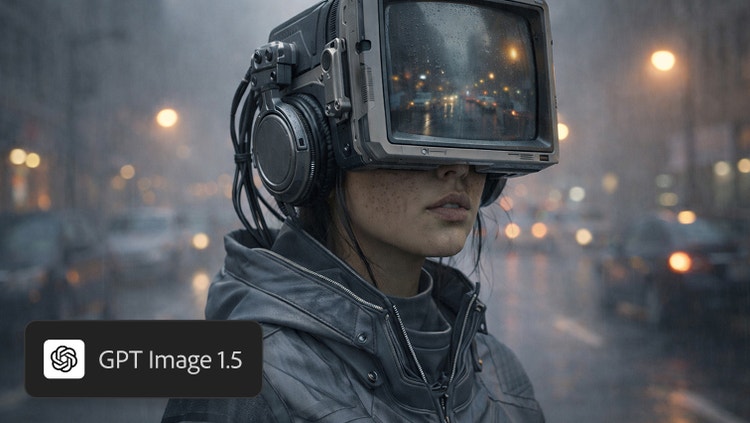

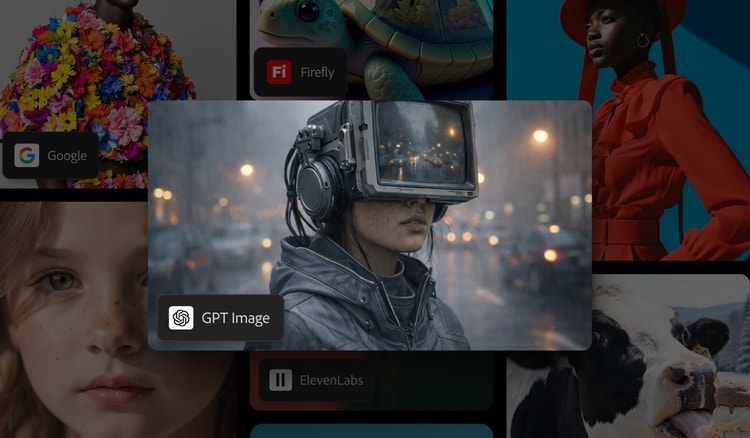
GPT Image generator, now in Firefly.
Generate incredible images and make precise edits faster in Firefly and Firefly Boards with GPT Image 1.5, the same model used in the ChatGPT AI image generator.
https://main--cc--adobecom.aem.page/cc-shared/assets/img/product-icons/svg/firefly-80.svg
Adobe Firefly
https://main--cc--adobecom.aem.page/cc-shared/assets/img/product-icons/svg/firefly-80.svg
Adobe Firefly
The next evolution of creative AI is here for all your ideas, with image, video, audio, and vector tools.
Add GPT Image 1.5 to your creative toolkit.
GPT Image 1.5 in Firefly follows user prompts more accurately, provides even more precise, targeted edits, and boasts faster generation speeds. As a partner model in Firefly, GPT Image 1.5 uses ChatGPT image generator technology to bring Open AI image generation capabilities into your creative toolkit. Whether you’re working in Generate Image, Prompt to Edit Image, or Firefly Boards, you can now create with the power of GPT Image without leaving your preferred Adobe workflow.
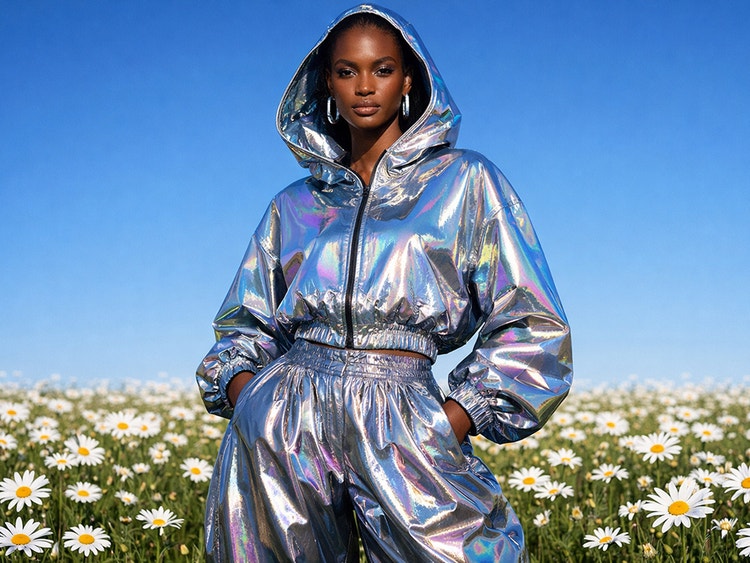
Generate detailed images and make precise edits.
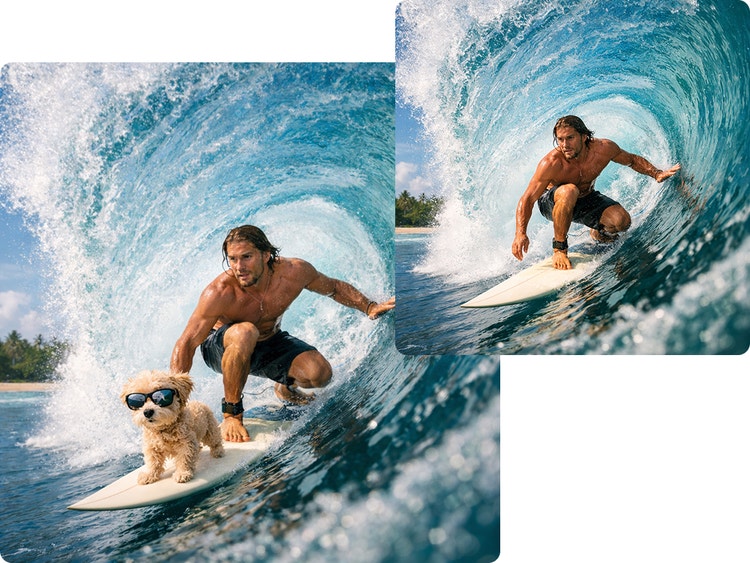
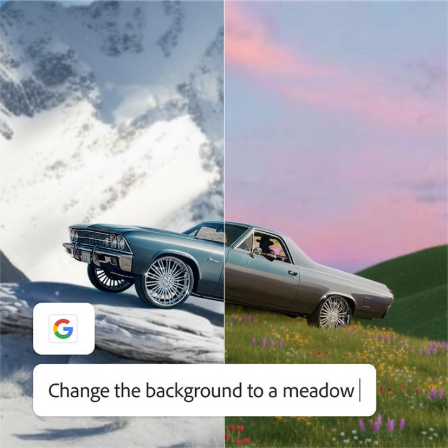
With GPT Image 1.5, you can add, remove, or blend elements while preserving facial features and the overall integrity of the composition. Like the ChatGPT image generator, GPT Image 1.5 in Firefly targets edits precisely, maintaining scene consistency across multiple iterations, so you can retouch portraits or edit complex scenes without starting over.
Use GPT Image for infographics and marketing campaigns in Firefly Boards.
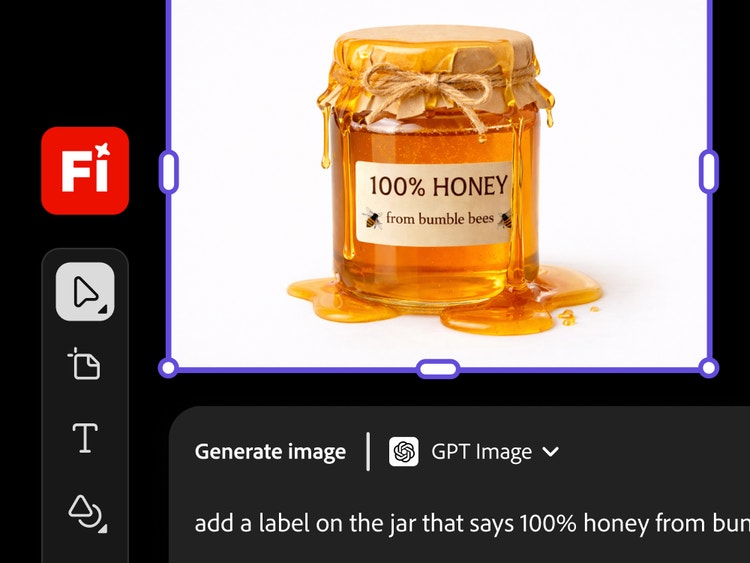
With GPT Image 1.5 in Firefly Boards, you can create clean graphics with in-image text that’s easy to read — perfect for infographics, labels, and data visualization. Build mood boards for marketing campaigns, client presentations, and visual libraries for brand guidelines that maintain visual coherence.
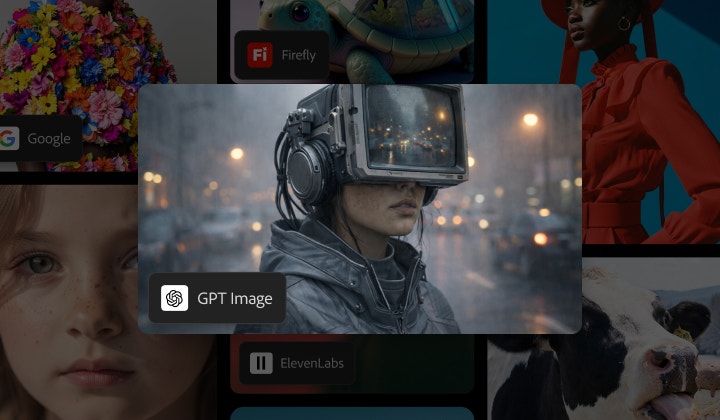
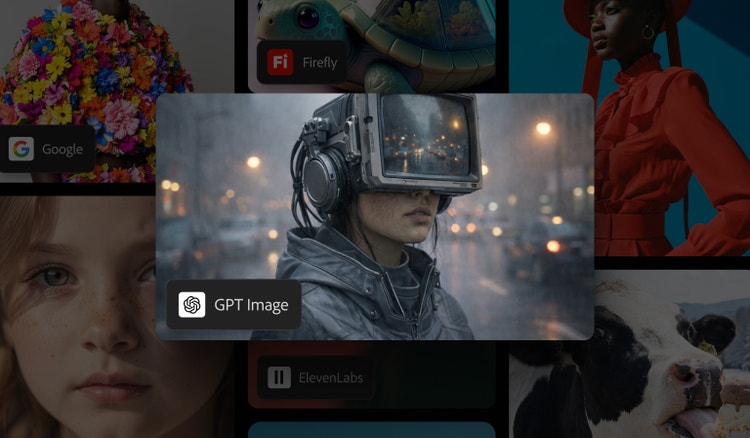
Create with multiple top AI models, all in one place, in Firefly.
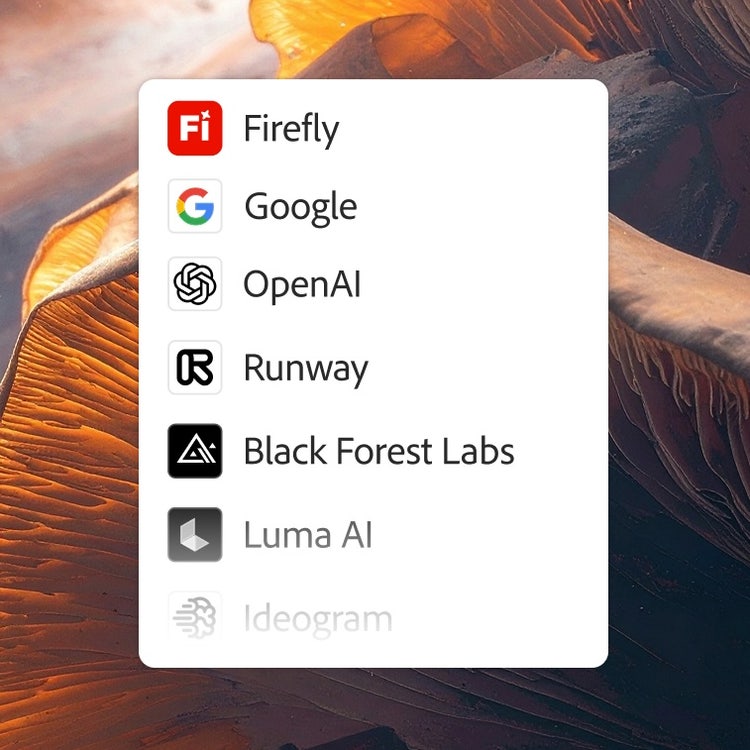
Choose top AI models from Adobe, Google, OpenAI, Runway, and more to create your best content ever.
One login. Multiple top AI models.
Mix and layer outputs to best suit your vision. More models means more creative range, and you get them all with one login.
The AI you need. When you need it.
Whether you’re doing full-on generative AI work, or just getting a fast workflow assist, you always have the right model for the job.
Astounding power. Abundant controls.
Make the most of these advanced AI capabilities with the creative control you expect from Adobe. It’s all included.
How to use the ChatGPT AI image generator model in Firefly.
Follow these quick steps to create and edit images in Firefly with GPT Image 1.5.
- Open Adobe Firefly.
Select Generate Image to get started. If you're editing an existing image, start in Prompt to Edit. If you're still in the ideation phase, use Firefly Boards as your starting point. - Pick the model in the Model dropdown menu.
Select GPT Image 1.5. - Upload a reference image or write a prompt.
If you already have an image or photo, upload it in the prompt bar. If you don’t have an image, write a short prompt to generate one. - Edit and refine with prompts.
Add your instructions in the prompt bar. Describe what to add, remove, or modify in your image or photo. - Review variations and download.
Choose a result to download or generate more variations.
Discover even more features.
Generate image Partner models AI photo editor Firefly Boards