
https://www.adobe.com/cc-shared/assets/img/product-icons/svg/firefly-appicon-64-new.svg | Firefly {{Adobe Firefly}}

Translate English to French audio online.
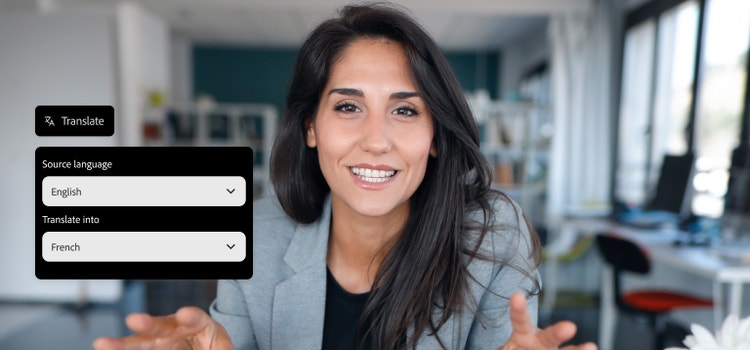
Sound like a local with your voice and cadence. Translate English to French online for any audio or video project. Firefly’s language translation tool lets you reach French audiences around the world.


https://main--cc--adobecom.aem.live/cc-shared/assets/img/product-icons/svg/firefly-80.svg
Adobe Firefly
https://main--cc--adobecom.aem.live/cc-shared/assets/img/product-icons/svg/firefly-80.svg
Adobe Firefly
The next evolution of creative AI is here for all your ideas, with image, video, audio, and vector tools.
Tips for translating English to French audio.

Upload your file to AI audio translator.
Upload your English audio or video file to the Firefly AI audio translator.
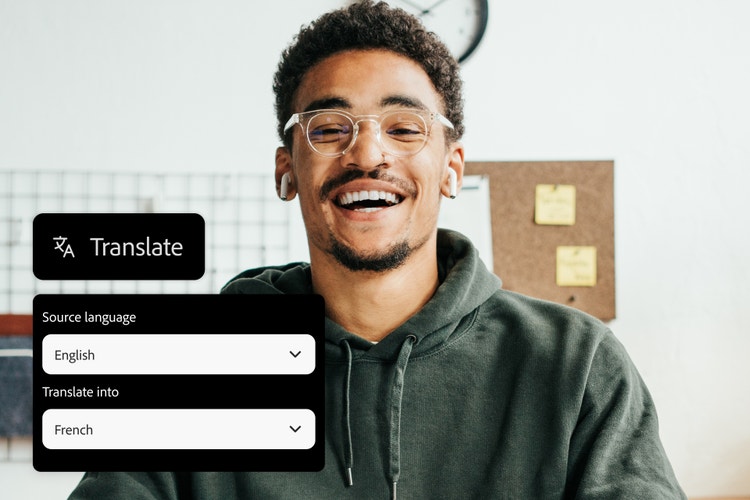
Select French as your target language.
Choose French and let Firefly handle the English to French translation for your project.

Review and export your translation.
Listen to your translated audio or preview your subtitles, make any final adjustments, and export your finished content.
Translate English to French in your own words.
Firefly takes English to French translation tools to the next level, giving you an easy way to translate audio and video with your natural voice and tone intact. Whether you’re translating dialogue, narration, or full-length video projects, Firefly’s AI translator delivers fluent French that sounds authentic. It’s a simple, fast way to reach new audiences.
English to French translation that sounds fluent.
Translate English to French audio and create natural, native-quality narration in minutes. Upload your English audio file in MP3 or WAV format, and Firefly’s AI will generate fluent French voiceovers for tutorials, training materials, social media content, and more, while preserving your tone and pacing.


Translate English to French subtitles for accessibility.
Enhance the accessibility of your content with clear and accurate subtitles. Easily translate video and audio from English to French and let Firefly AI generate fluent, accurate captions. Use the side-by-side preview to review and edit your subtitles, then export them as burned-in captions or SRT files.
Dubbing for English to French translation.
Translate English to French for video projects while preserving your tone and timing with AI dubbing. Upload your content in MOV, MP4, or other popular formats, and Firefly generates natural-sounding French voiceovers with precise sync alignment. The AI translation tool supports video outputs up to 4K resolution, so your content looks and sounds professional across all platforms.


Language translation tools to reach French audiences faster.
Firefly helps you translate English to French without the need for large teams, complex workflows, or high production costs. The AI-powered translate audio feature lets you adapt your content for French-speaking audiences in less time, making it perfect for solo creators, small teams, or anyone working under tight deadlines. It’s a simple way to localize your audio or video and expand your reach with a faster turnaround. And, if you need to translate French to English, you can do that too.
How to translate English to French audio.
With Firefly, it’s easy to translate English to French online and generate fluent, natural-sounding French for your next project. Follow these quick steps to get started:
- Upload your English audio or video file.
Upload your English language content into the Firefly AI translation tool. Supported formats include MP3, MP4, and MOV, with a minimum of five seconds of clear spoken audio. You can translate English to French for short clips, podcasts, or full-length video projects. - Select your French translation settings.
Once your file is uploaded, choose French as your target language. The AI translation tools provide fast, accurate English to French translation while keeping your tone and pacing consistent. - Pick your translation format.
Decide whether you want to translate English to French audio with AI dubbing, generate subtitles, or use both — a perfect option for adapting video, voiceovers, or social content. - Customize your subtitles or voice style.
Fine-tune your subtitles for phrasing, timing, or tone, or choose from different AI voice styles to match your project’s needs. - Preview your translated content.
Before you export your file, preview dubbed audio, subtitles, or both to make sure your English to French translation sounds natural and fits your project goals. - Export your French translation.
When you’re ready, export your translated media in MP3, WAV, or MP4 format. Your French-language content is now ready to publish, share, or use with your next project.