
https://www.adobe.com/cc-shared/assets/img/product-icons/svg/firefly-appicon-64-new.svg | Firefly {{Adobe Firefly}}

Translate French to English online for audio and video.
Translate French to English online with audio and video language translation tools designed for creators. Localize voice, dialogue, and full video clips using your natural voice to reach English speakers globally.


https://main--cc--adobecom.aem.live/cc-shared/assets/img/product-icons/svg/firefly-80.svg
Adobe Firefly
https://main--cc--adobecom.aem.live/cc-shared/assets/img/product-icons/svg/firefly-80.svg
Adobe Firefly
The next evolution of creative AI is here for all your ideas, with image, video, audio, and vector tools.
How to translate French to English audio.

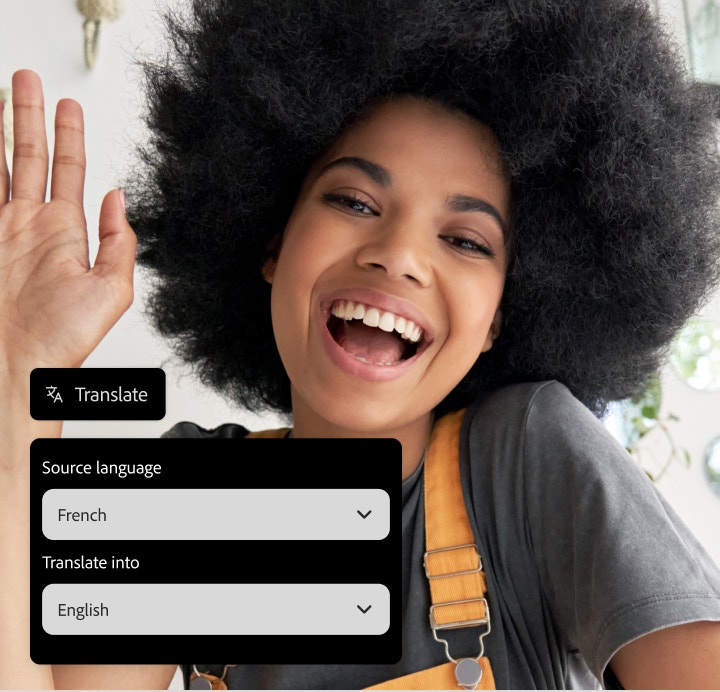
Upload your French audio or video file.
Upload your French language audio or video to the Firefly AI audio translator to get started.
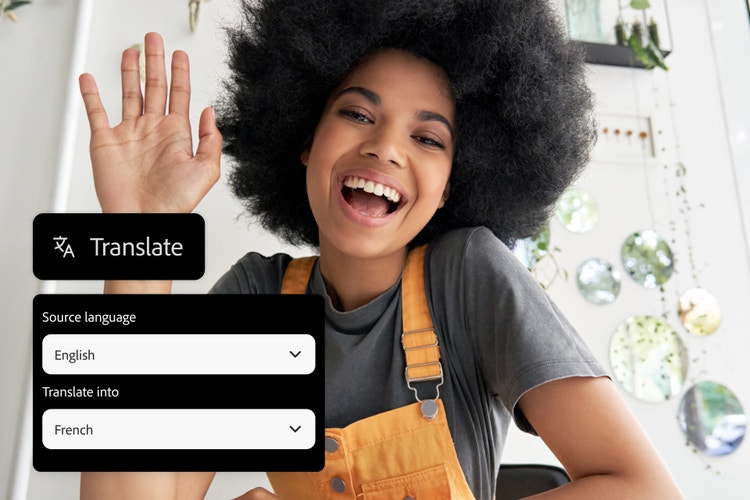
Select English as your target language.
Choose English from the available language options, and Firefly will begin translating French into English.

Review and export your translated content.
Review your translated audio or subtitles, fine-tune the results, and export your final file in the format of your choice.
Translate French to English online to localize content.
Whether you’re working with audio or video projects, you can quickly and confidently translate French to English with Firefly. This AI-powered translation tool makes it easy to translate audio while keeping your tone, pacing, and personality intact. From “Je t’explique” to “Let me explain,” Firefly helps you localize your message for English-speaking audiences in minutes.
Translate French audio to English in your own voice.
Firefly lets you translate French audio to English while keeping your natural tone, pacing, and style. Upload your French audio file in MP3, WAV, or MP4 format, and Firefly AI will generate fluent English output, making it sound like you’re a native speaker. It’s an easy way to produce fluent translations for voiceovers, podcasts, or any audio project.


Built-in editing tools for French to English subtitles.
Firefly can translate video or translate audio from French to English and generate accurate subtitles for your content. Use the built-in editing tools to adjust phrasing, line breaks, and tone, with a convenient side-by-side preview to review your work in real time. Once you’re happy with the results, export your subtitles as a burned-in caption or a downloadable file, ready to use across platforms.
Dubbing for French to English translation.
With the AI dubbing feature, you can generate natural-sounding French to English video translation for all types of projects with Firefly. Upload your video files in supported formats, such as MP4 or MOV, and Firefly will sync the English audio to match your tone and pacing. The translation tool supports video outputs up to 4K resolution, so it’s easy to create polished, professional results for any platform.

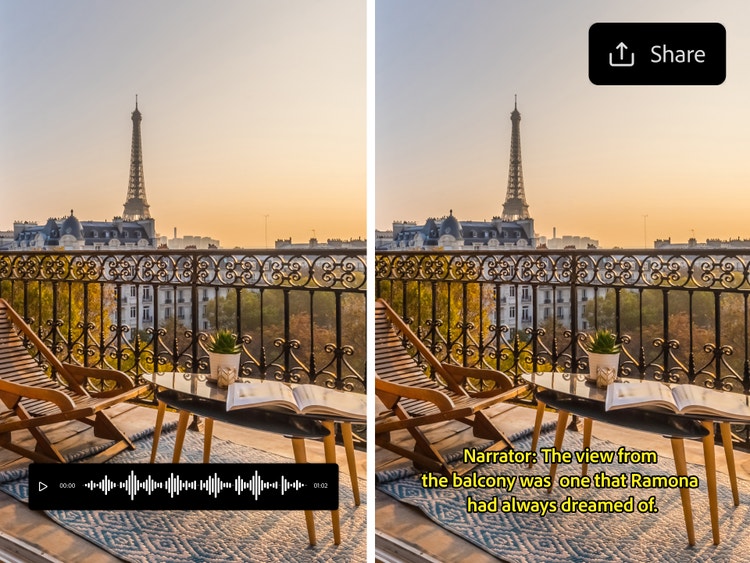
Share English translated videos faster than ever.
The AI-powered translate audio feature helps you convert French content into English faster, so you can quickly connect with new audiences. Whether you’re working solo or on a tight deadline, it’s easy to generate English voiceovers or subtitles and get your project ready to share. You can also translate English to French with the same fast, intuitive workflow.
Natural AI translation for everything from business to social.
Firefly AI translation tools are designed for creators, businesses, and anyone producing content for English-speaking audiences. Whether you need to adapt interviews, training videos, social clips, or branded content, Adobe Firefly helps you translate French to English while sounding natural and authentic across industries and platforms.

How to translate French to English audio.
With Firefly, it’s simple to translate French into English online and create natural-sounding English audio or subtitles for any project. Here’s how to get started:
- Upload your French audio or video file.
Upload your French language content into the Firefly AI translation tool to start. Supported formats include MP3, MP4, and MOV, with at least five seconds of clear spoken audio. You can translate French to English audio for short clips, interviews, or full-length videos. - Choose English as the output language for your project.
Once your file is uploaded, choose English as the target language. Firefly’s AI generates fast, accurate French to English translation while keeping your tone, pacing, and style consistent. - Choose subtitles or dubbing for your French to English translation mode.
Decide if you want AI dubbing for your audio, English subtitles, or both — perfect for video projects, voiceovers, or social content. - Customize your subtitles or AI voice style.
Edit your subtitles for timing, phrasing, or tone, or select an AI voice style that matches the feel of your project. Firefly translation tools help your French to English project sound polished and natural. - Preview your English translation results.
Take a moment to preview your translated audio, subtitles, or both to make sure everything is accurate and flows smoothly. - Export your translated content.
When you’re ready, export your finished media in MP3, WAV, or MP4 format. Your English translation is ready to publish, share, or use in your next project.