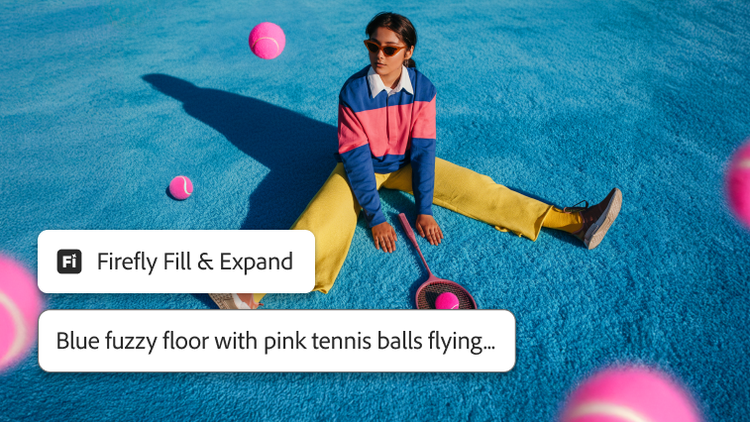


Quickly color a scene; combine multiple landscapes to create an entirely new one; transfer colors from one image to another; or change someone’s expression, age, or pose.
The world is your canvas, so grab inspiration from all around you and have fun experimenting. Blend and mash up photos, graphics, effects, and colors to create something entirely new.
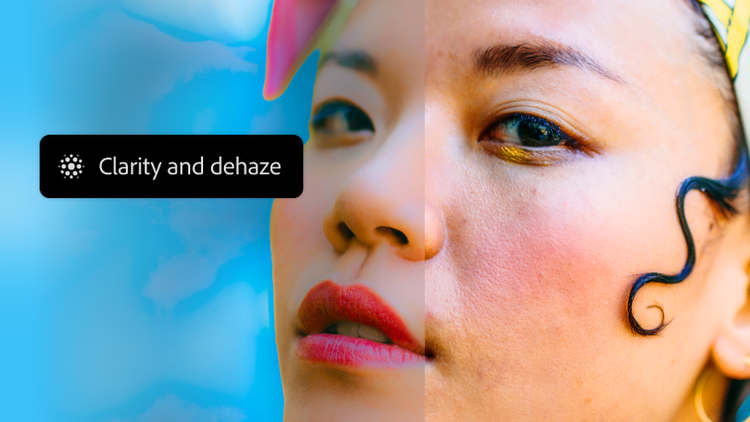
Fix flaws and swap backgrounds in a few clicks. Add effects, remix colors, and change someone’s expression. With powerful editing tools, you can quickly give your photos just the look you want.
Draw, paint, doodle, and dabble with digital brushes that work and feel like the real thing. Spray-paint a wall, watch watercolors bloom, and get smudgy with oils. It’s all the creativity, minus the cleanup.
Going places? Take Photoshop with you and create using your finger or Apple Pencil — here, there, and anywhere.
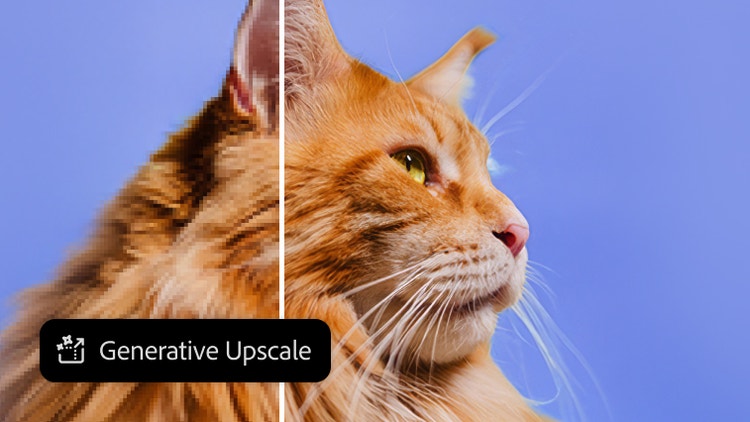
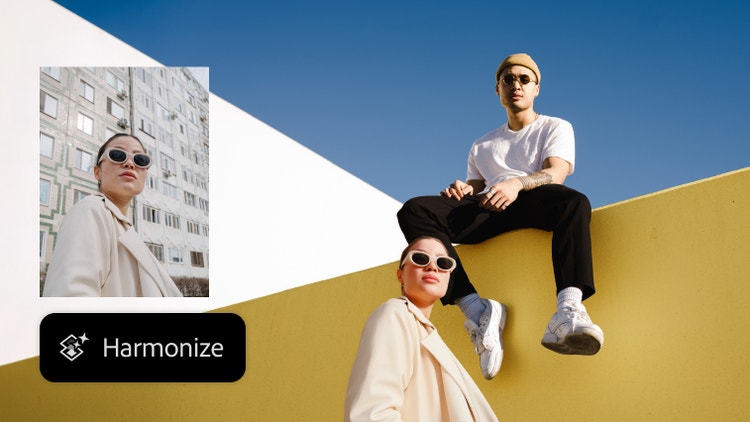
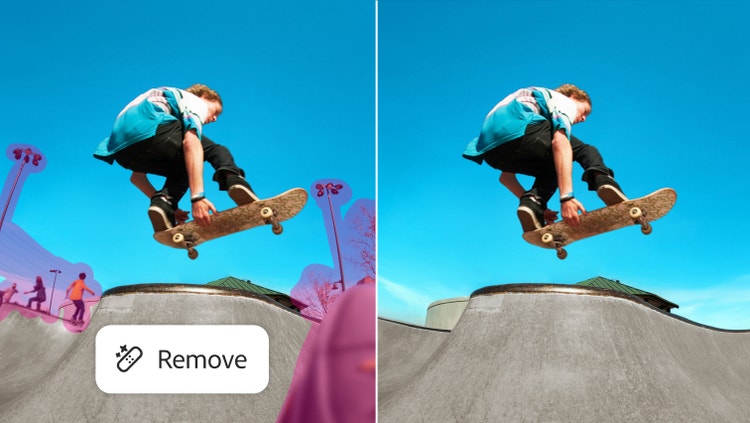
New features are rolling out regularly to make Photoshop easy and fun for anyone. Check out some of the latest updates.
Quickly color a scene; combine multiple landscapes to create an entirely new one; transfer colors from one image to another; or change someone’s expression, age, or pose.
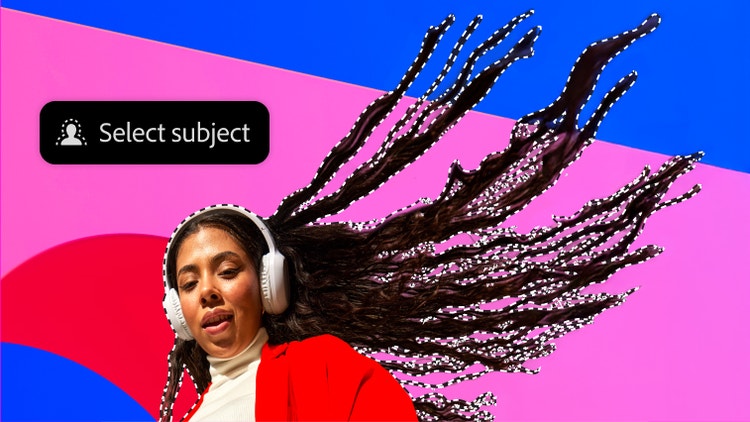
Now you can automatically select a portion of your image by simply hovering over it and clicking. Miss something? Keep clicking until you get it all.
Now you can paste Adobe Illustrator vector content into Photoshop with color, stroke, masks, and layers.
Share your designs to the web, desktop, and iPad and invite teammates to comment.
Stay in your creative flow with new plugins available in Photoshop and the Creative Cloud desktop app that you can quickly install and use immediately.
New features are rolling out regularly to make Photoshop easy and fun for anyone. Check out some of the latest updates.
Astounding image edits with Neural Filters
Quick-click selections
From Illustrator to Photoshop faster
Collaboration and commenting
Plugins to help you stay focused