Adobe Photoshop
Create gorgeous images, rich graphics, and incredible art.


Create with the power and precision of 20+ apps, including Photoshop, Illustrator, Adobe Premiere, and Acrobat Pro. Get them all in Creative Cloud Pro and save 50% for the first 3 months. New subscribers only. See terms.


Explore all the apps included in Adobe Creative Cloud Pro — designed to work together so you can create any multimedia project from start to finish.
Create gorgeous images, rich graphics, and incredible art.

Create beautiful designs, icons, and more — then use them anyplace at any size.

Create, edit, sign, and manage your PDFs — quickly, easily, anywhere.

Use everyday language to create extraordinary results with generative AI.

Create everything from social clips to feature films with the leading video editor.

Quickly and easily make standout content from thousands of beautiful templates.
Create gorgeous images, rich graphics, and incredible art.

Edit photos from anywhere you are with easy ways to adjust exposure, color, and more.

Edit and organize all your photos on desktop.

Quickly edit, collage, and retouch photos so they stand out on social and everywhere else.
Create gorgeous images, rich graphics, and incredible art.
Create beautiful designs, icons, and more — then use them anyplace at any size.

Design catalogs, eBooks, white papers, digital magazines, and interactive PDFs.
Use everyday language to create extraordinary results with generative AI.
Quickly and easily make standout content from thousands of beautiful templates.
Create everything from social clips to feature films with the leading video editor.

Easily add titles, transitions, and more to your movies with the visual effects and motion graphics app the pros use.

Create, mix, and add sound effects to your movies, social posts, and podcasts.

Design animations for cartoons, banners, games, and the web.

Use your expressions and movements to bring your characters to life in real time.

Easily encode audio and video in whatever format you need.
Create beautiful designs, icons, and more — then use them anyplace at any size.

Rediscover the joy of drawing and painting anywhere.
Create gorgeous images, rich graphics, and incredible art.
Use everyday language to create extraordinary results with generative AI.
Quickly and easily make standout content from thousands of beautiful templates.
Quickly and easily make standout content from thousands of beautiful templates.
Quickly edit, collage, and retouch photos so they stand out on social and everywhere else.
Use everyday language to create extraordinary results with generative AI.
Generate images and video, translate audio, mockup concepts, and more with Adobe Firefly creative AI in your apps.
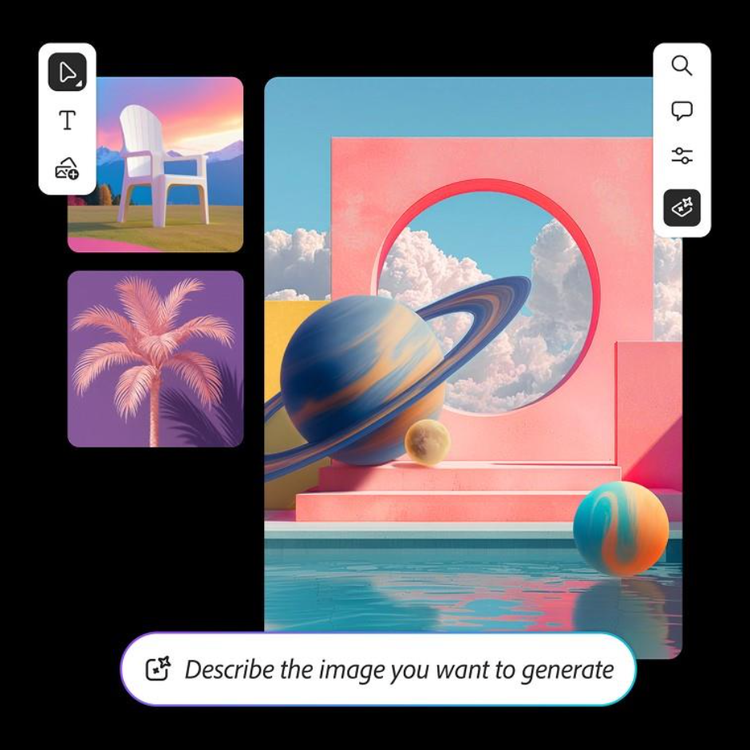
Upload inspirational images and quickly generate new ones based on your ideas. Remix assets to see how their styles combine. Collaborate with your team in the same space, and then bring what you’ve got into Adobe Creative Cloud apps to continue working.
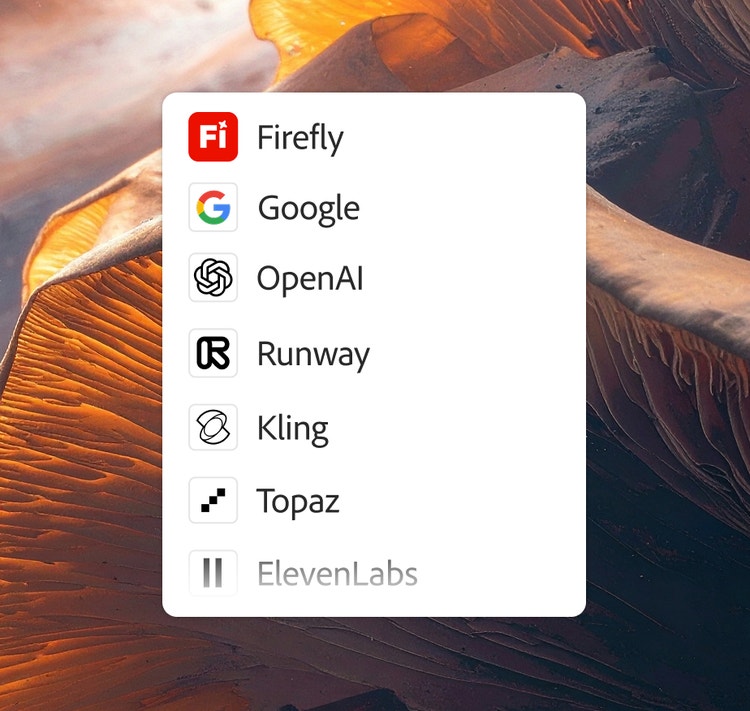
Take advantage of different AI models’ strengths inside Adobe Creative Cloud and Firefly. Adobe’s commercially safe Firefly models, Google’s Gemini (with Nano Banana Pro), Kling AI, Topaz Astra, and others are integrated in the tools you use every day, so you can focus on creative work.
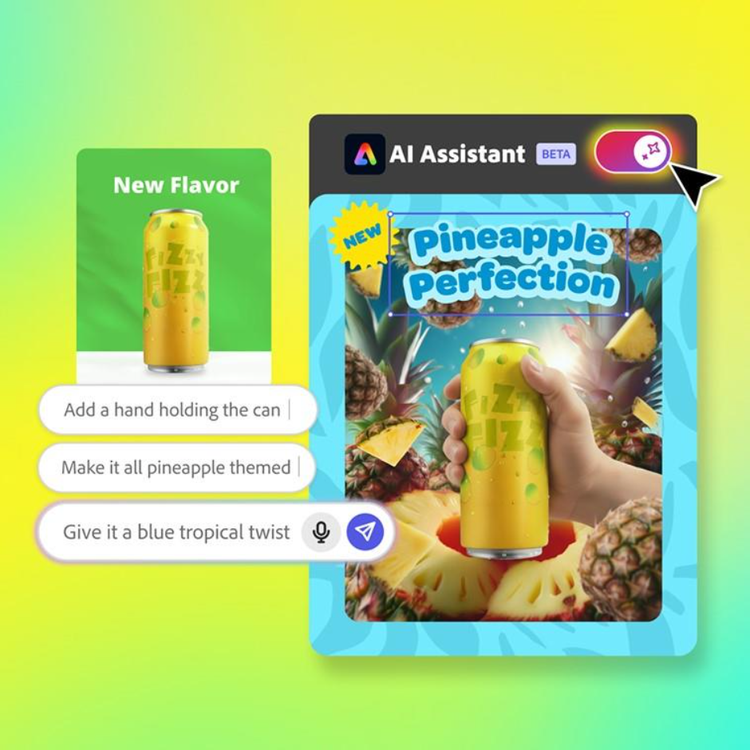
Adobe Express and Photoshop anticipate your needs, assist in coordination, and keep your projects moving with new AI Assistants (in beta). Of course, you remain in control. Your AI assistant does only the jobs you assign it to — and you can always check its work.
Membership perks include tutorials, fonts, templates, and more.







Make a simple yet sophisticated silhouette in Adobe Photoshop.




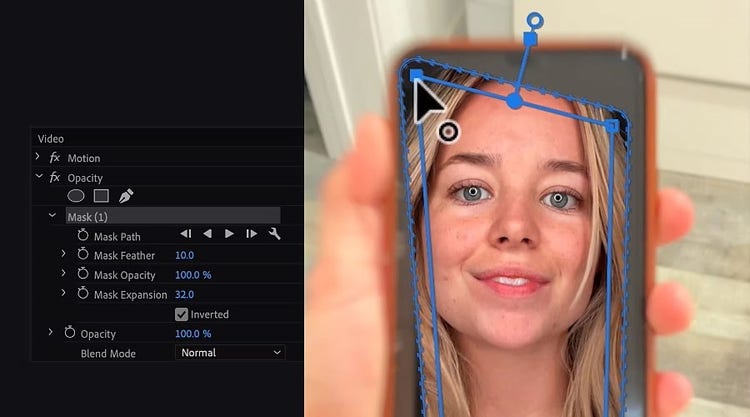











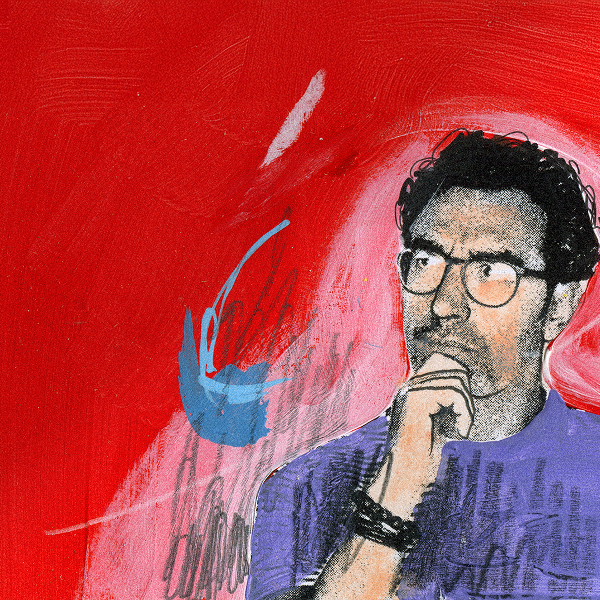
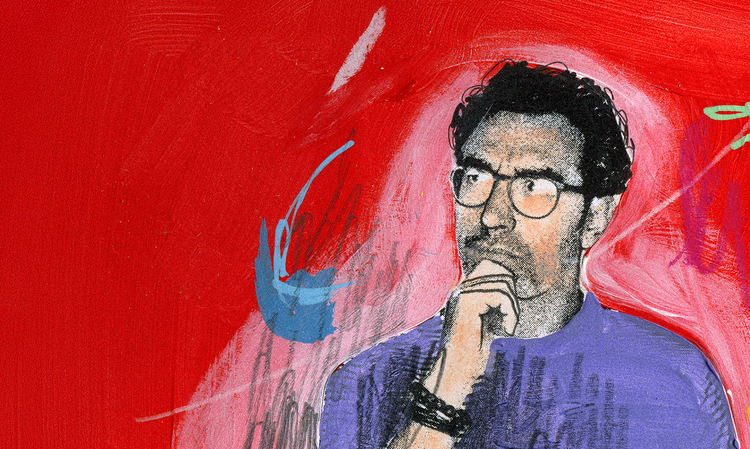
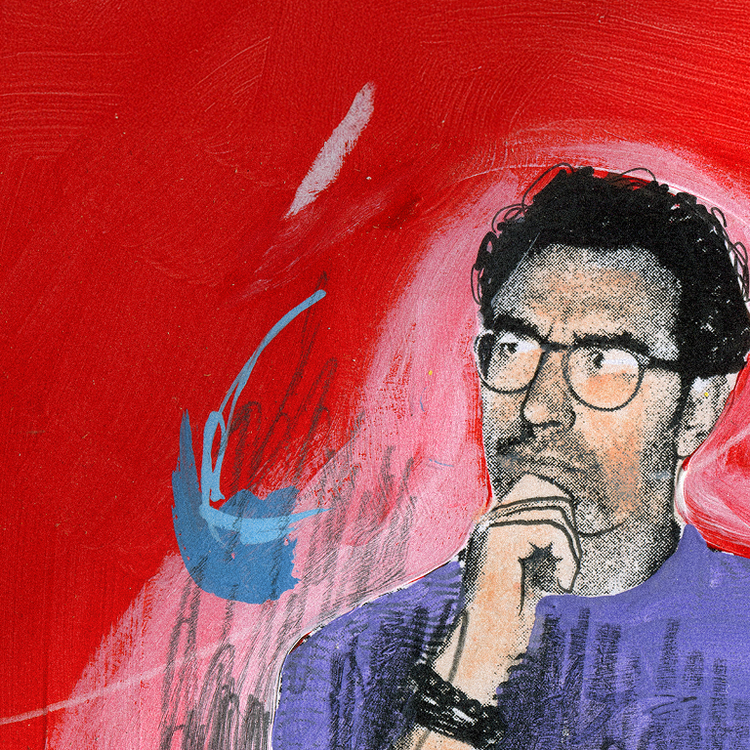
“I wear a lot of different creative hats. Creative Cloud gives me all the apps under one umbrella, so it’s easy to share my ideas with the world.”
— Professional Foodie and Designer Frankie Gaw

Join over 7 million Creative Cloud Pro subscribers worldwide. Save 50% for the first 3 months on 20+ Creative Cloud apps, plus Adobe Firefly creative AI. Pay US$34.99/mo for the first 3 months and US$69.99/mo after that. New subscribers only.
Purchase by phone: 800-585-0774
Browse plans for businesses or students and teachers.
You control which of the Adobe Creative Cloud apps you download, when you download each one, and which devices you install them on.
Start your app downloads by installing the Adobe Creative Cloud desktop app or by logging into Adobe Creative Cloud home on the web. You can install the mobile app from your app store. From the login screen you’ll be able to download your Adobe Creative Cloud apps for desktop, web, and mobile. Use your Adobe Creative Cloud desktop app to keep programs up to date, manage your cloud documents, sync files, access and search your libraries, find fonts, learn new skills, and more.