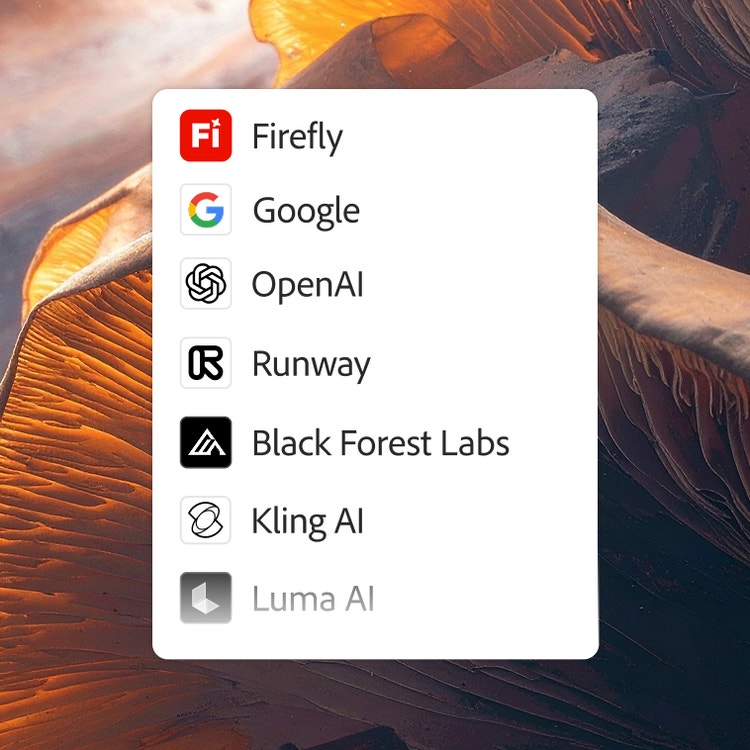
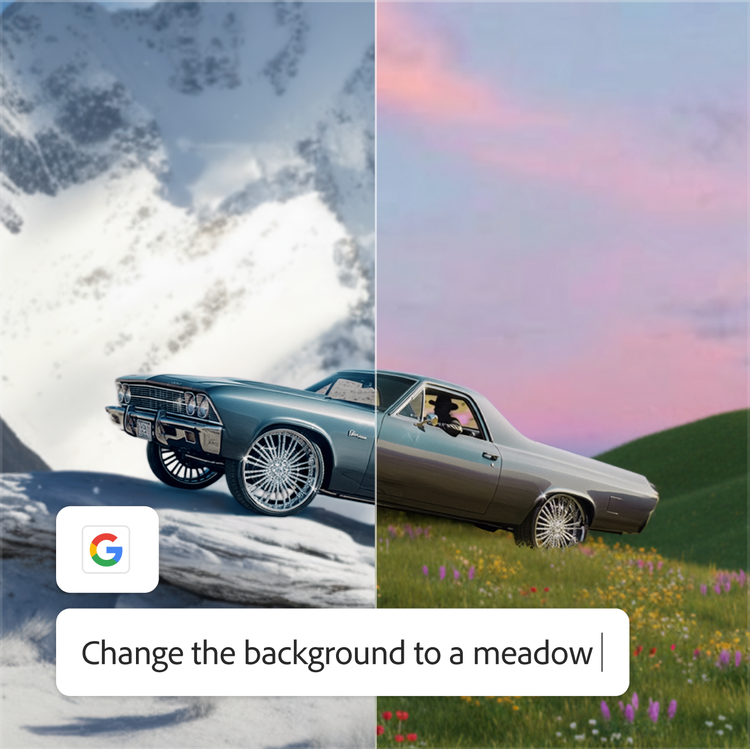
You can use Adobe Firefly as a multi-model hub for all of your creative AI needs. Firefly integrates the Runway Gen-4.5 model directly into its video generation tools, including
Generate Video,
Image to Video, and
Firefly Boards. This integration allows creators to access state-of-the-art Runway AI video generation capabilities through their existing Adobe account with single login convenience. The Runway 4.5 model brings advanced motion quality and prompt adherence to the Firefly creative ecosystem.
Access the Runway AI video generator by opening
Adobe Firefly and navigating to Generate Video, Image to Video, or Firefly Boards. Once there, locate the Model dropdown menu and select Runway Gen-4.5 from the available options. Your generations will automatically save to your Creative Cloud history for easy access across Adobe applications.
Using the Runway AI video generator in Firefly offers several key benefits, including access to state-of-the-art motion quality with precise prompt adherence and exceptional visual fidelity. The integration provides single sign-on convenience, Content Credentials for authenticity, and Adobe’s “Do not train” policy to protect your content. Additionally, your generated videos seamlessly connect with Premiere, Express, and other Adobe apps for further editing.
Yes. After generating videos with the Runway AI video model in Firefly, you can add sound effects directly within the platform. For more extensive editing, easily access your generation history in Firefly and Firefly Boards. Take your Runway AI video clips further in Premiere, Adobe Express, and other Adobe applications. This workflow integration streamlines your creative process from generation to final output.