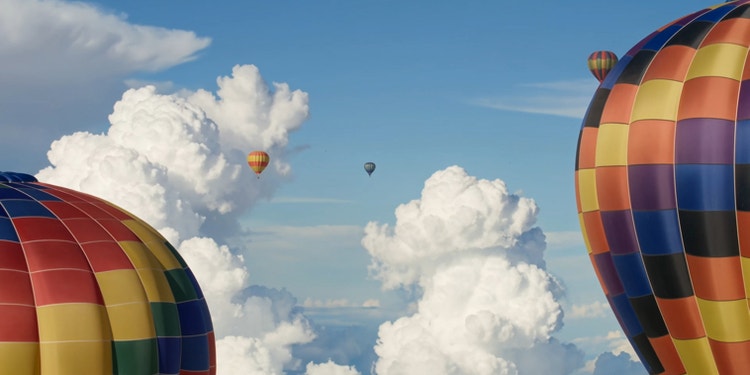
Go beyond just clips. With Kling 3.0 and Kling 3.0 Omni capabilities in Firefly, you can create up to six consecutive shots with a single prompt. Your characters, props, and environments stay consistent across scenes, and physics-driven camera movements respond to simulated motion like gravity, inertia, and collision.
Motion and sound are generated together right inside the Kling AI workflow, so they synchronize perfectly. Speech matches lip movements frame-by-frame, and unique voices are locked to characters throughout. Customize rhythm and pacing to suit the mood of your project.
Use prompts to modify elements, swap objects, extend scenes, and more. Kling AI makes it easy to adjust resolution, aspect ratio, and shot duration. You can also add reference images to guide the look of your video. Once generated, your video is ready to use, or you can keep refining it in a Adobe apps like Premiere or After Effects with a membership or free trial.
Control how characters, objects, and locations look and behave with Elements. To create an Element, upload up to four images, and then add a name and a short description. Tag Elements in your prompts to add them to your shots, and Kling will keep them consistent from scene to scene.
Learn how to create dynamic, multishot videos in just a few steps.
To get started, log in to Adobe Firefly with your Adobe ID or create a free account if you don’t have one. Select Generate Video.
Choose Kling 3.0 or Kling 3.0 Omni from the Model dropdown menu in General Settings.
Select the number of shots you want to include in your video, up to six, and set the duration for each, up to 15 seconds.
Add any elements that you want to include in your video. Click the Elements button, select Create New, and upload up to four different images of your element. Use the drop down menu to define whether it is a Character, Object, or Location. Add a text description (up to 250 characters) and click Create. Now you can easily tag elements with @ and the element name to create consistent characters, objects, and locations throughout your video.
Enter one prompt per shot and tag any elements you want to include in your scenes.
Click generate to produce your video and watch the result.
Modify your video by adjusting prompts or shot durations to create variations.
Once you’re happy with your video, download it and use it anywhere, or open it in an Adobe app to continue refining every detail.
Keep your characters, objects, and environments consistent across scenes. Tag elements so you can apply the same edits to them across scenes and reuse them in other videos for a uniform look and feel.
Handle the whole process of creating a cinematic multishot video in one place with Kling AI in Firefly. Video, audio, and refinement all happens in the same workflow, no app-switching.
Kling AI automatically generates natural-sounding dialog and audio that accurately matches your scenes, no need to switch apps.
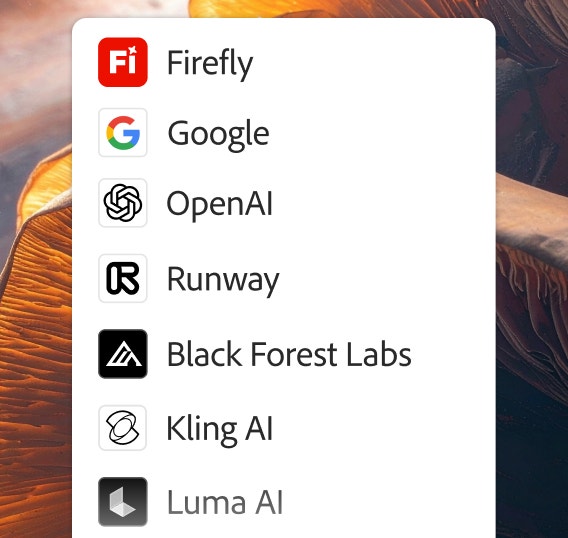
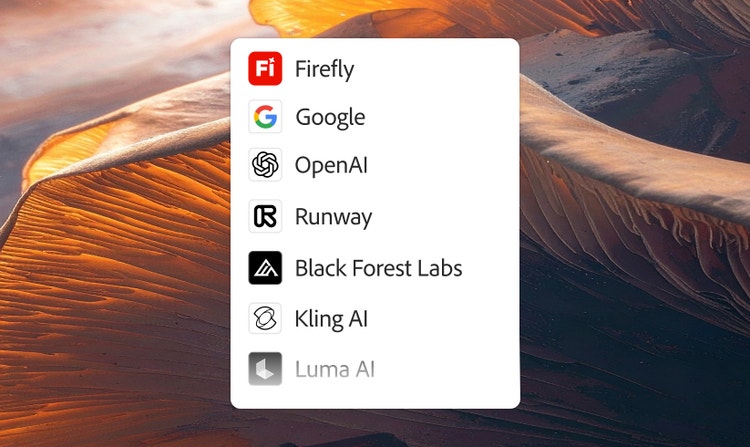
Top AI models are integrated directly in Firefly so you can experiment with different visual results and create your best content ever. Choose models from Google, OpenAI, Runway, and more.
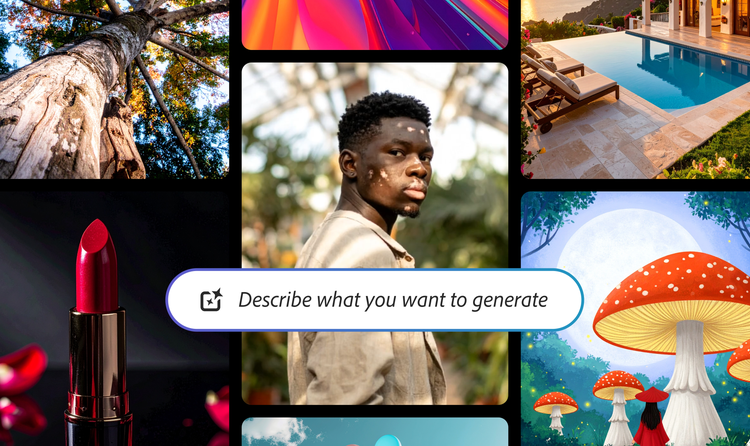
From the way we explore ideas to the way we bring concepts to life, generative AI is transforming creative work. Explore generative AI examples of visuals, video, and sound created with Adobe Firefly to see what’s possible and spark ideas for whatever you create next.
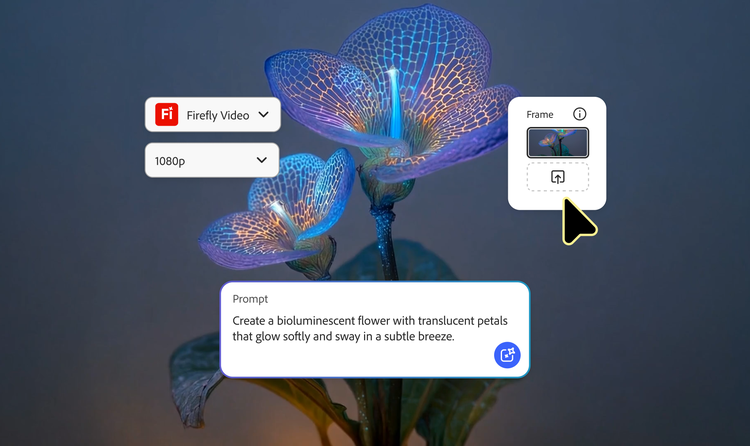
From GIFS and cartoons to explainers and ads, generative AI is transforming how creators produce animated videos. Explore AI animated video examples across styles and use cases, and see how Firefly can help you bring your vision to life.
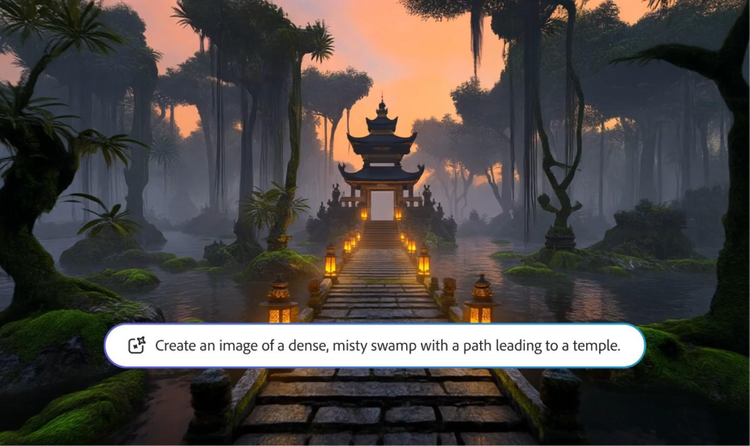
Adobe Firefly makes it easy to create AI generated videos for ads, film, animation, and so much more. Keep reading to explore examples, prompts, and tools that can help you bring any idea to life.
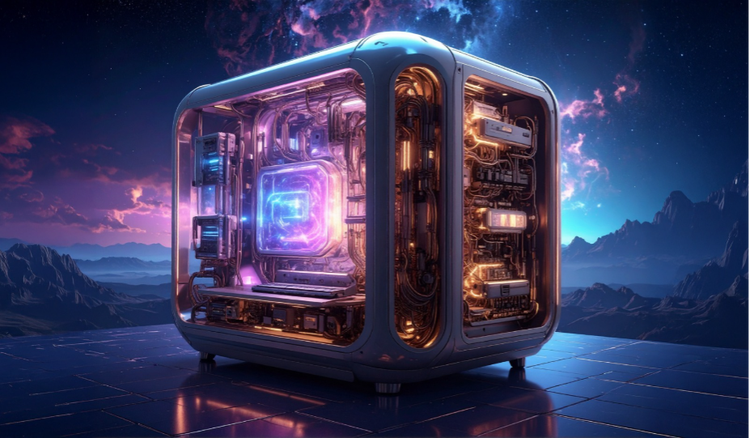
Generative AI is all over the headlines, and that’s not empty hype. This new technology is likely to be part of your life soon — if it’s not already. Learn how generative AI works and start streamlining your workflow.