
Generate highly realistic, expressive AI voiceovers from scripts using the ElevenLabs AI voice generator in Adobe Firefly. Create lifelike narration with natural pacing, emotional range, and multilingual voice options, no recording studio required.
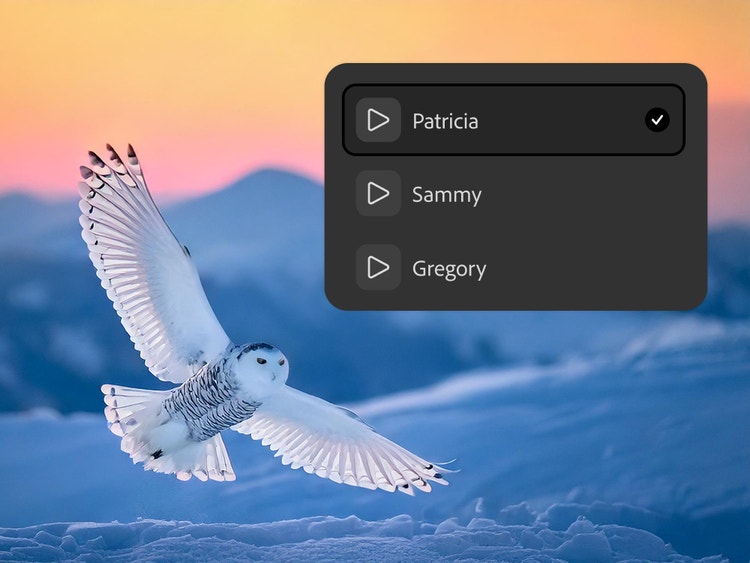
Choose a voice
Explore other voices and languages
The ElevenLabs AI voiceover generator in Firefly helps turn scripts into lifelike speech with natural pacing, emotional range, and human-like delivery. The model adapts to your text with contextual awareness, making it easier to create expressive AI voiceovers for videos, social content, audiobooks, and multilingual projects.
ElevenLabs is an AI voice technology provider known for high-quality text-to-speech capabilities and a library of voices ranging in pitch, tone, accent, and affect. In the Adobe Firefly Generate Speech feature, you can use the ElevenLabs AI voiceover generator to create natural-sounding speech for everything from short lines of dialogue to full scripts. Just type or paste in your text, generate your voiceover, then refine specific sections until the pacing, tone, and delivery feel right.
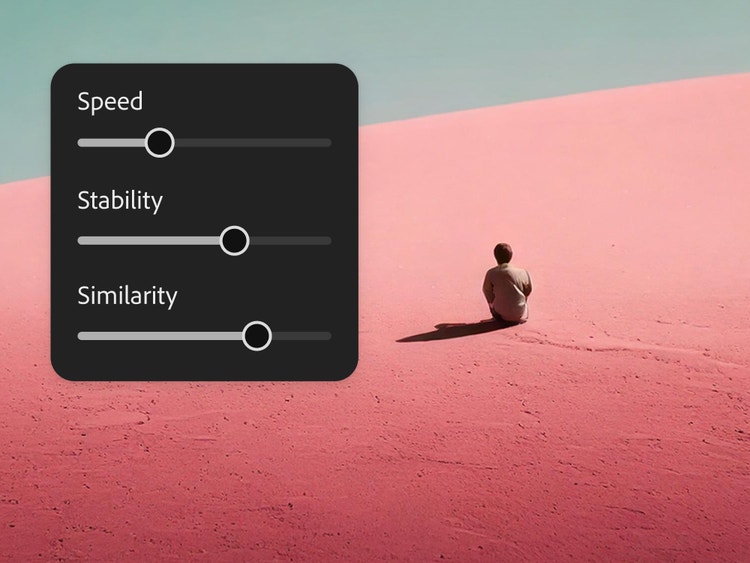
With the ElevenLabs AI voice model, you can turn text into natural, high-quality voiceover. ElevenLabs speech synthesis generates audio that closely mimics human speech by adapting intonation, pacing, and emotional cues with industry-leading quality. Simple controls make it easy to adjust the speed and style of your narration, while multilingual support and AI dubbing help you reach audiences in dozens of languages.
Guide tone, emotion, and performance directly in your script using cues and tags. The ElevenLabs AI voice generator in Firefly can interpret directions like whispering, sarcasm, hesitation, or excitement, then adjust pacing, delivery, and emotional expression for more human-like AI voiceovers. The AI text-to-speech workflow makes it quick and easy to create natural-sounding narration for videos, audiobooks, e-learning content, and more.
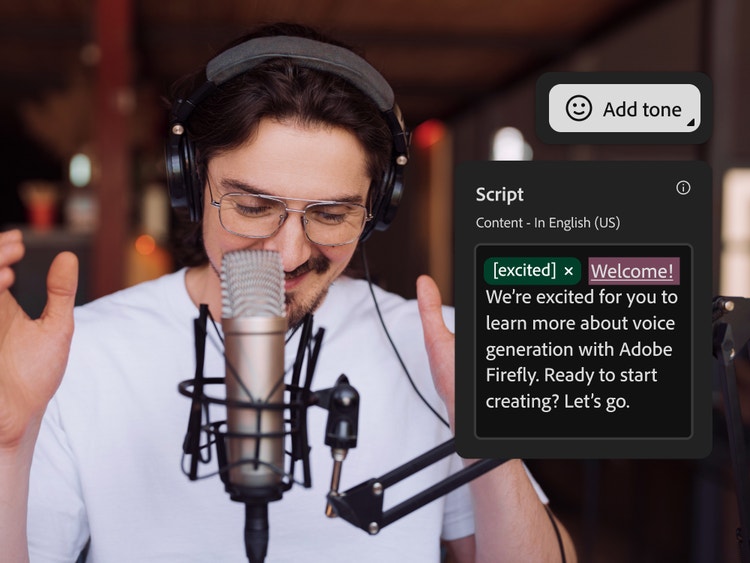

Firefly brings AI voice generation into one connected creative workflow, so you can create AI voiceovers without switching tools. In Generate Speech, choose the Firefly speech model for high-quality, natural-sounding voices, or select the ElevenLabs AI voice generator for a large voice library, multilingual voice generation, emotional range, and contextual understanding. Compare outputs, explore different speech synthesis styles, and keep audio production moving in one place.
Choose top AI models from Adobe, Google, OpenAI, Runway, and more to create your best content ever.
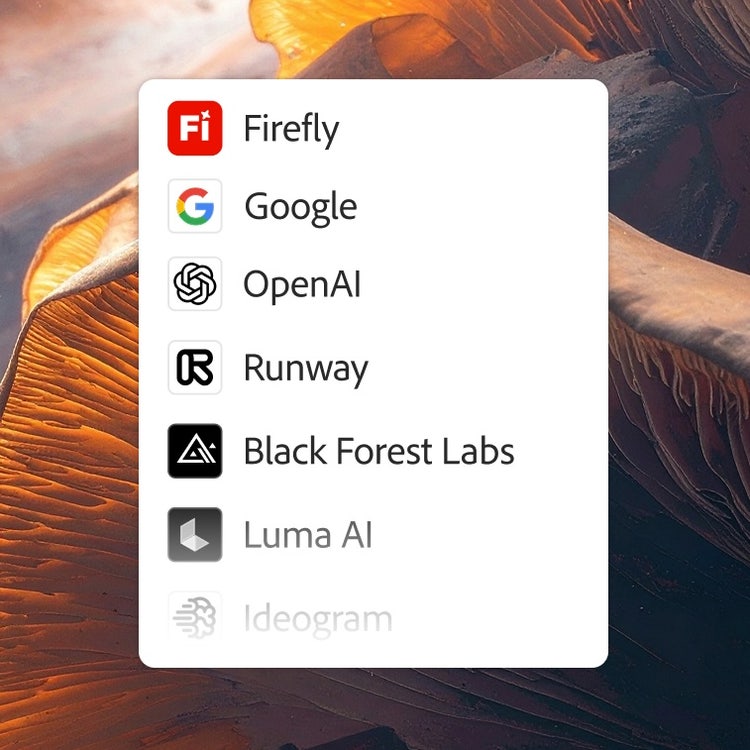
Mix and layer outputs to best suit your vision. More models means more creative range, and you get them all with one login.
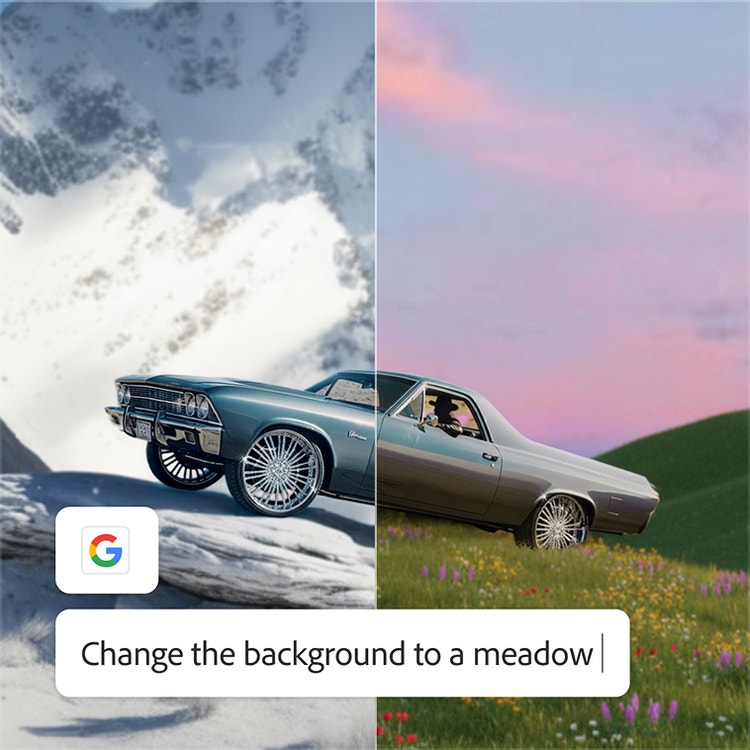
Whether you’re doing full-on generative AI work, or just getting a fast workflow assist, you always have the right model for the job.
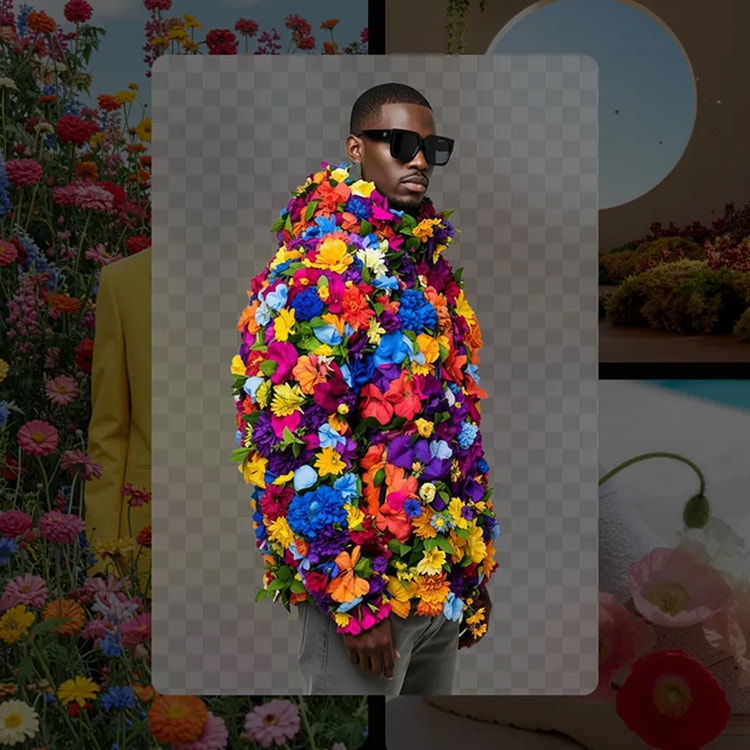
Make the most of these advanced AI capabilities with the creative control you expect from Adobe. It’s all included.
To get started, open Adobe Firefly and sign in with your Adobe ID or create a free account if you don’t have one. Once you’re in, select Generate Speech to get started.
Type, paste, or import a script.
Preview voices until you find the right one.
Click Generate to create your audio clip. Select Download to export it as a .wav file.
Generate multiple AI voiceover variations in seconds and produce content at scale without re-recording. Whether you're creating for social, video, broadcast, or audiobooks, the ElevenLabs AI voice generator workflow in Firefly keeps your production moving fast across formats and platforms.
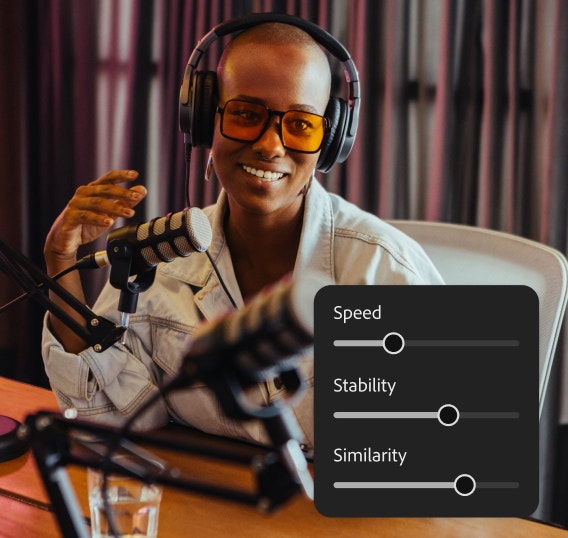
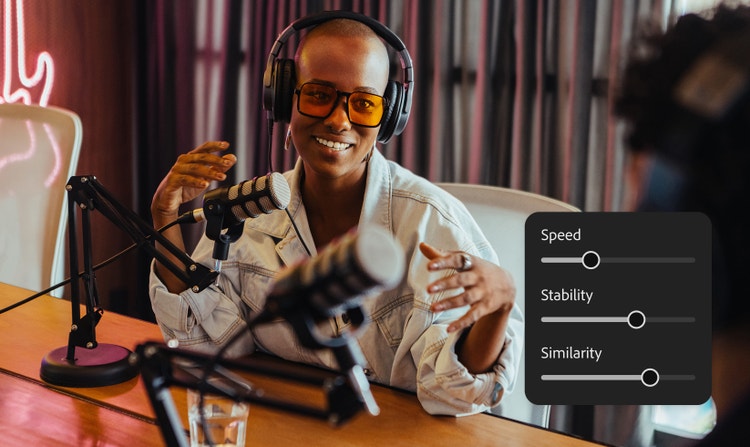
Generate cohesive tone, voice, and delivery across the content you produce. Firefly makes it easy to maintain brand consistency and keep your AI voiceover outputs in lockstep, no matter the scale.
Explore and experiment with multiple AI models alongside the ElevenLabs AI voice generator workflow, all inside Firefly. Switch between speech synthesis styles and outputs without switching tools, so you can find the right voice for the right project.


Take AI voiceovers beyond a standalone audio clip and use them across your full creative workflow. Generate natural-sounding narration with ElevenLabs, then bring that voice content into video, design, audiobooks, social, and campaign production. Firefly helps keep the process connected from script to finished asset.

Generative AI is quickly becoming a vital tool for artists. Read on to learn about what generative AI art is, how to create it, and how you can use it in your practice.

Generative AI is all over the headlines, and that’s not empty hype. This new technology is likely to be part of your life soon — if it’s not already. Learn how generative AI works and start streamlining your workflow.

Experiment with popular cartoon styles and explore different types to develop your own look with Adobe Firefly.
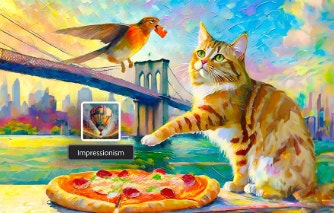
Surrealism, Cubism, Impressionism — find out how to create images in these and other art styles with generative AI.