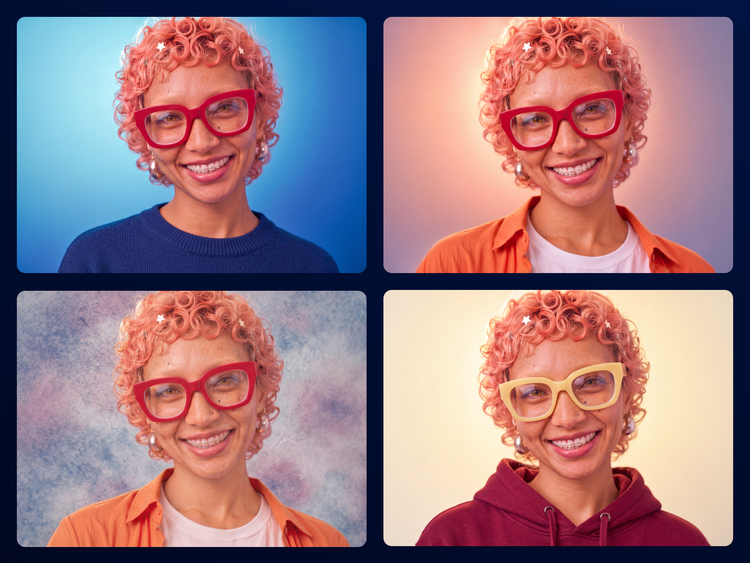
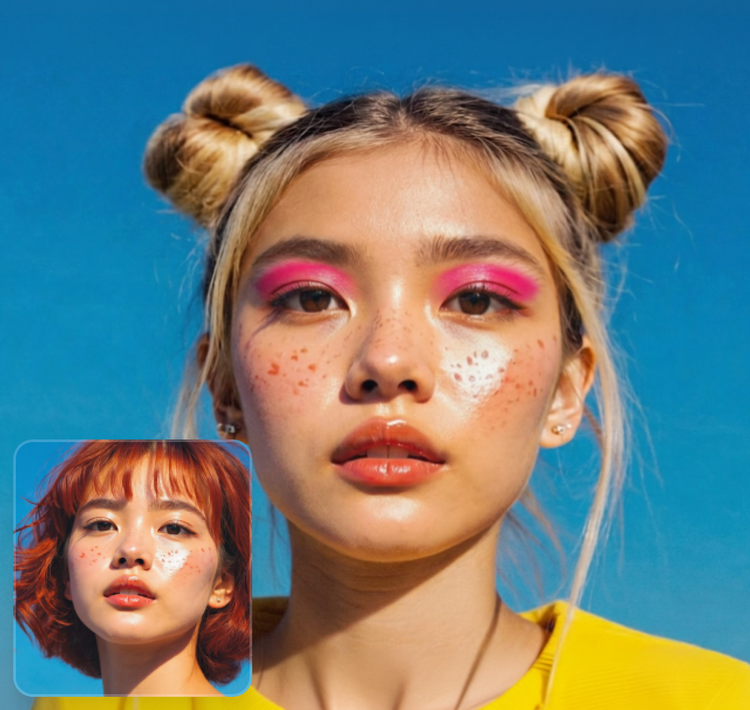
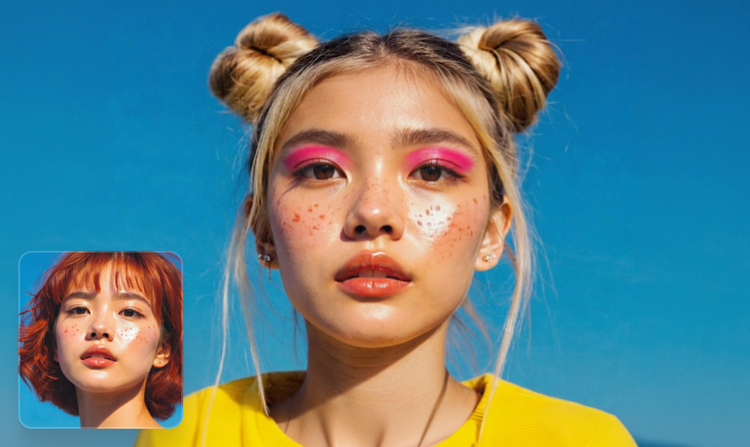
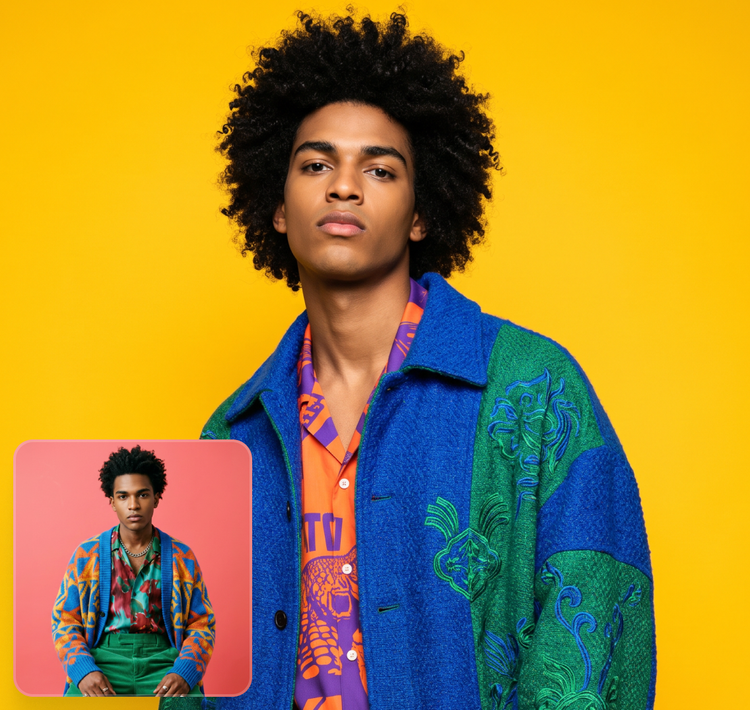
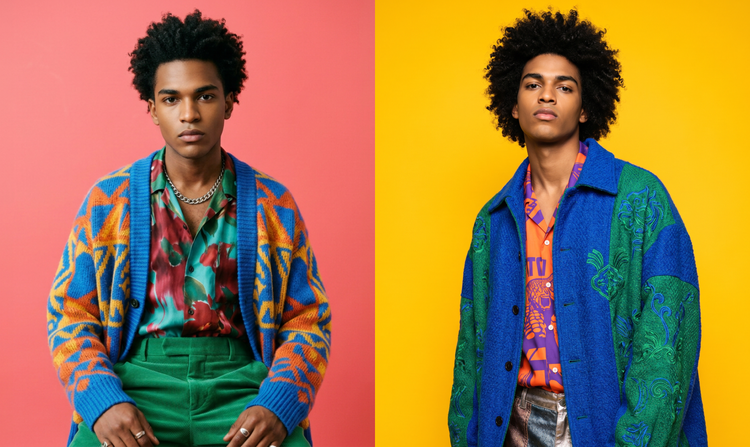
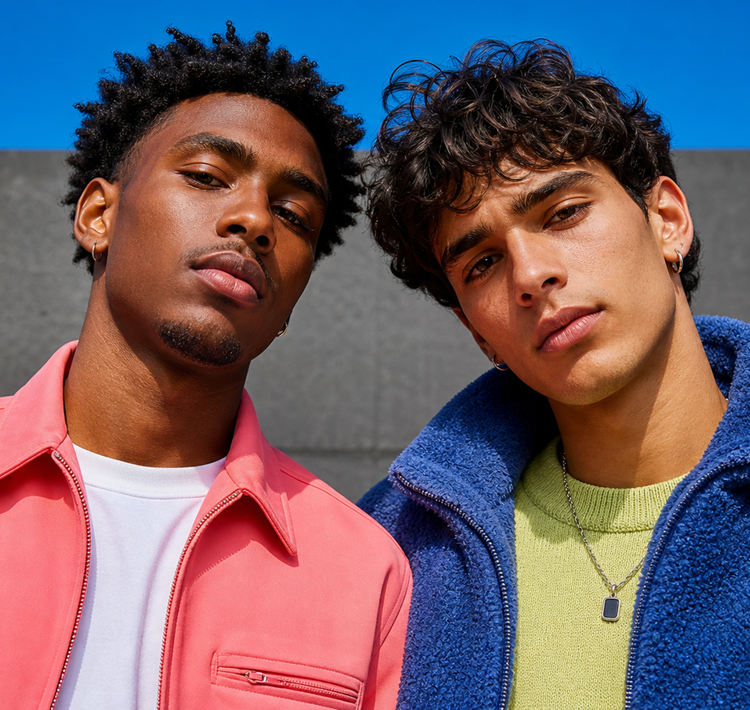
An AI face swap is an AI-powered process that replaces a person's face in an image with another face, while preserving the original lighting, head position, and expressions, seamlessly blending skin tones and textures for a natural, realistic result.
The best AI face swap tool gives you quick, accurate results, as well as ways to refine and edit your image until it looks just right. Adobe Firefly offers all of this with a generative editing workflow built for high quality results. You can quickly and easily swap faces using the face swap Quick Action, then fine-tune your images using precise tools in Adobe Firefly, resulting in a high-quality face swap you can immediately apply to social media, websites, and more.
Yes, you can face swap for free on
Adobe Firefly with a free Adobe account. If you have a free account, you’ll get free daily generations to explore face swapping and generative editing. Learn more about using Adobe Firefly for free. Upgrade to one of our paid plans for higher-volume generations and access to additional premium features.
It’s easy to swap out the image of a face for another using the face swap Quick Action, and then perfect your image with the editing tools in Adobe Firefly. To get started, select clear, well-lit images for your face swap, then keep perfecting your image with the editing tools in Adobe Firefly. Upscale your image, add a new background, and more, all without switching apps.
The initial generation typically matches the resolution of your source file. However, you can improve the final quality up to 4x by using Upscale in Firefly.
High-quality photos with even lighting and clear, front-facing angles work best. Avoid images with heavy shadows, extreme expressions, or low resolution.
Adobe Firefly gives you access to multiple AI models for image generation, including the Firefly Image Model and
partner models from Google, OpenAI, FLUX models, and more. You can switch between them from a single dropdown inside the Firefly web app and compare outputs side by side in Firefly Boards. Visit the partner models page to explore all available options.
Always obtain permission and consent before using an image with AI face swap. Remember to follow
Adobe’s Generative AI Guidelines and be transparent about how the content was created. Adobe automatically attaches Content Credentials to generated output, which act as a digital record of how the content was made, including which AI tools were involved. This helps viewers verify authenticity and builds trust in AI generated content.