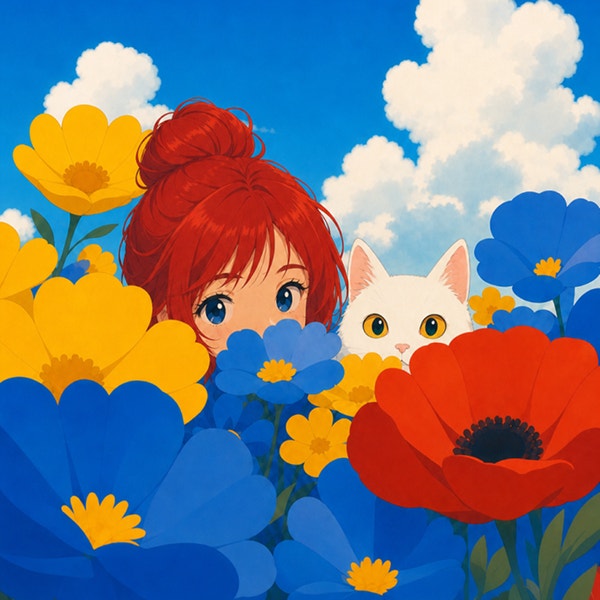
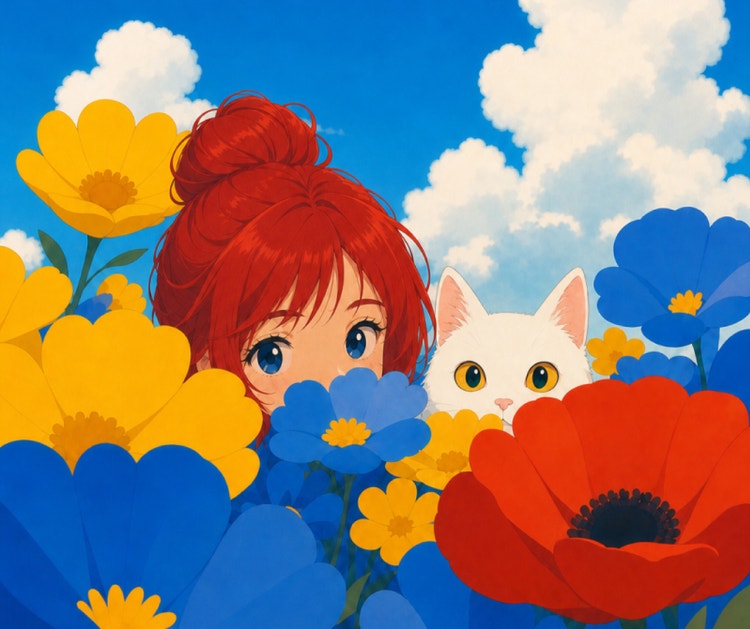
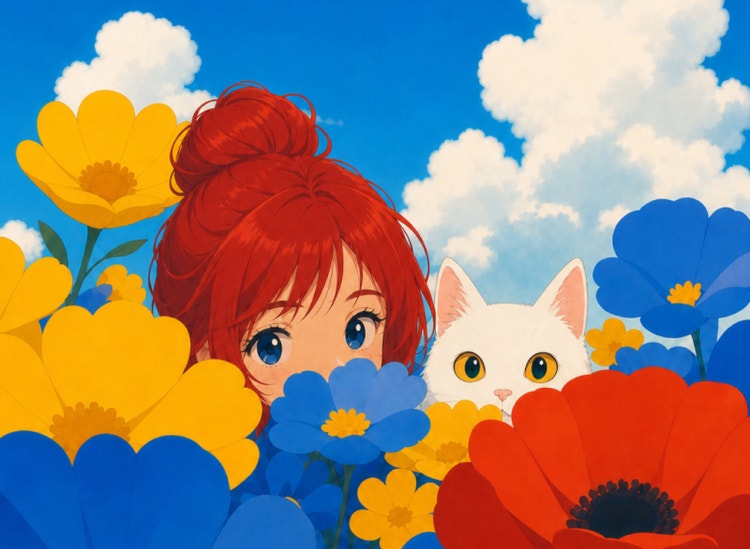
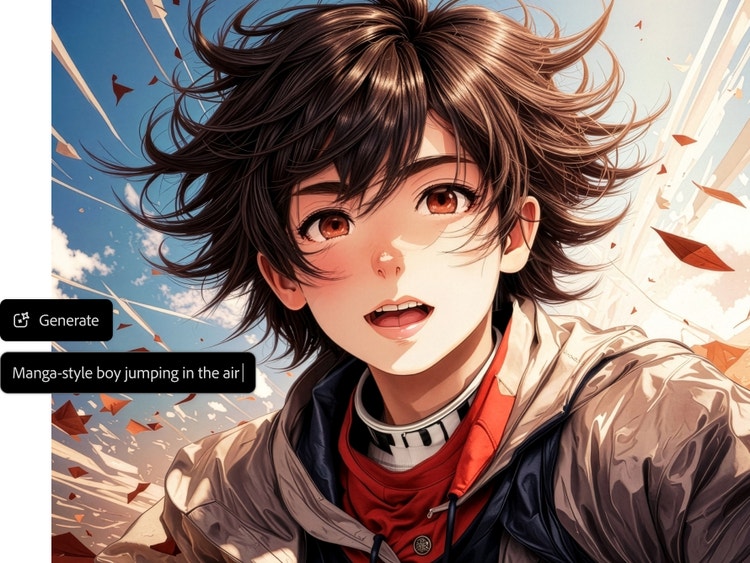
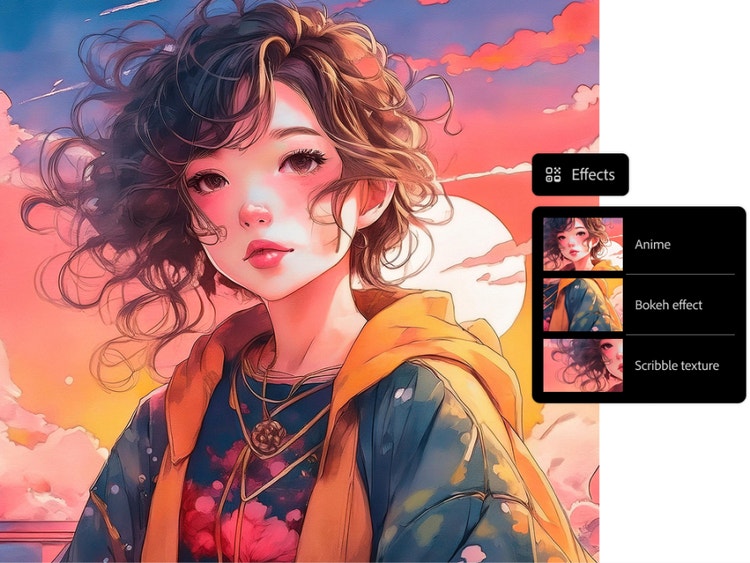
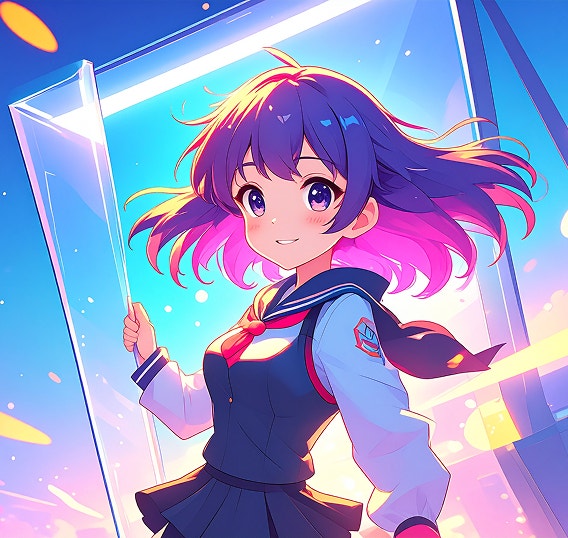
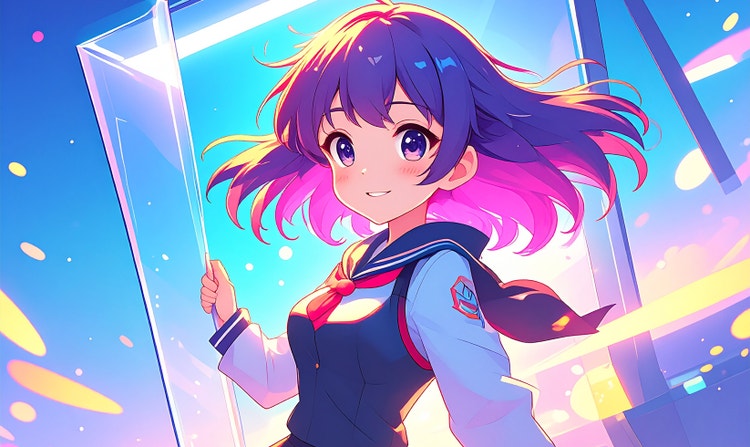
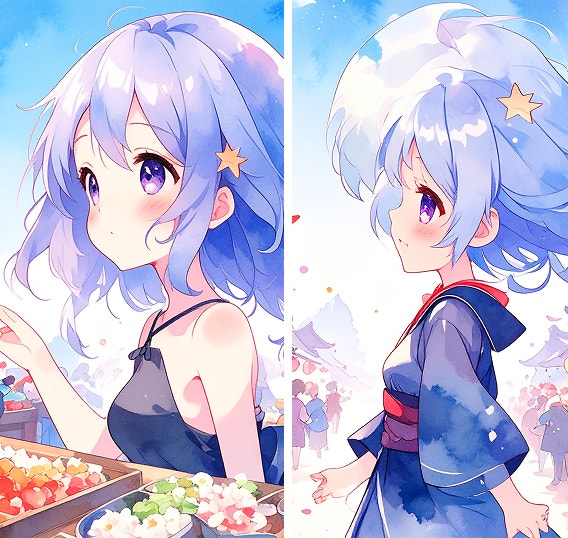
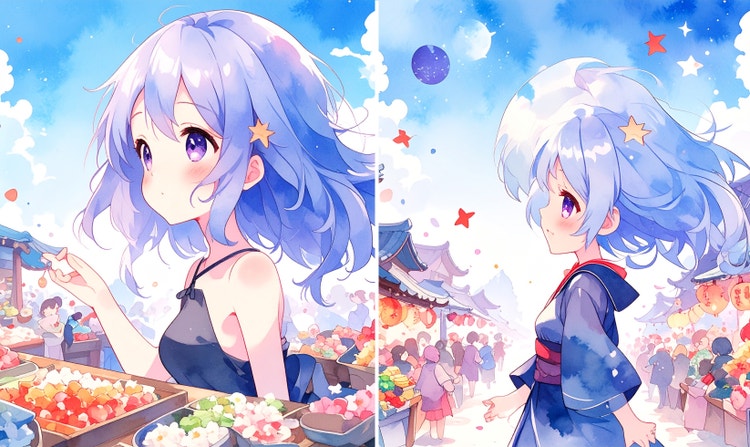
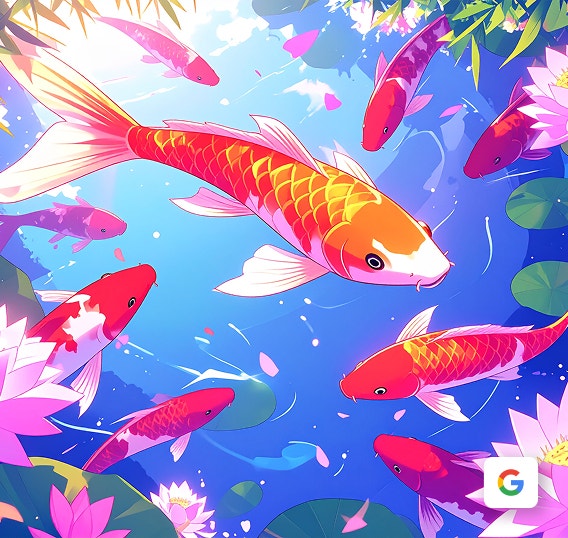
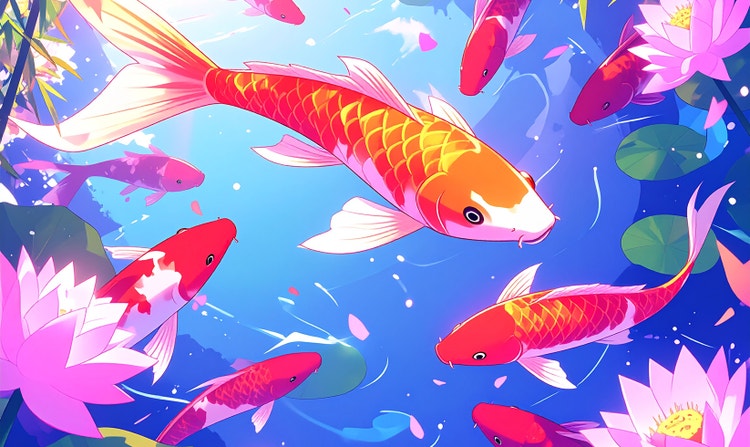
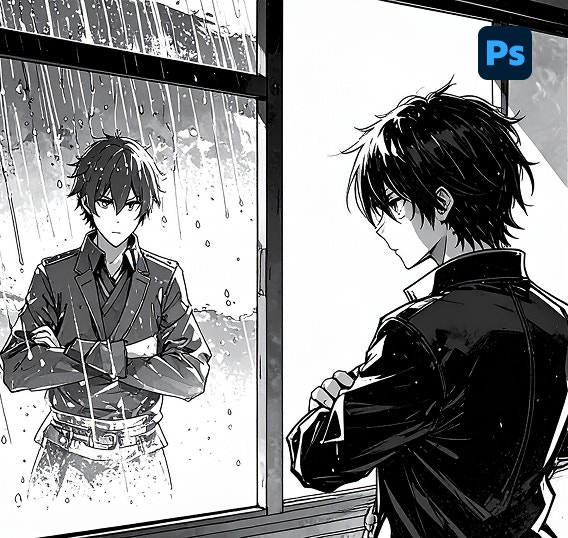
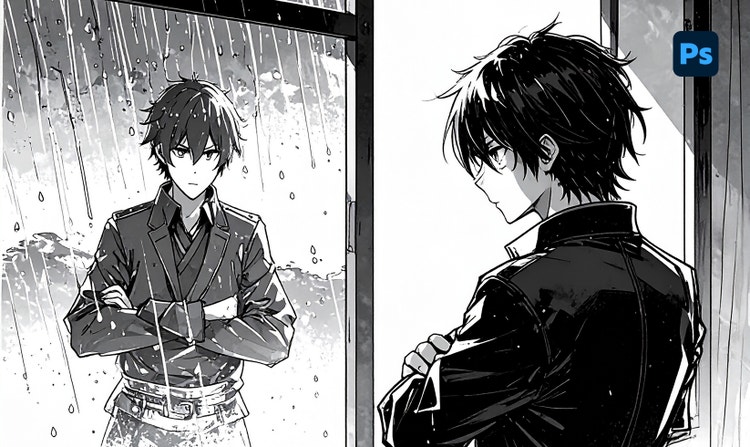
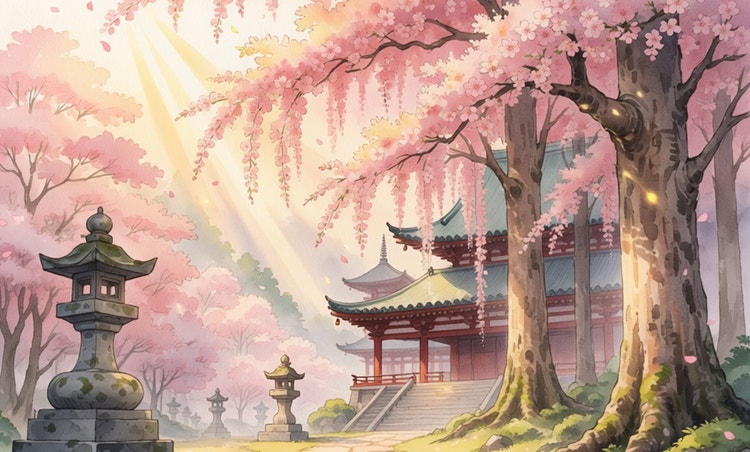
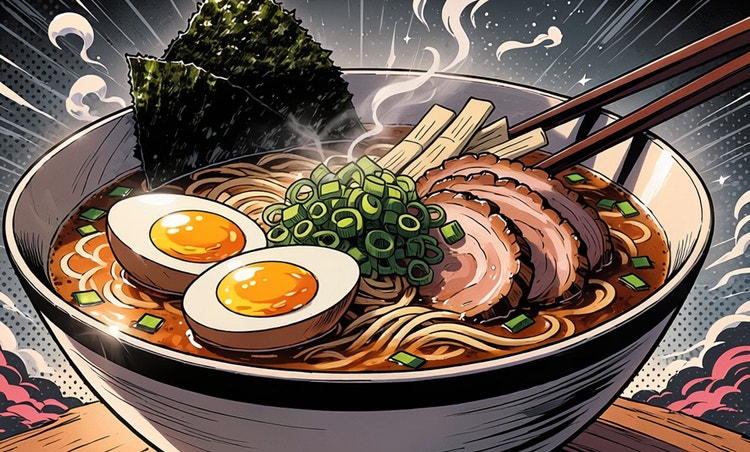
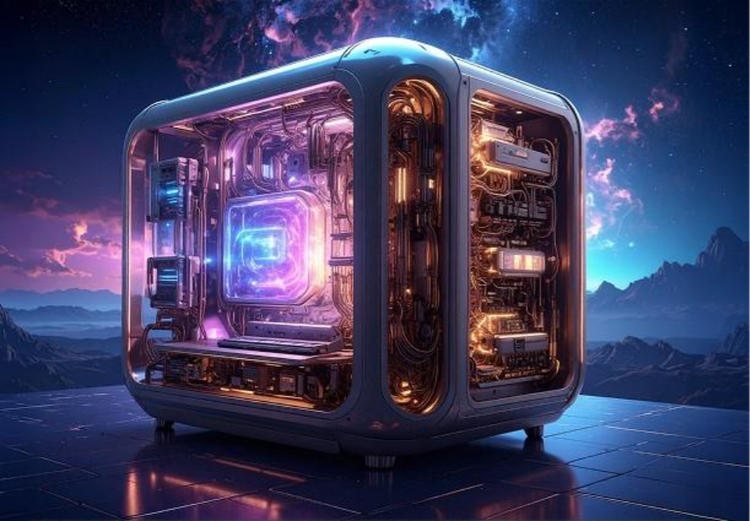
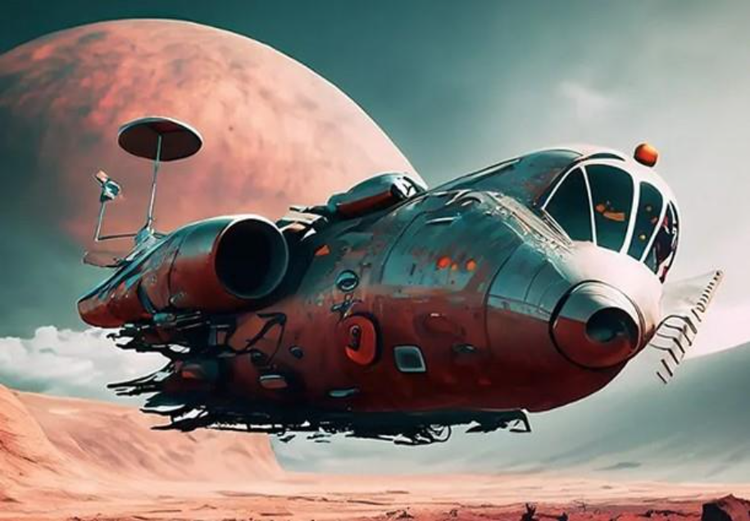
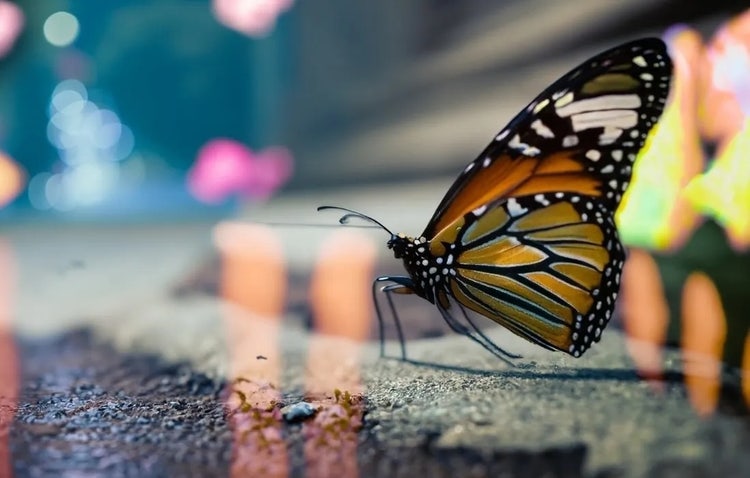
You can use the Generate Image feature in the Adobe Firefly web app as a free online AI art generator. You can use text prompts to create and transform images quickly and easily, now with higher quality, more detail, and improved lighting and color. Adobe Firefly provides various styles for image generation, including anime, which can be used to create anime-inspired images.
Yes, you can use Adobe Firefly Generate Image to generate AI anime images for commercial use, provided you adhere to the Adobe user guidelines and you produce the content using the commercially released version of Adobe Firefly. All Adobe Firefly models are safe for commercial use, as they are trained on Adobe Stock, licensed content, and public domain materials.
Yes, you can use the Adobe Firefly AI anime generator for free with an Adobe account. Free users receive free daily generations to create anime-inspired images using text prompts and a range of anime styles. Upgrade to a paid Adobe Firefly plan for access to additional features and higher-volume generation.
Yes, for specific features and tools within the Adobe Firefly ecosystem, you can use your own images, photos, or sketches as starting points for generating AI-enhanced images.
Current options for using your own images:
- Generate Image:
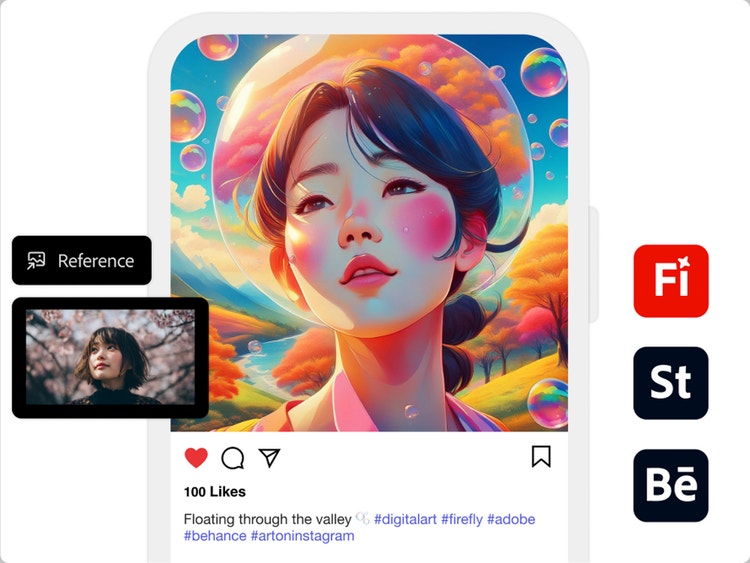
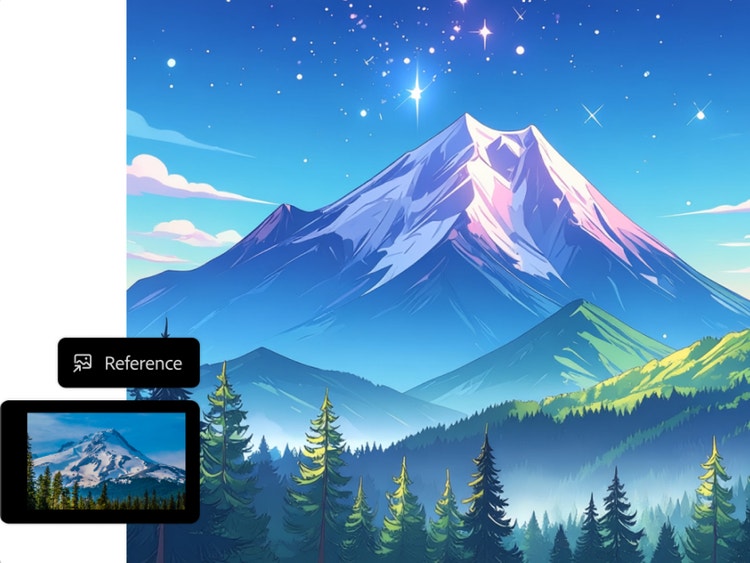
You can upload an image whose style or composition you want to replicate by selecting the Reference dropdown menu in the Styles and Composition tabs.
- Generative Fill (Adobe Photoshop/Adobe Firefly web app):
You can upload or open your own photo or sketch in Adobe Photoshop with Generative Fill, powered by Adobe Firefly. Remove, replace, or add elements to your image using AI prompts, use your image as a base and selectively enhance it, and turn sketches into full compositions.
- Generative Recolor (for illustrators):
If you're working with vector sketches or artwork, you can use the Adobe Firefly-powered Generative Recolor feature to apply AI-generated color themes.
For desktop, Adobe Firefly supports major browsers, like Chrome, Edge, Firefox (v113+), Safari (v17.4+) and requires a minimum of 4GB of memory on Windows 10, macOS 12, or ChromeOS with JavaScript enabled. On Mobile, the app is available for iOS 17.4 and Android 9.0 Pie or later, ensuring you can create your visuals instantly, regardless of your device.
The best AI anime generator should let you turn text prompts into clean, stylized anime art with consistent character design, expressive features, and control over style and color. Adobe Firefly enables you to create unique characters, explore styles such as steampunk or doodle art, and refine your colors. Then, you can use Image to Video to set your art in motion. And since Adobe Firefly models use licensed content, your creations are commercially safe for any project.