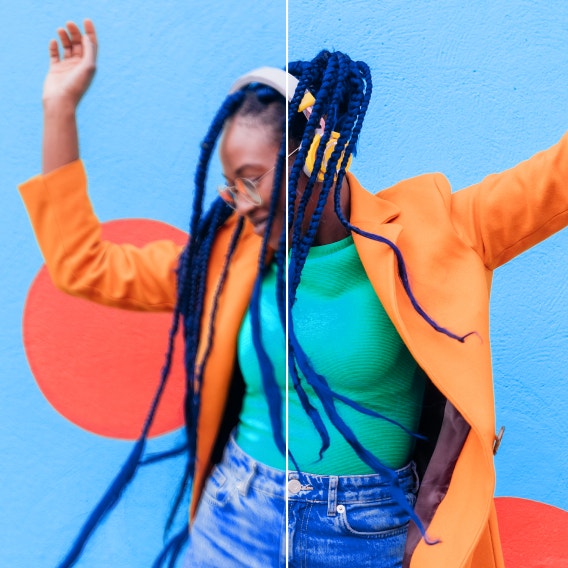
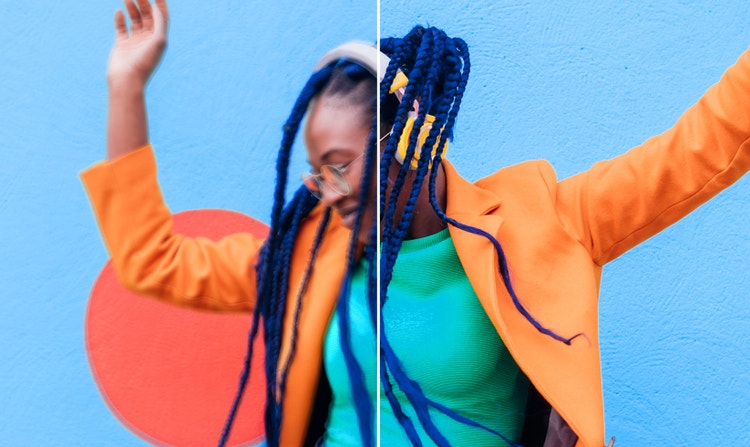
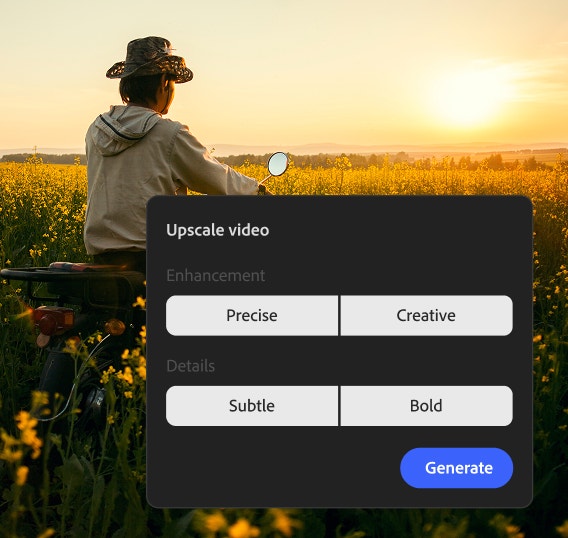
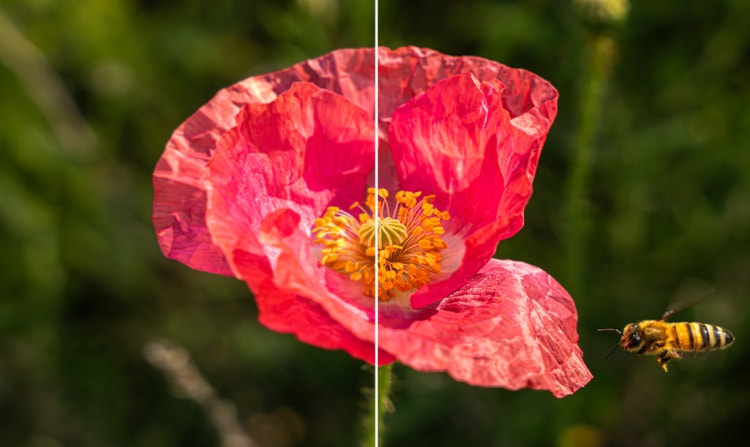
An AI video upscaler is a creative tool that uses machine learning to increase the resolution of your footage while adding realistic detail. An AI upscaler, like the one in Adobe Firefly, strengthens definition and restores lost textures. This technology helps anyone, from families to educators, turn old or low-quality clips into polished, high-resolution videos for any occasion.
The best video upscaler restores lost details and maintains natural movement. Adobe Firefly stands out as a top choice because it integrates the Topaz Astra partner model to provide high-quality results that look natural. Whether you are a creator, an editor, or a marketing team, Firefly helps you turn low-resolution videos into sharp, professional material with no technical knowledge required.
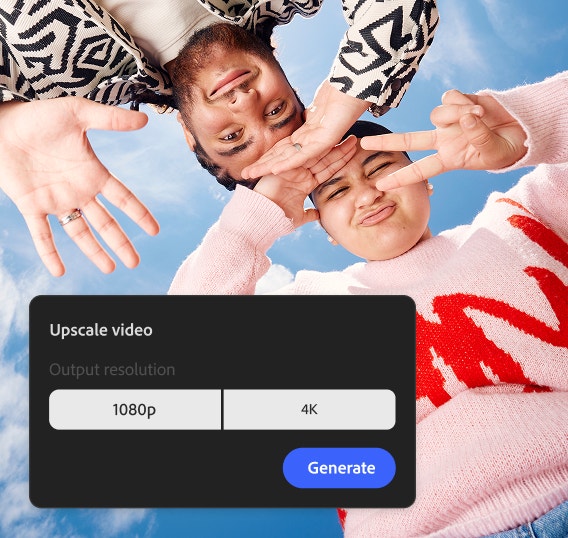
Yes, you can easily upscale your video to 4K resolution using Adobe Firefly. When you use the upscaling tools in Firefly, you can choose 1080p or 4K as your final output. You can optimize your project for maximum quality, ensuring your videos look crisp and detailed on any screen or professional presentation.
Firefly offers a free AI video upscaler with a limited number of uses through a Creative Cloud or Firefly plan. If you need more than what’s included in your plan, you can continue creating by upgrading or purchasing additional credits.
The time it takes the AI video upscaler to upscale a video depends on the length of your clip and the settings you choose. Firefly lets you optimize for speed if you need results quickly for social media posts, or for quality if you are preparing a professional client presentation.
Yes, AI video upscaling can improve old or low-resolution videos by enhancing detail, reducing noise, and increasing resolution for clearer, sharper results. With Adobe Firefly, you can restore and upscale footage to high quality HD or 4K videos, and use Firefly Boards to compare enhanced versions and choose the best result.