




An AI music generator is a creative tool that uses machine learning models trained on licensed audio to automatically compose original music.
Adobe Firefly’s Generate Soundtrack is designed for story-driven, commercially safe, instrumental background music, not for generating vocals or songwriting.
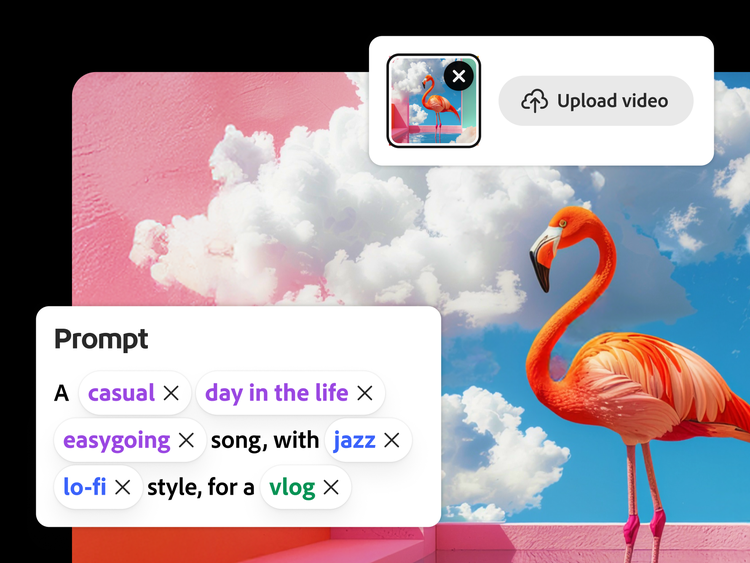
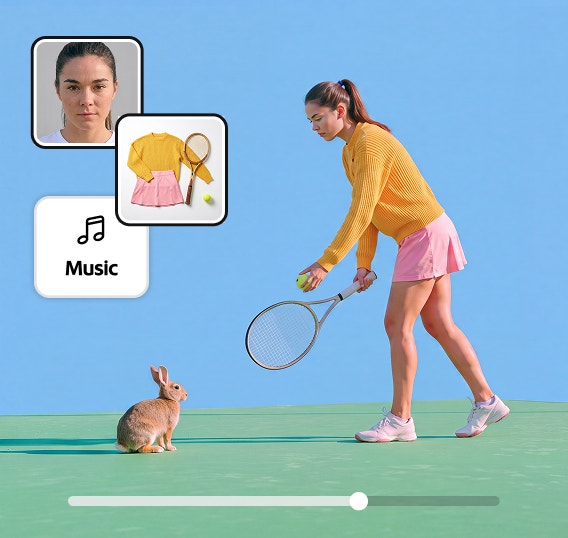
The AI music generator from text intelligently analyzes your uploaded video and audio to understand its vibe, style, and purpose — then auto-generates tailored music prompts. You’ll get editable tags and multiple musical variations to explore, refine, and make your own.
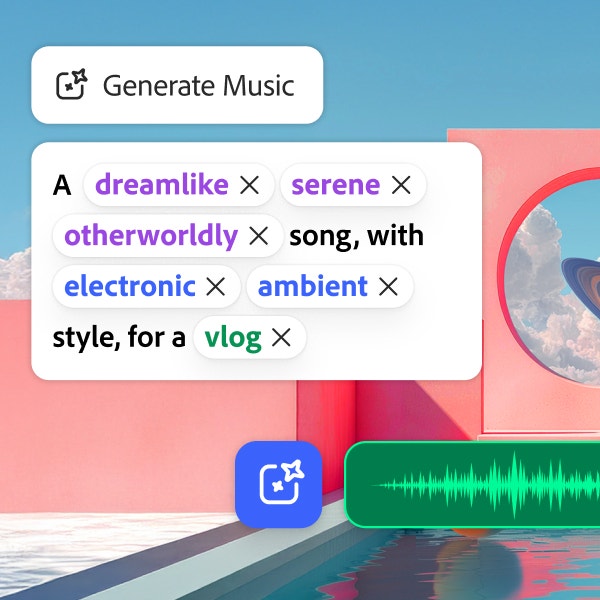
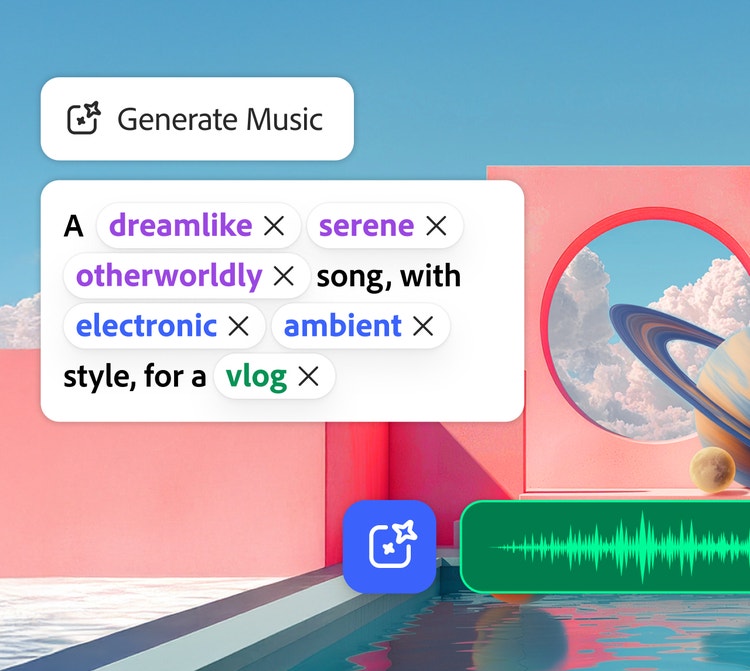
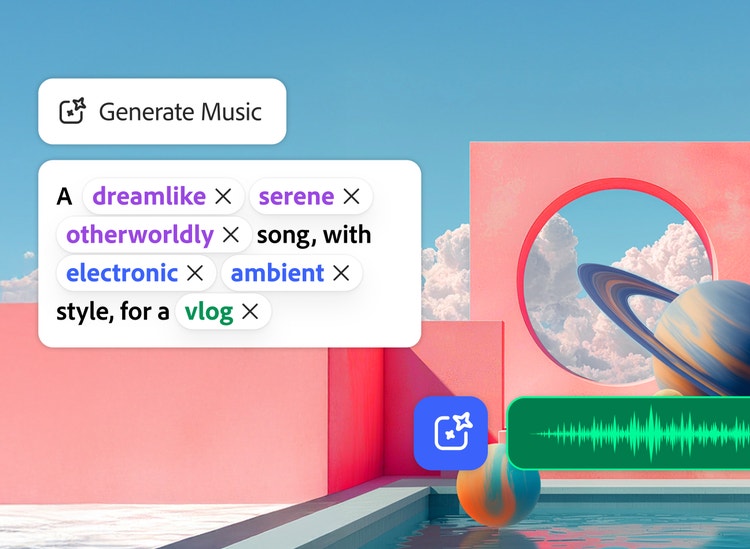
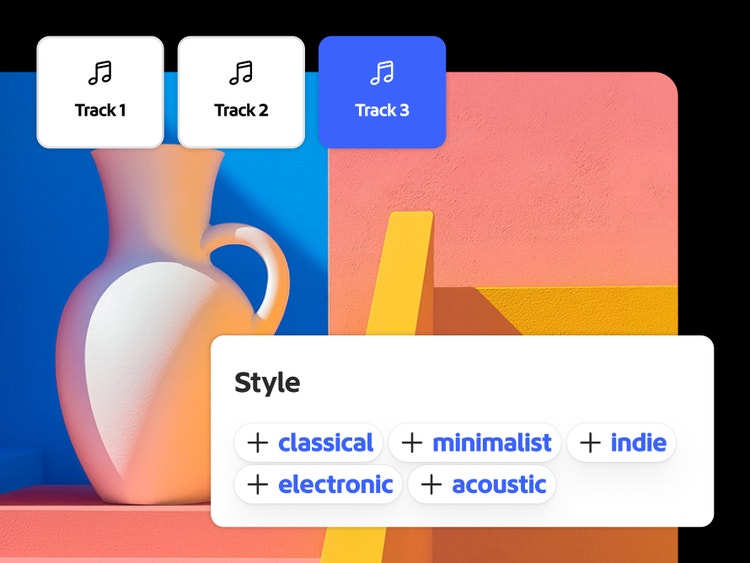
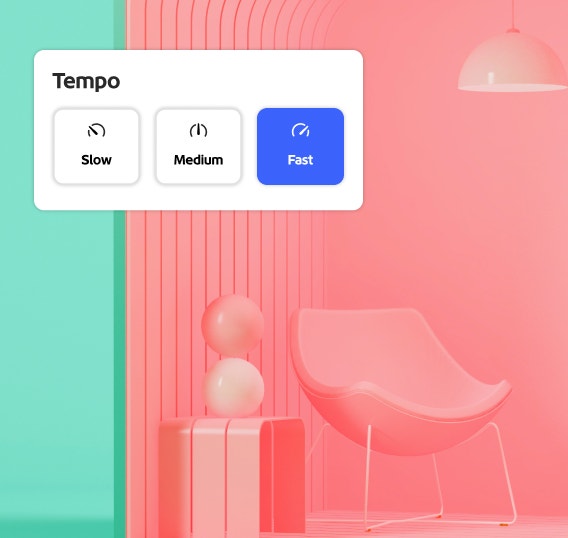
You can use the guided prompt builder — a simple tag-based prompt for vibe, style, and purpose, then set length and tempo. It’s designed for storytellers, so you can create great music without musical jargon.
Yes. Generate Soundtrack creates royalty-free, commercially safe tracks tailored to your story — use anywhere, with no licensing worries. From a personal social clip to a national TV ad campaign, the content is owned by you and uniquely yours.
You can combine the generated soundtracks with any of your projects. Adobe does not claim ownership in the generated music, though we do apply Content Credentials to support AI transparency.
You can export your tracks as WAV files.
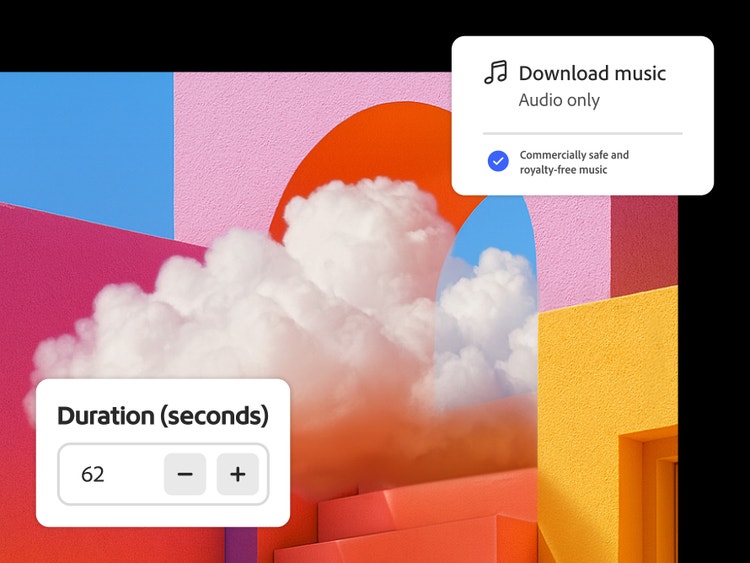
Yes. You have precise control over your content — any duration from 5 seconds to 5 minutes to fit your exact soundtrack needs.
Yes — tracks are commercially safe for publishing across major platforms. Generate Soundtrack creates royalty-free, commercially safe tracks — use anywhere, with no licensing worries.
Generate Soundtrack is a premium feature. Free users can enjoy two complimentary lifetime tastes of premium features. To continue using premium features, upgrade to Firefly Standard or Firefly Pro
plans which include access to premium features with generative credits.