https://main--cc--adobecom.aem.page/cc-shared/assets/img/firefly.svg | Adobe Firefly logohttps://main--cc--adobecom.aem.page/cc-shared/assets/img/ff-lockup-f4.svg | Adobe Firefly
AI sticker generator: Create custom designs with AI.
Turn a favorite photo or just an idea into a unique sticker design you can use anywhere.
Or tap here
File must be JPEG(JPG), PNG, or WEBP and up to 100MB.
By uploading your image or video, you agree to the Adobe Terms of Use and Privacy Policy and confirm you are 18 years of age or older.
https://main--cc--adobecom.aem.live/cc-shared/assets/svg/s2-icon-upload-20-n.svg Upload your image
Or tap here
File must be JPEG(JPG), PNG, or WEBP and up to 100MB.
By uploading your image or video, you agree to the Adobe Terms of Use and Privacy Policy and confirm you are 18 years of age or older.
https://main--cc--adobecom.aem.live/cc-shared/assets/svg/s2-icon-upload-20-n.svg Upload your image
Or drag and drop here
File must be JPEG(JPG), PNG, or WEBP and up to 100MB.
By uploading your image or video, you agree to the Adobe Terms of Use and Privacy Policy and confirm you are 18 years of age or older.
- File size larger than 100MB
- Unable to process the request
- We are unable to process this file type. Please try again.
- Only one file can be uploaded at a time.
- Image is smaller than the minimum dimensions (512 x 512 pixels). Please resize and try again.
https://main--cc--adobecom.aem.page/cc-shared/assets/img/product-icons/svg/firefly-80.svg
Adobe Firefly
https://main--cc--adobecom.aem.page/cc-shared/assets/img/product-icons/svg/firefly-80.svg
Adobe Firefly
The next evolution of creative AI is here for all your ideas, with image, video, audio, and vector tools.
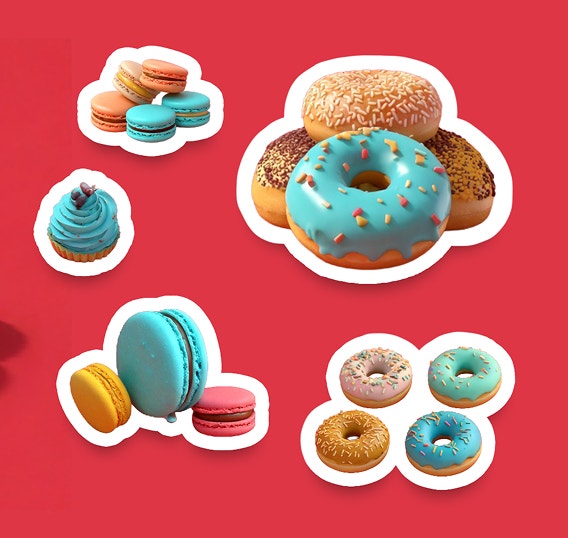
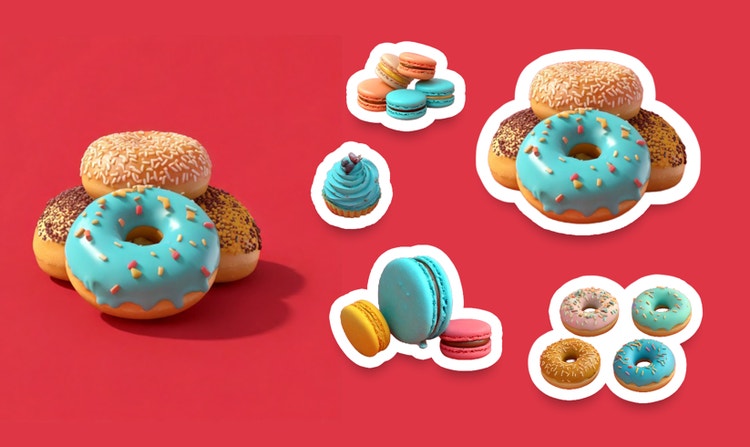
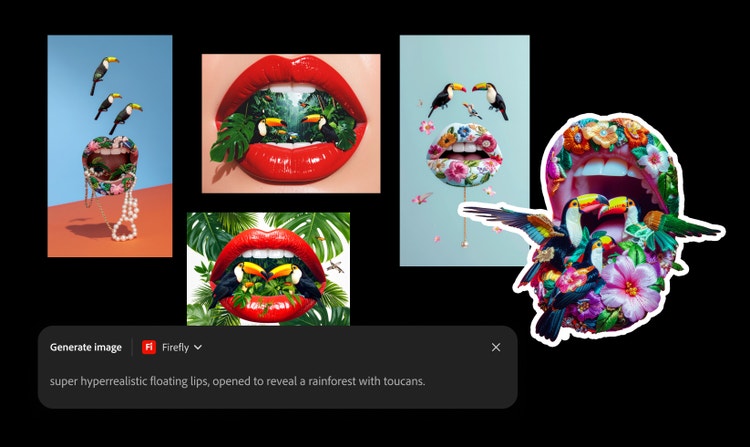
Generate one-of-a-kind stickers with Firefly.
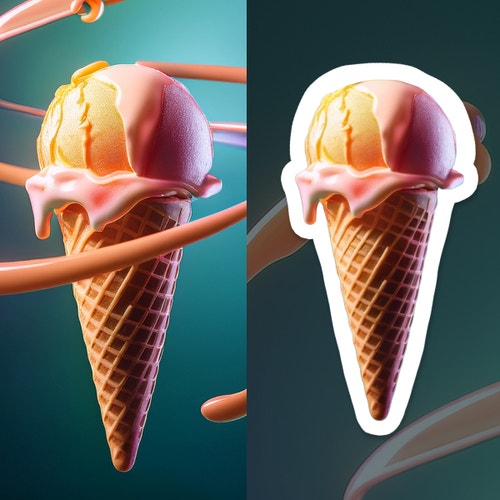
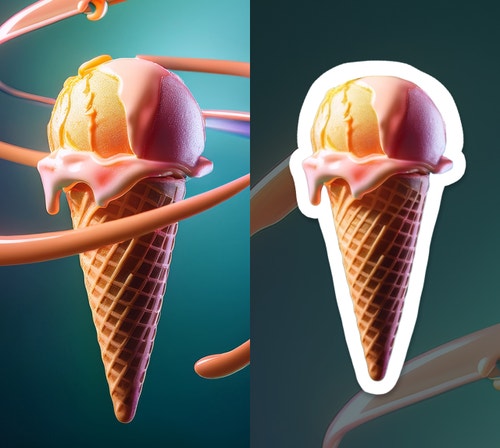
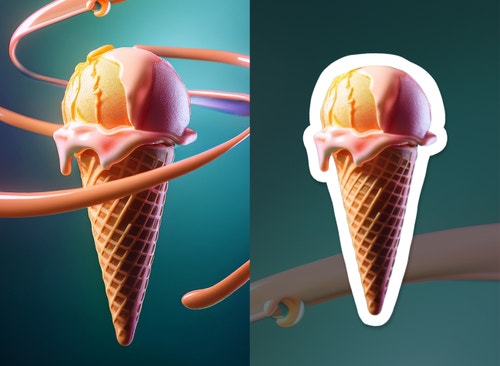
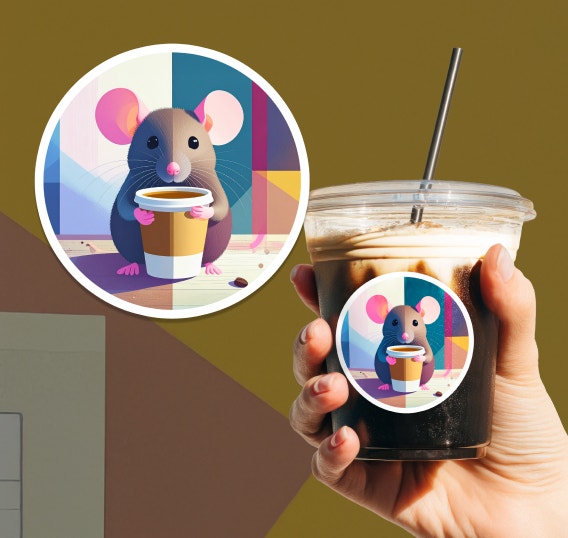
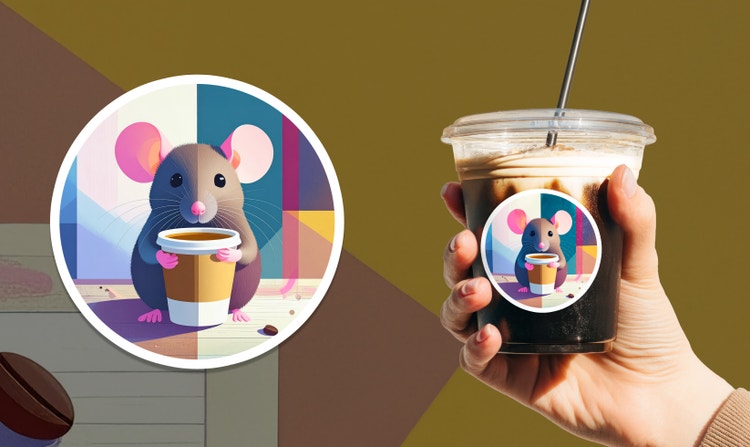
An AI sticker generator is a tool that quickly and easily transforms images or designs into sticker-ready graphics. Create a logo sticker for your business to add to packages, swag for your band, or just a fun gift for your bestie.
Turn any image into a sticker with an AI sticker generator.
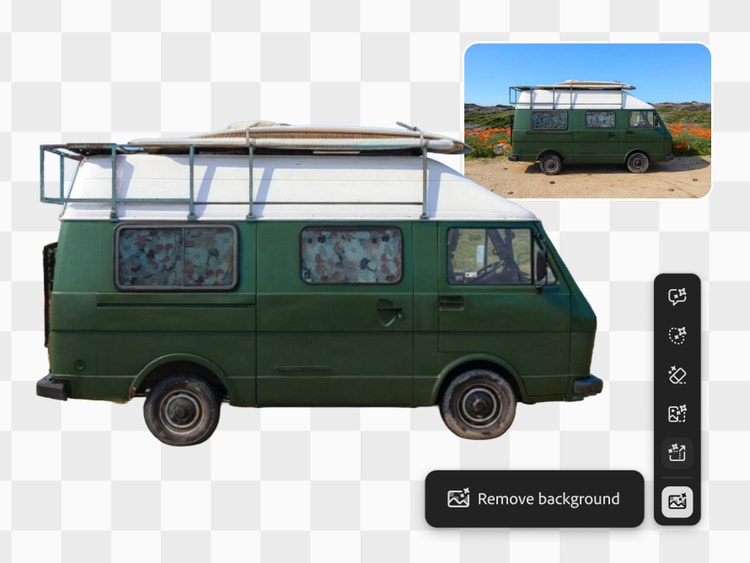
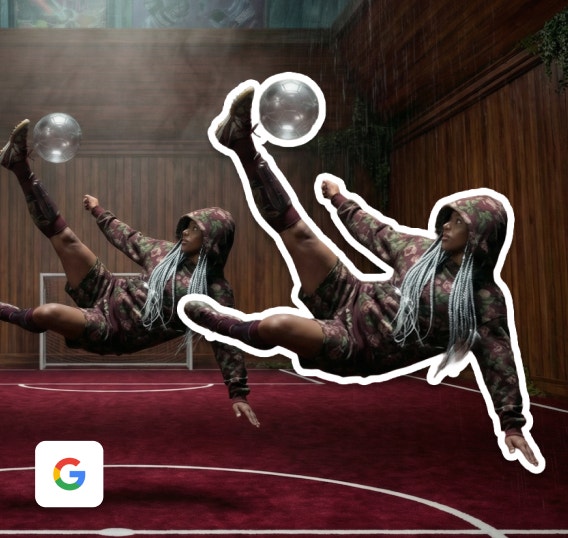
With the Firefly AI sticker generator you can easily remove the background from your image in order to isolate your subject and use it as a sticker design. Turn that cool car from your streetscape photo or your sibling’s face in to a fun memento. You can also create sticker designs from scratch using only a prompt — the possibilities are endless.
Resize your sticker in a snap.
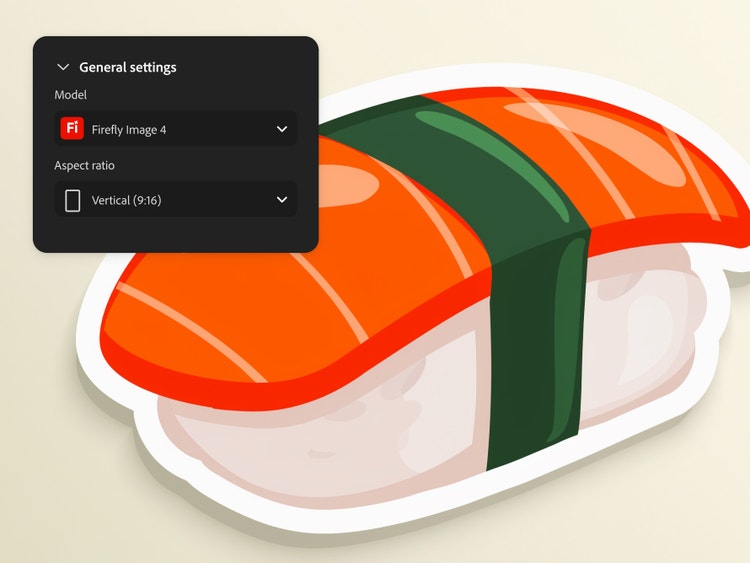
You can easily increase your image size in Firefly, or use your design as a digital sticker, with options to reformat it for vertical and widescreen media.
Refine designs with the AI sticker creator.
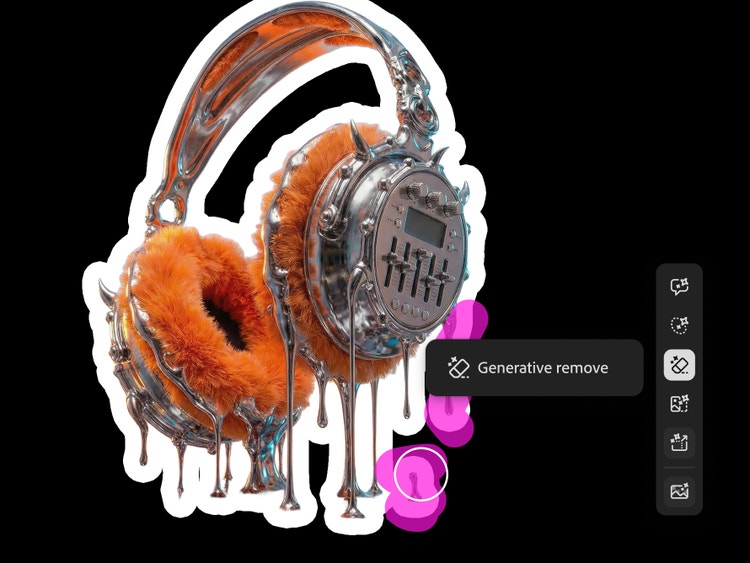
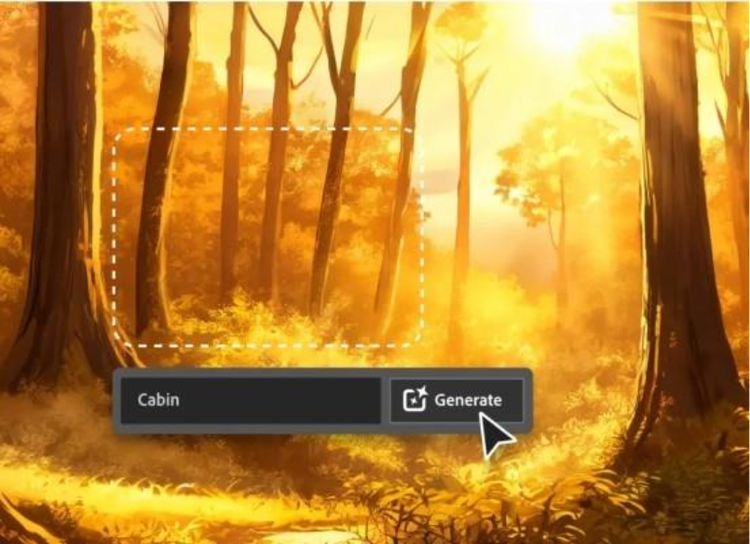
Keep editing your sticker design until you love it. Use Generative fill to make selective edits, or use prompts to add, subtract, and adjust elements of your image, such as adding a white outline. If your sticker gets too complicated, you can seamlessly erase distracting objects or elements with Generative Remove.
How to create AI stickers with Firefly.
Step 1 || Open Firefly.
Log in to Adobe Firefly with your Adobe ID or create a free account if you don’t have one. Click Generate to open the Generate Image module.
Step 2 || Upload an image or write a prompt.
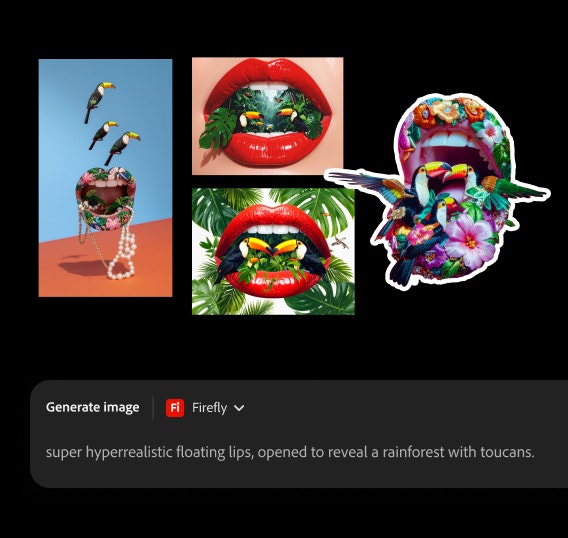
Upload the photo you want to use for your sticker design as a Reference Image or write a prompt describing the sticker you want to generate. A good prompt for AI sticker generation includes key styles and elements like "bright pastel colors", "white sticker border", and "transparent background" to get the best results.
Step 3 || Generate your sticker.
Once you’ve crafted a prompt, click Generate to get your results.
Step 4 || Refine your AI sticker.
Hover your cursor over your sticker design to select options from the Edit menu. Open your image in the Generative Fill workspace to make targeted edits, expand your design, and more. Open it in the edit space to apply refinements with text prompts, adjust size, and more.
Step 5 || Download and share.
Click the Download button to export a copy of your work. Click the Share button to copy your work to your clipboard or to continue working on it in other Adobe apps.
name: How to create AI stickers with Firefly.
description: Steps on how to create AI stickers with Firefly
total-time : PT5M
Tools: firefly
Maintain brand consistency
Generate stickers that are true to your brand, then modify and resize them for multiple uses, all while keeping the style consistent.
Build scalable sticker packs
Create entire sticker collections from a single character, theme, or concept that are perfect for merch drops or branded swag.
Access multiple AI models
Get commercially safe results with the Firefly image model or explore variations with partner models from Google, OpenAI, and more, without switching apps.
Streamline workflows
Move seamlessly from concept to production. Brainstorm in Firefly Boards, create designs in the Generate Image module, and easily edit work in other Adobe apps.
See what you can do in Firefly.