.
  • image
  • video
  • Describe a subject, an action, a place, a mood, or a style.
  • Adobe Generative AI Terms
  • Generate
  • Describe what you want to generate
  • Prompt
  • Tip
  • Unable to process the request
  • Please describe what you want to generate.
  • Prompt exceeds the max length of 750 characters
cgen
promoid=QLD1P1SC&mv=other

How to create an AI generated character.

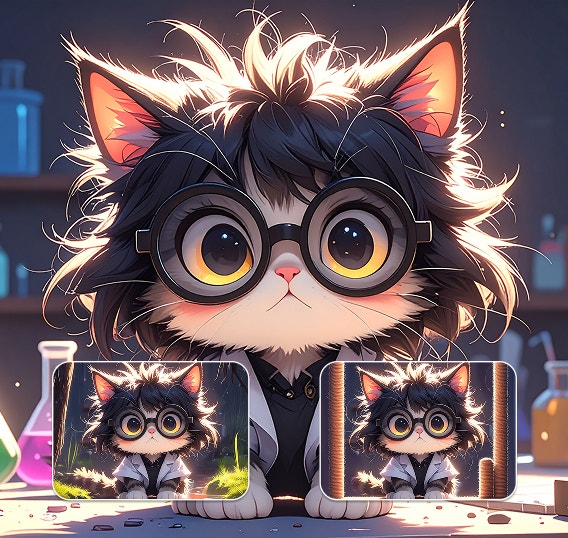
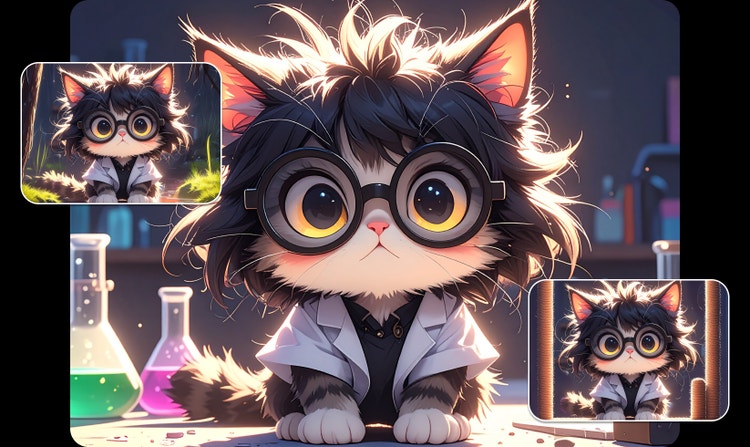
A cat character wearing glasses and a white coat is shown in three different settings, maintaining the same character look and feel.

Maintain character consistency

Generate variations of your character in new situations and settings while keeping style consistent. Use your results for game development, animation, branding, and storytelling projects.

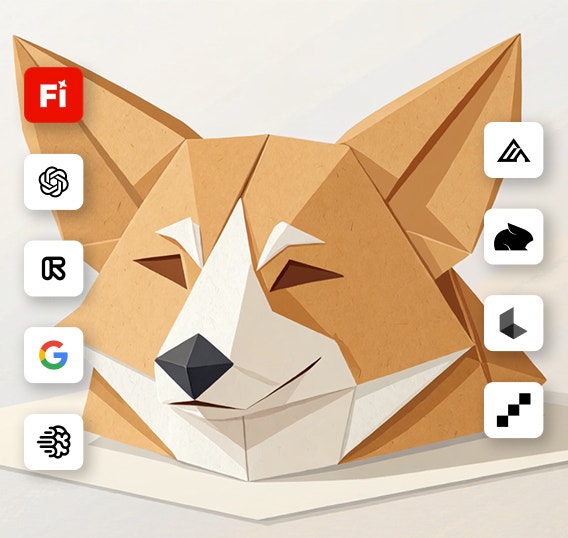
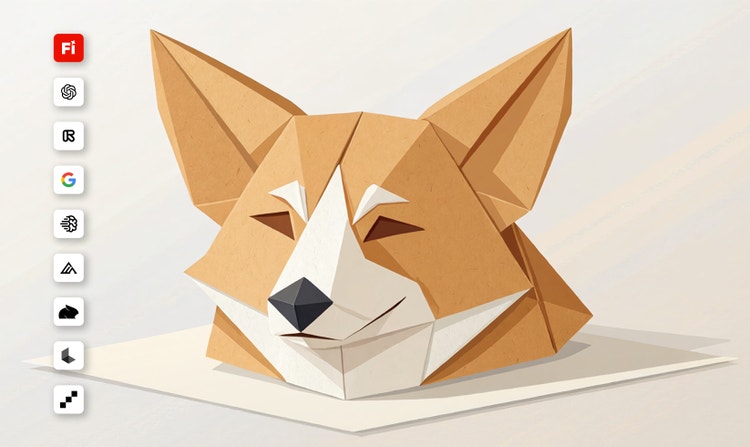
An illustration of an origami Corgi head is displayed icons depicting Firefly partner models, including OpenAI, Google, and more.

Experiment with AI models

Creators can control which parts of an image they want to change and which they want to preserve.

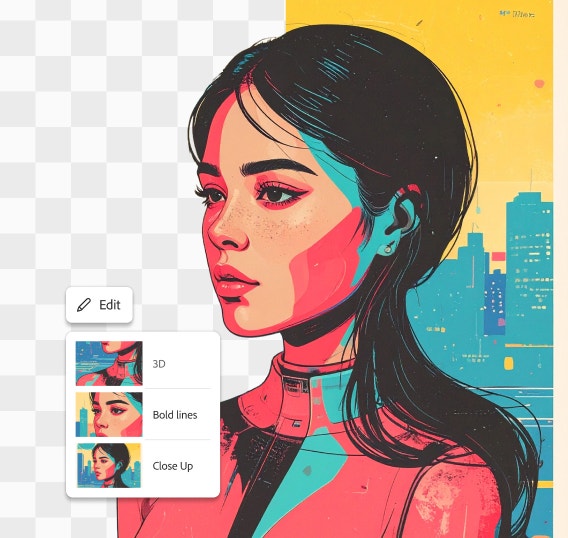
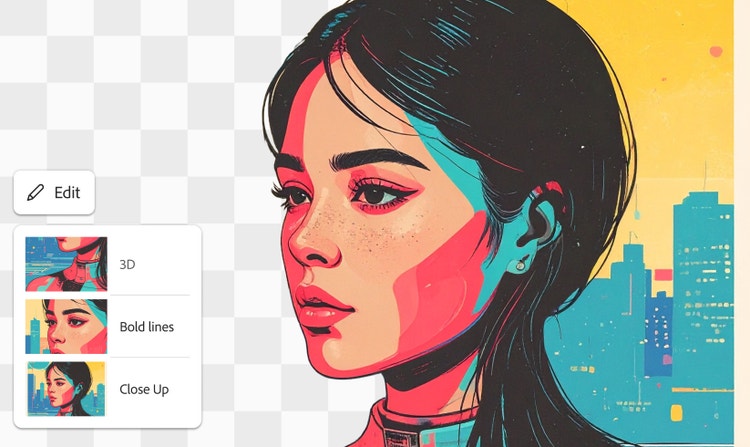
An illustration of a female character is adjusted with style settings for 3D, Bold lines, and Close Up.

Refine your results

Use advanced editing tools in Firefly to fine-tune your character designs. Adjust lighting and texture, add or replace a background, expand your image, and more.

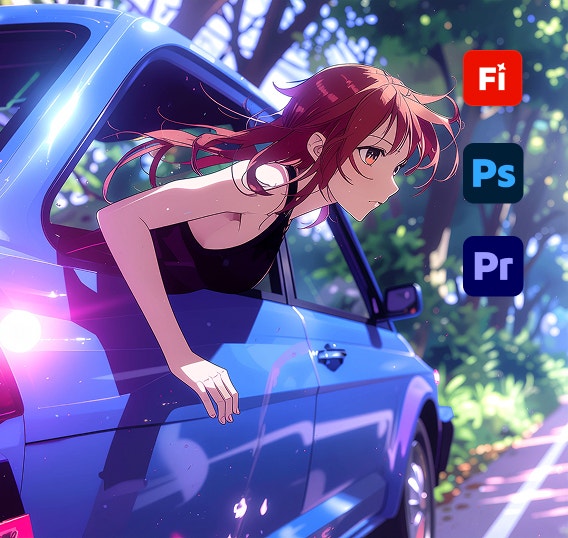
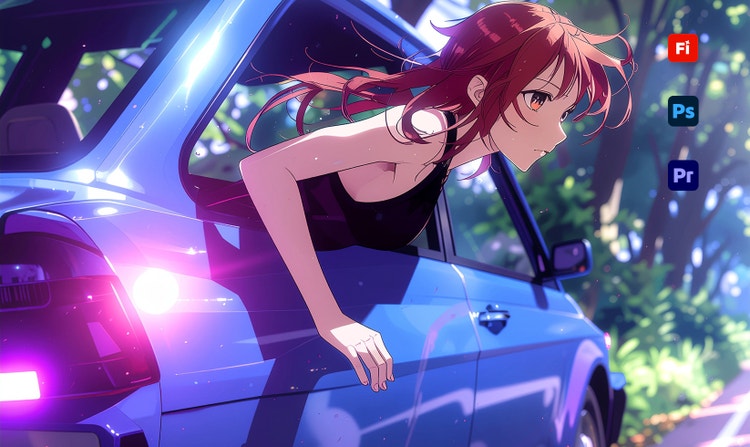
A digital illustration of a woman leaning out of a car on a wooded road in Anime style displayed behind icons for Adobe apps like Photoshop and Premiere.

Keep editing in Adobe apps

Your Firefly generations can be easily opened and edited in Adobe apps like Photoshop, Premiere, and more so you can create anything from start to finish without interrupting your workflow.

See what you can do in Firefly.

Discover even more features.

Questions? We have answers.

Share this page

Explore more Firefly tools.

Adobe Firefly

The next evolution of creative AI is here for all your ideas, with image, video, audio, and vector tools.

Generate character