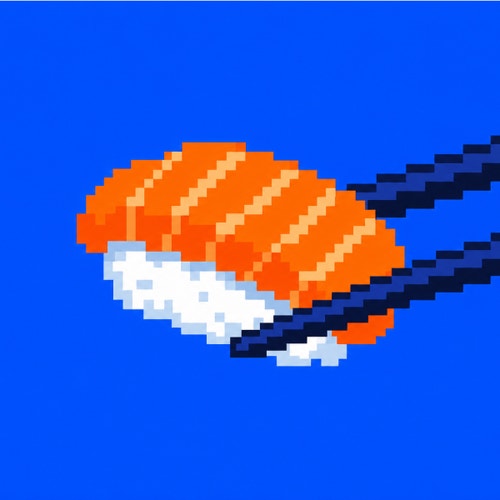
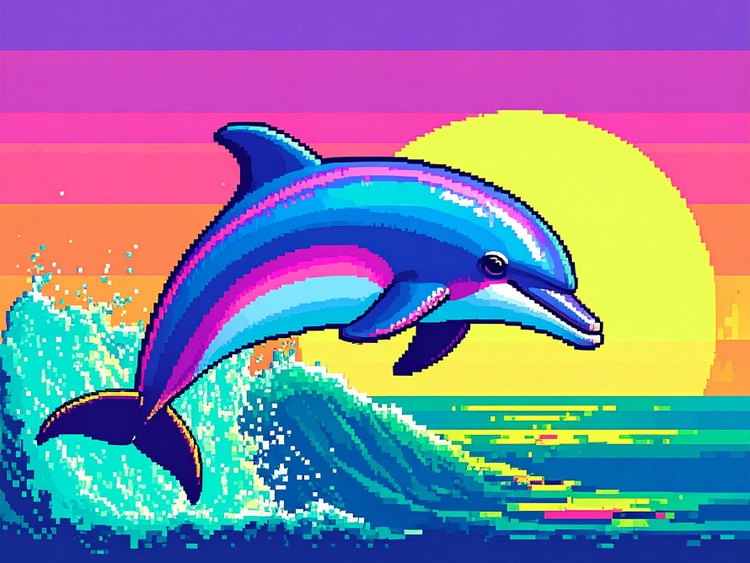
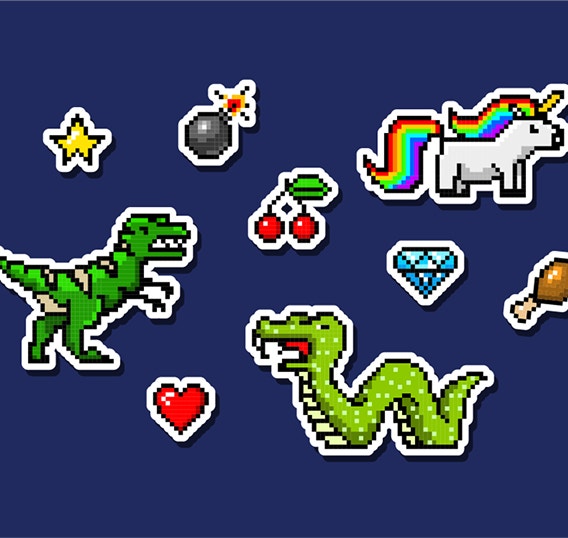
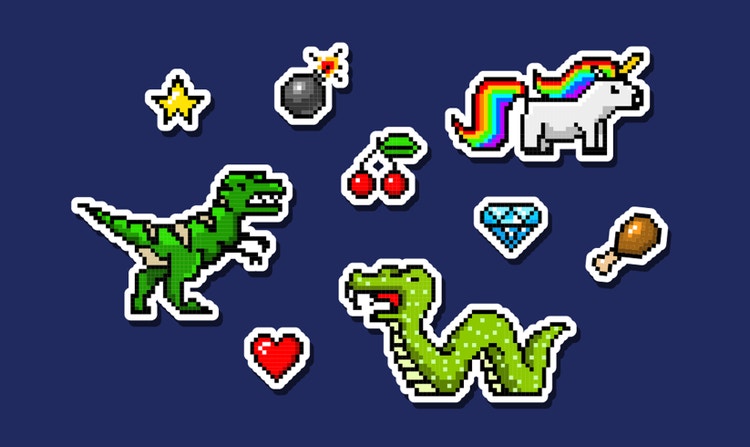
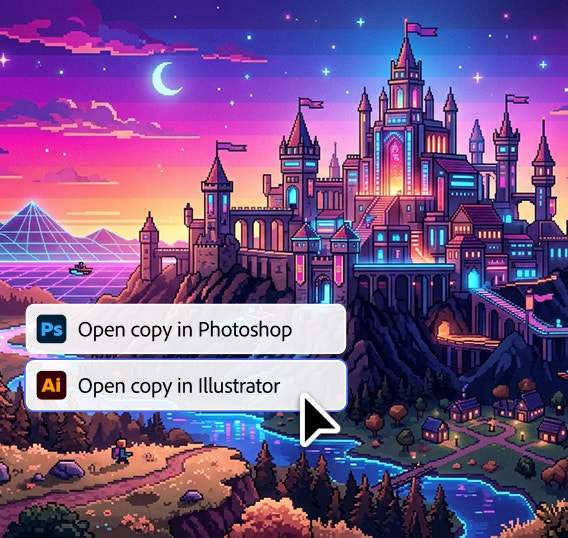
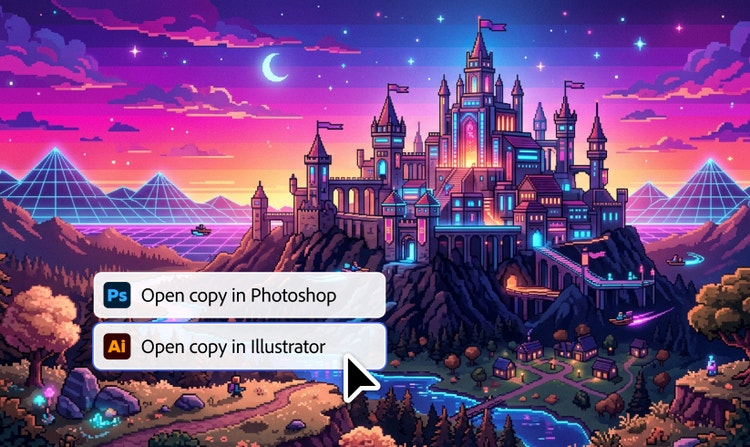
The best AI pixel art generators give you control over resolution, color palettes, and structure so images translate cleanly into generated pixel art. Adobe Firefly supports this through its own Firefly Image model, along with partner models like Gemini Nano Banana, GPT Image, FLUX, Ideogram, and Imagen. Available in Firefly and
Firefly Boards, these models deliver strong prompt accuracy, clean edges, and high-quality image control for creating and refining pixel-style artwork.
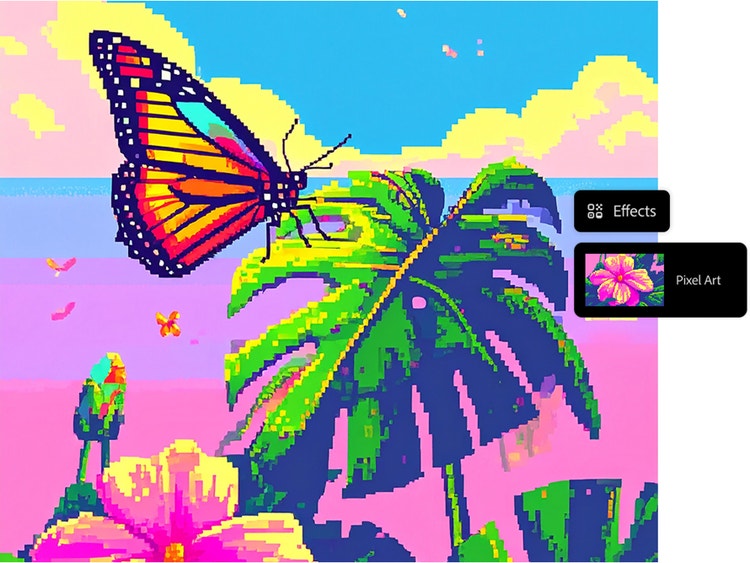
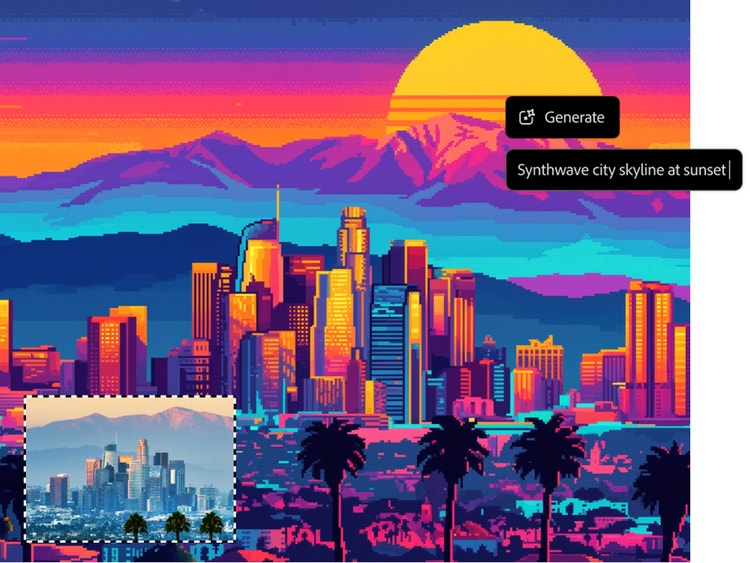
You can choose the Pixel art effect from the Effects section of the Firefly pixel art generator, and you can combine this effect with others to customize your results. Additionally, when you create a pixelated image you can adjust the color and tone and other settings, use descriptive words in your prompts, and upload or select reference images to further refine your results. You can’t manually set the pixel size or resolution beyond the general output resolution, which is a maximum of 2000x2000 pixels.
Yes, you can use the Generate Image feature to create pixel art for commercial projects, provided you adhere to
Adobe guidelines. All Firefly models without the beta label are designed to be safe for commercial use, as they’re trained on Adobe Stock, licensed content, and public domain materials.
Adobe Firefly currently supports downloading generated images in JPEG and PNG formats. These formats are available when you use the Generate Image feature, and the maximum resolution for downloaded images is 2000x2000 pixels.
The Adobe Firefly
Generate Video feature allows you to create short video clips from text descriptions or images. This tool is accessible through the Firefly web app, which integrates with Creative Cloud apps like Adobe Photoshop and Premiere, enabling seamless transitions from ideation to production.
Adobe Firefly gives you access to a growing set of leading
third-party image models directly within the Firefly experience, so you can choose the right model for your creative needs. Gemini 3 is ideal for high-quality, professional-grade output that supports functional design elements like UI sprites. FLUX 1.1 is well suited for generating professional, high-resolution pixel environments and detailed images, while Ideogram excels at rendering crisp, high-resolution visuals with clean structure. Together, these models give you flexibility and control to create pixel art assets that are consistent, polished, and ready for use across creative and professional projects.
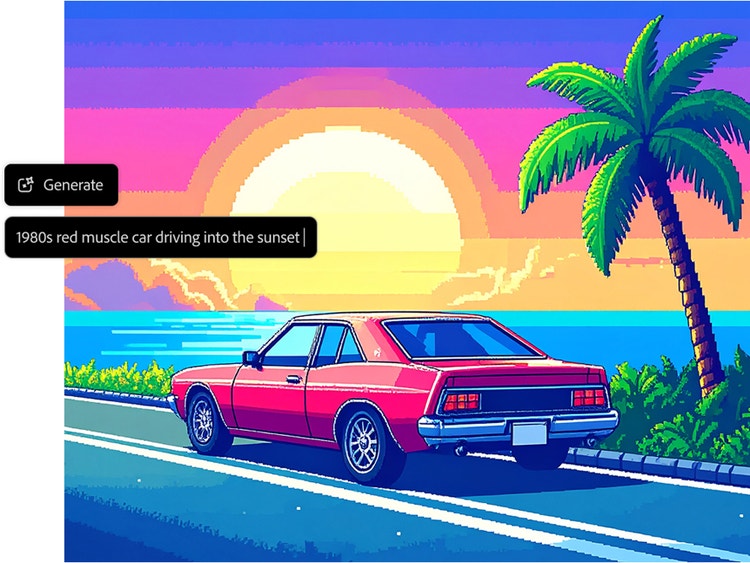
A good prompt for a pixel art generator clearly defines both the subject and the visual style so the image translates cleanly into a pixel format. Be specific about details like pixel art style, sprite or icon size, color palette, resolution, and perspective to guide the generator toward crisp, readable generated pixel art.
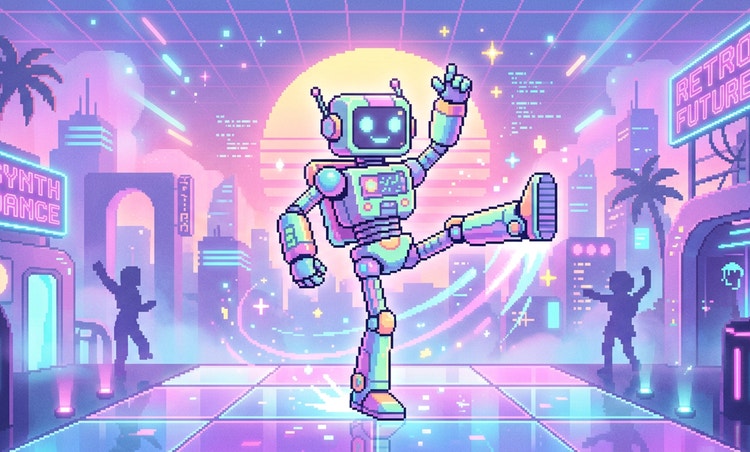
For example, to create pixel art characters or avatars, try a prompt like, “A detailed portrait of an armored female knight, pixel art, limited color palette, clean outlines, high contrast.”
To generate pixelated textures or background images, try, “Seamlessly tiling rough cobblestone texture, pixel art, muted colors, top-down view, game asset.”
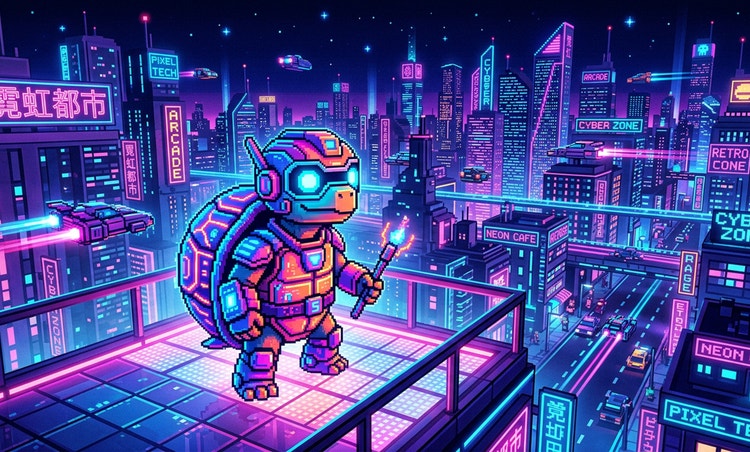
To generate a pixelated scene or setting, try, “A quiet neon-lit street in Tokyo, pixel art, isometric view, small sprite size, controlled color palette, cyberpunk aesthetic.”
Using clear subject descriptions and specific style constraints makes it easier to create pixel art with consistent structure, balanced color, and resolution that works well across icons, avatars, and other digital art programs.
Yes, you can use the Adobe Firefly pixel art generator for free with an Adobe account. If you have a free account, you’ll get free daily generations to create custom pixel art from text prompts or reference images. Learn more about
using Adobe Firefly for free. A paid plan unlocks higher-volume generations and access to more partner models.
A great pixel art generator typically offers authentic retro grid styling, customizable color palettes, consistent sprite generation, and high-resolution export — and its output is safe for commercial use. Firefly meets all these criteria, making it a perfect choice for turning a photo into pixel art.