https://main--cc--adobecom.aem.live/cc-shared/assets/img/firefly.svg Adobe Firefly

Topaz Astra video upscaler — now in Firefly.
Create clearer visuals and sharper details for more engaging videos. Upscale videos with AI using Topaz Astra in Firefly.
https://main--cc--adobecom.aem.live/cc-shared/assets/svg/s2-icon-upload-20-n.svg Upload your video

Or tap here
File must be MP4, less than 200MB, and 5–20 seconds.
By uploading your image or video, you agree to the Adobe Terms of Use and Privacy Policy and confirm you are 18 years of age or older.
https://main--cc--adobecom.aem.live/cc-shared/assets/svg/s2-icon-upload-20-n.svg Upload your video
Or tap here
File must be MP4, less than 200MB, and 5–20 seconds.
By uploading your image or video, you agree to the Adobe Terms of Use and Privacy Policy and confirm you are 18 years of age or older.
https://main--cc--adobecom.aem.live/cc-shared/assets/svg/s2-icon-upload-20-n.svg Upload your video
Or drag and drop here
File must be MP4, less than 200MB, and 5–20 seconds.
By uploading your image or video, you agree to the Adobe Terms of Use and Privacy Policy and confirm you are 18 years of age or older.
- Your media must be smaller than 200MB. Please upload a new file.
- Unable to process the request
- Your media must be a mov or mp4 file type. Please upload a new file.
- Only one file can be uploaded at a time.
- Your media must be at least 5 seconds long. Please upload a new file.
- Your media must be no more than 20 seconds long. Please upload a new file.

Upscale videos without interrupting your workflow.
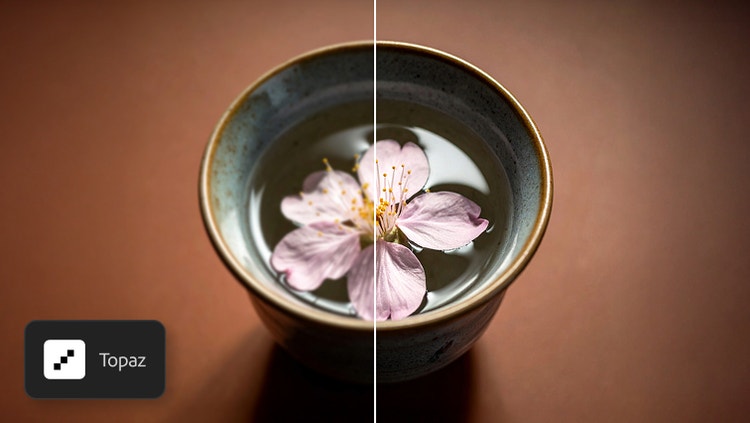
Topaz Astra is an AI-powered video upscaler that helps you turn low-resolution footage into sharper, higher-quality video. Use it in Firefly to improve resolution, preserve fine textures, and enhance overall clarity, whether you’re restoring old clips or refining new ones.
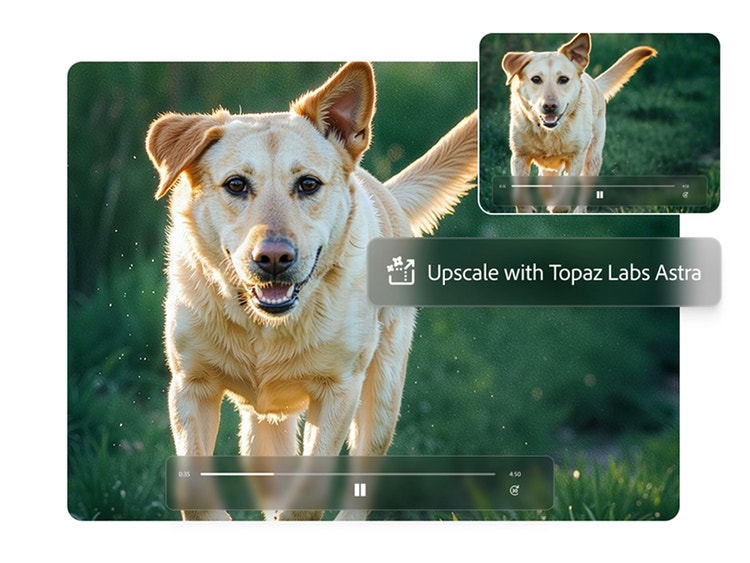
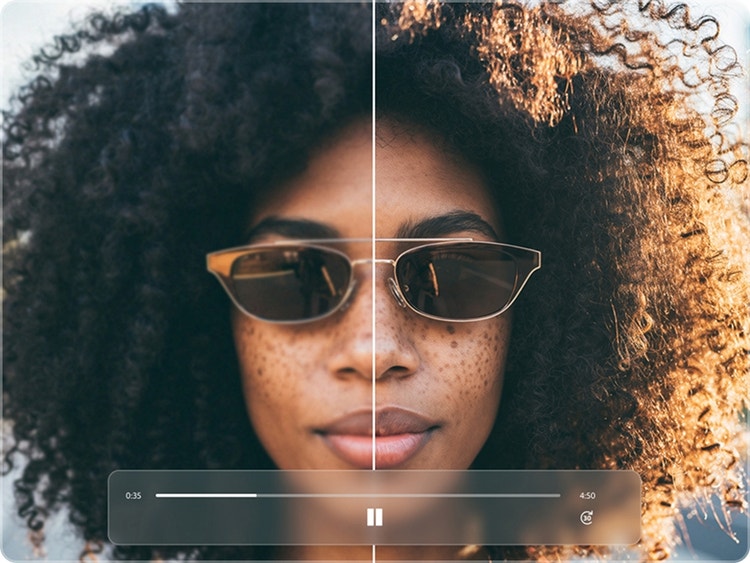
Enhance sharpness, texture, and motion with Topaz video AI.
Go beyond basic upscaling. With Topaz Astra, you can restore lost details, strengthen definition, and maintain natural movement for clearer, more polished visuals. Topaz Astra preserves fine features like facial details and architectural lines and increases clarity for everything from landscapes to close-up shots.
Choose your settings to get the look you want.
Pick the enhancement mode that matches your project’s style. Precise mode prioritizes faithful restoration, while Creative mode generates more stylized results. You can also adjust output quality, choosing between faster processing and maximum detail. And when exporting, you can select either 1080p or 4K.
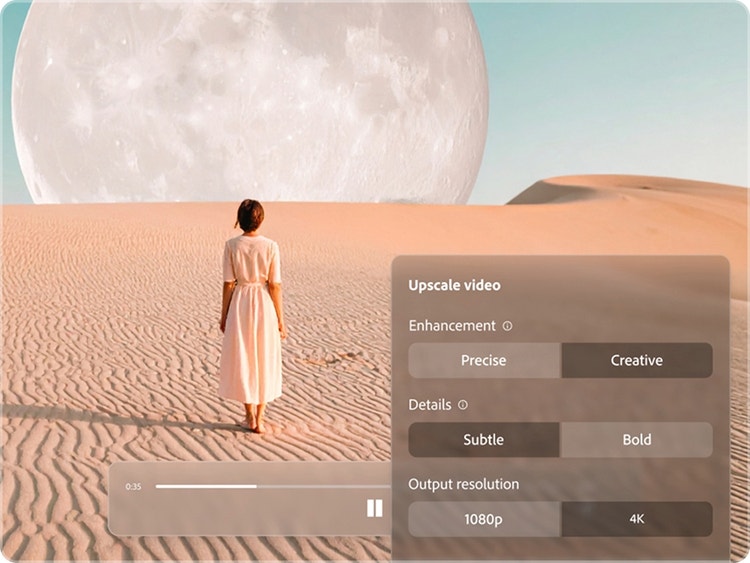
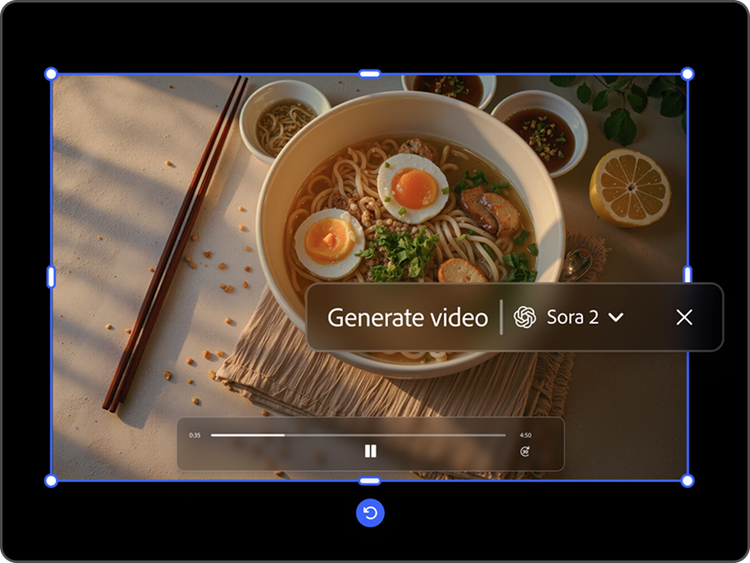
Elevate any project with Topaz Astra creative video upscaler.
Topaz Astra is useful for any video creator building narrative content, experimenting with artistic ideas, or preparing visual materials for teaching or presentations. And with Topaz Astra fully integrated in Firefly and Firefly Boards, you can access it with your Adobe login and pair upscaling with other Firefly features like Generate Video. It’s perfect for:
- Filmmakers: Make every shot compelling with crisp details
- Content creators: Create scroll-stopping short-form videos, social content, and conceptual work
- Marketing teams: Enhance product demos, campaigns, and brand visuals
- Educators and researchers: Improve clarity in simulations, demonstrations, and visual explanations
Create with multiple top AI models, all in one place, in Firefly.
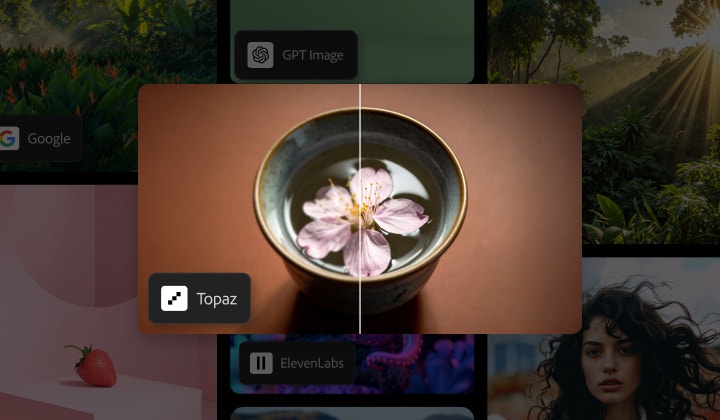
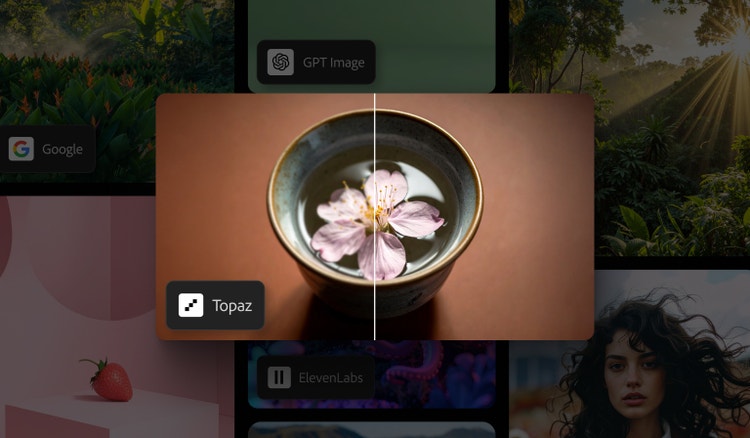
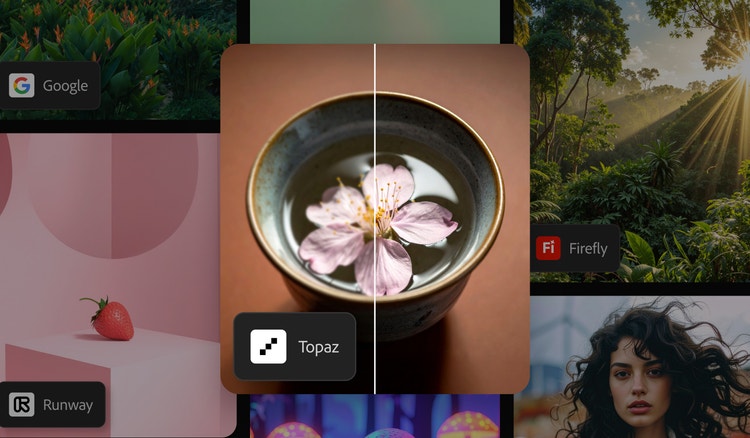
Choose top AI models from Adobe, Google, OpenAI, Runway, and more to create your best content ever.
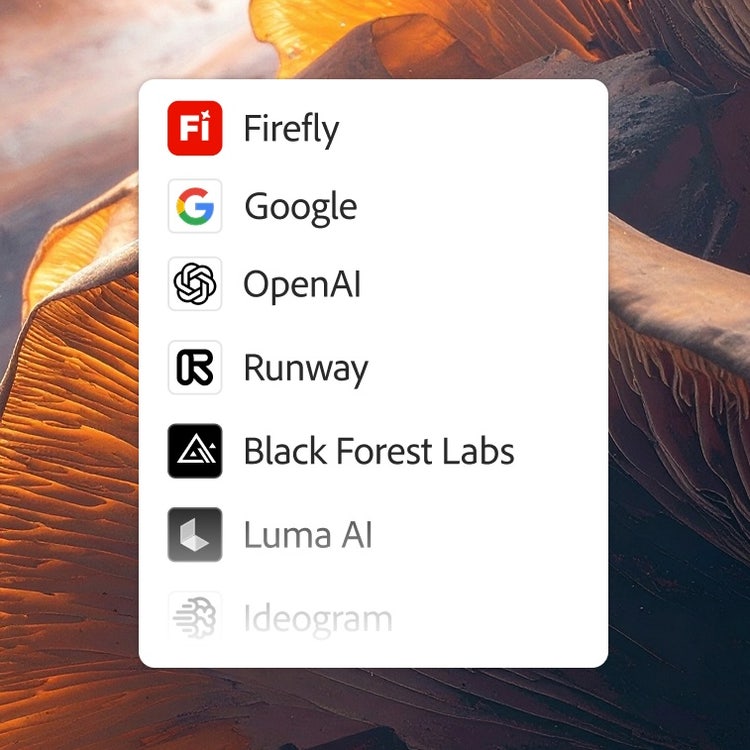
One login. Multiple top AI models.
Mix and layer outputs to best suit your vision. More models means more creative range, and you get them all with one login.
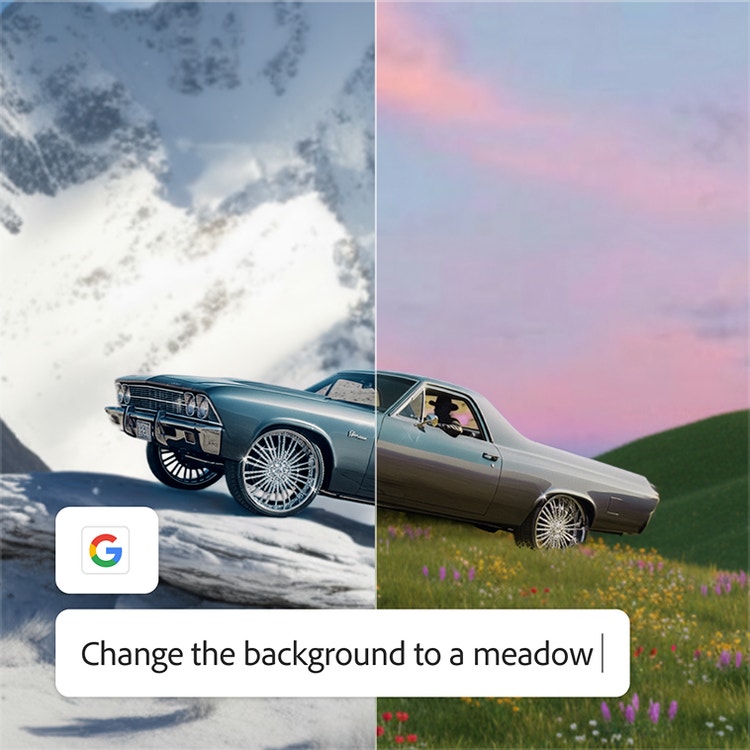
The AI you need. When you need it.
Whether you’re doing full-on generative AI work, or just getting a fast workflow assist, you always have the right model for the job.
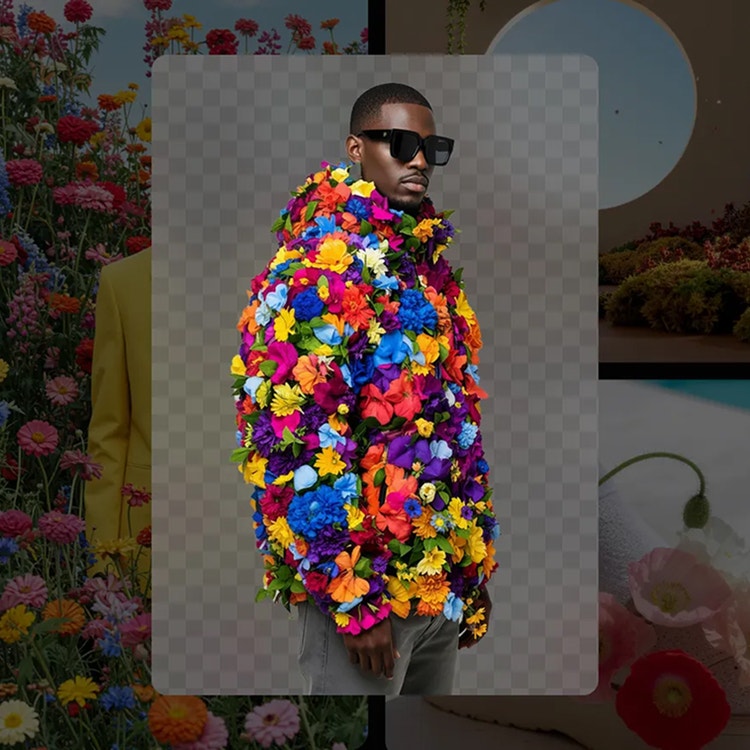
Astounding power. Abundant controls.
Make the most of these advanced AI capabilities with the creative control you expect from Adobe. It’s all included.
How to use Topaz Labs Astra for video upscaling in Adobe Firefly.
Follow these quick steps to upscale videos in Adobe Firefly with Topaz Astra.
Step 1
Open Adobe Firefly.
Step 2
Add your video clips.
Step 3
Select your clip and upscale your video.
Step 4
Adjust Upscale Video settings.
Step 5
Generate and refine.
Step 6
Download your clip.
- How to use Topaz Labs Astra for video upscaling in Adobe Firefly.
- Steps on how to use Topaz Labs Astra for video upscaling in Adobe Firefly.
- PT5M
- firefly
Discover even more features.
AI photo editor AI video editor Generate video Generate image Image to video Generate with FLUX Partner models
Questions? We have answers.
What is Topaz Astra, and how does it improve video quality?
Can I use Topaz Astra directly in Adobe Firefly?
What video formats are supported for upscaling?
How long does it take to upscale a video using Topaz Astra?
Can I batch upscale multiple videos at once?
Is Topaz Astra included with Adobe Firefly or sold separately?
Where can I access Topaz Astra video upscaler?
Share this page