Create free realistic nature sound effects with generative AI.
Nature sound effects are the foundation of immersive sound design. Generative AI makes it quick and easy to create a high quality library of free nature sound effects for any project.
Use AI to create your own library of nature sound effects.
Recording nature sounds from scratch and digging through large sound libraries takes time. With the free Adobe Firefly sound effect generator, you can use text prompts, audio references, and even your own voice to create high-quality free nature sound effects. It’s an easy way to build a custom collection of sound effects for videos, podcasts, animations, video games, and more.
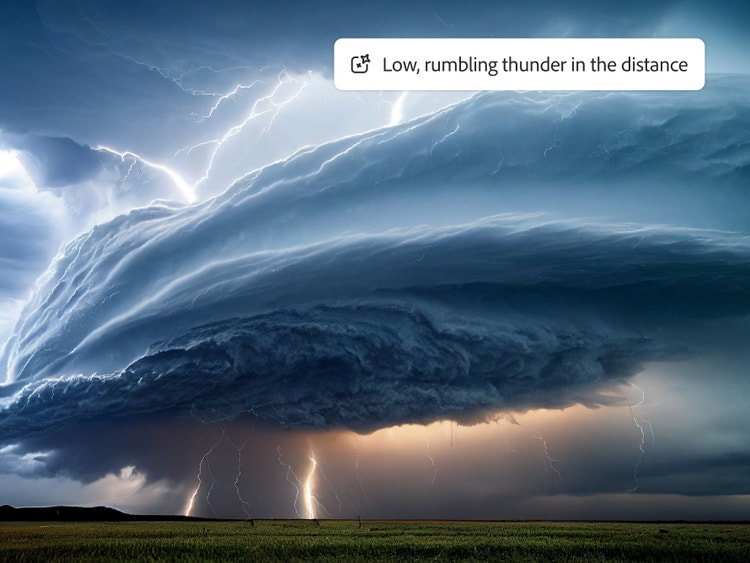
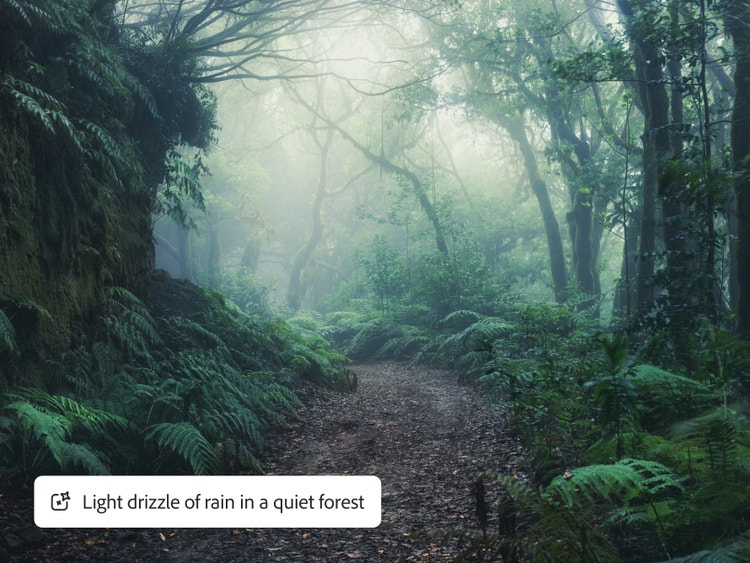
Wind sound effects are one of the most expressive sounds of nature, shifting a scene from peaceful to eerie in a single gust. Rain sound effects make perfect ambient backgrounds in film, video, audiobooks, podcasts, and more. Create drama with thunder sound effects, from low rumbles that build suspense to sharp cracks that command attention. Adobe Firefly makes it easy to create weather sounds from a prompt, an audio clip, or both.
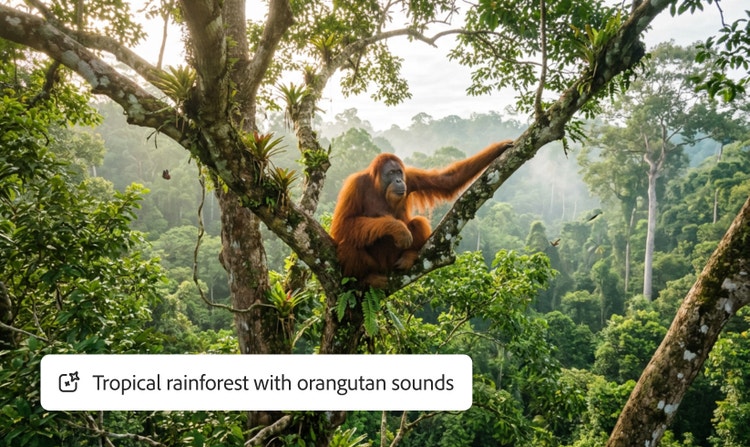
Create drama with animal sound effects.
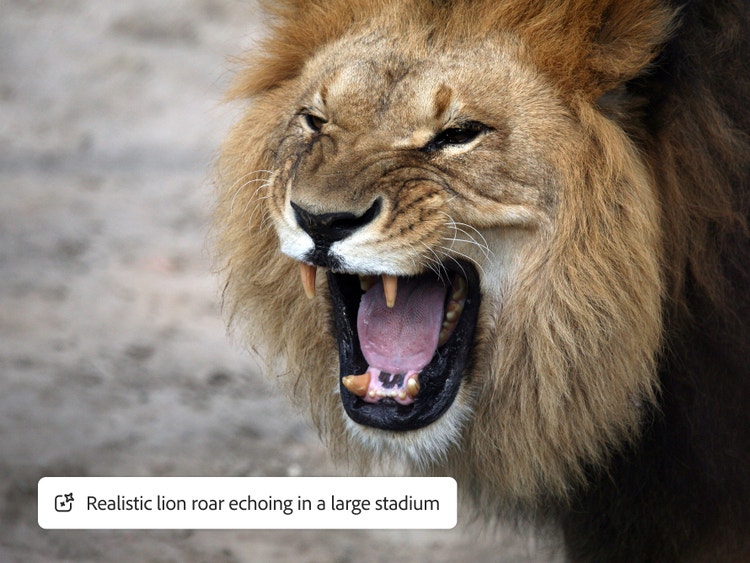
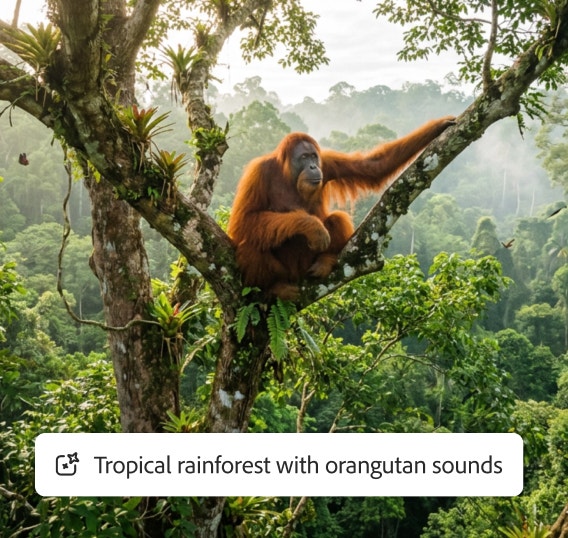
Whether it’s a duck’s quack in a cartoon, a kitten’s purr in an animated series, or a realistic lion roar sound effect, Adobe Firefly brings the natural world to life with endless ways to generate animal sound effects, from cheerful monkey chatter to a soft owl hoot in a nighttime forest.
Add water and other ambient nature sounds to your audio.
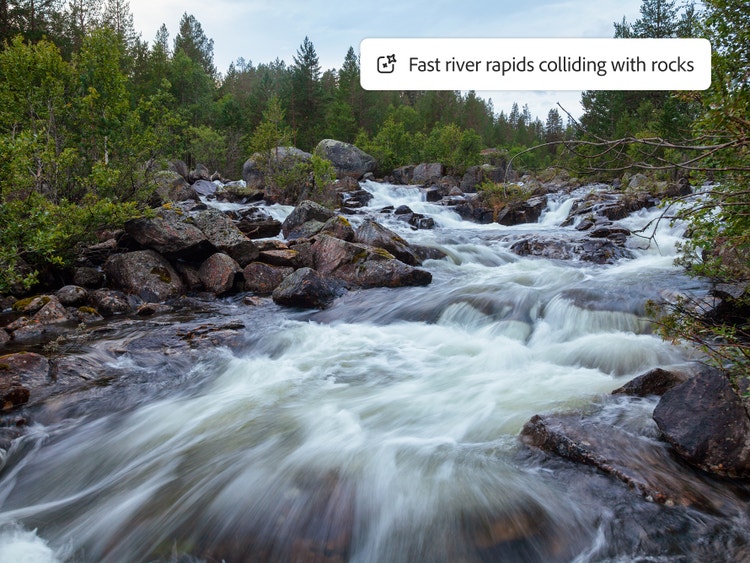
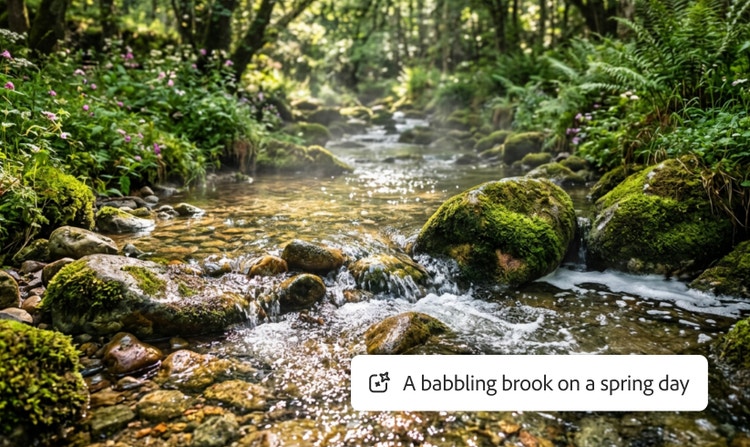
Water sound effects don’t just fill a space, they shape it. A quiet shoreline can soften a scene while rushing rapids add intensity and momentum. Add depth and dimension to the environment with sounds like a camp fire crackling in the night, footsteps crunching in the snow, or bees humming around a sunlit garden.
Discover ways to create realistic nature sounds.
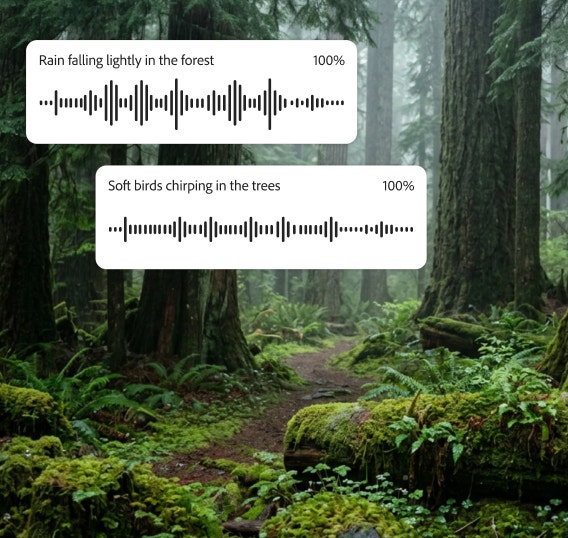
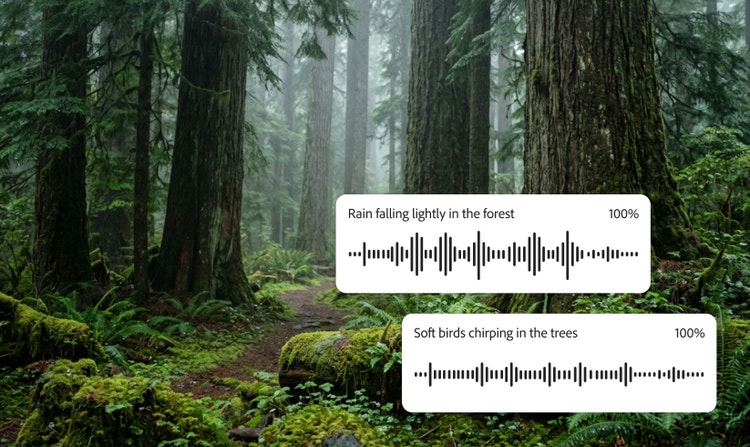
There are simple ways to create dynamic nature audio with Adobe Firefly. Write detailed prompts that include time-of-day context like “early-morning rainforest.” Describe the mood you’re going for, such as “peaceful rainstorm.” Place sound in space. For example, “distant thunder rolling across hills.” Layer multiple sound effects for depth, and fine-tune rhythm, cadence, tempo, and repetition with Firefly controls.
style
xl-bottom-rounded-corners
How to create nature sound effects with Adobe Firefly.
Describe the nature sound effect you want to generate with a text prompt, or upload an audio clip as a reference for even more accurate results.
Listen to the generated nature sounds and then fine-tune your prompt and settings to get the desired output. You can modify tone, pitch, speed, or combine your nature sound effects with other audio layers for a custom effect.
Download your finished sound in supported formats such as MP3 or WAV so your new nature sound effect is ready for use in your video, podcast, animation, or game.
Nature sound effects add realism, atmosphere, and emotional depth to films, documentaries, games, podcasts, audiobooks, and meditation tracks. They help immerse audiences and shape the mood, whether they sit quietly in the background or take center stage as primary audio.
Adobe Firefly can generate everything from lifelike wind, rain, and wildlife to imaginative, stylized soundscapes for animation and creative projects. Simply enter a text prompt or provide an audio reference, and Firefly will create custom sounds you can preview, refine, and download.
Yes, you can generate nature sound effects for free with Adobe Firefly using a free Adobe account. If you have a free account, you’ll get free daily generations to try the nature sound effect generator, including sounds like rain, wind, and ambient environments. Learn more about using Adobe Firefly for free. For higher-volume use, paid Adobe Firefly plans are available.
To make realistic ambient nature sounds, include context like mood, location, and time of day in your prompts. Then refine your results by adjusting distance and rhythm, and layer multiple effects — like wind, rain, and wildlife — to create an immersive soundscape.
Combining multiple nature sound effects creates a richer, more immersive audio experience. Use Firefly’s layering and mixing tools to blend wind, rain, wildlife, and other sounds into a cohesive soundscape. Adjust timing, volume, and spatial placement to achieve the desired effect.
You can upload your own recordings as audio references in Adobe Firefly to help guide the generated sound. This makes it easy to match tone, texture, or environment and build a soundscape that feels consistent with your original audio.
You can download nature sound effects in popular formats, such as MP3 and WAV, making it easy to use them in any audio or video project.
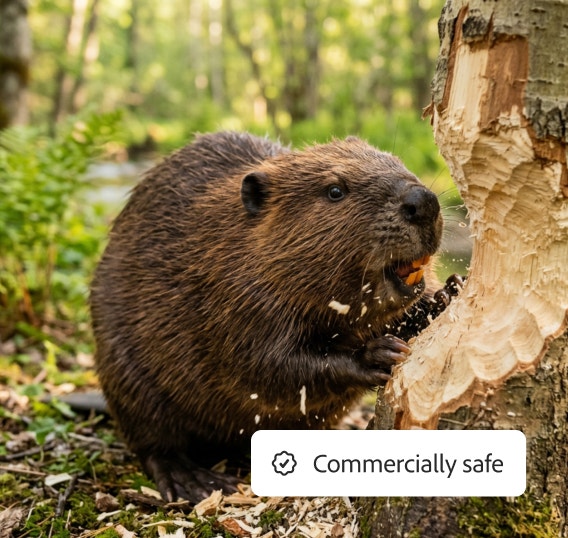
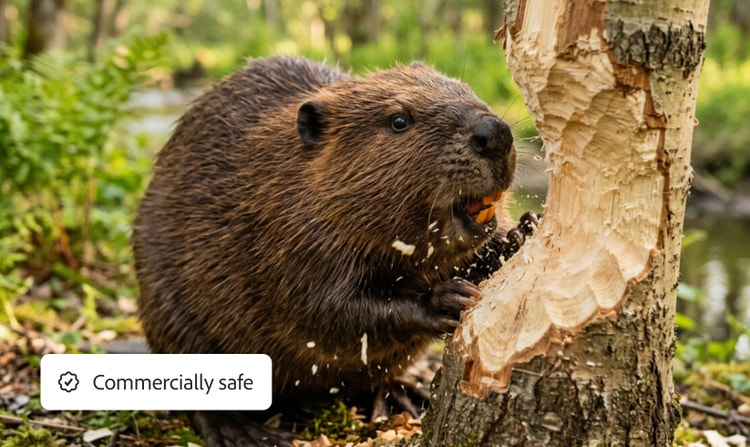
Yes, nature sounds generated with the Adobe Firefly model are safe to use commercially. Adobe Firefly models are trained on licensed content, such as Adobe Stock, and public domain material where copyright has expired. That means you can use your generated nature sounds in client work, films, games, or any other commercial project without worrying about copyright claims.
The most popular nature sound effects include wind, rain, thunder, wildlife, water, and other ambient nature sounds. These effects help build atmosphere, shape emotion, and make environments feel realistic and immersive across film, audio, and interactive projects.
Share this page
style
l spacing bottom
Explore more Firefly tools.
style
Show-4-desktop, s spacing top, xxl spacing bottom
background
#F0F0F7
Adobe Firefly
The next evolution of creative AI is here for all your ideas, with image, video, audio, and vector tools.
You can control how Adobe websites use cookies and similar technologies by making choices below. But note that if you disable cookies and similar technologies entirely, Adobe websites may not function properly.
Cookies are small text files stored by your web browser when you use websites. There are also other technologies that can be used for similar purposes like HTML5 Local Storage and local shared objects, web beacons, and embedded scripts. These technologies help us do things like remembering you and your preferences when you return to our sites, measure how you use the website, conduct market research, and gather information about the ads you see and interact with.
You can make choices in the menu below about what cookies and other technologies you want us to use on Adobe sites when you visit them from this browser. You can always change those choices later by clicking on the Cookie Preferences link at the bottom of the page.
If enabled:
We can improve your experience by tailoring the site and the content to things we think might be of interest
We can better keep track of your preferences — like what language you prefer to use
We will better understand your likely interests so we can provide you more relevant Adobe ads and content on non-Adobe websites and in non-Adobe apps
It will help us improve the performance of our website and those of our partners who use the Adobe Experience Cloud
If disabled:
We won’t be able to remember you from session to session so the experience may not be tailored to your interests
You’ll still have access to the content of the site but certain features that depend on cookies may not function
You’ll still see ads, they just may not be as relevant to you
General information
You can control how Adobe websites use cookies and similar technologies by making choices below. But note that if you disable cookies and similar technologies entirely, Adobe websites may not function properly.
Cookies are small text files stored by your web browser when you use websites. There are also other technologies that can be used for similar purposes like HTML5 Local Storage, web beacons, and embedded scripts. These technologies help us do things like remembering you and your preferences when you return to our sites, measure how you use the website, conduct market research, and gather information about the ads you see and interact with.
You can make choices in the menu below about what cookies and other technologies you want us to use on Adobe sites when you visit them from this browser. You can always change those choices later by clicking on the Cookie Preferences link at the bottom of the page.
If enabled:
We can improve your experience by tailoring the site and the content to things we think might be of interest
We can better keep track of your preferences — like what language you prefer to use
We will better understand your likely interests so we can provide you more relevant Adobe ads and content on non-Adobe websites and in non-Adobe apps
It will help us improve the performance of our website and those of our partners who use the Adobe Experience Cloud
If disabled:
We won’t be able to remember you from session to session so the experience may not be tailored to your interests
We’ll still count your use of our site and services
You’ll still have access to the content of the site but certain features that depend on cookies may not function
You’ll still see ads, they just may not be as relevant to you
Operate the site and core servicesOperate site and measure engagement
Always active
These cookies are required, and they are used to enable the site and related services core functionality. Without them the site could not operate, so they cannot be disabled.
These cookies enable the site and related services’ core functionality and collect statistics about user engagement, such as counting active use to help us understand trends. These cookies cannot be disabled.
Measure performance
These cookies are used to analyze site usage to measure and improve performance. Without them Adobe cannot know what content is most valued and how often unique visitors return to the site, making it hard to improve information we offer to you.
These cookies are used to analyze site usage to measure and improve performance. Without them Adobe cannot know what content is most valued, making it hard to improve information we offer to you.
Extend functionality
These cookies are used to enhance the functionality of Adobe sites such as remembering your settings and preferences to deliver a personalized experience; for example, your username, your repeated visits, preferred language, your country, or any other saved preference.
Personalize advertising
These cookies are used to enable Adobe and our partners to serve ads more relevant to your interests. Without them you will still see ads, but they might not be as relevant to you.