





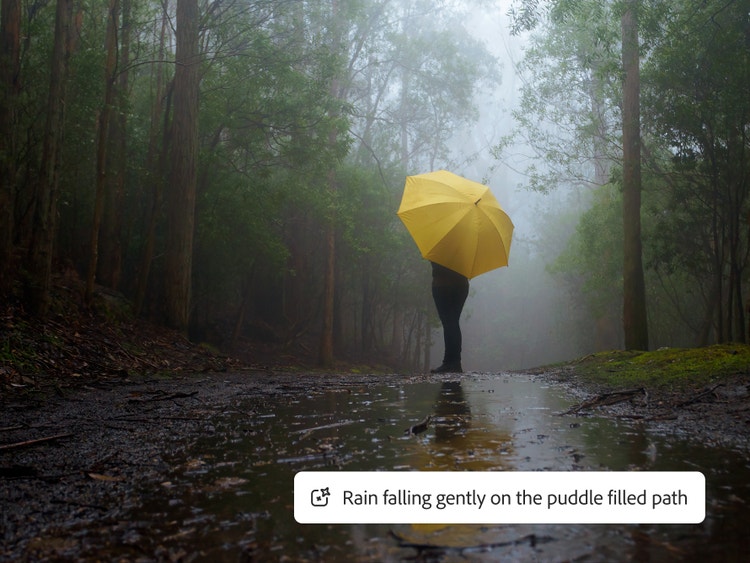
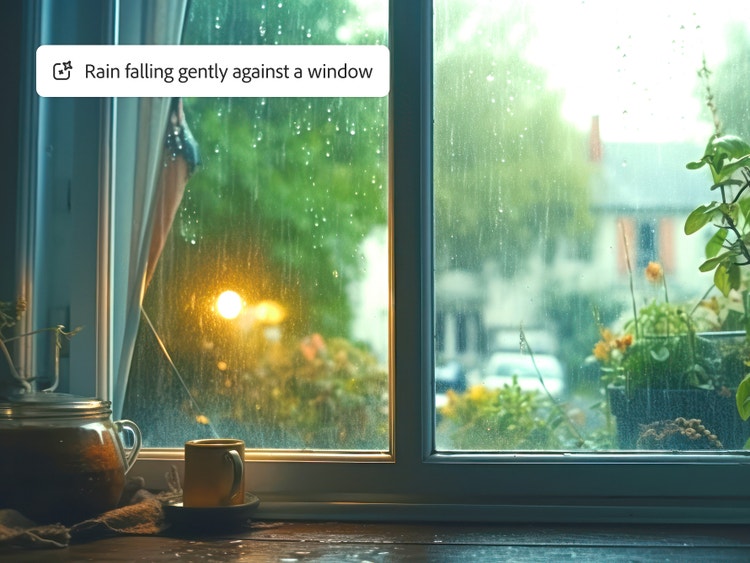

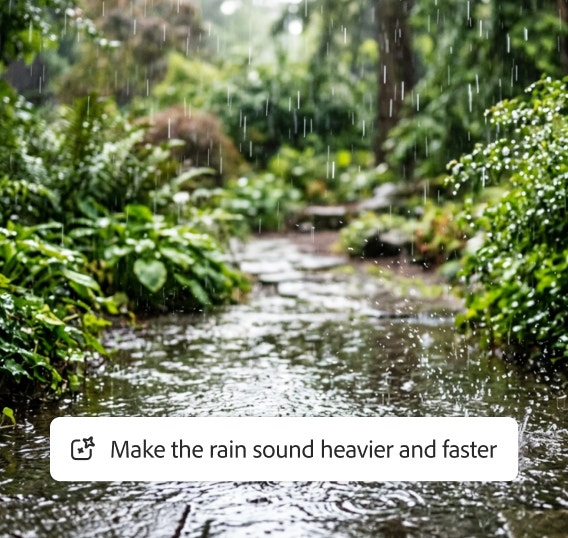
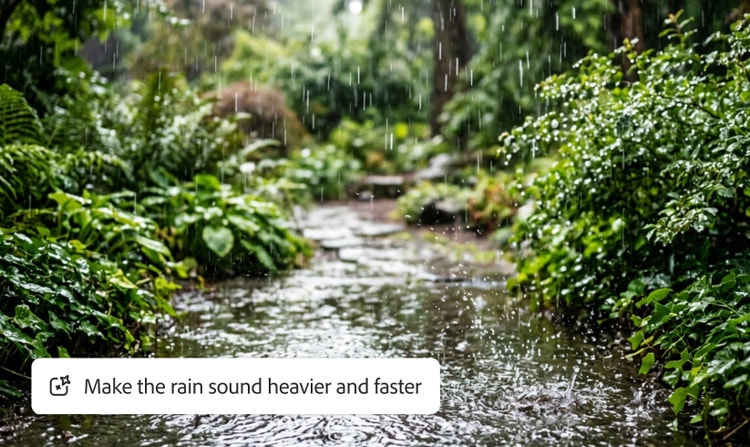
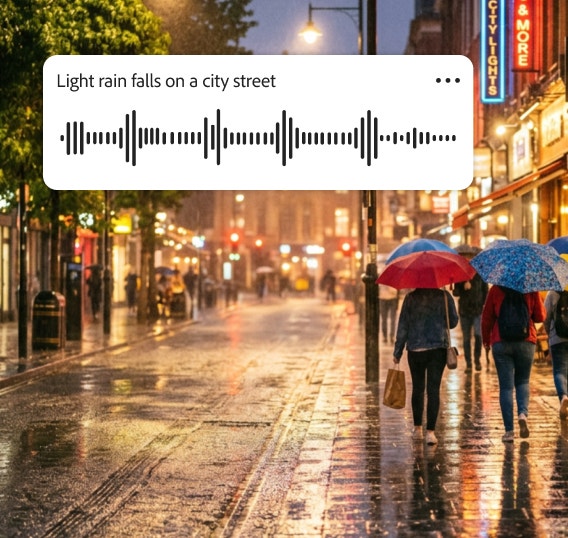
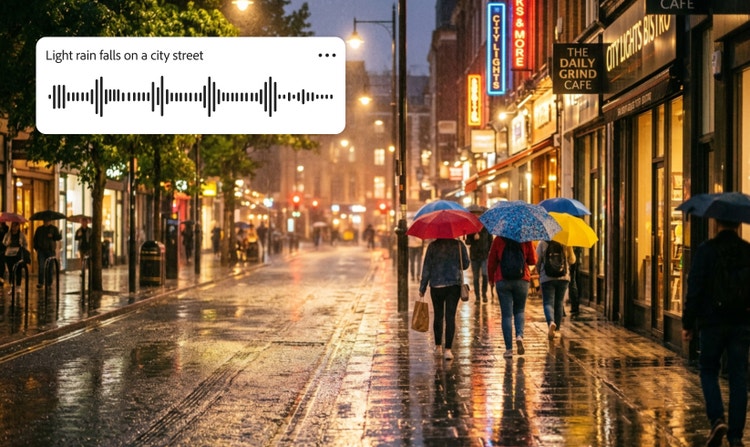

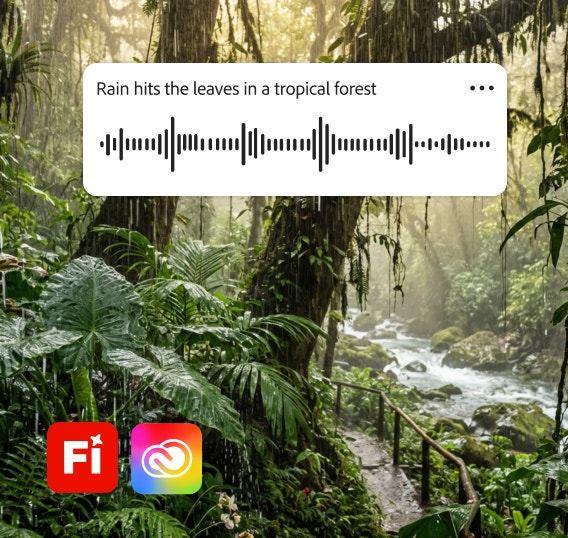
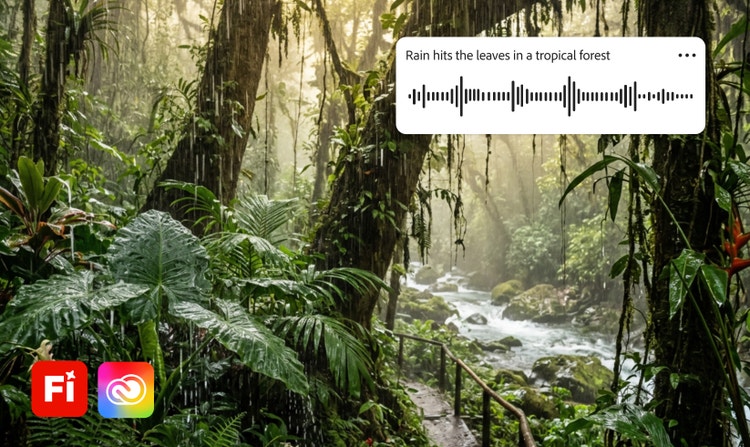

Raindrops falling through a dark sky with audio waveform overlays suggesting use of a sound effect generator to sync audio.

https://main--cc--adobecom.aem.page/cc-shared/assets/img/firefly.svg Adobe Firefly

{{nbsp}}

Free rain sound effect generator.

From gentle drizzle to a torrential downpour, Firefly gives creators the tools they need to create the perfect rain sound for any scene. Keep reading to learn how to generate free sound effects in seconds.

con-block-row-supplemental (xs-body, bold, static-links)

Set the scene with realistic rain sound effects.

How to create rain sound effects with generative AI.

Creating and customizing rain sound effects is quick and intuitive with the Firefly AI rain sound generator. Start with a text prompt or an audio reference, then remix and refine until the sound fits your project perfectly. Follow the steps below to create and export your rain sound effect.

  • Open Firefly AI sound effect generator.
    Visit the Adobe Firefly homepage and select the AI sound effect generator, or go directly to the sound effect generator.
  • Upload existing media (optional).
    If you have an audio clip of a rain sound you’d like to match, upload it as a reference for even more accurate results.
  • Describe rain sounds with a prompt.
    Type a simple prompt, like “heavy rain on a window” or “light rain falling in a forest.”
  • Preview the rain sound effect and refine your results.
    Listen to the generated rain sound effect and then fine-tune the pitch, volume, and repetition until you’re satisfied.
  • Place sound effects in your project timeline or mix.
    Integrate the sound directly into your video, animation, podcast, or music track.
  • Export and share in your chosen format.
    Download your custom rain sound effect in WAV, MP3, or other supported formats for use across devices and platforms.

FAQs about rain sound effects.

#E8E8E8

You may also like

Create realistic nature sound effects with generative AI.

Nature sound effects are the foundation of immersive sound design. Generative AI makes it quick and easy to create a high quality library of free nature sound effects for any project.


Learn more | Learn more - Create realistic nature sound effects with generative AI

Create realistic animal sound effects with generative AI.

Animal sound effects can be used to add realism to any scene, video, or audio story. Learn how generative AI can be used to create any animal sound from cat meows to lion roars.


Learn more | Learn more - Create realistic animal sound effects with generative AI

How generative AI works: From training to output.

Generative AI is all over the headlines, and that’s not empty hype. This new technology is likely to be part of your life soon — if it’s not already. Learn how generative AI works and start streamlining your workflow.


Learn more | Learn more - How generative AI works: From training to output

Generative AI is changing creative work.

Generative AI can mimic — but not replace — human intelligence. Learn how it can help you take your creativity to new places.


Learn more | Learn more - Generative AI is changing creative work