


https://main--cc--adobecom.aem.live/cc-shared/assets/img/firefly.svg|AdobeFirefly Adobe Firefly
Free dog bark sound effect generator.
Stop searching for the perfect dog bark sound effect and start creating it. With Firefly, you can generate custom dog barking sounds quickly with text description or audio references.
- audio
- Keep it short and specific, like birds chirping
- Adobe Generative AI Terms
- https://main--cc--adobecom.aem.live/creativecloud/animation/testdoc/unity/generate.svgGenerate
- Describe what you want to generate
- Prompt
- Suggestions
- Tip
- Variation 1
- Variation 2
- Variation 3
- Variation 4
- ff_campaign=embed_generate_acom&promoid=YB1TG9YS&mv=other
- Unable to process the request
- Please describe what you want to generate.
- Prompt exceeds the max length of 750 characters
- Unable to play audio. Please try other variations.
- Enter prompt
https://main--cc--adobecom.aem.live/cc-shared/assets/img/product-icons/svg/firefly-80.svg
Adobe Firefly
The next evolution of creative AI is here for all your ideas, with image, video, audio, and vector tools.
https://main--cc--adobecom.aem.live/cc-shared/assets/img/product-icons/svg/firefly-80.svg
Adobe Firefly
The next evolution of creative AI is here for all your ideas, with image, video, audio, and vector tools.
Explore dog sound effects created with Firefly
Create custom dog bark sound effects with AI.
From film soundtracks to video games, the right bark can instantly set tone and emotion. With the free Adobe Firefly AI sound effect generator, you can craft realistic dog barks in moments.
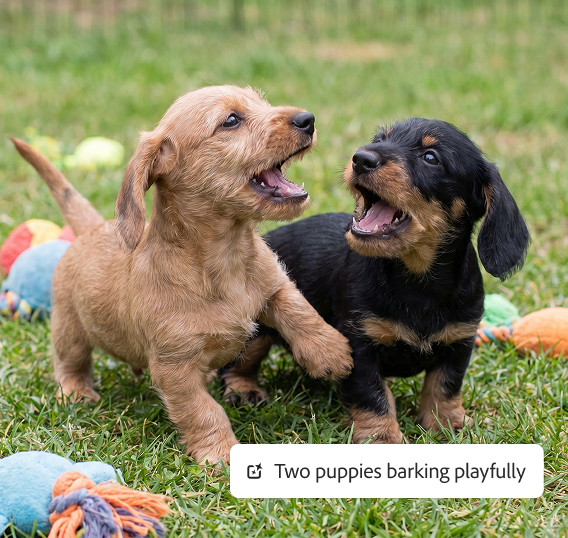
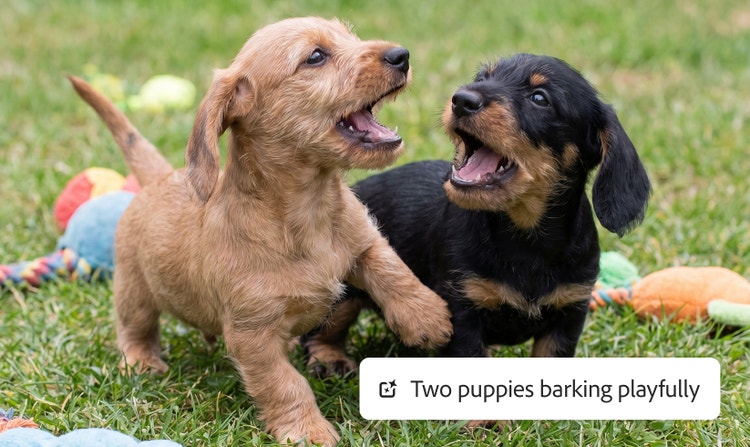
Use a text prompt to create a custom dog bark sound effect.
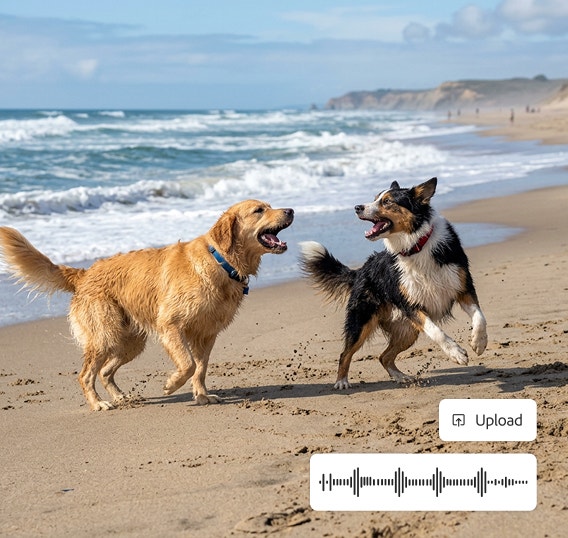
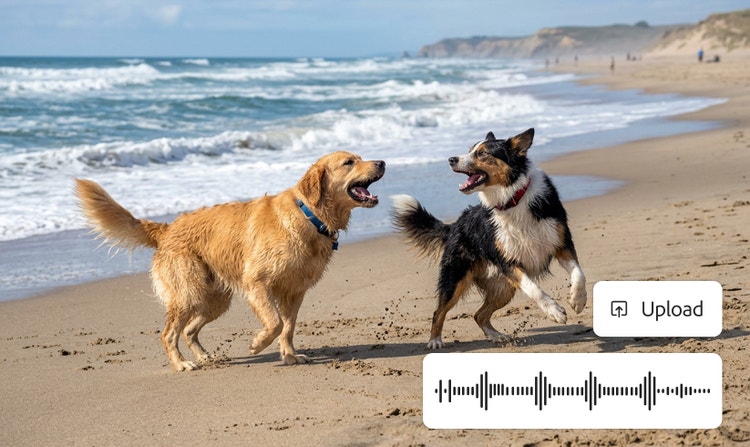
In Adobe Firefly, you can describe the mood, breed, timing, and energy of the bark with text-to-sound prompts or upload an audio reference to guide your results. Firefly instantly previews your generated sound, allowing you to refine it in real-time. You can adjust the length, rhythm, and tone until it fits your scene perfectly. Firefly generative AI makes it easy to create and edit dog bark sound effects.
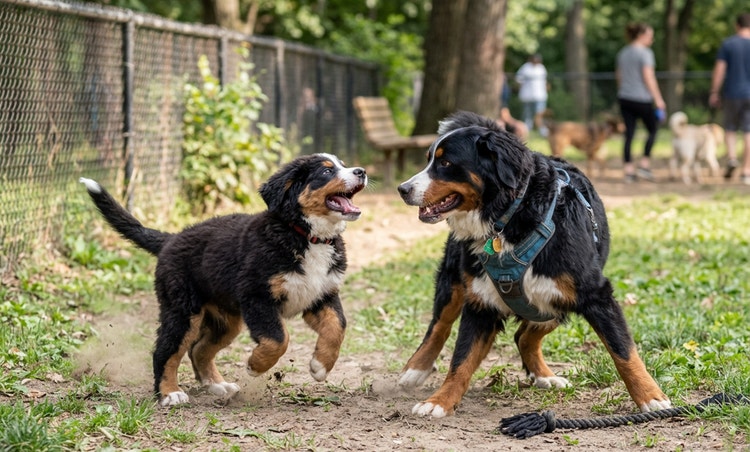
Refine barking dog sounds to perfection.
Once your dog barking sounds are generated, Adobe Firefly gives you precise control over every detail. Adjust the pitch for a deeper growl or a lighter yip, tweak the volume to fit your mix, set the timing for single or repeating barks, or layer multiple sounds for added texture and depth.
Sync and share your dog bark sound effects.
Whether you need a single, crisp bark or a layered mix of different breeds, Firefly makes it easy to sync your sounds perfectly with visuals or motion. Export in industry-standard formats, such as WAV or MP3, for seamless integration across editing tools and devices.
How to generate dog barking sound effects.
Step 1
Open Firefly.
Step 2
Upload existing media (optional).
Step 3
Describe dog bark sounds with a prompt.
Step 4
Preview barking and adjust audio parameters.
Step 5
Place sound effects in your project timeline or mix.
Step 6
Export and share in your chosen format.
- How to generate dog barking sound effects.
- Steps on how to generate dog barking sound effects.
- PT5M
- firefly
Commercially safe
Content create with Adobe Firefly models are safe for commercial use, so you can use them in professional projects and client work with confidence.
Ease of use
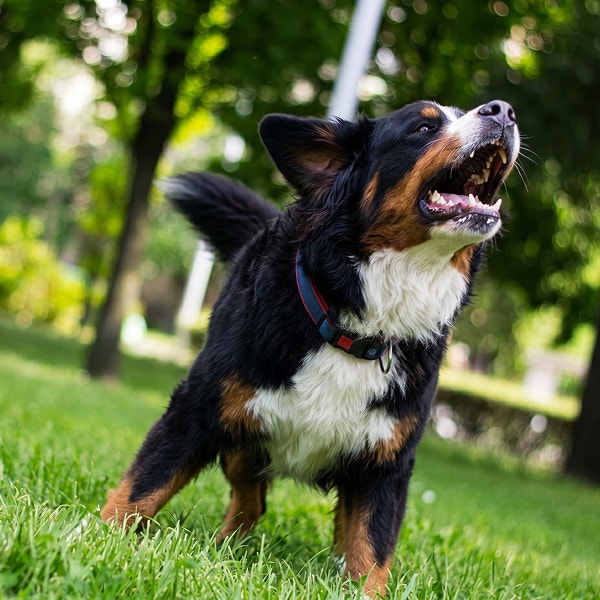
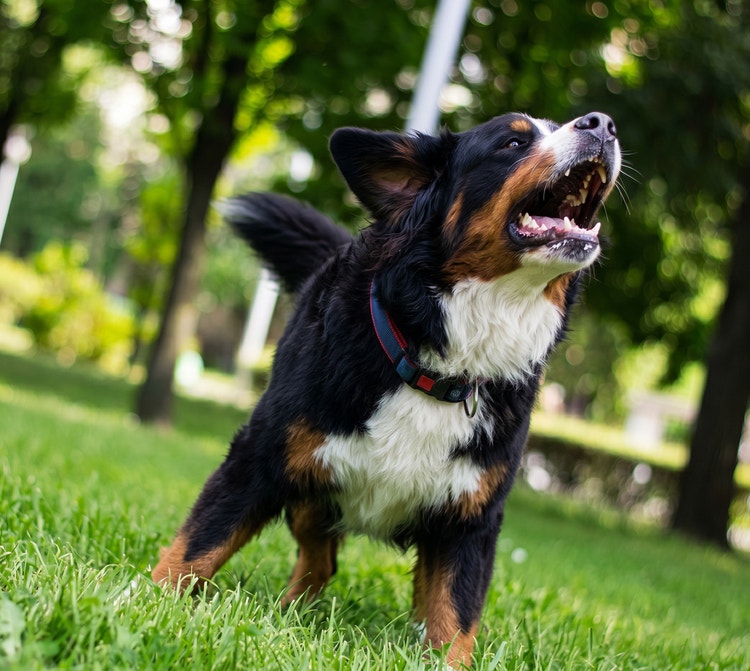
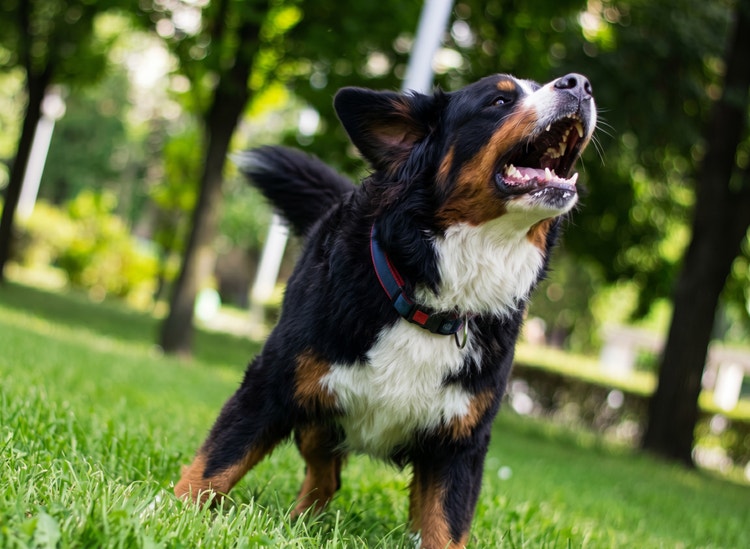
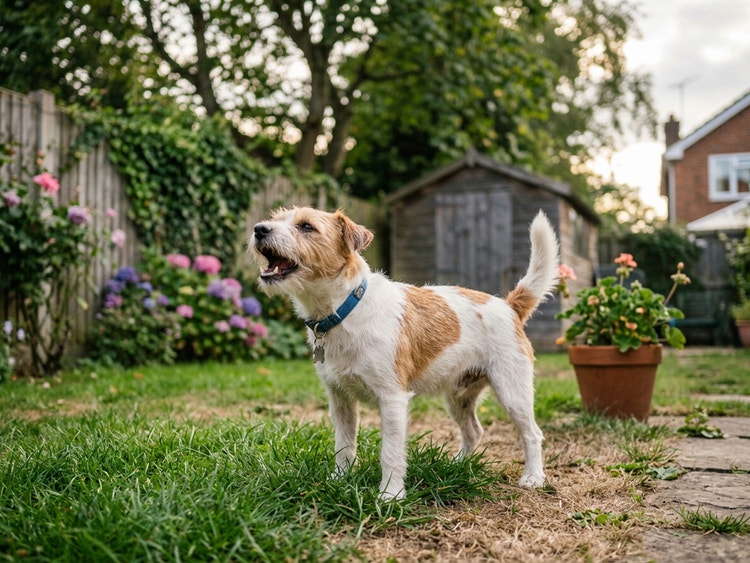
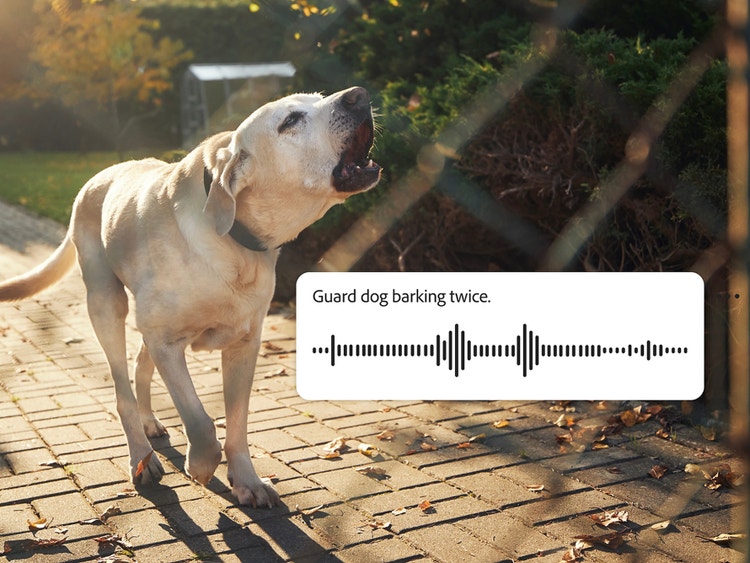
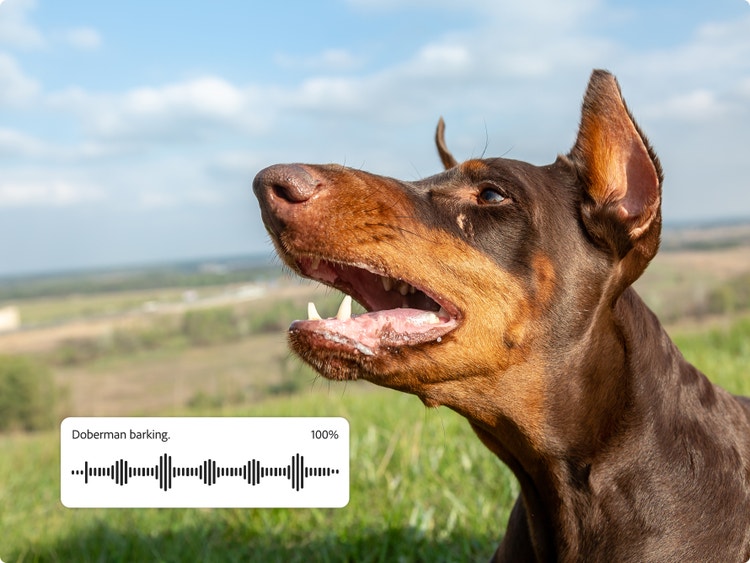
All you need to create a yipping puppy, barking guard dog, or chorus of kennel barks is a descriptive prompt, an audio reference, or both.
Precise control
Create dynamic soundscapes in Adobe Firefly with easy ways to layer sound, extend clips, and produce multiple variations so you can choose just the right dog sound effect for your project.
Seamless integration
Once you’ve polished your dog sound effect, it’s easy to download it as a WAV file that is ready to use in any project or edit further in other Adobe apps.
See what you can do in Firefly.