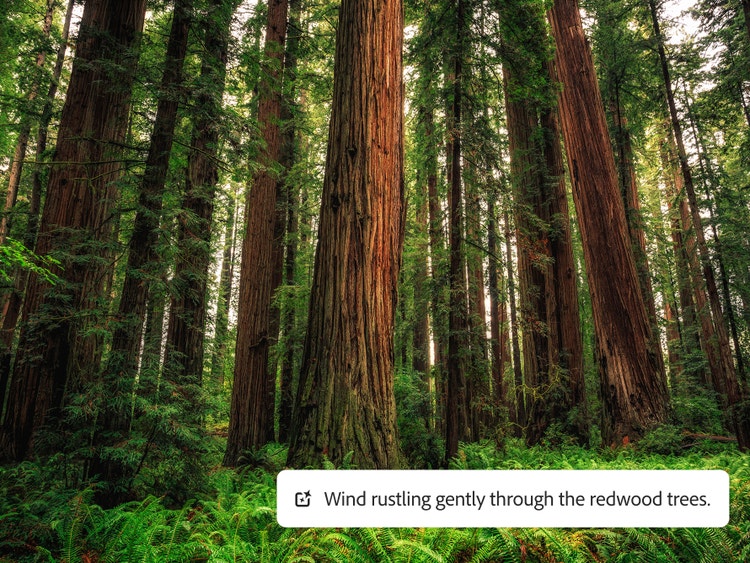
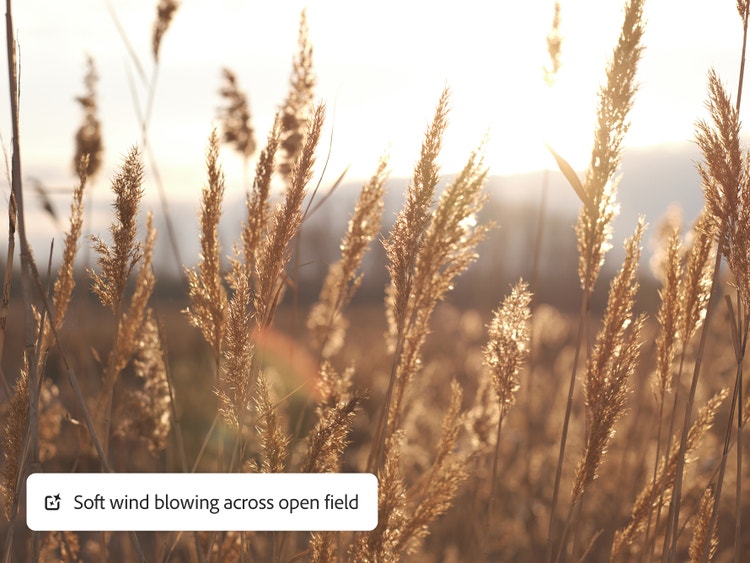
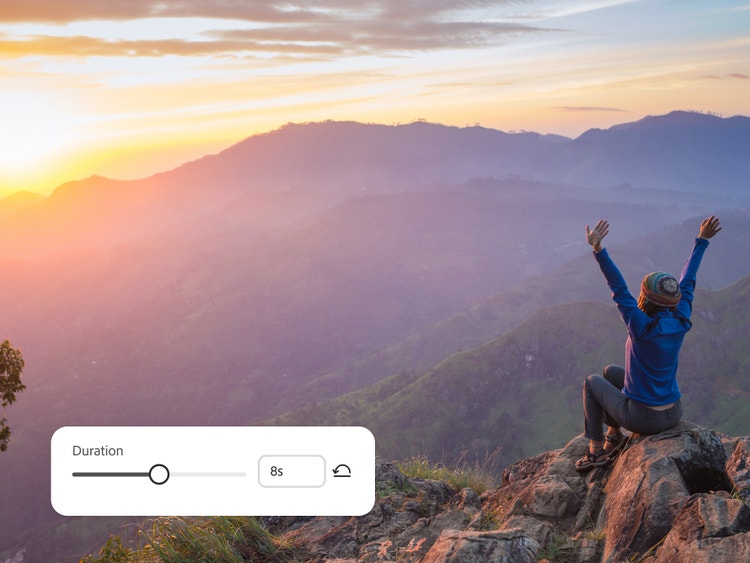
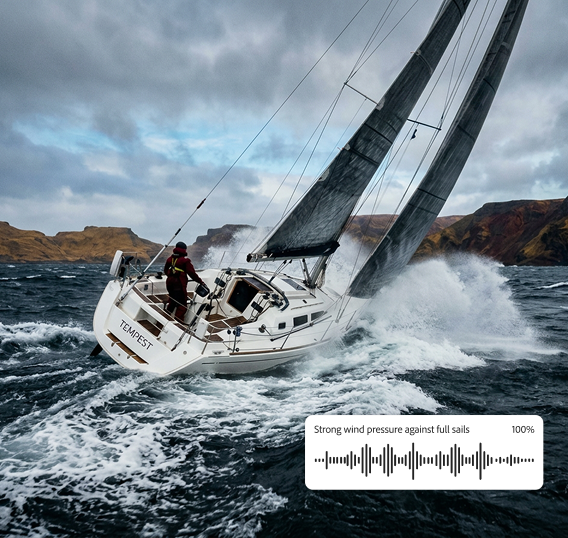
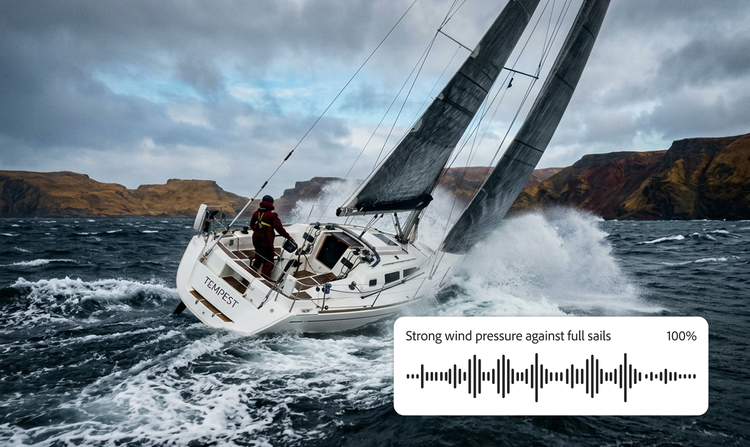
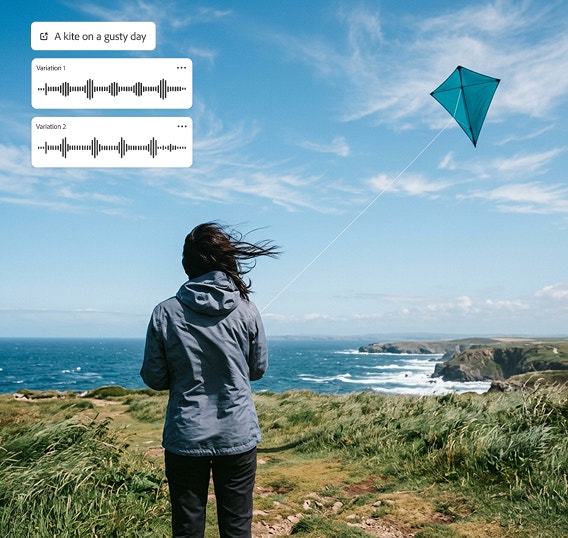
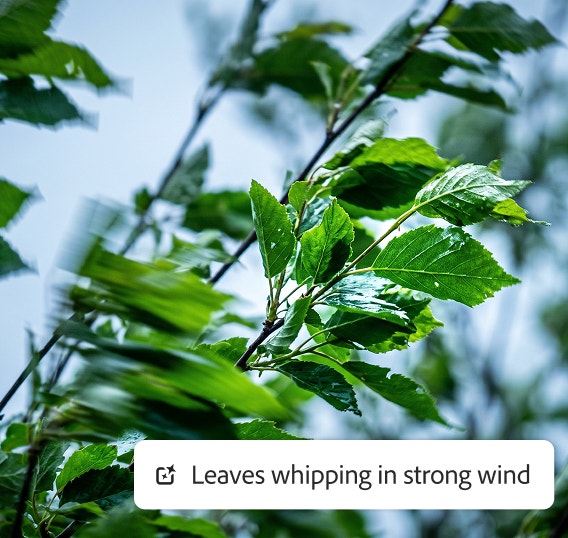
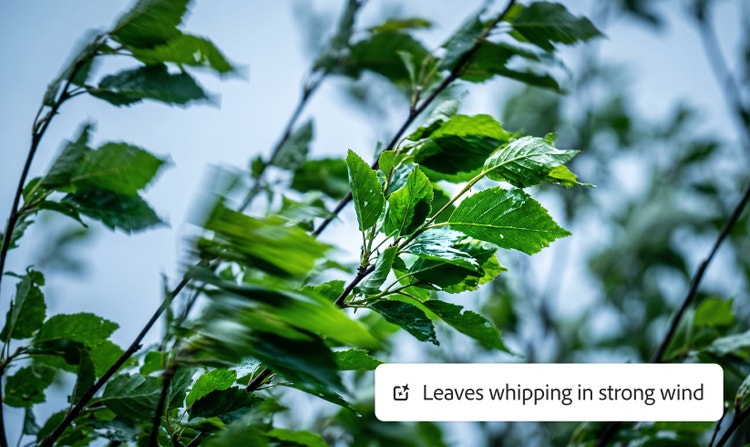
Wind sounds range from gentle breezes and soft whooshes to intense gusts, howling winds, and stormy roars. Firefly makes it easy to create ambient background wind, short wind bursts, and looping wind blowing sound effects for immersive audio.
To use the Adobe Firefly AI sound effect generator, enter a text prompt, upload a reference, or record your own voice. Firefly instantly creates wind sound effects based on your description, which you can preview and edit.
Yes, you can generate wind sound effects for free with Adobe Firefly using a free Adobe account. If you have a free account, you’ll get free daily generations to try the wind sound effect generator and explore a range of wind types and atmospheric styles. Learn more about
using Adobe Firefly for free. Upgrade to a paid plan for higher-volume use.
Useful descriptive terms include: breeze, gust, whoosh, howl, whistle, bluster, draft, squall, and wail. These help Firefly create the exact wind sound effect you’re imagining.
Adjust the intensity and volume sliders in Firefly to create softer wind sounds. To simulate distance, lower the pitch and add subtle reverb.
Firefly lets you create wind sound effects that loop smoothly and seamlessly — perfect for ambient backgrounds in videos, games, meditation tracks, and more.
You can export wind sound effects as MP3, WAV, and other common audio formats, making it easy to integrate your sound into any production workflow.
All wind sound effects generated in Firefly are royalty-free and ready to use in any project without licensing restrictions.
AI-generated wind sounds from Firefly are designed for commercial projects. Always review your project’s requirements and Firefly terms for usage details.