
Free cat meow sound effect generator.
Create your own free cat meow sound effects from soft kitten meows to bold yowls that sound like “hello” in just a few clicks. Just write a simple text description, upload an audio reference, or even use your own voice.
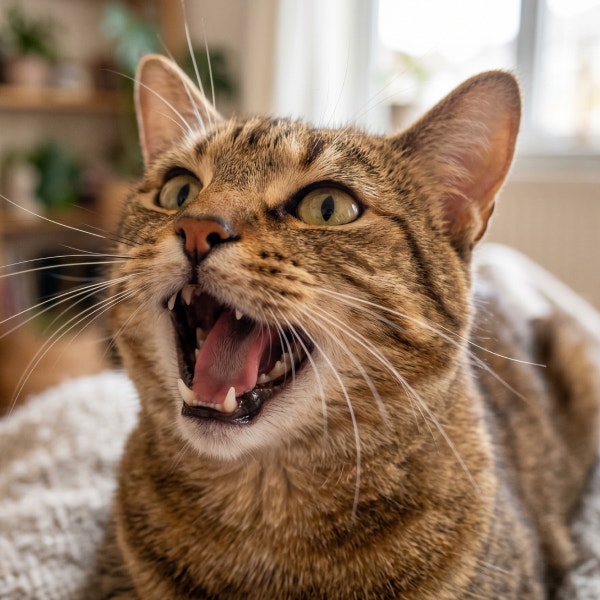
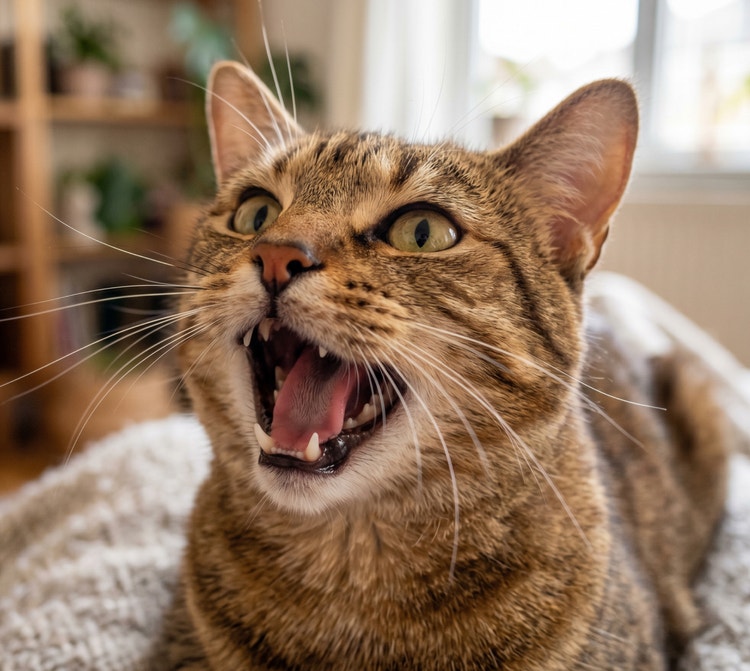
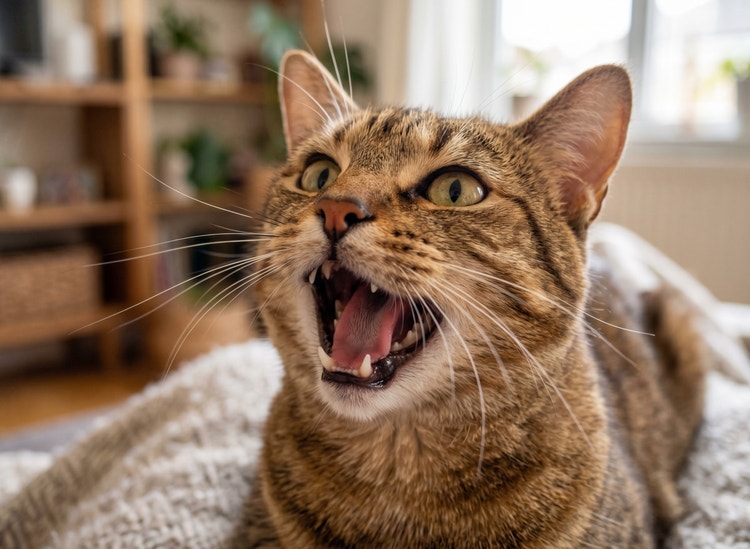
- audio
- Keep it short and specific, like birds chirping
- Adobe Generative AI Terms

- Describe what you want to generate
- Prompt
- Suggestions
- Tip
- Variation 1
- Variation 2
- Variation 3
- Variation 4
- ff_campaign=embed_generate_acom&promoid=Y69SGFPT&mv=other
- Unable to process the request
- Please describe what you want to generate.
- Prompt exceeds the max length of 750 characters
- Unable to play audio. Please try other variations.
- Enter prompt
https://main--cc--adobecom.aem.live/cc-shared/assets/img/product-icons/svg/firefly-80.svg
Adobe Firefly
The next evolution of creative AI is here for all your ideas, with image, video, audio, and vector tools.
https://main--cc--adobecom.aem.live/cc-shared/assets/img/product-icons/svg/firefly-80.svg
Adobe Firefly
The next evolution of creative AI is here for all your ideas, with image, video, audio, and vector tools.
Explore cat sound effects created with Firefly.
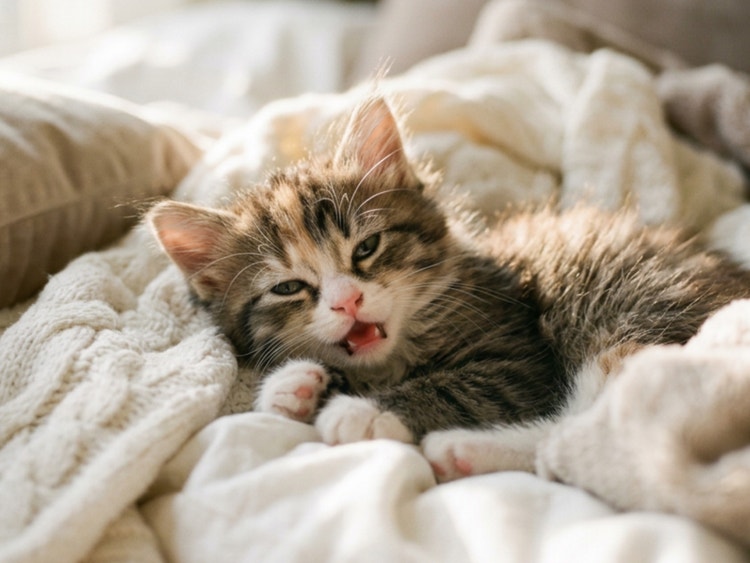
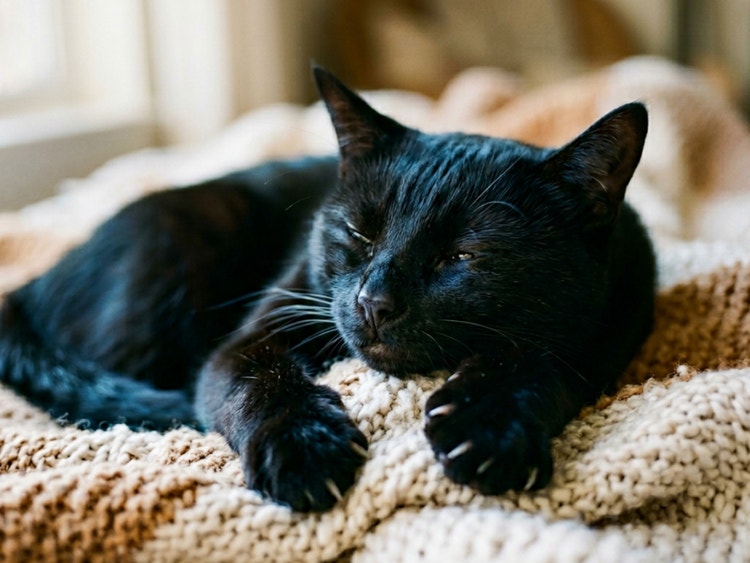
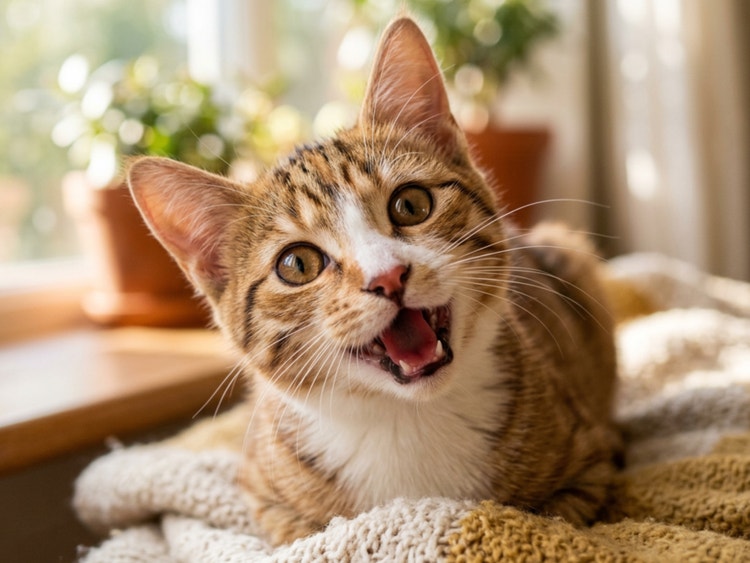
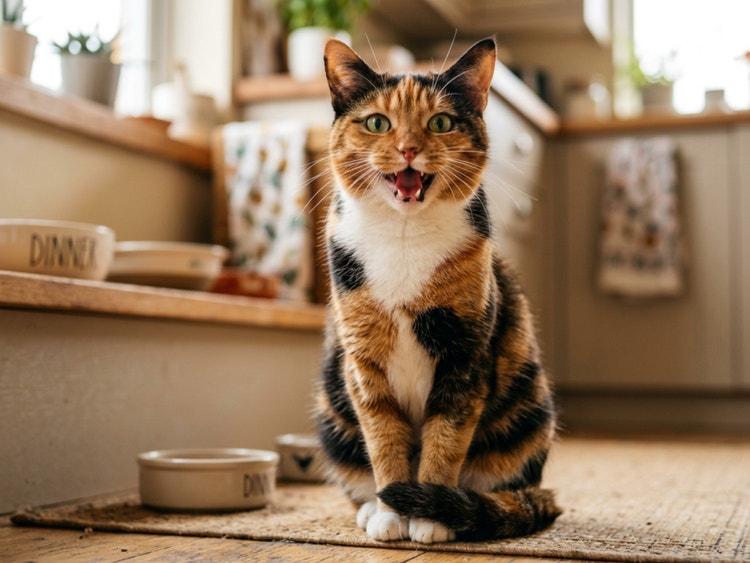
Cat meow sound effects that sound just right.
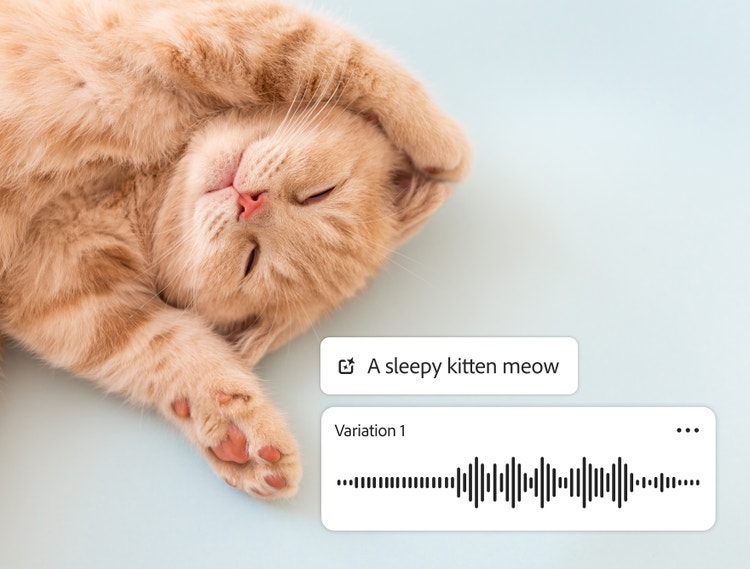
Whether you’re animating a short film, designing a game, or you want a phone alert with feline personality, the right cat sound effect can make your project come alive. With the free Adobe Firefly AI sound effects generator, you can create the perfect meow in seconds. Type a description of the sound you want, like “a sleepy kitten meow,” “a curious meow that sounds like hello,” or “an impatient cat demanding dinner,” and Firefly will generate it in seconds. You can layer tones, adjust intensity, and export your custom sound for any use.
Realistic cat meow sounds with personality.
With Adobe Firefly AI sound effect generator, you can capture a whole spectrum of feline expression. Type a prompt like “hoarse meow demanding dinner,” “sleepy kitten chirp,” or “playful trill,” upload a reference sound, or even hum your own version. Firefly easily generates realistic, expressive meows that match your creative vision.
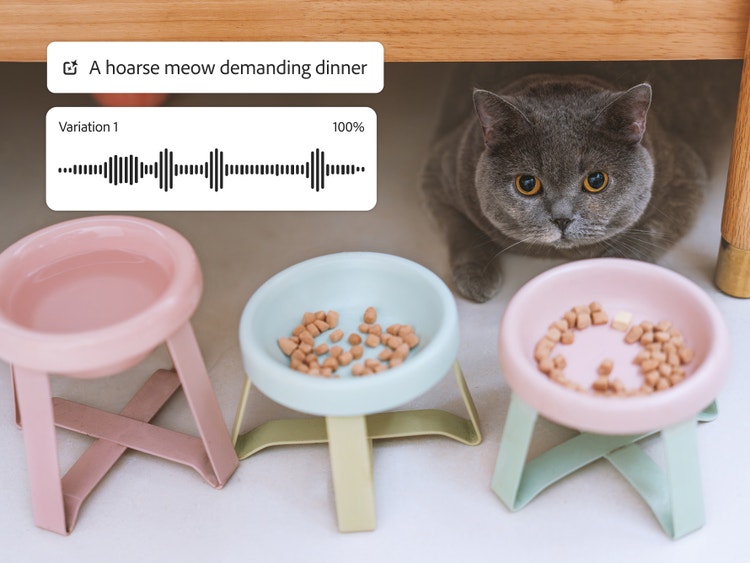
Easily edit the perfect meow, yowl, or trill.
Firefly editing features let you adjust pitch for a high-pitched yowl, tweak length to create short chirps or extended meows, and modify tone so your cat meow matches the mood of your project. Layer multiple meows, blend in other animal sounds, and create endless variations — all without ever leaving the Firefly interface.
Sync cat meow sound effects in seconds.
Easily export audio files in a WAV file so you can drop meows straight into video timelines, animation tracks, podcasts, or game audio. Drag and drop your cat meows alongside other animal sound effects, or blend them with background music for a customized soundscape. Firefly is compatible with major audio and video editors on Windows, Mac, and mobile platforms, so your cat meow sound effects are ready for use in AI animation, music, film, or games wherever you work.
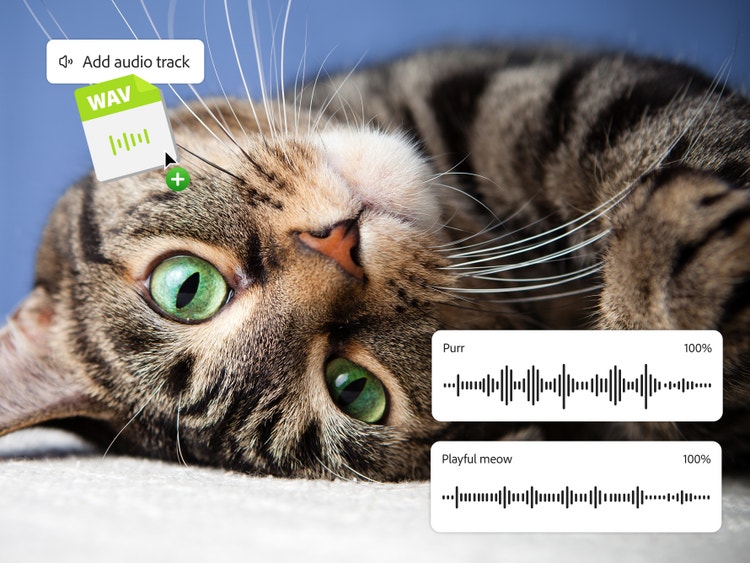
How to create cat meow sound effects with Adobe Firefly.
Step 1
Open the Firefly AI sound effect generator.
Step 2
Upload existing media.
Step 3
Describe cat meowing sounds with text or audio.
Step 4
Preview and adjust audio.
Step 5
Place cat meow sound effects in the timeline.
Step 6
Export and share.
- How to create cat meow sound effects with Adobe Firefly.
- Steps on how to create cat meow sound effects with Adobe Firefly.
- PT5M
- firefly
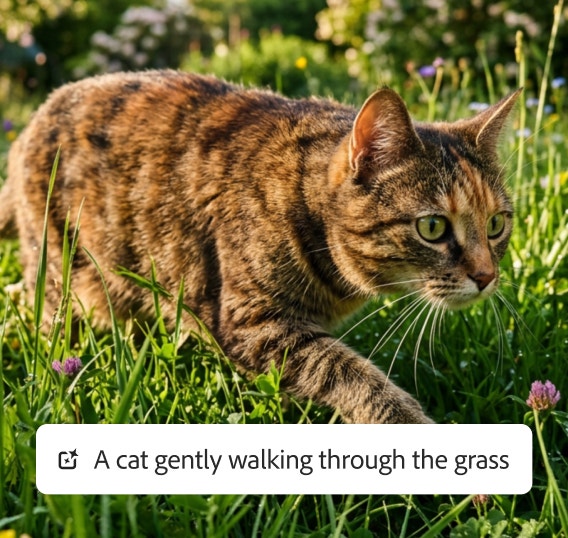
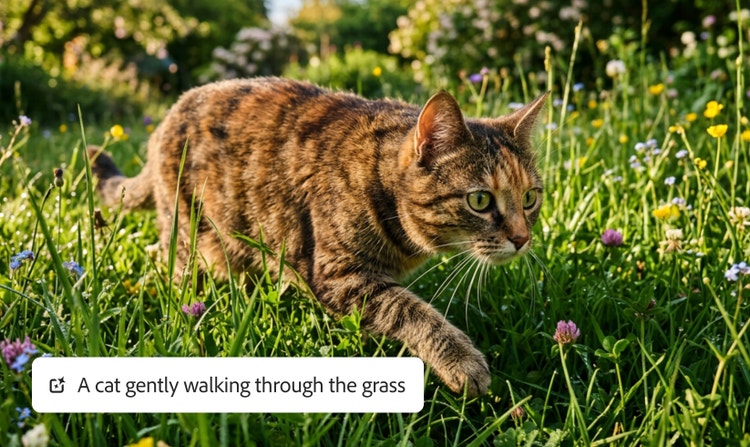
Precise control
Easily adjust clip duration, layer sound effects, and generate multiple cat meow sound effects at once so you can choose the right one for your project.
Seamless integration
Easily download your cat meow sound effects as a ready-to-use WAV file that you can add to projects or keep editing in other Adobe apps.
Ease of use
It’s simple to create realistic cat sounds for any project in Adobe Firefly. Use a detailed prompt, your voice, or an audio reference to guide your results.
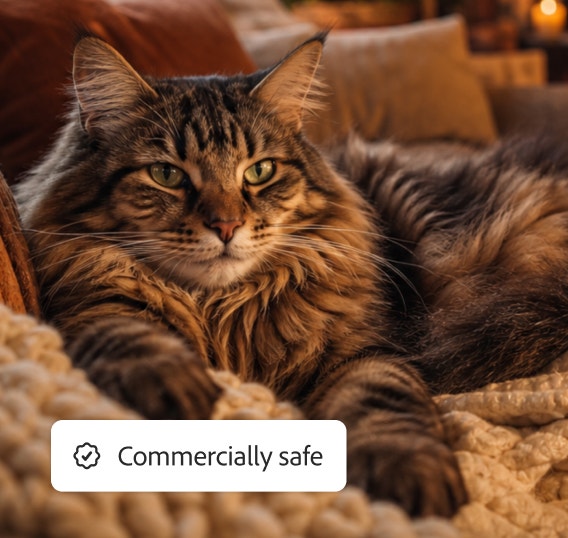
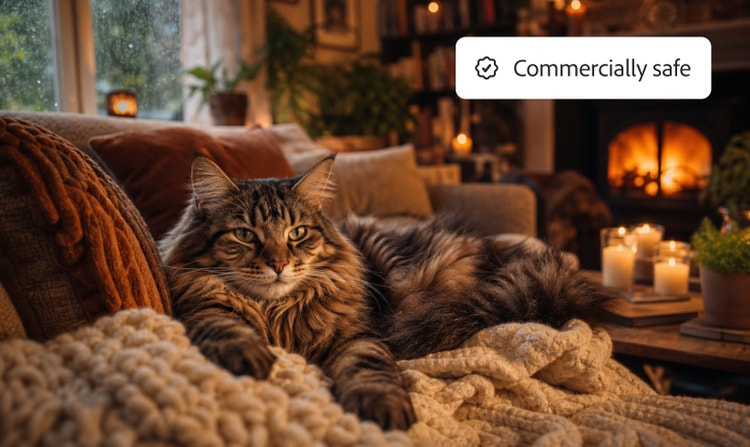
Commercially safe
Content created with Adobe Firefly models is safe for commercial use. Apply it to your professional projects and client work with confidence.
See what you can do in Firefly.
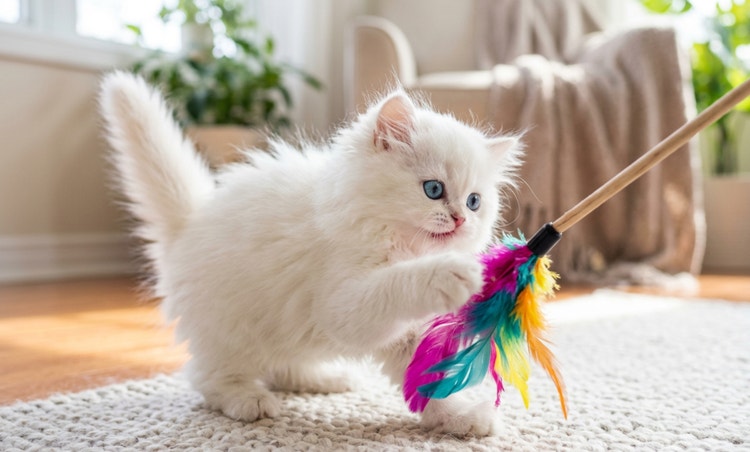


Discover even more features.
Questions? We have answers.
Can I generate cat meow sound effects for free with Adobe Firefly?
What kinds of cat meowing sounds can I create?
How do I add cat meow sound effects to video or audio?
Can I remix my own cat or kitten meows?
What formats can I download sound effects in?
Can I create other cat sounds besides meowing?
Share this page
Explore more Firefly tools.
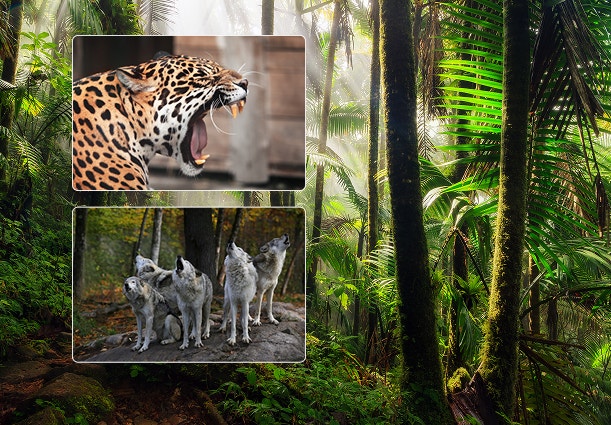
Create realistic nature sound effects with generative AI.
Nature sound effects are the foundation of immersive sound design. Generative AI makes it quick and easy to create a high quality library of free nature sound effects for any project.
Learn more | Learn more - Create realistic nature sound effects with generative AI
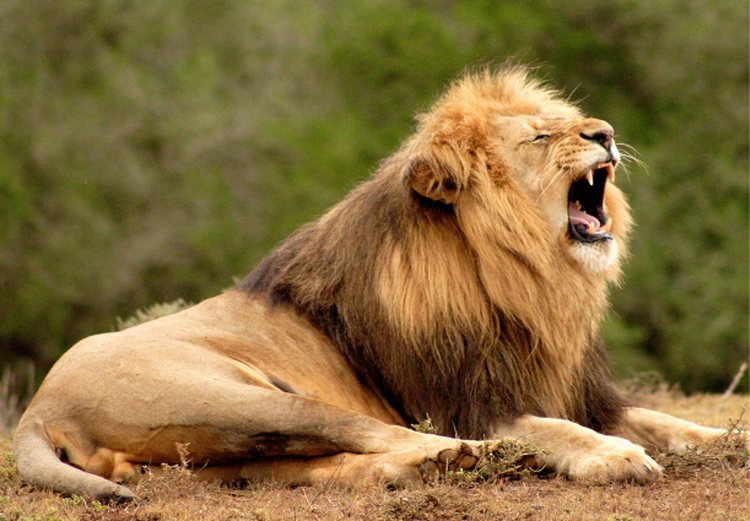
Create realistic animal sound effects with generative AI.
Animal sound effects can be used to add realism to any scene, video, or audio story. Learn how generative AI can be used to create any animal sound from cat meows to lion roars.
Learn more | Learn more - Create realistic animal sound effects with generative AI
How generative AI works: From training to output.
Generative AI is all over the headlines, and that’s not empty hype. This new technology is likely to be part of your life soon — if it’s not already. Learn how generative AI works and start streamlining your workflow.
Learn more | Learn more - How generative AI works: From training to output

Generative AI is changing creative work.
Generative AI can mimic — but not replace — human intelligence. Learn how it can help you take your creativity to new places.
Learn more | Learn more - Generative AI is changing creative work