Yes, the Adobe Firefly mobile app is free to download from the
Apple App Store and
Google Play Store. The free app includes a limited number of free daily generations for trying features like Generate Image, Generate Video, and Generate Sound Effects. Additional access is available when you purchase an
Adobe Firefly subscription.
The Adobe Firefly app includes a range of generative AI tools:
- Generate Image and Generate Video
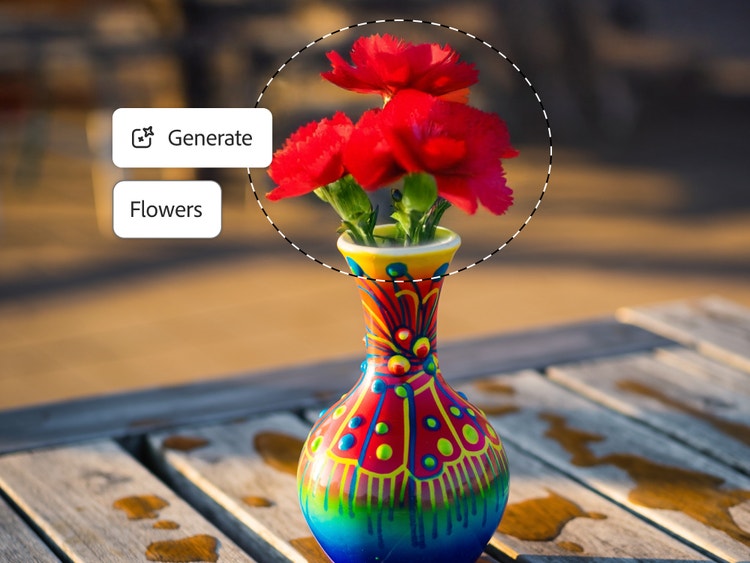
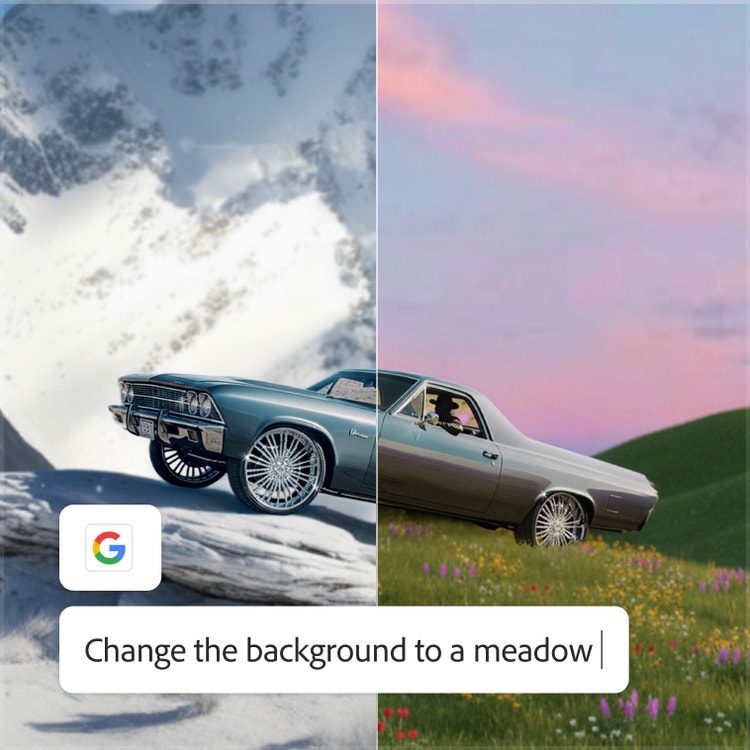
- Generative Fill, Generative Expand, Generative Remove, and Prompt to Edit for image editing
- AI video editing and sound effect generation
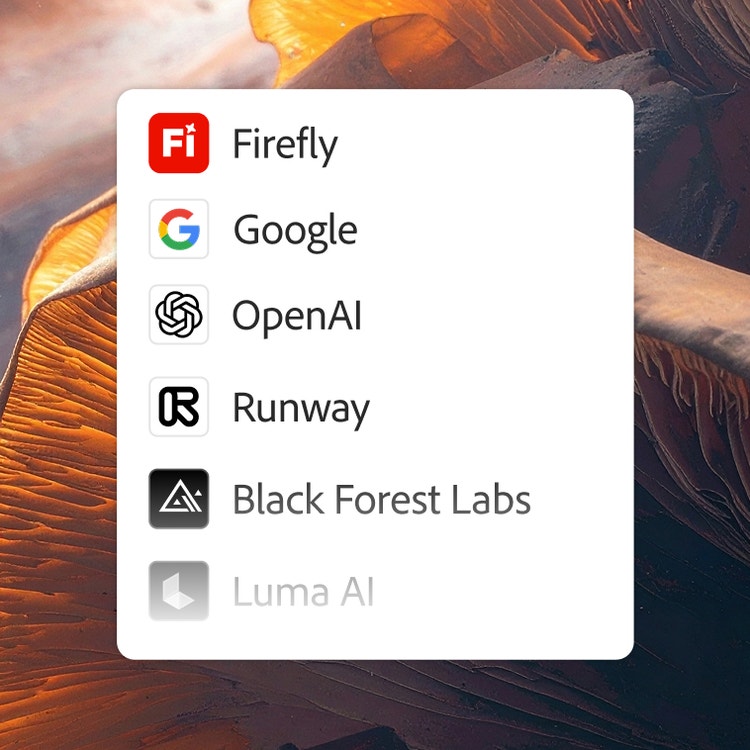
- Access to partner AI models from Google, OpenAI, ElevenLabs, Luma AI, and Runway
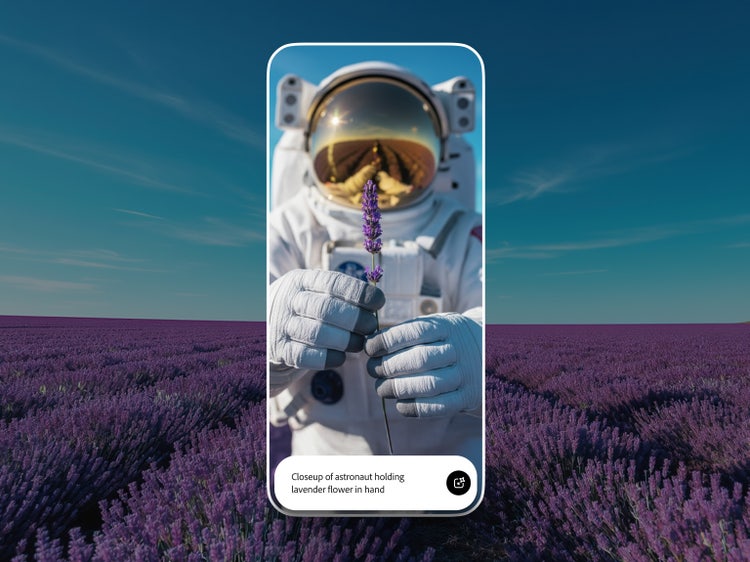
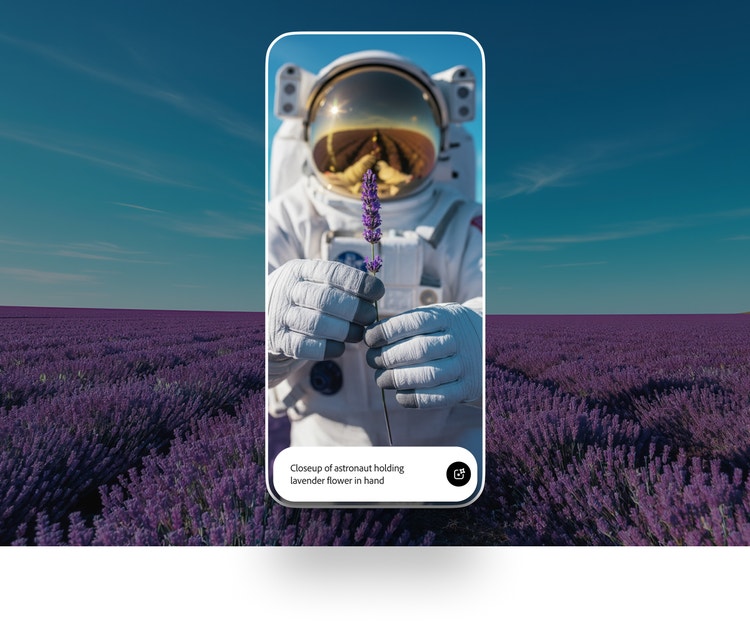
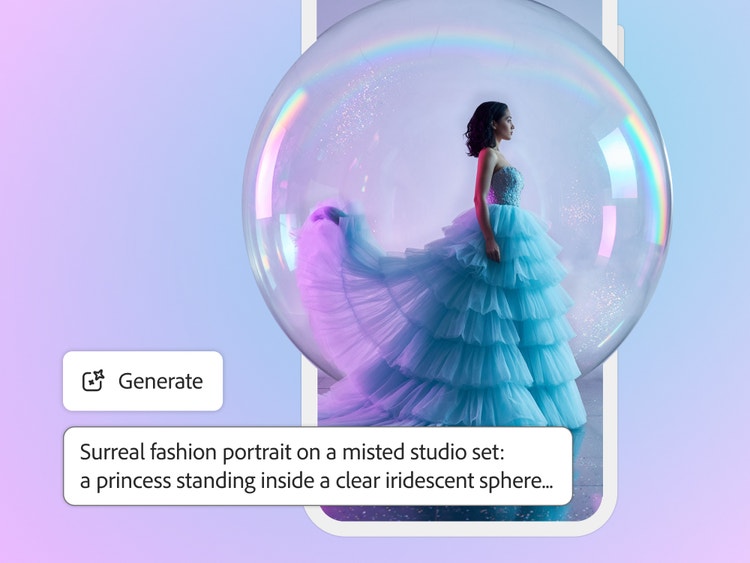
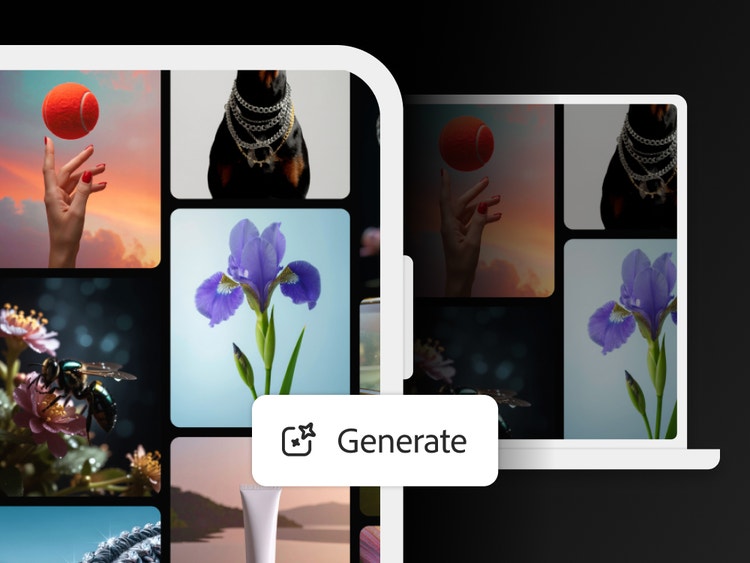
Generate Image in the Adobe Firefly mobile app enables you to type a description of the image you want, and it generates a high-resolution image. You can refine results using controls for aspect ratio, content type, style, lighting, color, composition, and camera angle (subject to model availability).
Yes, in the Adobe Firefly mobile app you can generate video clips from text prompts or still images. With Generate Video, Image to Video, the AI video editor, and other AI tools, creators can move from an idea to polished, shareable content in minutes.
The Adobe Firefly mobile app is best for creators who want to generate, edit, and refine images, audio, and video using AI on their mobile devices. The Adobe Firefly app is ideal for moving from text prompt to production-ready asset with precise creative control, access to both Adobe’s commercially safe models and top partner models, and seamless handoff to other Adobe Creative Cloud apps. Common use cases include rapid concept generation, video B-roll and sound design, and social media content creation.
The best free generative AI mobile app helps creators go from text prompt to polished images and videos fast, wherever they are, without sacrificing creative control. The Adobe Firefly mobile app makes this easy with intuitive features for turning text prompts into images and videos, generating sound effects, and editing with tools like Generative Fill, all available with free daily generations.
Yes, outputs from the mobile app generated using Adobe Firefly models can be used in commercial projects. Commercially safe Adobe Firefly models are trained on licensed content and public domain content where copyright has expired and never on Creative Cloud subscribers’ personal content. Adobe automatically attaches Content Credentials to generated content, providing transparency about AI usage.
Learn more about Content Credentials on the Adobe Content Authenticity page.
The Adobe Firefly mobile app gives you access to partner generative AI models from Google, OpenAI, ElevenLabs, Kling AI, Luma AI, Runway, Black Forest Labs, and others, in addition to Adobe’s own Firefly models. Choose the model that best fits your creative task and aesthetic preference across text-to-image, text-to-video, and image-to-video workflows. Adobe Firefly is the only creative platform that brings together commercially safe Adobe models and top third-party models in a single app.
Yes, all Adobe Firefly plans include access to both the Adobe Firefly web app at
firefly.adobe.com and the Adobe Firefly mobile app on
iOS and
Android. Your generative credits, projects, and preferences sync automatically across devices, so you can create and edit without interruption. This cross-device access is included on all tiers from Adobe Firefly Standard through Premium.
The Adobe Firefly app supports a wide variety of display and user interface languages. These include English, French, Spanish, German, Japanese, Korean, Chinese (Simplified/Traditional), Hindi, and many others.
Yes, the Adobe Firefly web app is free to use at
firefly.adobe.com with a limited number of daily generations.
You can purchase generative credits by subscribing to an Adobe Firefly Standard, Pro, Pro Plus, or Premium plan, or by adding a credit add-on plan to your existing subscription. Adobe Creative Cloud plans also include a monthly allocation of generative credits that work for Adobe Firefly and other Adobe apps. If you run out of credits on any plan, you can purchase more directly within the Adobe Firefly app or on the
credit add-on page.
New users can download the Adobe Firefly mobile app from the Apple App Store and Google Play Store to purchase the Adobe Firefly mobile plan in-app. Members who already have generative credits as part of their subscription are entitled to use their credits on Adobe Firefly across mobile and web apps.