https://main--cc--adobecom.aem.page/cc-shared/assets/img/firefly.svg | Adobe Firefly logohttps://main--cc--adobecom.aem.page/cc-shared/assets/img/ff-lockup-f4.svg | Adobe Firefly
AI background generator: Transform photos in a click.
From a busy street scene to an alien planet, effortlessly create high-quality, detailed background settings for any image.
Or tap here
File must be JPEG(JPG), PNG, or WEBP and up to 100MB.
By uploading your image or video, you agree to the Adobe Terms of Use and Privacy Policy and confirm you are 18 years of age or older.
https://main--cc--adobecom.aem.live/cc-shared/assets/svg/s2-icon-upload-20-n.svg Upload your image
Or tap here
File must be JPEG(JPG), PNG, or WEBP and up to 100MB.
By uploading your image or video, you agree to the Adobe Terms of Use and Privacy Policy and confirm you are 18 years of age or older.
https://main--cc--adobecom.aem.live/cc-shared/assets/svg/s2-icon-upload-20-n.svg Upload your image
Or drag and drop here
File must be JPEG(JPG), PNG, or WEBP and up to 100MB.
By uploading your image or video, you agree to the Adobe Terms of Use and Privacy Policy and confirm you are 18 years of age or older.
- File size larger than 100MB
- Unable to process the request
- We are unable to process this file type. Please try again.
- Only one file can be uploaded at a time.
- Image is smaller than the minimum dimensions (512 x 512 pixels). Please resize and try again.
https://main--cc--adobecom.aem.page/cc-shared/assets/img/product-icons/svg/firefly-80.svg
Adobe Firefly
https://main--cc--adobecom.aem.page/cc-shared/assets/img/product-icons/svg/firefly-80.svg
Adobe Firefly
The next evolution of creative AI is here for all your ideas, with image, video, audio, and vector tools.
Quickly generate custom backgrounds with Firefly.
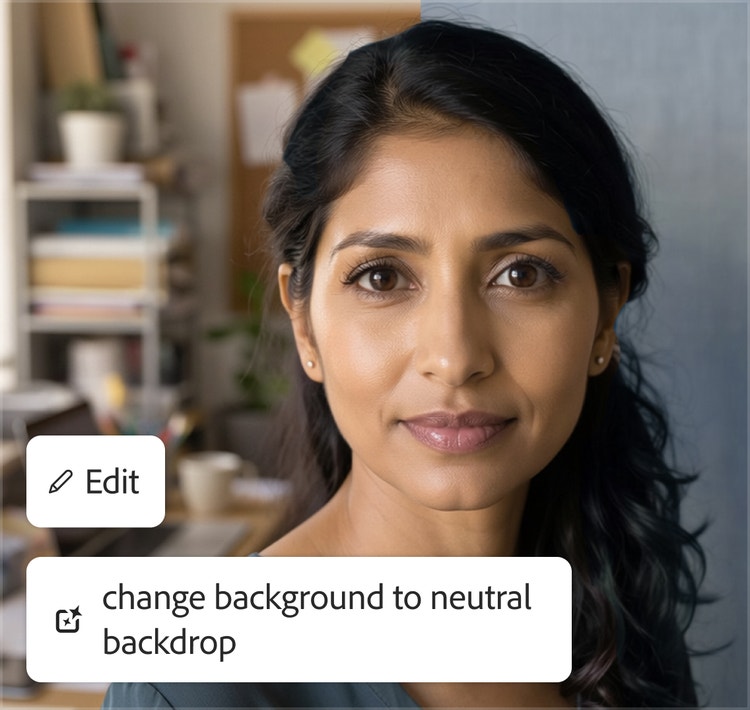
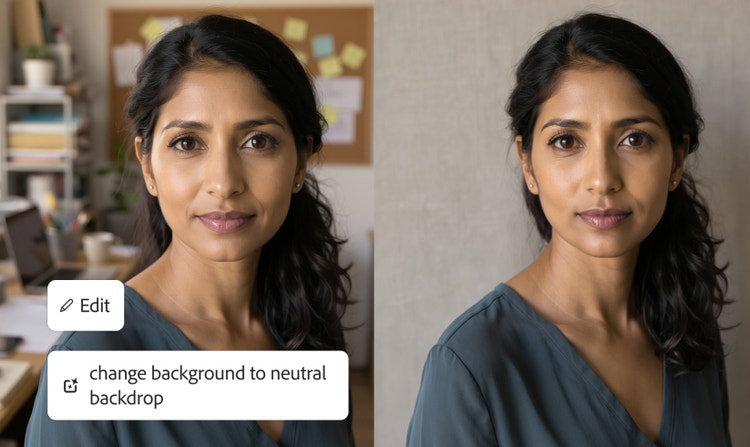
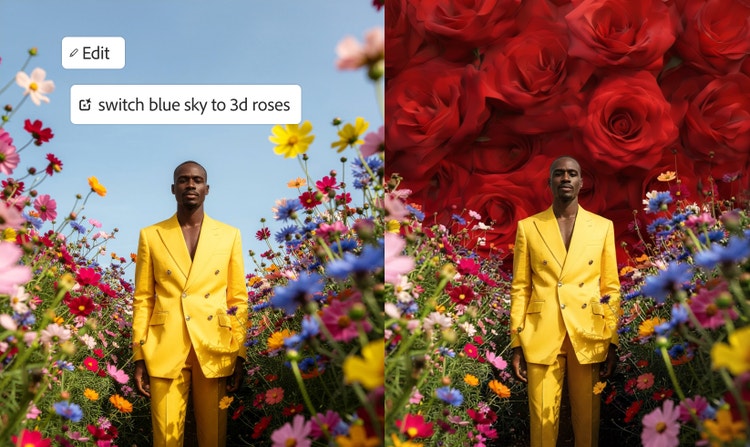
Remove and replace image backgrounds with ease. The AI background generator uses AI to detect the subject of an image, separate it from the background, and generate an all-new environment.
Swap your scene in moments with an AI background generator.
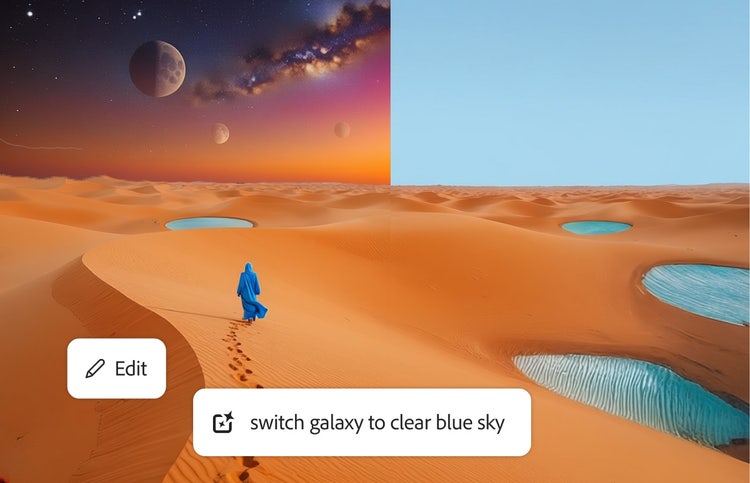
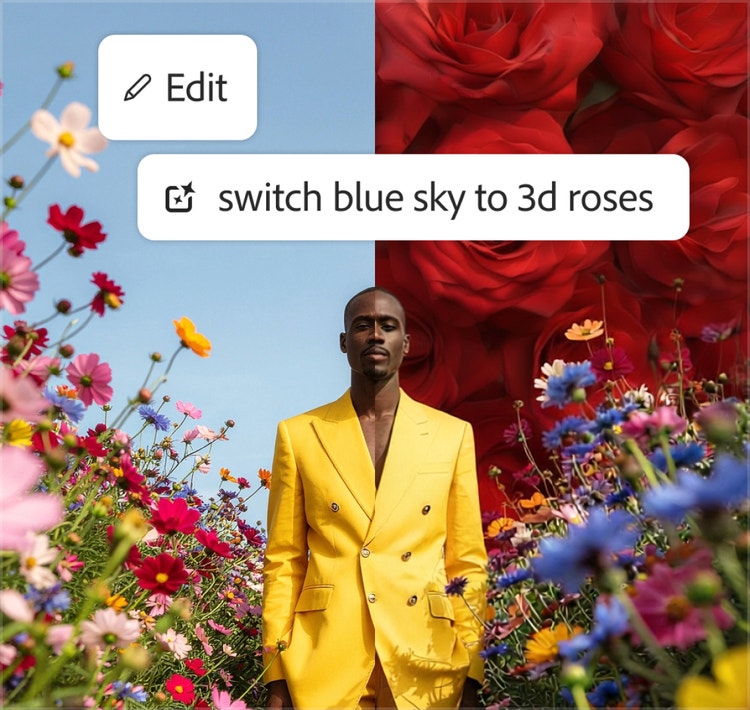
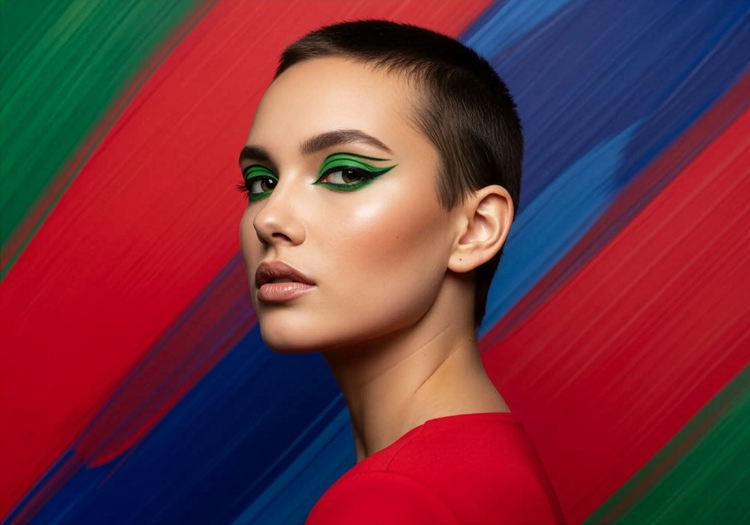
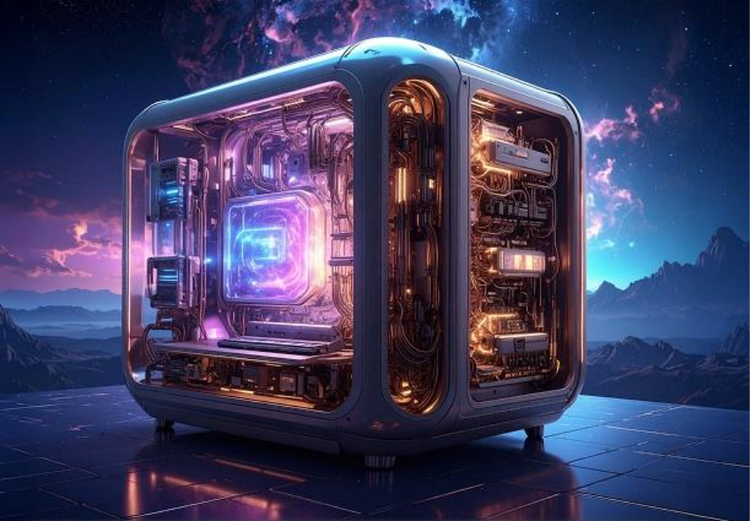
Quickly isolate subjects and replace image backgrounds with content that fits your needs. Create a transparent background and go from there, or swap one background for another in a single prompt. Conjure a different mood by adding in a new sky or make product photos pop. It’s easy to place your product images in settings that match your brand, from a dreamy outer space scene to a stylish flat lay. Your new backgrounds blend seamlessly with your subject for a realistic, professional look.
Resize and enhance backgrounds effortlessly.
Upscale and expand portions of your background so you can apply your images anywhere. Choose a new aspect ratio for your image, such as vertical, horizontal, and square formats perfect for desktop or social media. Your visuals stay crisp, no matter the dimensions.
Make precise edits with an AI background generator.
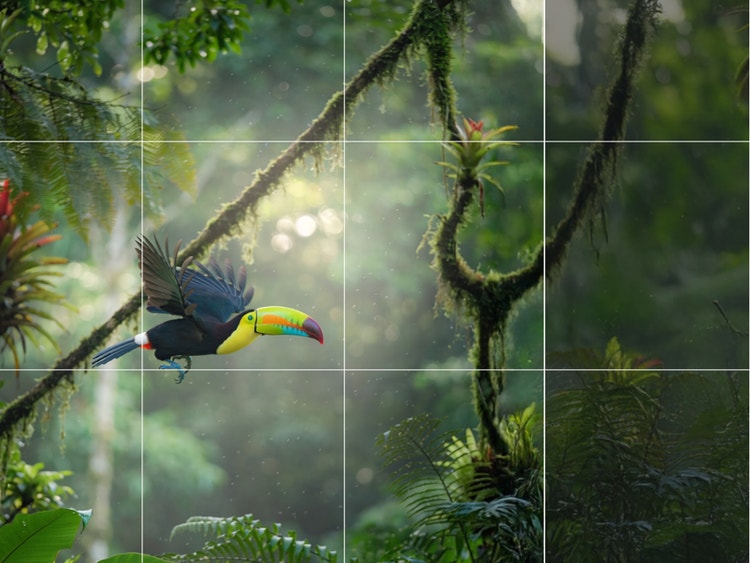
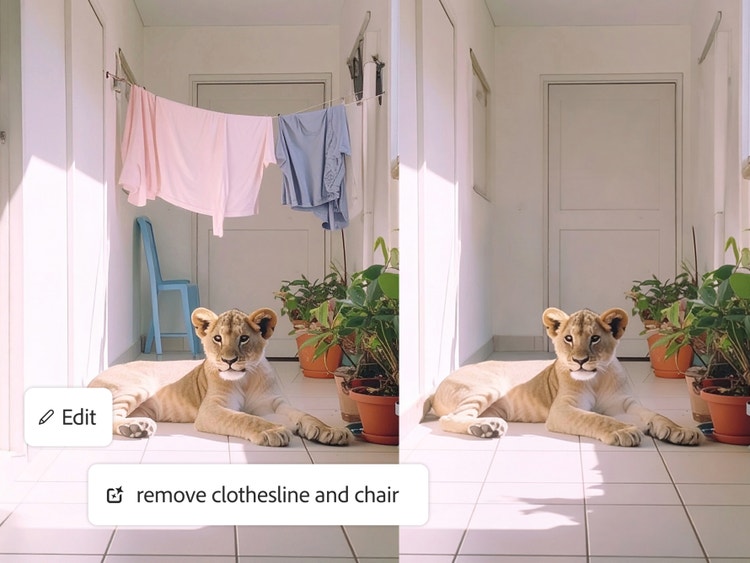
Use Generative Remove and Generative Fill to easily remove unwanted elements like power lines and add in new ones, like a flock of parrots soaring through the sky. With Firefly you can make fast, clean, and flexible edits to your background with pinpoint precision.
How to edit photos with an AI background generator.
Step 1 || Open Firefly.
Log in to Adobe Firefly with your Adobe ID or create a free account if you don’t have one. Open the Firefly image editor by clicking the Edit an Image button.
Step 2 || Upload or generate an image.
In the Generate workspace, upload an image you want to create a new background for, or generate an entirely new image to start from scratch.
Step 3 || Generate a new background.
Write a descriptive prompt instructing Firefly to replace the background with something new, or add a second reference image and use a prompt to add it as the new background image. You can upload multiple reference images by using Firefly's third-party partner models like Nano Banana to combine elements and explore different visual results.
Step 4 || Make your background perfect.
Hover your cursor over your image to select options from the Edit menu. Open your image in the Firefly image editor to make targeted edits to your background, expand your image, and more. Open it in the edit space to apply refinements with text prompts, adjust size, and more.
Step 5 || Download and share.
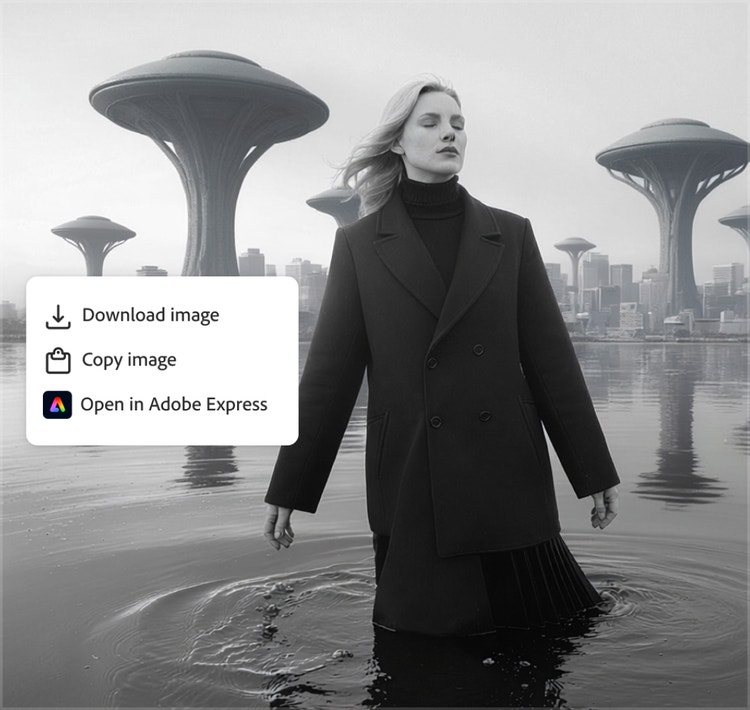
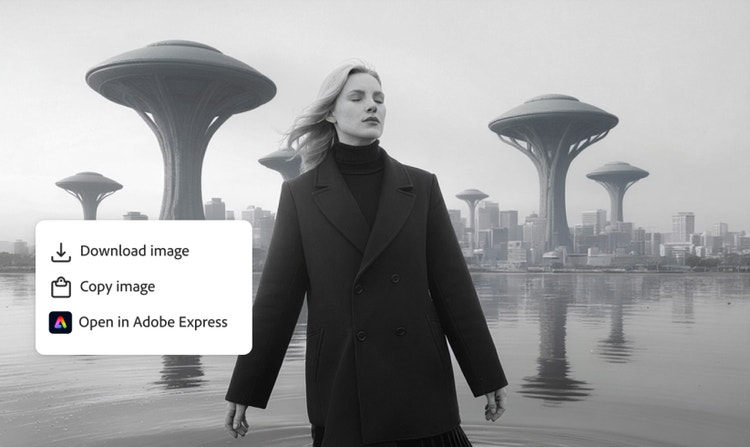
Click the Download button to export a copy of your work. Click the Share button to copy your work to your clipboard or to continue working on it in other Adobe apps.
name: How to edit photos with an AI background generator.
description: Steps on how to edit photos with an AI background generator with Firefly
total-time : PT5M
Tools: firefly
High-quality results
Old backgrounds are cleanly removed, and new ones blend seamlessly with your subject, providing crisp, realistic outputs.
Multiple AI models
Get commercially safe results with the Firefly image model or explore variations using partner models from Google, OpenAI, and more, without switching apps.
Seamless integration
Open your designs in Photoshop on the web or Adobe Express right from Firefly. Download or access them via the cloud to edit in Photoshop, Illustrator, and more.
Streamlined workflows
Skip the tedious work of removing a background pixel by pixel so you can focus on transforming and perfecting your final image.
See what you can do with Firefly.