

• File size larger than 100 MB
  • Unable to process the request
  • We are unable to process this file type. Please try again.
  • Only one file can be uploaded at a time.
  • Image is smaller than the minimum dimensions (512 x 512 pixels). Please resize and try again.
cgen
promoid=QTV3NS2W&mv=other

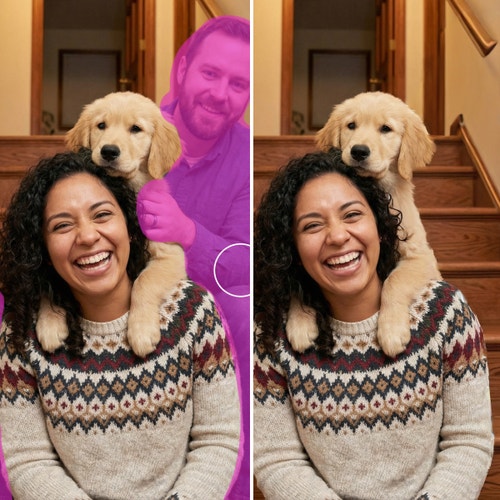
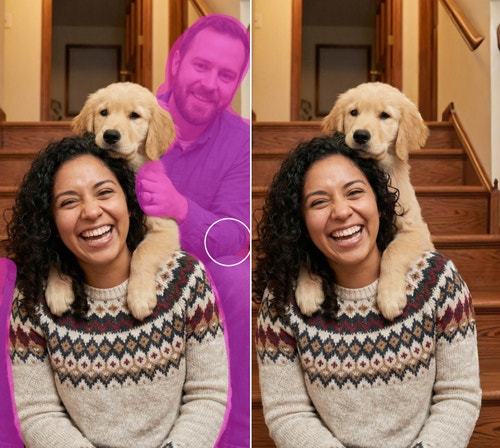
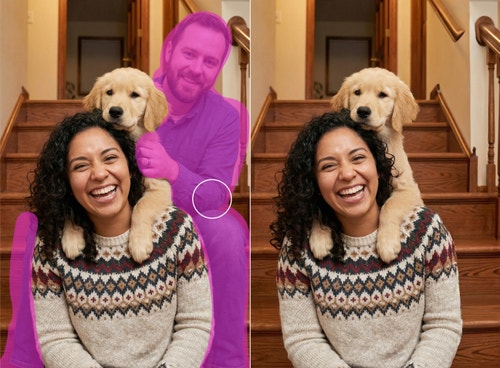
Remove people from photos by brushing them away.

From a crowd at a landmark to a random stranger at the edge of your shot, you can remove a person from a photo online for free. Using Generative Remove, all you have to do is paint the person with the brush and click Generate. The person will disappear and Firefly creative AI will fill in the background so it looks natural.

#ffffff

Remove people with AI to reduce costs and speed up workflows.

In just a few steps, Firefly can save professional photographers from costly edits or reshoots. Brush away distractions like crew members, reflections or accidental background figures from lifestyle shoots. Clean up retail or street scenes to ensure photos are perfect for client delivery, prints or portfolio showcases.

Before and after shots of a tourist in the background being removed from a photo of a ballerina leaping in front of St. Peter's Basilica.

How to remove a person from a photo in Firefly photo editor.

Why use Firefly to remove a person from a photo?

Firefly Generative Remove in Firefly image editor uses artificial intelligence to quickly remove any unwanted person in seconds. Firefly automatically fills in the area with natural-looking results, keeping visuals clean, polished and true to their creative intent. Adobe Firefly is a strong choice for users to remove objects from photos because it offers these key features:

#FFF
A man stands by a ledge looking over a desert village.

All the tools you need in one place.

Creators can add, remove, expand and enhance without switching apps.

#FFF
A group of adults gather at a picnic table while children play with kites. Unwanted people in the background are highlighted for removal.

Precise control.

Creators can control which parts of an image they want to change and which they want to preserve.

#FFF
Split image of a man reading a book in a cafe. The left image has warm central lighting and the right has dramatic red and blue lighting.

Context-aware edits.

Firefly creative AI preserves style, lighting and perspective, ensuring results feel natural and true to the original image.

#FFF
A male figure skater lifts a female figure skater while a too-close photographer is highlighted for removal from the image.

Speed.

Generative Remove eliminates tedious manual work while maintaining image integrity, so users can quickly remove objects from photos online.

See what you can do in Firefly.

Discover even more features.

Questions? We have answers.

Share this page

#F0F0F7

Explore more Firefly tools.